
 Nodaro Docs
Underwater Giants: A Cinematic AI Instagram Reel
Create a cinematic, viral-ready Instagram video featuring a surreal underwater world where everyday objects are transformed into massive, dreamlike structures.
Underwater Giants: A Cinematic AI Instagram Reel is a ready-made Nodaro workflow in automations. Create a cinematic, viral-ready Instagram video featuring a surreal underwater world where everyday objects are transformed into massive, dreamlike structures.
| Category | Automations |
| Makes | images, video and audio |
| Models | Nano Banana 2, Kling 3.0 |
| Nodes | 34 |
| Estimated cost of one run | About 2,808 credits, the price of its models when the template was saved |
| Level | Advanced |
Open Underwater Giants: A Cinematic AI Instagram Reel in Nodaro
How it works
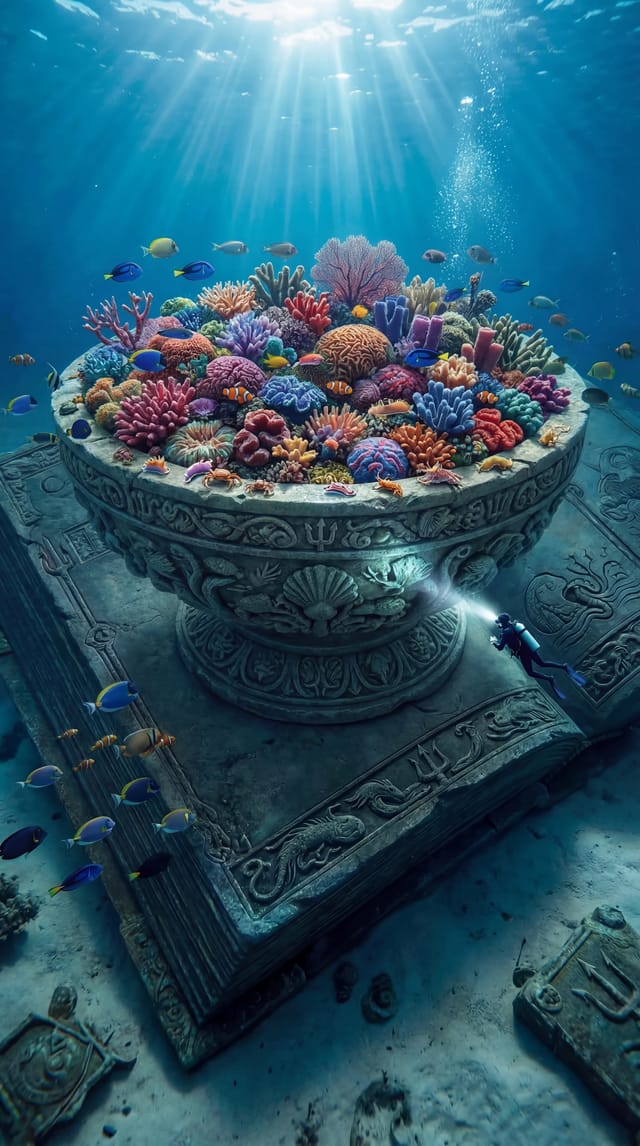
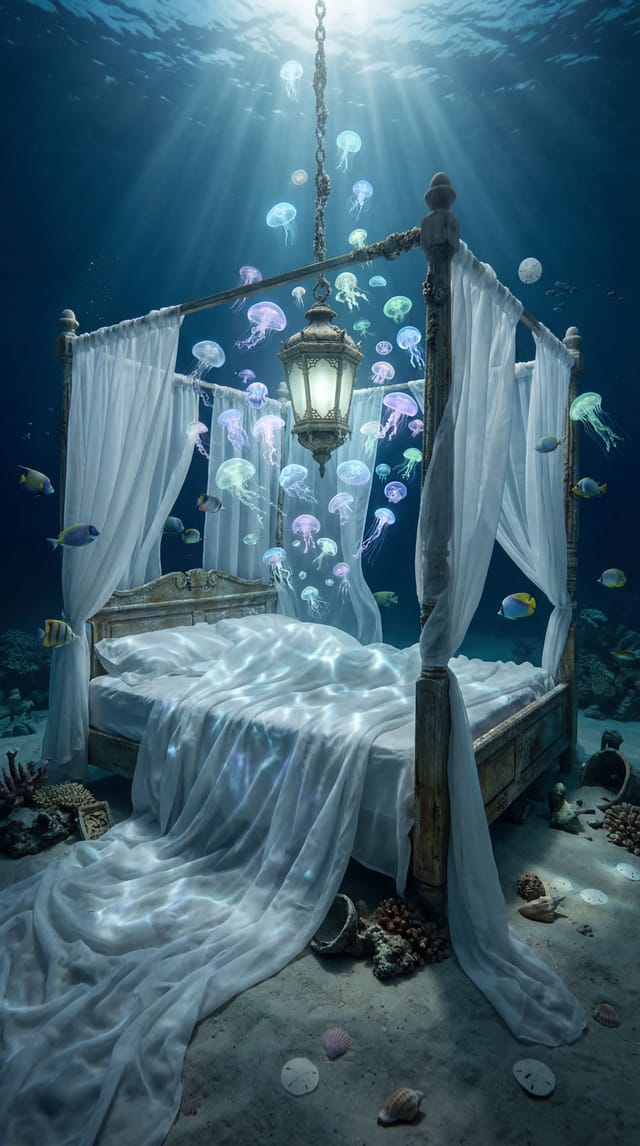
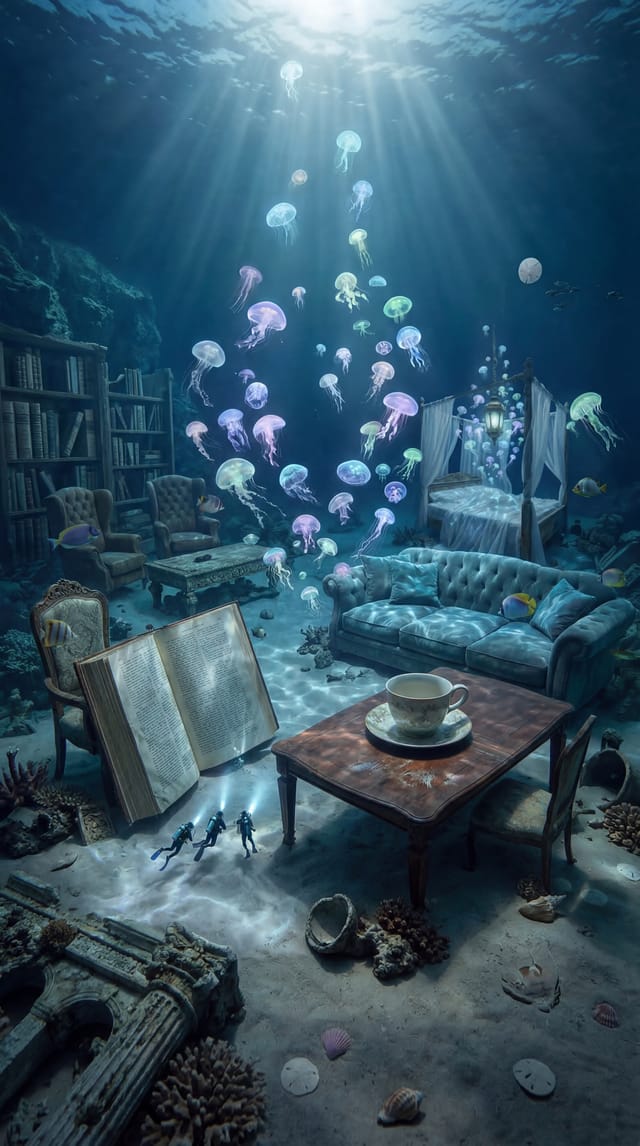
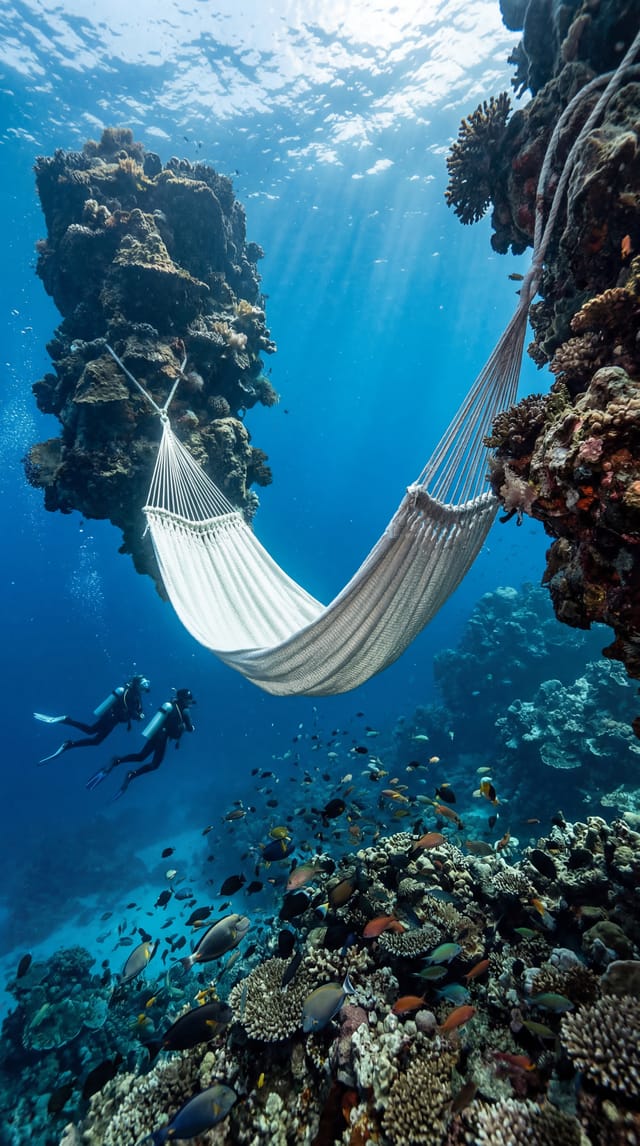
This workflow creates a cinematic Instagram reel in a surreal underwater world, featuring oversized everyday objects and tiny divers that emphasize scale.
Each scene is animated with subtle camera movement, light rays, particles, and natural underwater dynamics. The clips are then automatically combined into one cohesive video with transitions and cinematic music.
The final result is optimized for Instagram and ready to post as a visually striking reel with minimal effort.
Step by step
How to use this template
This template generates a full cinematic underwater video - from images to final Instagram-ready output
Step 1 — Edit the scenes (optional)
Each scene starts with a Text Prompt node. You can:
Change the concept (e.g. desert / space / city) Adjust details (objects, lighting, mood, scale) Keep structure but swap theme
Tip: Keep the “giant scale + small human” contrast — it’s what makes the video feel viral.
Step 2 - Generate images
Run the image nodes (Scenes 1 - 8). Each scene produces a high-quality visual.
If needed:
Re-run specific scenes
Slightly tweak prompts for better composition
Step 3 - Turn images into video
Each image feeds into an Image-to-Video node.
Already configured:
Subtle cinematic motion Stable structure (no morphing) Smooth camera movement
You can tweak:
Camera motion (zoom / orbit / pan) Motion intensity
Step 4 - Combine all scenes
The flow automatically:
Merges all clips
Adds transitions
Creates a continuous story
No action needed unless you want to:
Change clip order
Adjust transition duration
Step 5 - Add music
The Suno node generates cinematic background music.
You can:
Change mood (epic / dark / emotional / ambient)
Add vocals if needed
Step 6 - Final output
The flow:
Merges video + audio
Trims to optimal length
Formats for Instagram
Step 7 — Publish (optional)
Connected Instagram node will:
Upload the video as a Reel Use the provided caption
Edit caption in: Caption / Post Text node
Make it yours
What makes this template work
Strong visual hook (giant objects + tiny humans) Consistent cinematic motion Calm but intriguing pacing Built for vertical social content
Quick customization ideas
Replace ocean → space / desert / abandoned city Change objects → cars / statues / food / tech Add story progression (discovery → mystery → reveal)
Tip
To publish directly to Instagram or any other platform, first go to the Integrations menu and connect your accounts to the system.
What it made
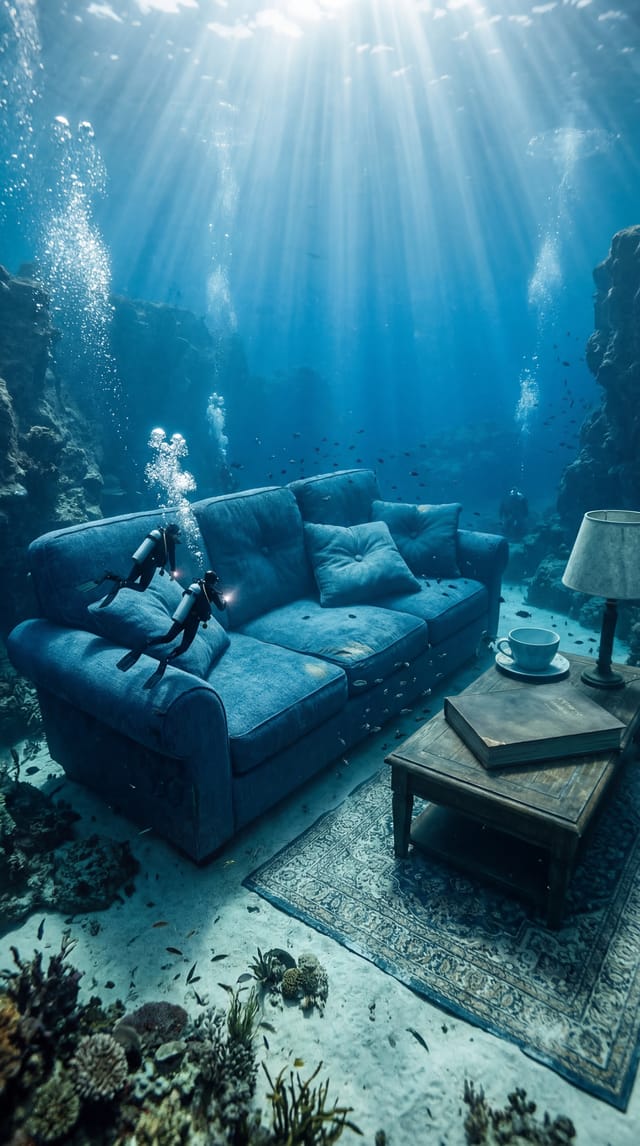
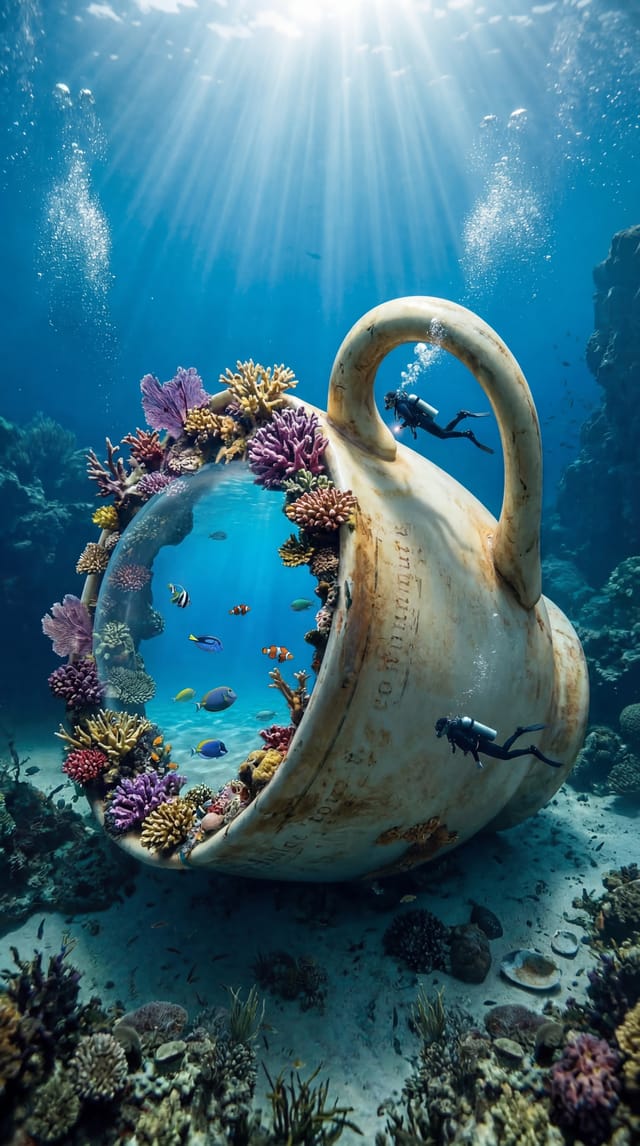
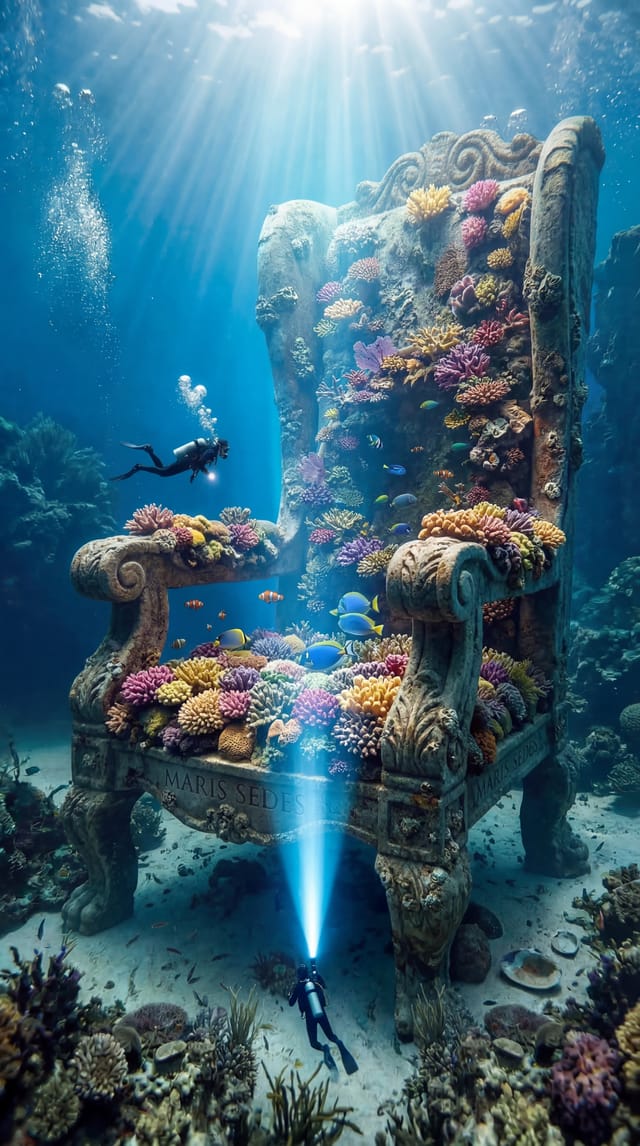
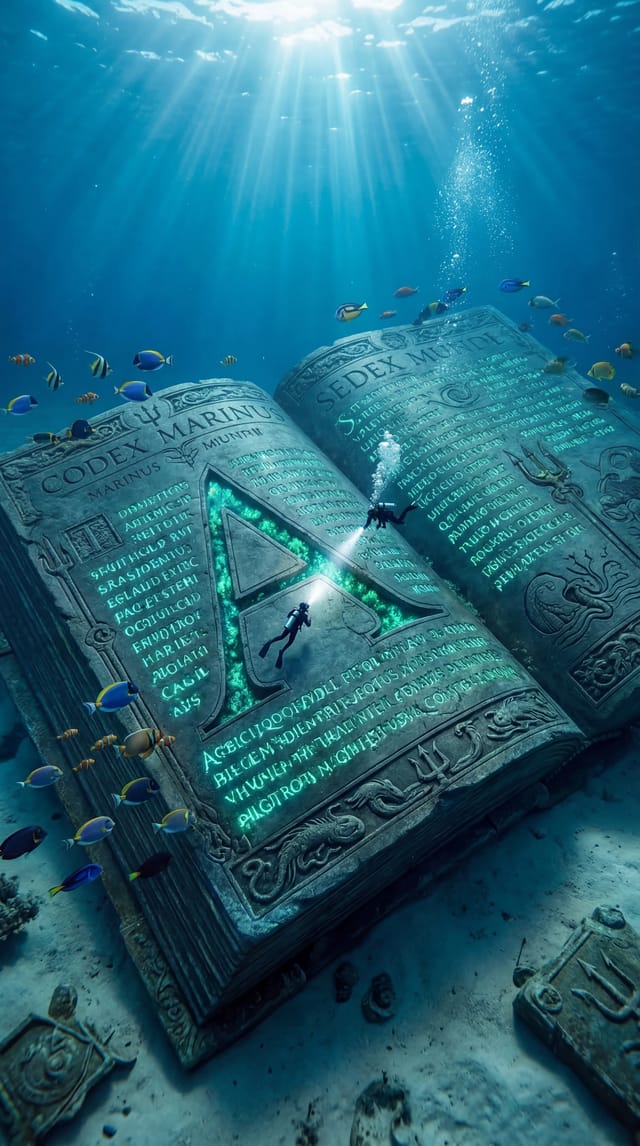
Results that the template made in Nodaro: 15 of 23. Your results follow your own inputs.
Nodes in this template
The template is a workflow of 34 nodes. Each node below links to its page:
- Text: 10
- Generate Image: 8
- Generate Video: 8
- Combine Videos: 3
- Instagram Post: 1
- Merge Video & Audio: 1
- Social Media Format: 1
- Suno Create Music: 1
- Trim Video: 1
Use this template
- Open the template in Nodaro and click Clone & customize. Nodaro copies it into My Workflows.
- Change the text and the pickers to your own subject.
- Click Run. The editor shows the price before anything runs.
Templates lists every template, and Choosing a model helps when you swap a model.
Frequently asked questions
What does the Underwater Giants: A Cinematic AI Instagram Reel template make?
Create a cinematic, viral-ready Instagram video featuring a surreal underwater world where everyday objects are transformed into massive, dreamlike structures.
How much does one run of Underwater Giants: A Cinematic AI Instagram Reel cost?
About 2,808 credits, the price of its models when the template was saved. The editor shows the current price before you run it, and you pay only for the nodes that run.
Which models does Underwater Giants: A Cinematic AI Instagram Reel use?
Nano Banana 2 and Kling 3.0. You can switch any of them on the canvas after you clone the template.
Do I need to build a workflow to use Underwater Giants: A Cinematic AI Instagram Reel?
No. Clone the template, replace its inputs with your own and click Run. The workflow is already built and connected.
Related
Last updated on
TV Commercial Studio
A product photo, a talent photo and a one-line brief in; a finished 12-second TV spot out — one continuous take over four numbered keyframes and a…
Impossible Materials
One product photo in: six impossible versions of your exact product — ice, jewel glass, living moss, porcelain and gold, candy, lava — each in its own…