
 Nodaro Docs
Beauty Bundle Studio
Two products that must both stay exact, placed into three sets no studio could build — glacier, frozen splash, chrome dune — each set built empty first; plus…
Beauty Bundle Studio is a ready-made Nodaro workflow in product imagery. Two products that must both stay exact, placed into three sets no studio could build — glacier, frozen splash, chrome dune — each set built empty first; plus last season's campaign visual remade with this season's bottles.
| Category | Product imagery |
| Makes | images |
| Models | GPT Image 2 |
| Nodes | 12 |
| Estimated cost of one run | About 107 credits, the price of its models when the template was saved |
| Level | Advanced |
Open Beauty Bundle Studio in Nodaro
How it works
Two products that must both stay exact, in sets no studio could build — and last season's ad remade with this season's bottles. Three ideas in one canvas.
- Two product photos — the serum and the cream, on white. An AI writes both down once.
- Brand mood — one line that colours every set.
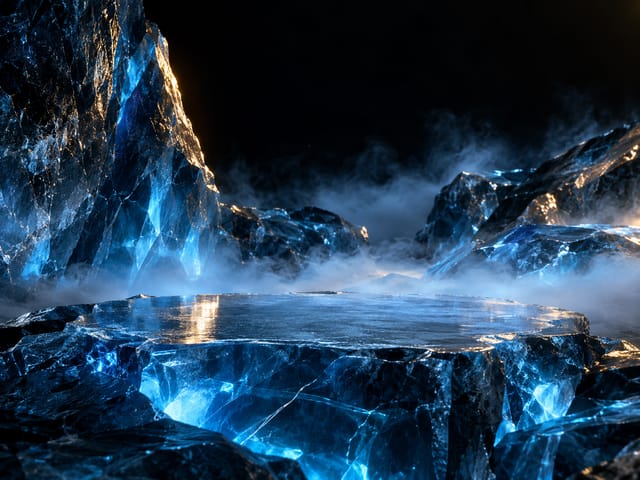
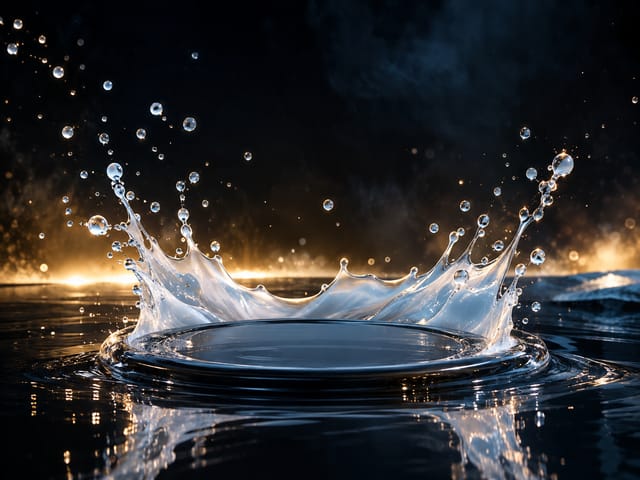
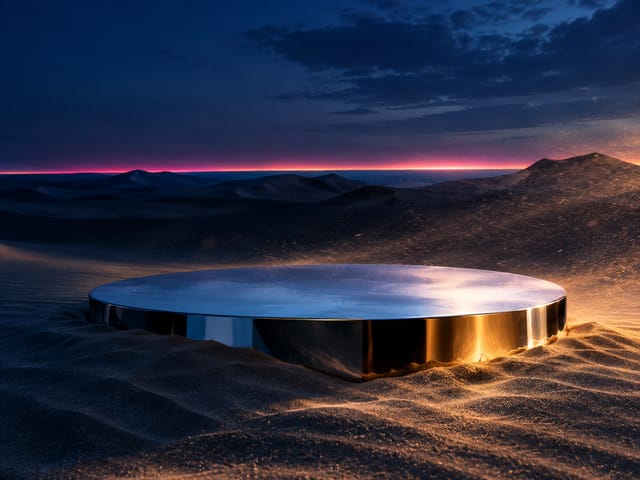
- Row 1, the empty sets — three stages built first, with nobody in them: glacier, splash, dune. Judge the set before a product touches it.
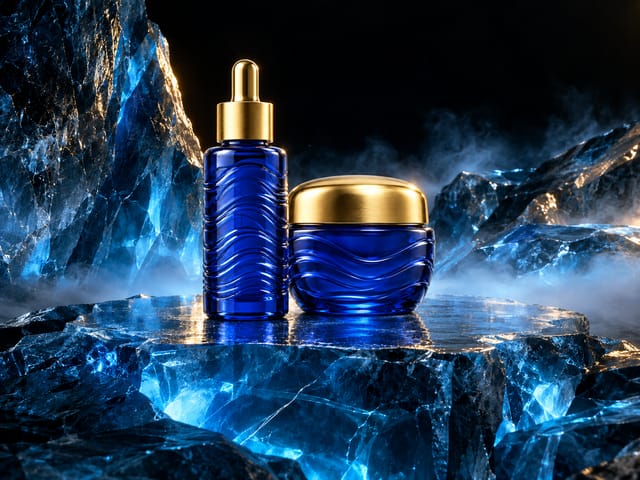
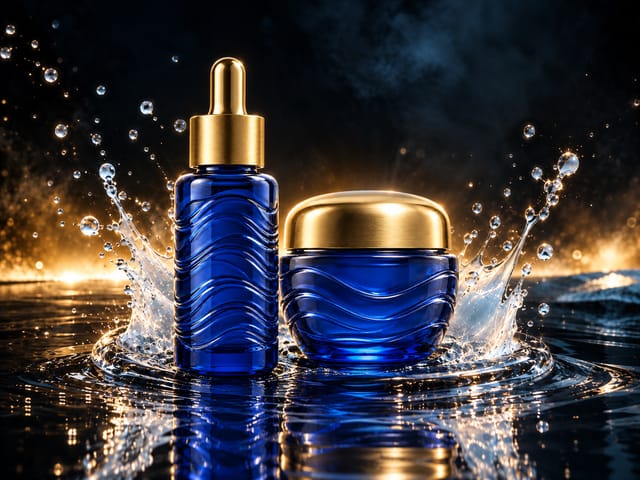
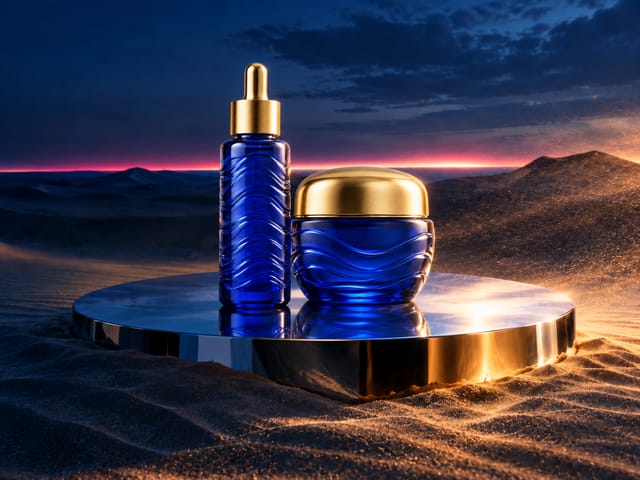
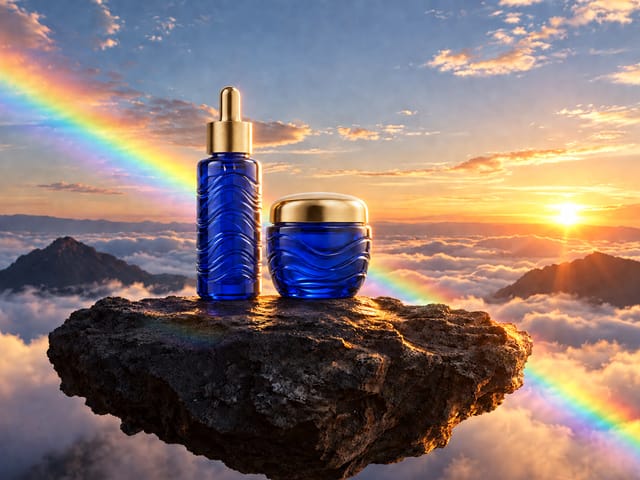
- Row 2, the duo shots — the two products placed into each set. Set + products = the ad.
- Row 3, the remake — a campaign visual you already have, with its products swapped for yours. Same picture, new bottles.
- Rewrite a set line and rerun its column; swap the two photos and every image follows.
Step by step
Step 1
A serum and a cream on white — the bundle. Every duo shot and the remake get BOTH as references, and an AI writes them down once so the glass, the gold and the pattern never drift. Replace them with any two pieces of one range.
Step 2
One line about how the brand feels — cool and precious, warm and botanical, loud and pop. It colours every set. The set lines themselves sit in each set node: open one and rewrite the place.
Step 3
An AI looks at both photos once and writes the two products down in one paragraph: shape, glass, colour, caps, pattern. Every shot quotes it next to the photos, so the pair stays the same pair.
Step 4
Three stages built BEFORE any product: a glacier, a frozen splash, a chrome platform in the dunes. Each is one editable paragraph plus the brand mood. Building the set on its own lets you judge the world first — and reuse it for the next bundle.
Step 5
Under each set, the same set with the two products placed on its empty spot. Three references go in — serum, cream, set — and the prompt says: keep the set, keep the products, put them together. Rerun one column after changing its set.
Step 6
Left: a campaign visual you already have — here last season's ad with two plain white bottles. Right: the same picture with your two products in their place. Composition, light and mood are kept; only the bottles change. Drop in any old ad.
What it made
Results that the template made in Nodaro. Your results follow your own inputs.
Nodes in this template
The template is a workflow of 12 nodes. Each node below links to its page:
- Generate Image: 7
- Upload Image: 3
- Prompt: 1
- Text: 1
Use this template
- Open the template in Nodaro and click Clone & customize. Nodaro copies it into My Workflows.
- Replace the inputs with your own: Serum photo, Cream photo and Campaign visual.
- Click Run. The editor shows the price before anything runs.
Templates lists every template, and Choosing a model helps when you swap a model.
Frequently asked questions
What does the Beauty Bundle Studio template make?
Two products that must both stay exact, placed into three sets no studio could build — glacier, frozen splash, chrome dune — each set built empty first; plus last season's campaign visual remade with this season's bottles.
How much does one run of Beauty Bundle Studio cost?
About 107 credits, the price of its models when the template was saved. The editor shows the current price before you run it, and you pay only for the nodes that run.
Which models does Beauty Bundle Studio use?
GPT Image 2. You can switch any of them on the canvas after you clone the template.
Do I need to build a workflow to use Beauty Bundle Studio?
No. Clone the template, replace its inputs with your own and click Run. The workflow is already built and connected.
Related
Product imagery templates
2000s Fashion Studio
Camera Angle Studio
Cosmetics UGC Studio
E-com Model Studio
Last updated on
2000s Fashion Studio
A product photo and a model photo in, an early-2000s magazine shoot out: four fisheye-and-flash studio shots of the same model with the same product under one…
Camera Angle Studio
One photo of a model, six camera angles (fisheye, bird's eye, low angle, Dutch angle, macro, worm's eye), two ways — straight from a tile, and through an AI…