
 Nodaro Docs
Impossible Materials
One product photo in: six impossible versions of your exact product — ice, jewel glass, living moss, porcelain and gold, candy, lava — each in its own…
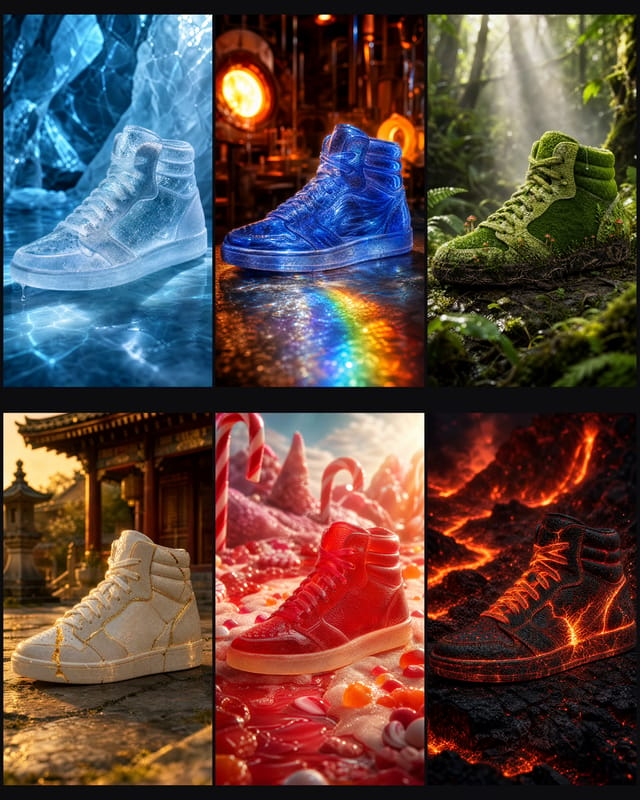
Impossible Materials is a ready-made Nodaro workflow in campaign concepts. One product photo in: six impossible versions of your exact product — ice, jewel glass, living moss, porcelain and gold, candy, lava — each in its own cinematic world, a 4K poster of all six, and a seamless reel where the product morphs from one material into the next and loops forever.
| Category | Campaign concepts |
| Makes | images and video |
| Models | GPT Image 2, VEO 3.1 Fast |
| Nodes | 32 |
| Estimated cost of one run | About 1,258 credits, the price of its models when the template was saved |
| Level | Advanced |
Open Impossible Materials in Nodaro
How it works
Impossible Materials
One product photo in — six impossible versions of your exact product out, each in its own cinematic world, plus a 4K poster and a seamless morph reel that loops through every material.
Business use: the "what if it was made of…" format is one of the most shared kinds of product content. Any brand — sneakers, bottles, headphones, furniture, packaging — gets six scroll-stopping posts, a print-ready poster and a looping reel from a single packshot, without a CGI studio.
- Your product — one clean photo, plus an optional Direction (materials, mood or palette you want).
- Material Director — reads your product and invents six materials that fight its nature (ice, jewel glass, living moss, porcelain and gold, candy, lava), each with its own colour, world, dramatic light and a physical moment caught mid-air.
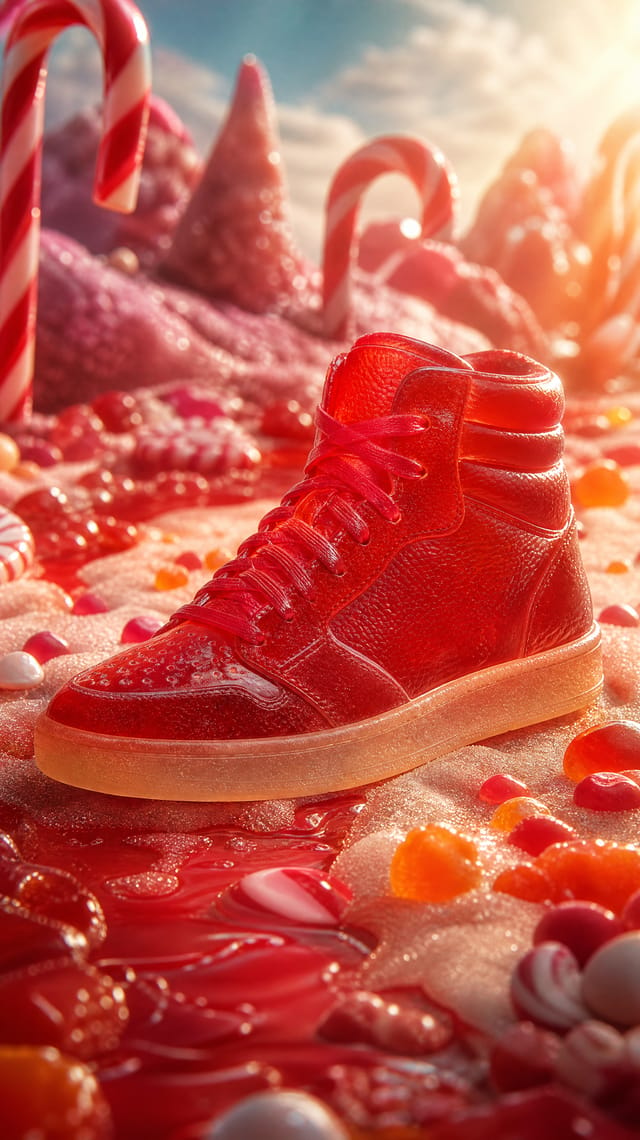
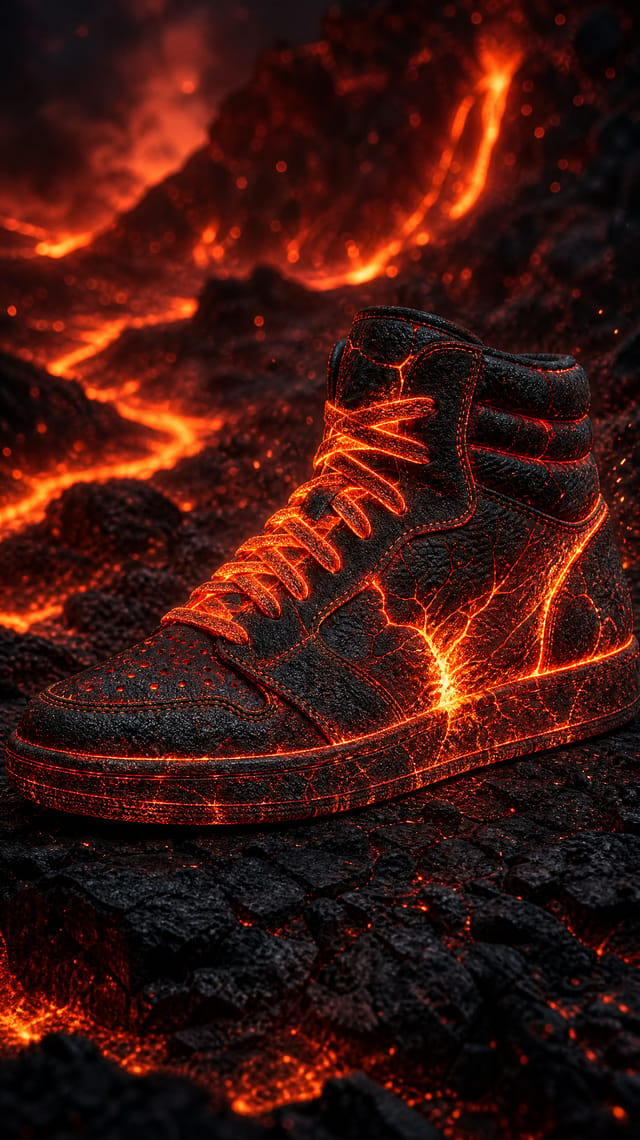
- Six impossible products — rendered at 2K with your photo as the reference, so the silhouette and every seam stay yours.
- The morph — the Morph Director writes six transitions and Veo 3.1 animates each one from one material to the next, with the sound of the transformation; the last returns to the first, so the reel loops forever.
- Your campaign — Material Morph Reel (9:16, sound on) and Material Poster (4K, 4:5).
Step by step
Impossible Materials
One product photo in: six impossible versions of your exact product, a 4K poster of all six and a morph reel that loops forever. The shape never changes, only the material does.
1 · Your product. Upload one clean photo. Direction is optional: materials, a mood or a palette. 2 · Material Director. Invents six materials that fight the product's nature, each in its own world. Split Materials cuts the answer into six prompts.
3 · Six impossible products
Each prompt renders at 2K, 9:16, with your photo as the reference, so the silhouette and every seam stay yours. Only the material changes.
4 · The morph
The Morph Director writes six transitions. Veo 3.1 animates each one from a material (first frame) to the next (last frame), with the sound of the change. The last returns to the first, so the reel loops.
5 · Your campaign
Material Morph Reel: 9:16 with sound, a seamless loop for Reels, TikTok and Shorts.
Material Poster: all six in one 4K print, 4:5 for the feed.
What it made
Results that the template made in Nodaro: 13 of 14. Your results follow your own inputs.
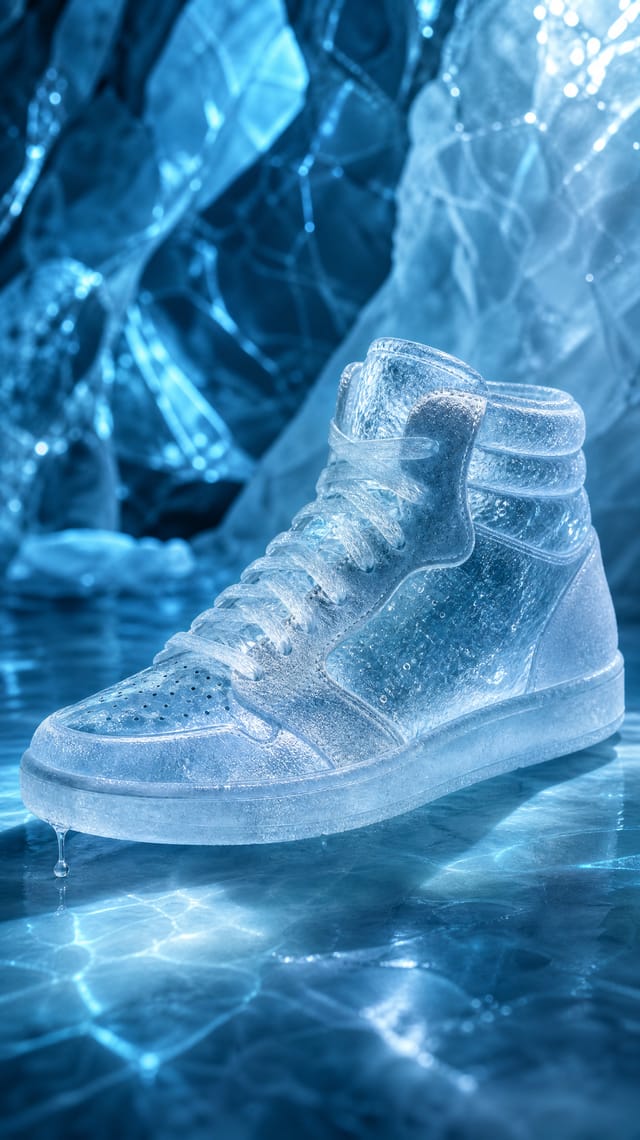
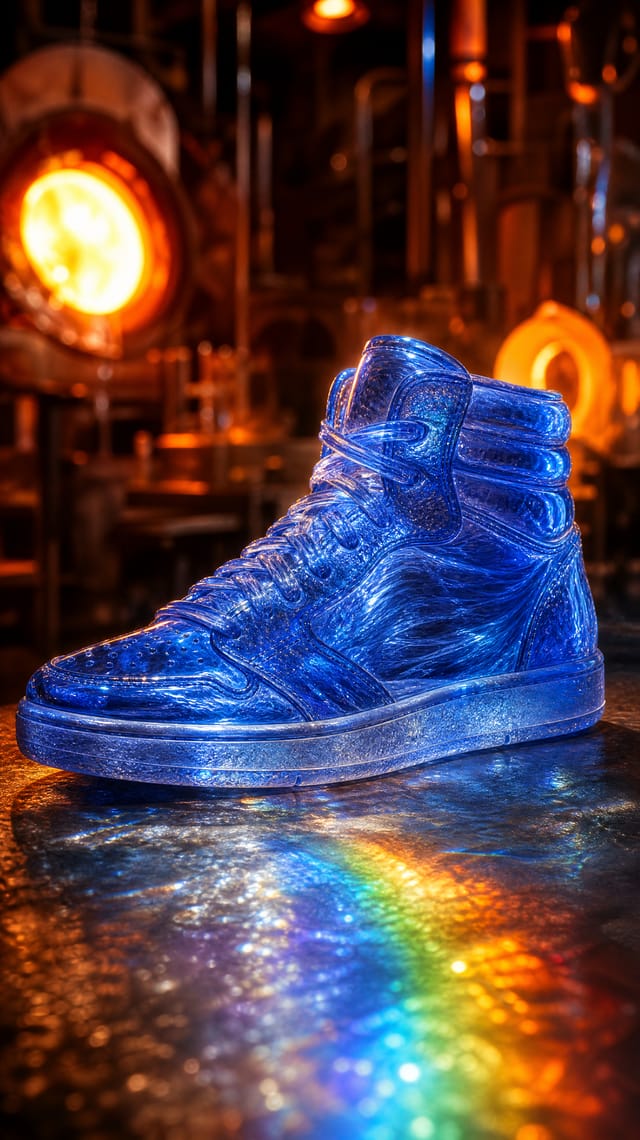
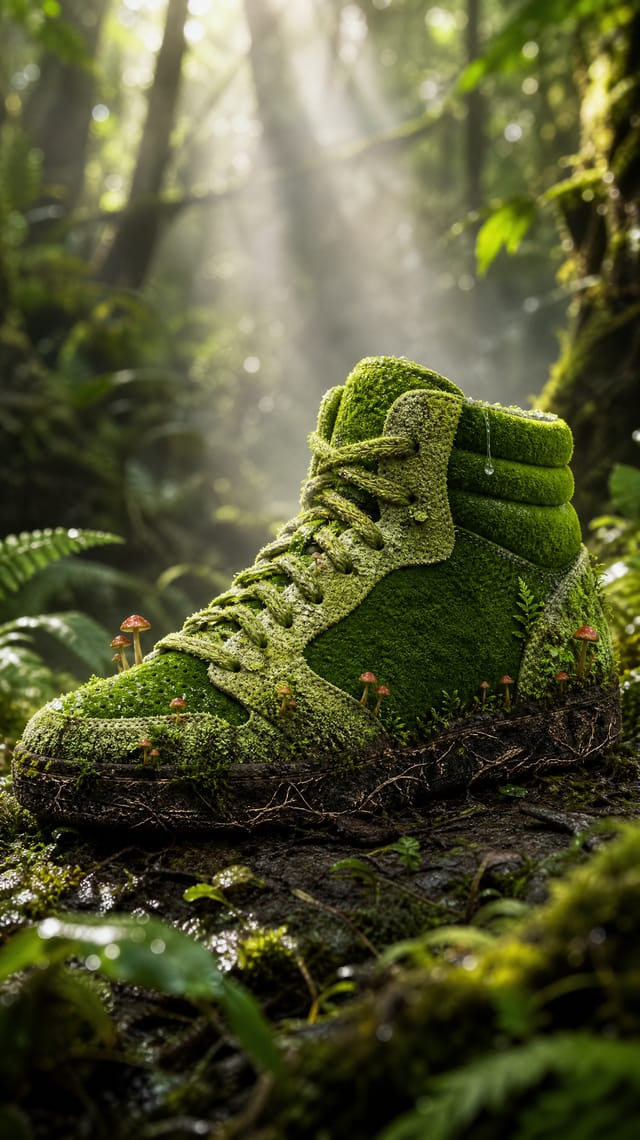
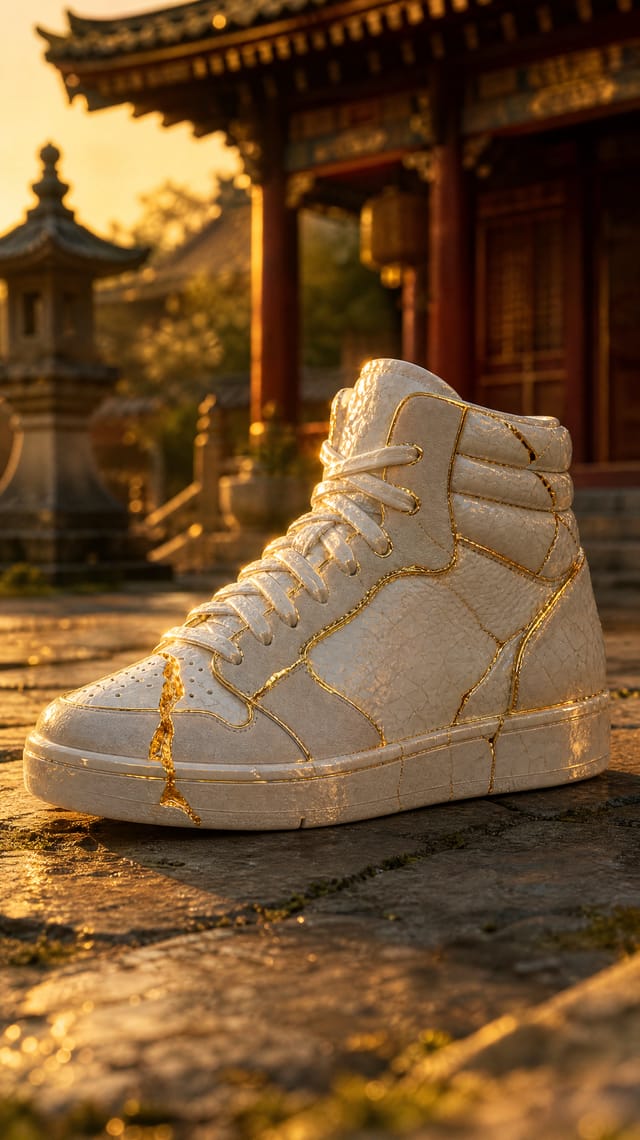
Nodes in this template
The template is a workflow of 32 nodes. Each node below links to its page:
- Selector: 12
- Generate Image: 6
- Generate Video: 6
- Prompt: 2
- Split Text: 2
- Combine Videos: 1
- Image Collage: 1
- Text: 1
- Upload Image: 1
Use this template
- Open the template in Nodaro and click Clone & customize. Nodaro copies it into My Workflows.
- Replace the inputs with your own: Product.
- Click Run. The editor shows the price before anything runs.
Templates lists every template, and Choosing a model helps when you swap a model.
Frequently asked questions
What does the Impossible Materials template make?
One product photo in: six impossible versions of your exact product — ice, jewel glass, living moss, porcelain and gold, candy, lava — each in its own cinematic world, a 4K poster of all six, and a seamless reel where the product morphs from one material into the next and loops forever.
How much does one run of Impossible Materials cost?
About 1,258 credits, the price of its models when the template was saved. The editor shows the current price before you run it, and you pay only for the nodes that run.
Which models does Impossible Materials use?
GPT Image 2 and VEO 3.1 Fast. You can switch any of them on the canvas after you clone the template.
Do I need to build a workflow to use Impossible Materials?
No. Clone the template, replace its inputs with your own and click Run. The workflow is already built and connected.
Related
Last updated on
Underwater Giants: A Cinematic AI Instagram Reel
Create a cinematic, viral-ready Instagram video featuring a surreal underwater world where everyday objects are transformed into massive, dreamlike structures.
Mascot Story Studio
Your brand mascot in a 15-second story for social that ends on your product: animal, style and render-quality pickers fix the mascot, Voice Design fixes its…