
 Nodaro Docs
Model Creator Studio
Two models built from tiles alone — every Person and Styling dimension set — each as an identity sheet: a full-body card on grey plus a three-quarter, a…
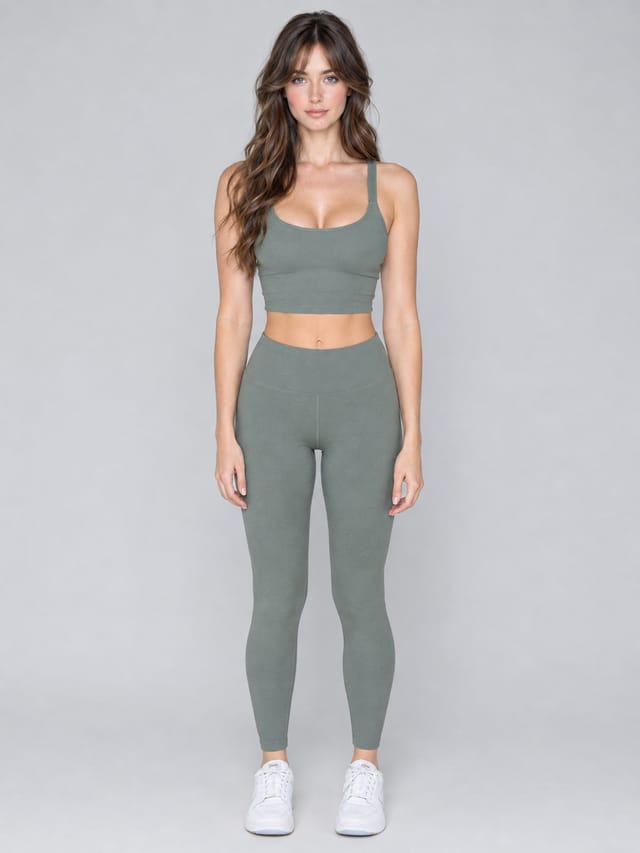
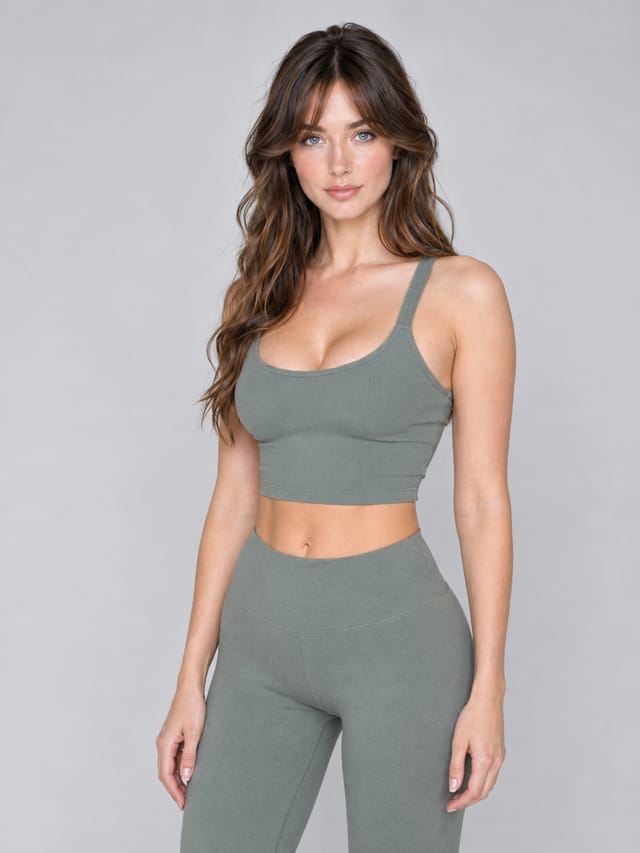
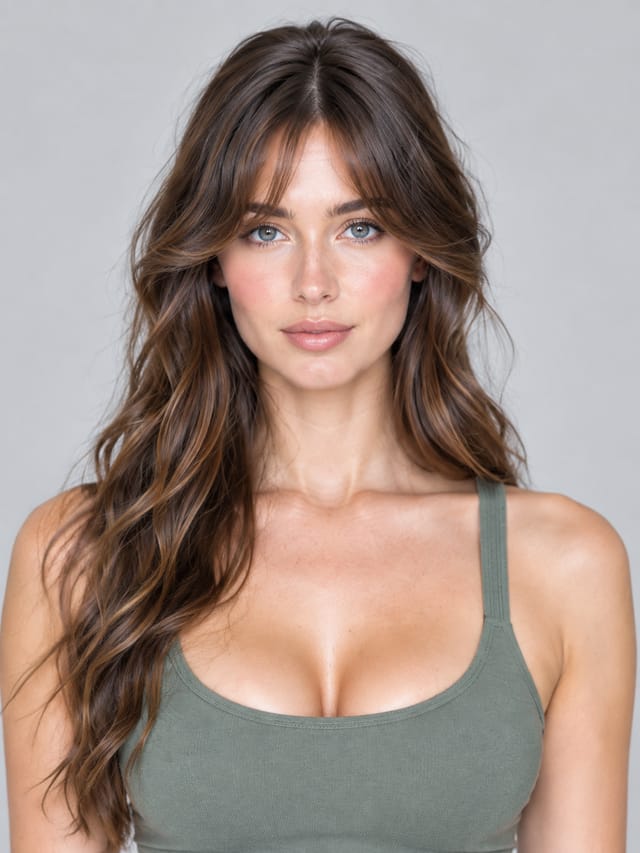
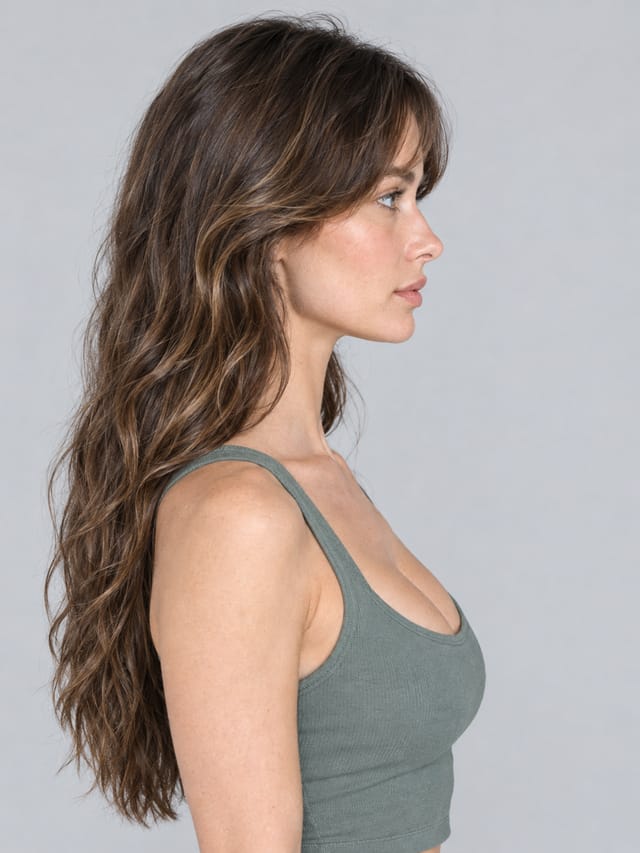
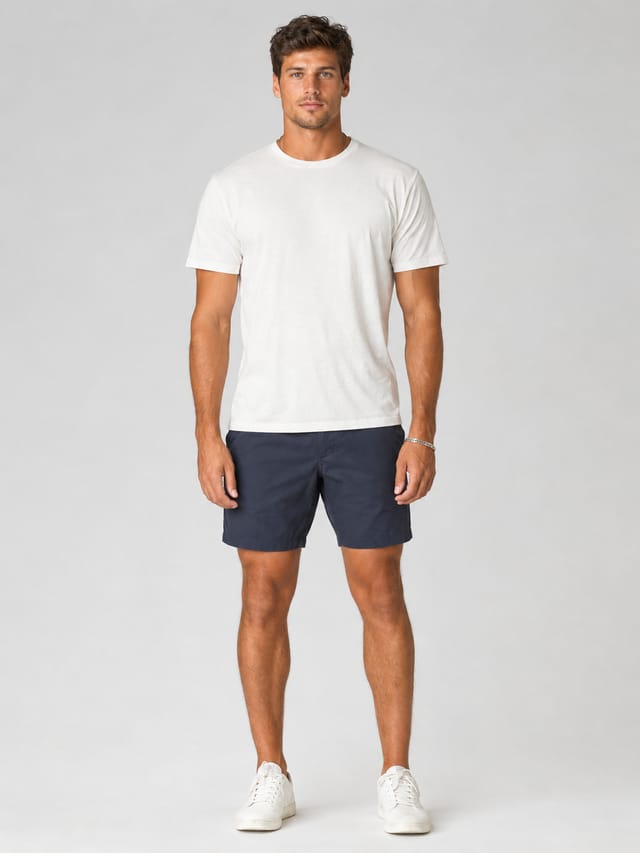
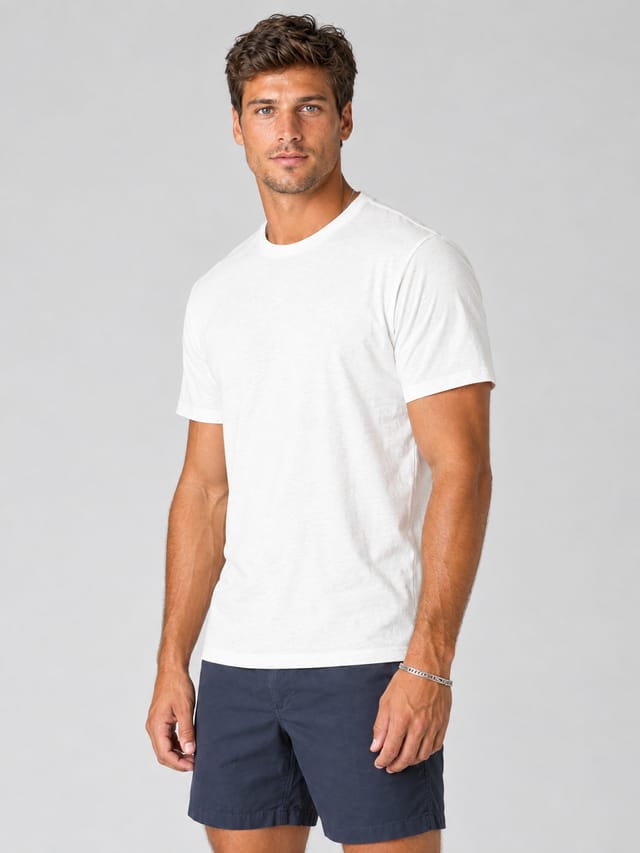
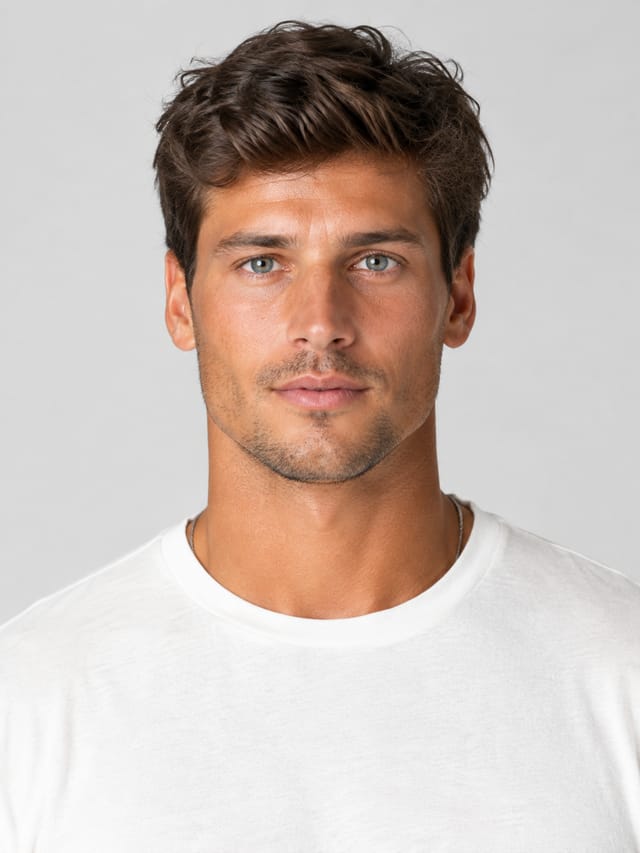
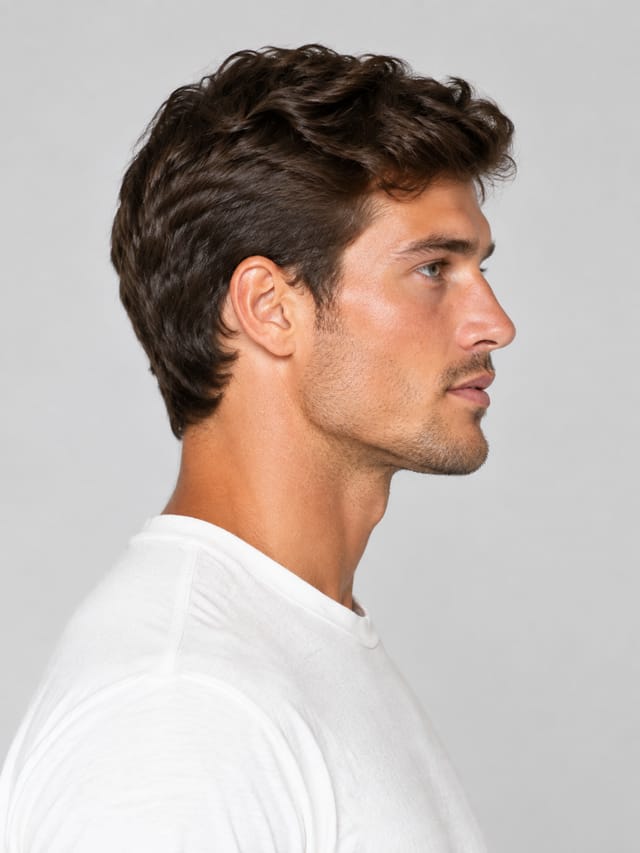
Model Creator Studio is a ready-made Nodaro workflow in product imagery. Two models built from tiles alone — every Person and Styling dimension set — each as an identity sheet: a full-body card on grey plus a three-quarter, a portrait and a profile. Two rows side by side show what every tile does.
| Category | Product imagery |
| Makes | images |
| Models | GPT Image 2 |
| Nodes | 13 |
| Estimated cost of one run | About 120 credits, the price of its models when the template was saved |
| Level | Advanced |
Open Model Creator Studio in Nodaro
How it works
Two models, built from tiles alone — no photo, no text prompt — each as a full identity sheet: a full-body card on grey, then a three-quarter, a portrait and a profile. Two rows side by side show what every tile does.
- Light — the studio light from tiles, shared by both rows.
- Model A — a Person picker with every dimension set (identity, body, face, hair, skin, eyes, features) and a Styling picker (makeup, hair cut, outfit, fabric).
- Model B — the same two pickers with other choices. Compare the tiles, compare the pictures.
- Each row — the pickers feed a model card; the card and the pickers feed three fixed framings, so the face never drifts.
- Wire a model card into any other template as the model reference — it is the anchor every shot is measured against.
Step by step
Step 1
Studio light from tiles, shared by both rows. Soft high-key three-quarter light shows the face and the skin honestly — the right light for a reference sheet.
Step 2
Read the row left to right. Person: every dimension is set from tiles — type, age, heritage, frame, waist, hips, face shape, jaw, cheekbones, eyes, nose, lips, hair, brows, skin, features. Styling: makeup, hair cut and treatment, hair state, outfit, top, fabric. Both feed the model card, a full-body reference on grey; the card and the pickers then feed three fixed framings. Open a picker to see the tiles; change one and rerun the row to watch the picture follow.
Step 3
A second person from the same two pickers: another type, a broad frame, a strong jaw, tan sun-kissed skin, stubble, dimples, a Hawaiian island aesthetic, silver jewellery, a t-shirt and shorts. The row is identical to Model A's — only the tiles differ. This is the whole idea: the model is a set of choices, not a photo you have to find.
What it made
Results that the template made in Nodaro. Your results follow your own inputs.
Nodes in this template
The template is a workflow of 13 nodes. Each node below links to its page:
- Generate Image: 8
- Person: 2
- Styling: 2
- Lighting: 1
Use this template
- Open the template in Nodaro and click Clone & customize. Nodaro copies it into My Workflows.
- Change the text and the pickers to your own subject.
- Click Run. The editor shows the price before anything runs.
Templates lists every template, and Choosing a model helps when you swap a model.
Frequently asked questions
What does the Model Creator Studio template make?
Two models built from tiles alone — every Person and Styling dimension set — each as an identity sheet: a full-body card on grey plus a three-quarter, a portrait and a profile. Two rows side by side show what every tile does.
How much does one run of Model Creator Studio cost?
About 120 credits, the price of its models when the template was saved. The editor shows the current price before you run it, and you pay only for the nodes that run.
Which models does Model Creator Studio use?
GPT Image 2. You can switch any of them on the canvas after you clone the template.
Do I need to build a workflow to use Model Creator Studio?
No. Clone the template, replace its inputs with your own and click Run. The workflow is already built and connected.
Related
Product imagery templates
2000s Fashion Studio
Beauty Bundle Studio
Camera Angle Studio
Cosmetics UGC Studio
Last updated on
Kids Fashion Studio
Three clothing photos in, a kidswear shoot out: a child from tiles in the whole outfit on white, four catalogue shots (full body, three-quarter, close-up,…
Outdoor Lifestyle Studio
One apparel photo in, an outdoor sports editorial out: an athlete card, four trail shots (low & wide, top-down, scale, detail) of the same athlete in the same…