
 Nodaro Docs
Jewelry Studio
One ring photo in, a jewellery shop's whole page out: three catalogue stills, a looping 360° spin, and a bride wearing it — a hand-with-bouquet still and a…
Jewelry Studio is a ready-made Nodaro workflow in product imagery. One ring photo in, a jewellery shop's whole page out: three catalogue stills, a looping 360° spin, and a bride wearing it — a hand-with-bouquet still and a slow-motion film. The stone never changes.
| Category | Product imagery |
| Makes | images and video |
| Models | GPT Image 2, seedance |
| Nodes | 11 |
| Estimated cost of one run | About 202 credits, the price of its models when the template was saved |
| Level | Advanced |
How it works
One photo of a ring, and everything a jewellery shop puts online: three catalogue stills, a looping 360° spin, and a bride wearing it — a still and a short film. The stone never changes, because an AI writes the ring down once and every node quotes it.
- Ring photo — one packshot. Every image and film gets it as the reference.
- Light + Brand style — the studio light from tiles and one line about your brand's look.
- Ring notes — an AI describes the ring: stone, cut, colour, setting, metal.
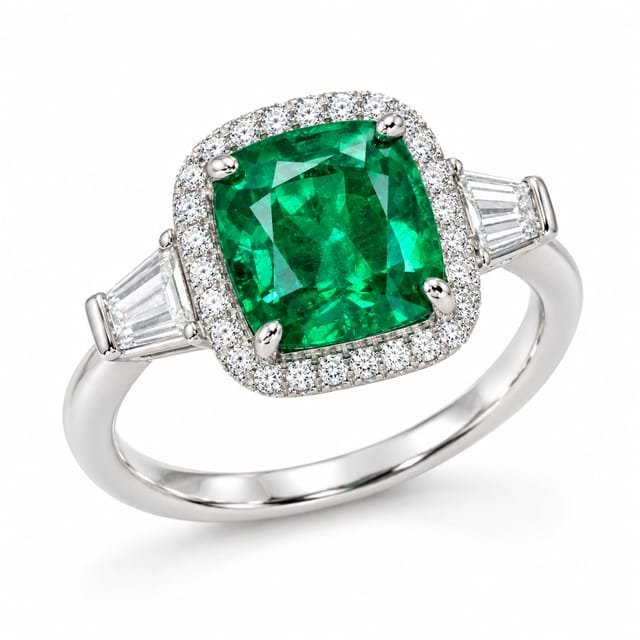
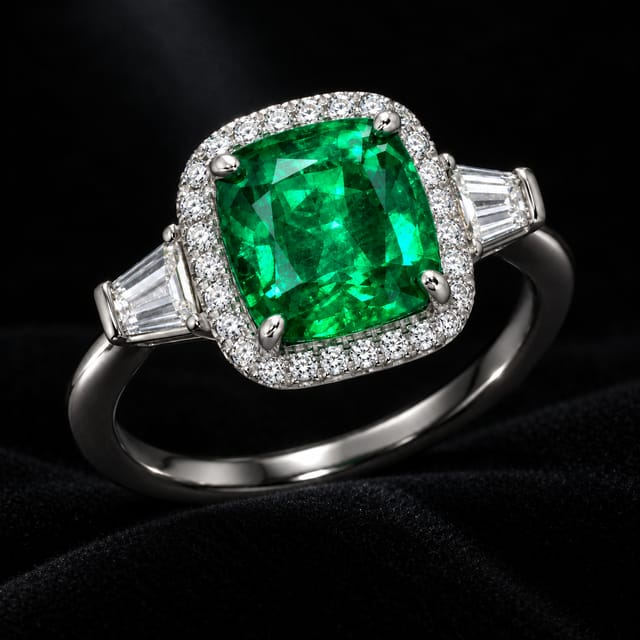
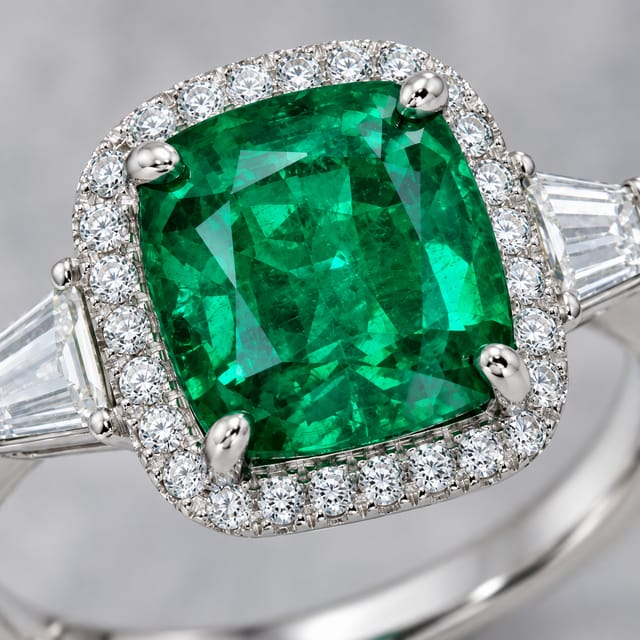
- Row 1, the stills — on white, on black velvet, and a macro of the stone.
- Row 2, the spin — the photo is both the first and the last frame, so the ring turns once and the film loops.
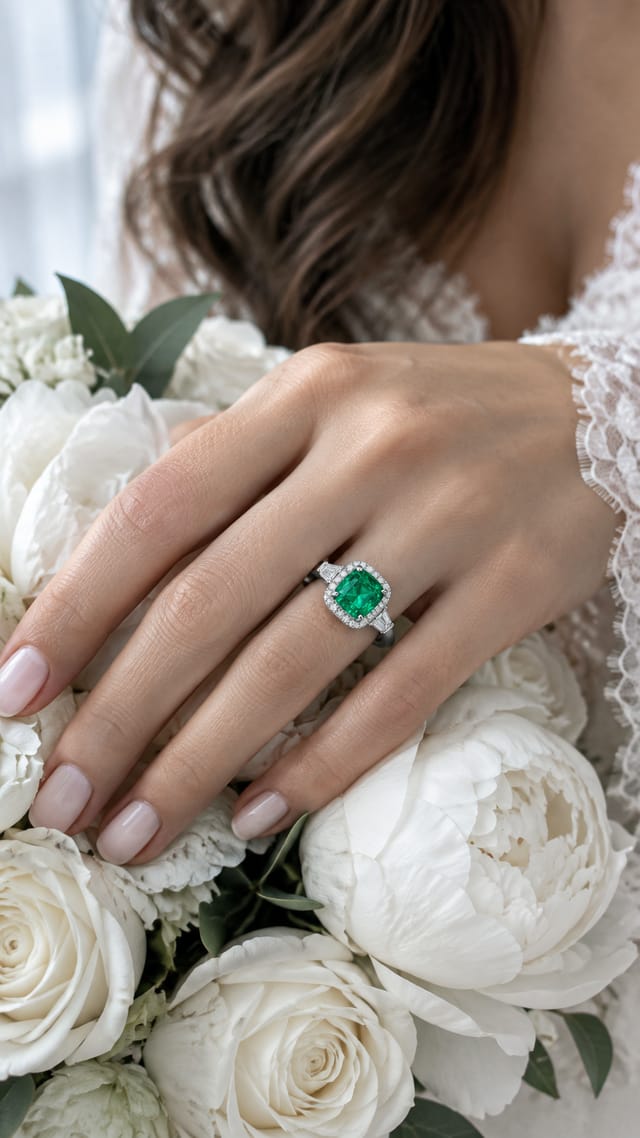
- Row 3, the bride — pick her from tiles; her hand with the ring and a bouquet becomes a still, and the still becomes a slow-motion film.
Step by step
Step 1
One packshot of the ring, front or three-quarter. Every still and film gets it as the reference, so the stone, the setting and the metal are yours. Replace it with any piece — a necklace, earrings, a bracelet.
Step 2
Soft studio light from tiles is the jewellery standard. The brand-style line says in plain words how your brand looks — quiet luxury, bold and modern, vintage and warm — and every image follows it.
Step 3
The bride comes from tiles — age, hair, skin — no real customer's photo needed. She appears only from the hand: the ring is the hero, she is the story around it.
Step 4
An AI looks at the ring once and writes it down in one precise paragraph — the stone, its cut and colour, the halo, the prongs, the metal. Every still and film quotes it next to the photo, so the same ring appears everywhere.
Step 5
Three catalogue pictures: on white for the shop page, on black velvet for the campaign, and a macro of the stone for the zoom. Each has a fixed framing you can edit. The macro tells the AI in capitals not to draw the whole ring — with one reference photo, that is how you get a close-up.
Step 6
The ring photo is wired to BOTH the first and the last frame of the film, so the ring turns one full circle and ends where it started — a loop for the product page. Loop trim cuts the seam.
Step 7
Left: her hand on the bouquet with the ring in focus, built from the Bride tiles, the ring photo and the ring notes. Right: a slow-motion film that starts from that still — the hand turns, the stone catches a sparkle. Change the bride and rerun the row.
What it made
Results that the template made in Nodaro. Your results follow your own inputs.
Nodes in this template
The template is a workflow of 11 nodes. Each node below links to its page:
- Generate Image: 4
- Generate Video: 2
- Lighting: 1
- Person: 1
- Prompt: 1
- Text: 1
- Upload Image: 1
Use this template
- Open the template in Nodaro and click Clone & customize. Nodaro copies it into My Workflows.
- Replace the inputs with your own: Ring photo.
- Click Run. The editor shows the price before anything runs.
Templates lists every template, and Choosing a model helps when you swap a model.
Frequently asked questions
What does the Jewelry Studio template make?
One ring photo in, a jewellery shop's whole page out: three catalogue stills, a looping 360° spin, and a bride wearing it — a hand-with-bouquet still and a slow-motion film. The stone never changes.
How much does one run of Jewelry Studio cost?
About 202 credits, the price of its models when the template was saved. The editor shows the current price before you run it, and you pay only for the nodes that run.
Which models does Jewelry Studio use?
GPT Image 2 and seedance. You can switch any of them on the canvas after you clone the template.
Do I need to build a workflow to use Jewelry Studio?
No. Clone the template, replace its inputs with your own and click Run. The workflow is already built and connected.
Related
Product imagery templates
2000s Fashion Studio
Beauty Bundle Studio
Camera Angle Studio
Cosmetics UGC Studio
Last updated on
Furniture Studio
One packshot of a table in, a furniture brand's whole page out: the piece in three rooms at true scale, the same room from three camera positions, and the…
Kids Fashion Studio
Three clothing photos in, a kidswear shoot out: a child from tiles in the whole outfit on white, four catalogue shots (full body, three-quarter, close-up,…