
 Nodaro Docs
Street Interviews
Turn any product, app, brand or idea into a series of natural street interviews built around conversations people actually care about — the workflow finds the…
Street Interviews is a ready-made Nodaro workflow in video ads. Turn any product, app, brand or idea into a series of natural street interviews built around conversations people actually care about — the workflow finds the human angle, writes three different exchanges, filters the weak ones, and films each approved concept as its own real-looking interview with a distinct person, a controlled voice, lip-sync and captions.
| Category | Video ads |
| Makes | video |
| Models | claude, GPT Image 2, ElevenLabs Turbo v2.5, Seedance 2.5, Kling Avatar Standard |
| Nodes | 52 |
| Estimated cost of one run | About 2,673 credits, the price of its models when the template was saved |
| Level | Advanced |
Open Street Interviews in Nodaro
How it works
Street Interviews
Turn any product, app, brand or idea into a series of natural street interviews built around conversations people actually care about. Describe what you are promoting (a website is optional), and the workflow finds the human conversation, develops three different angles, writes believable exchanges, filters the weak ones, then films each one as a real-looking street interview — the question you HEAR and SEE on screen, then the person answering, lip-synced.
Business use: any brand that wants authentic-feeling social proof for Reels, TikTok, Shorts, X or LinkedIn without a film crew — the vox-pop format that spreads because it starts from a provocative question people recognise, not an ad. The product is the context, never the question: the workflow asks what people would actually talk about, then connects it back to you.
- What to promote (+ optional Website) — the subject in a sentence, and brand context scraped from your page.
- Audience Reader — the tensions, behaviours and conversation territories around the subject.
- Interview Angles — three genuinely different concepts (curiosity, recognition, expectation shift), shown in the Interview Ideas table.
- Three lanes, three interviews — each concept becomes a short spoken exchange with a fixed person; a Quality Check scores weak or promotional ones before any video is made.
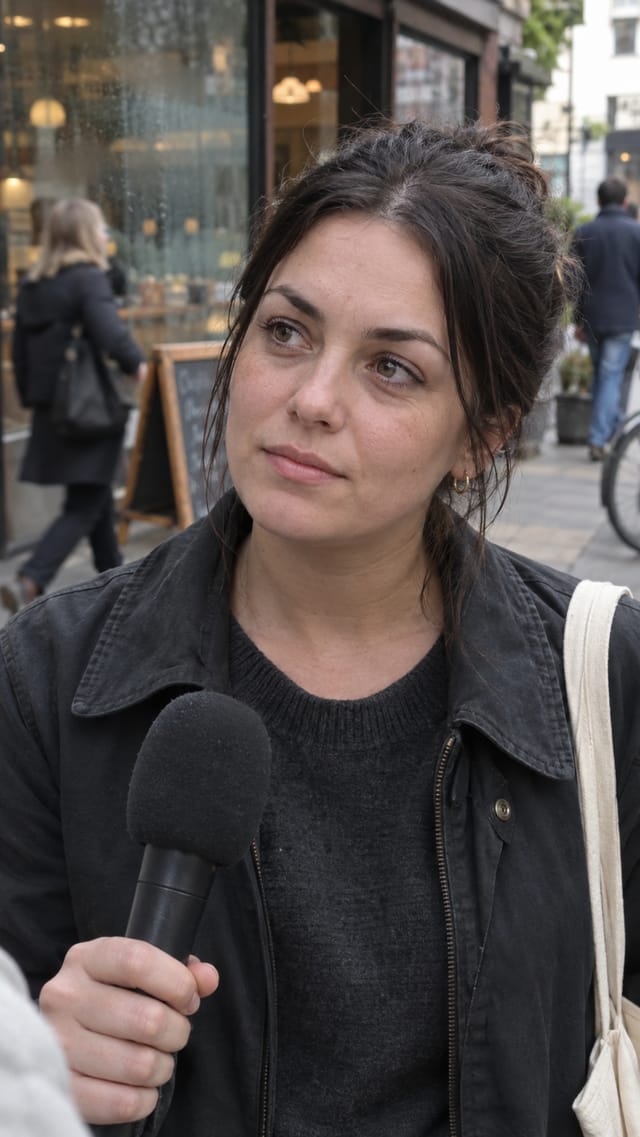
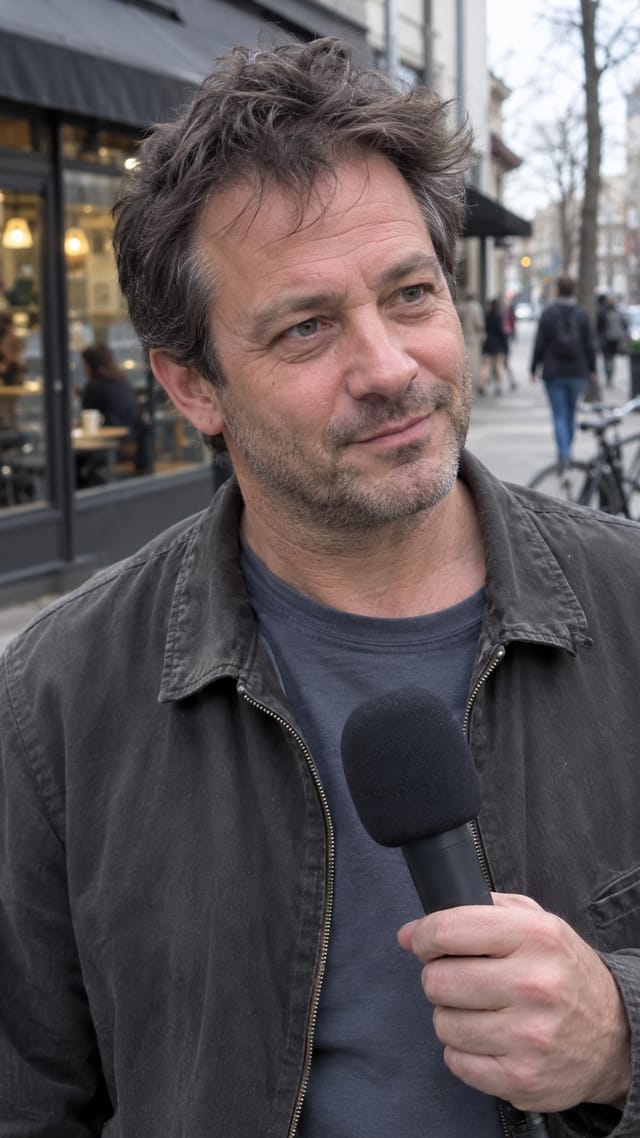
- The hook, heard and seen — for each concept the interviewer question is spoken in its own voice and burned on screen while the interviewee really listens, then a clean cut to the same person answering in their own voice, lip-synced with word-highlight captions. Interview Set collects the three clips, each usable on its own.
Step by step
Step 1
Describe your product, app, service, brand or idea in a sentence or two — who it is for and what it does. The workflow uses this to find a conversation people care about; it does NOT just ask strangers about your product.
Step 1
A page for extra brand context, scraped by Web Scrape (paste the address — https:// optional). A valid URL is required to run this node, so a demo page is set by default; replace it with yours. The interview never names the brand unless the concept truly needs it.
Steps 2–3
Audience Reader finds the human conversation around the subject. Interview Angles writes three different concepts, one per line; Split + Interview Ideas show them as a table. Each concept then runs down its own lane on the right.
Steps 4–5
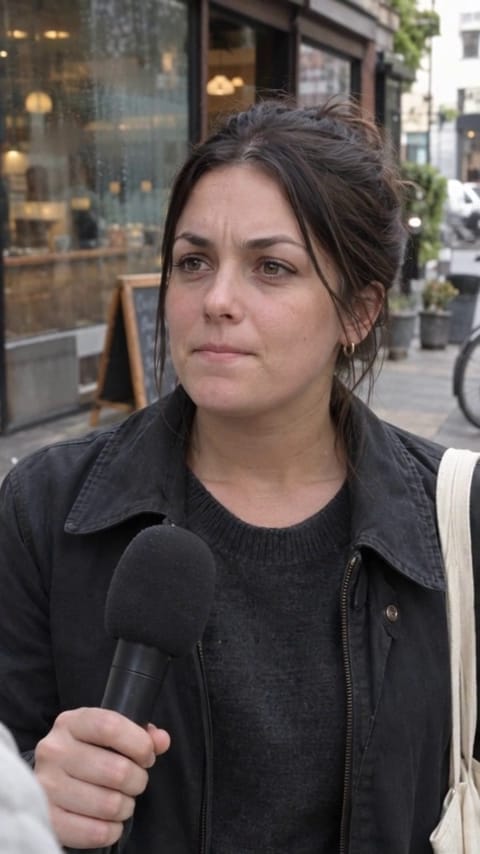
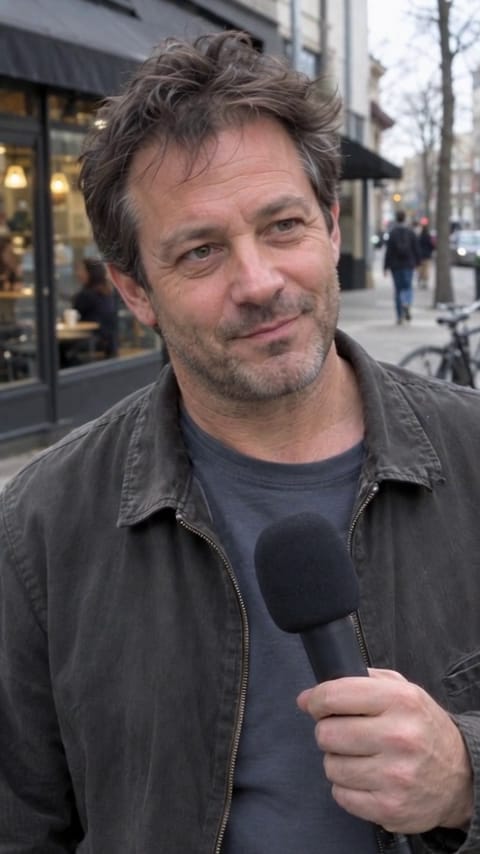
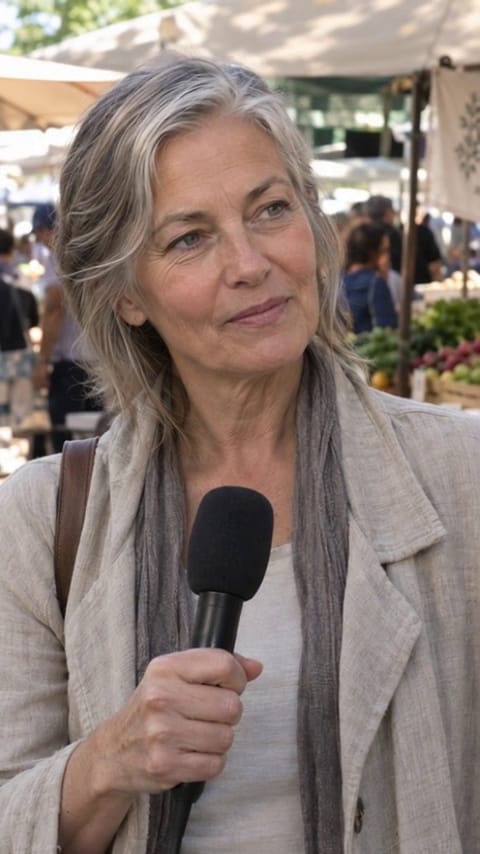
Each lane takes one concept and builds a full clip from ONE portrait, so it is the same person throughout. Write Interview drafts the exchange with a fixed person (a woman ~30s, a man ~40s, a woman ~60s); the Quality Check stops weak or salesy ones; Direct Interview writes the shot; Interview Still renders the person at the mic. QUESTION segment: Listening Shot brings the still to life as the person really listens (Seedance), Interviewer Voice (River) asks the exact question over it, Question Take joins them and Question On Screen burns the words in — the hook is heard and seen. Handover Frame takes the last frame so the answer continues from exactly where the listening ended. ANSWER segment: Voice speaks the exact approved answer in that lane's voice, Lip Sync animates the answer, Answer Captions burn it in. Street Interview cuts the two together. Interview Set collects the three clips. Swap the subject on the left and every lane re-films itself.
What it made
Results that the template made in Nodaro: 16 of 30. Your results follow your own inputs.

Nodes in this template
The template is a workflow of 52 nodes. Each node below links to its page:
- Prompt: 14
- Add Captions: 6
- Text to Speech: 6
- Combine Videos: 3
- Extract Frame: 3
- Generate Image: 3
- Generate Video: 3
- Lip Sync: 3
- Merge Video & Audio: 3
- QA Check: 3
- Collect: 1
- List: 1
- Split Text: 1
- Text: 1
- Web Scrape: 1
Use this template
- Open the template in Nodaro and click Clone & customize. Nodaro copies it into My Workflows.
- Change the text and the pickers to your own subject.
- Click Run. The editor shows the price before anything runs.
Templates lists every template, and Choosing a model helps when you swap a model.
Frequently asked questions
What does the Street Interviews template make?
Turn any product, app, brand or idea into a series of natural street interviews built around conversations people actually care about — the workflow finds the human angle, writes three different exchanges, filters the weak ones, and films each approved concept as its own real-looking interview with a distinct person, a controlled voice, lip-sync and captions.
How much does one run of Street Interviews cost?
About 2,673 credits, the price of its models when the template was saved. The editor shows the current price before you run it, and you pay only for the nodes that run.
Which models does Street Interviews use?
claude, GPT Image 2, ElevenLabs Turbo v2.5, Seedance 2.5 and Kling Avatar Standard. You can switch any of them on the canvas after you clone the template.
Do I need to build a workflow to use Street Interviews?
No. Clone the template, replace its inputs with your own and click Run. The workflow is already built and connected.
Related
Video ad templates
Explainer Video Studio
FOOH Campaign Generator
Podcast Testimonial Studio
Storyboard Film Studio
Last updated on
Storyboard Film Studio
A theme, the characters and a style in; a 12-second animated short out — a script in four shots, a character sheet that keeps the cast identical, four…
Talking Product Research Studio
A product photo, a style reference, a campaign angle and a web search in; a 12-second vertical ad out — the product as a 3D animated cartoon character that…