
 Nodaro Docs
Talking Product Research Studio
A product photo, a style reference, a campaign angle and a web search in; a 12-second vertical ad out — the product as a 3D animated cartoon character that…
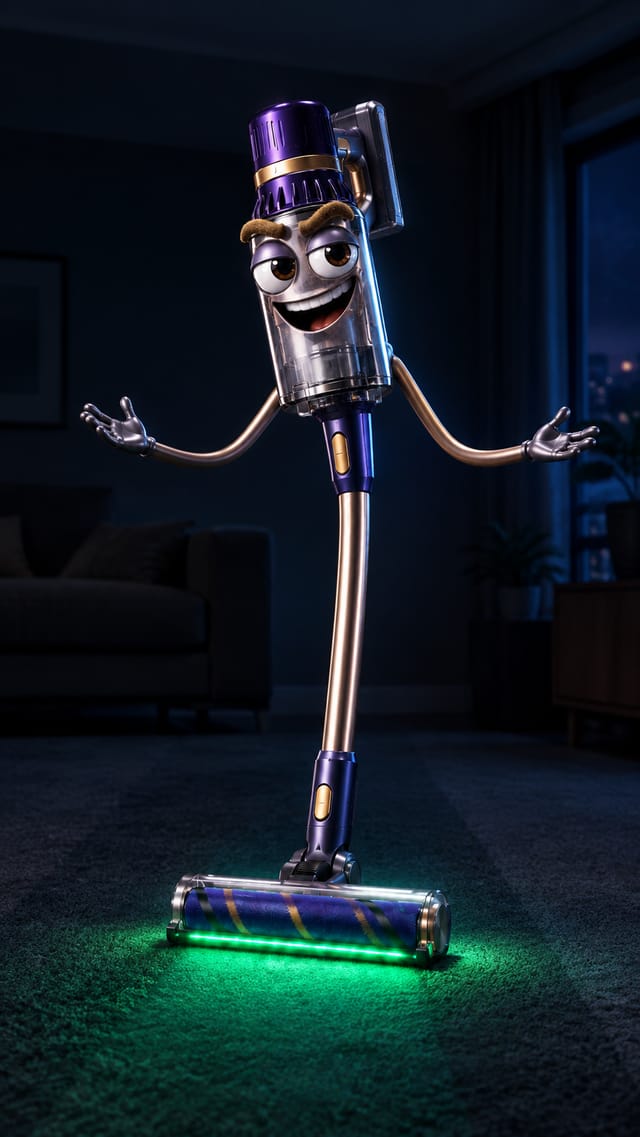
Talking Product Research Studio is a ready-made Nodaro workflow in video ads. A product photo, a style reference, a campaign angle and a web search in; a 12-second vertical ad out — the product as a 3D animated cartoon character that speaks to the viewer, with its facts pulled from the web by Web Scrape, three numbered frames rendered as one unbroken take with the character's own voice, and word-highlight captions.
| Category | Video ads |
| Makes | video |
| Models | GPT Image 2, Seedance 2.5 |
| Nodes | 12 |
| Estimated cost of one run | About 954 credits, the price of its models when the template was saved |
| Level | Advanced |
Open Talking Product Research Studio in Nodaro
How it works
Talking Product Research Studio
Your product becomes a 3D animated cartoon character that speaks straight to the viewer — a 12-second vertical ad: cute picture, blunt voice — and the facts it quotes come from a web search, not from your notes.
- Product + Style + Angle + Research — the packshot, an example of the cartoon-face style, what the ad should push, and a Web Scrape search that supplies the facts.
- Concept — the character (where the face sits, its voice) and three frames: a still and a spoken line each — hook, pain and fix, call to action — with one specific fact from the research.
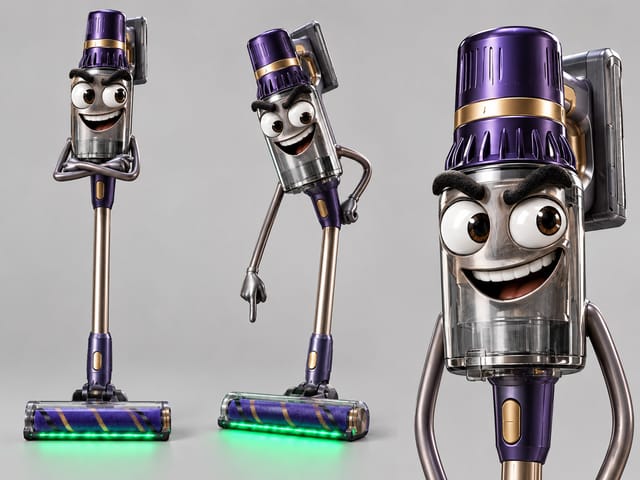
- Character sheet — front, three-quarter and face close-up, built from the product and the style reference; every frame copies it.
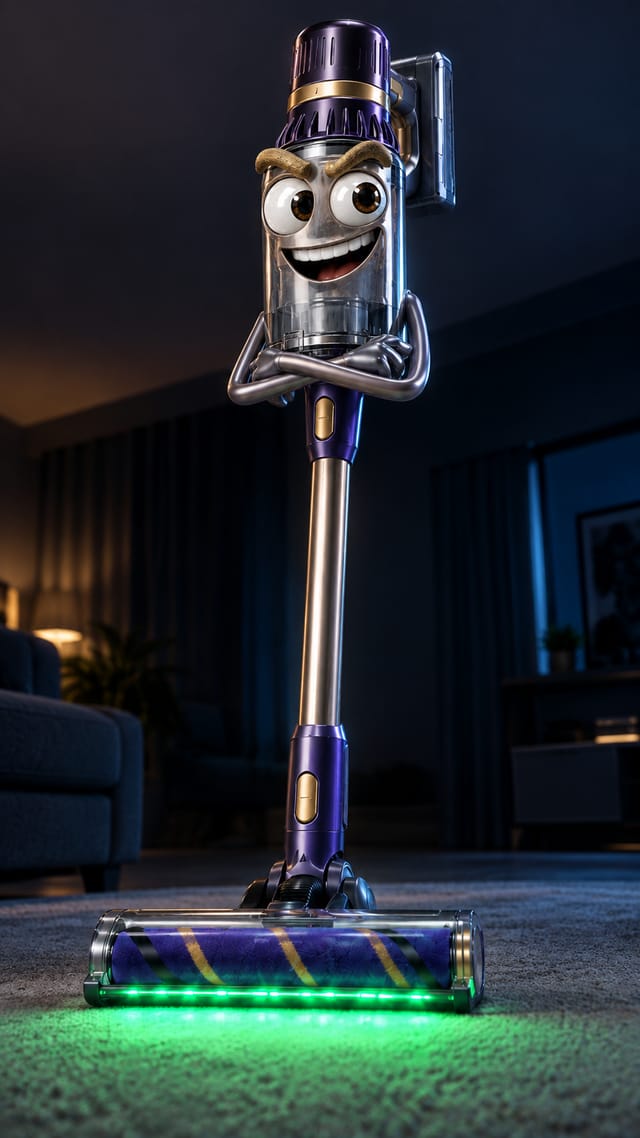
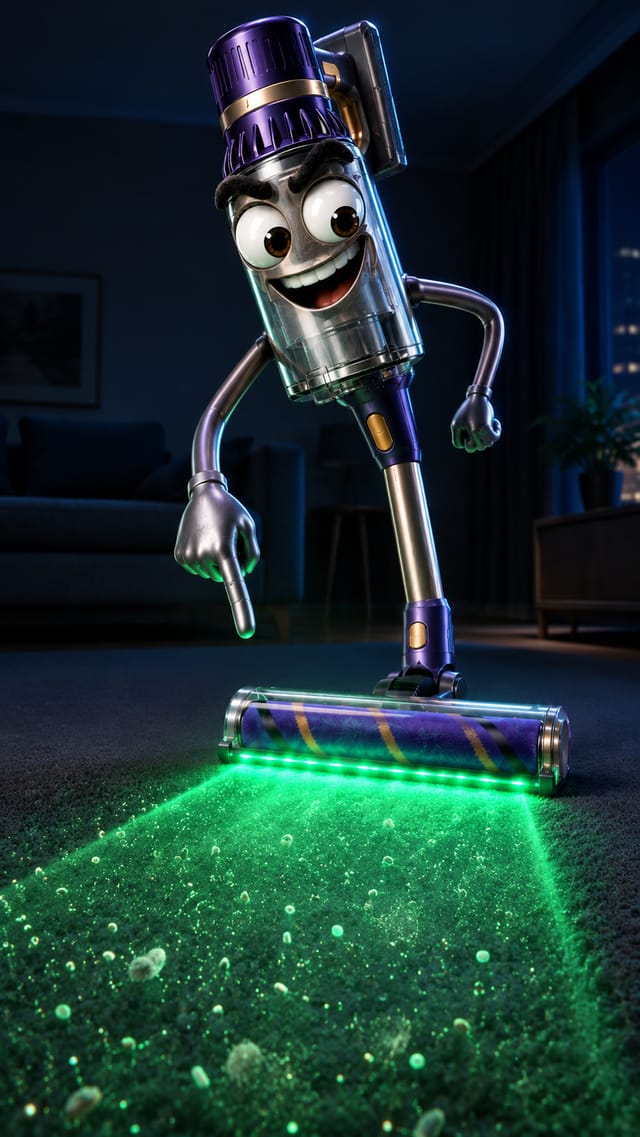
- Frames 1–3 — one vertical still per frame, the same character in the same setting.
- Timeline script → the take — one prompt over the three numbered stills with the lines quoted per interval; one Seedance 2.5 node renders the 12 seconds as one unbroken shot with the character's own voice.
- Captions — Add Captions transcribes the voice into word-highlight captions.
Prefer to write the facts yourself? Use the sister template, Talking Product Studio.
Step by step
Step 1
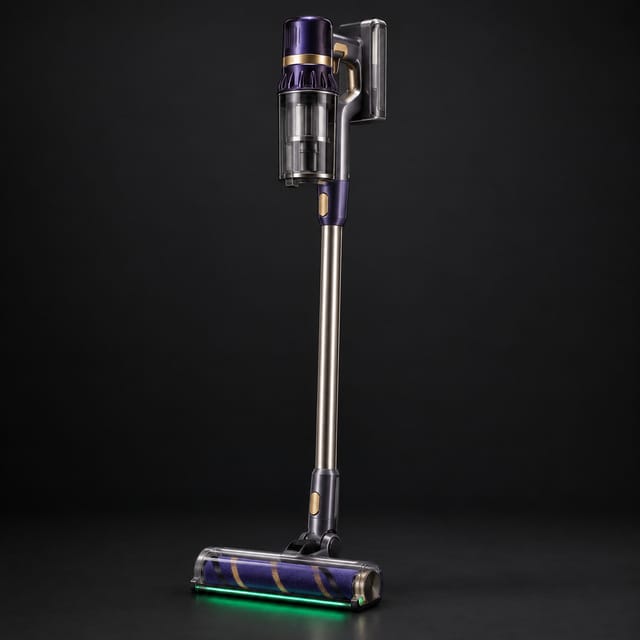
A clean packshot on a plain background. The character keeps its exact shape, materials and colours — only the face and limbs are added.
Step 1
An example of the cartoon-face style you want: any object with the oversized eyes, thick eyebrows and cut-out mouth. Swap it to change the look of every frame.
Step 1
What the ad pushes and to whom, in two or three lines — the more specific the angle, the sharper the script.
Step 1
A web search for the product — Web Scrape returns titles and descriptions, and the concept takes its facts only from there. Change the query for another product; prefer brand notes you wrote yourself? See the sister template.
Step 2
The character in words and three frames — a still and a spoken line each. Edit a line by hand and rerun from the timeline.
Step 3–4
The sheet fixes the face once; the three frames copy it. Rerun one frame alone for another take.
Step 5–6
A director turns the concept into one prompt — "0-4s: shows @Image 1 … says "…" … drifts to @Image 2" — and one Seedance 2.5 node receives the three stills as references in order and renders a single 12-second unbroken shot with the character's voice. Add Captions transcribes it. Want another model? MiniMax H3 or Gemini Omni Flash (up to 10 s) also take references and speak.
What it made
Results that the template made in Nodaro. Your results follow your own inputs.

Nodes in this template
The template is a workflow of 12 nodes. Each node below links to its page:
- Generate Image: 4
- Prompt: 2
- Upload Image: 2
- Add Captions: 1
- Generate Video: 1
- Text: 1
- Web Scrape: 1
Use this template
- Open the template in Nodaro and click Clone & customize. Nodaro copies it into My Workflows.
- Replace the inputs with your own: Product and Style reference.
- Click Run. The editor shows the price before anything runs.
Templates lists every template, and Choosing a model helps when you swap a model.
Frequently asked questions
What does the Talking Product Research Studio template make?
A product photo, a style reference, a campaign angle and a web search in; a 12-second vertical ad out — the product as a 3D animated cartoon character that speaks to the viewer, with its facts pulled from the web by Web Scrape, three numbered frames rendered as one unbroken take with the character's own voice, and word-highlight captions.
How much does one run of Talking Product Research Studio cost?
About 954 credits, the price of its models when the template was saved. The editor shows the current price before you run it, and you pay only for the nodes that run.
Which models does Talking Product Research Studio use?
GPT Image 2 and Seedance 2.5. You can switch any of them on the canvas after you clone the template.
Do I need to build a workflow to use Talking Product Research Studio?
No. Clone the template, replace its inputs with your own and click Run. The workflow is already built and connected.
Related
Video ad templates
Explainer Video Studio
FOOH Campaign Generator
Podcast Testimonial Studio
Storyboard Film Studio
Last updated on
Street Interviews
Turn any product, app, brand or idea into a series of natural street interviews built around conversations people actually care about — the workflow finds the…
Talking Product Studio
A product photo, a style reference, a campaign angle and brand notes in; a 12-second vertical ad out — the product as a 3D animated cartoon character that…