
 Nodaro Docs
Camera Angle Studio
One photo of a model, six camera angles (fisheye, bird's eye, low angle, Dutch angle, macro, worm's eye), two ways — straight from a tile, and through an AI…
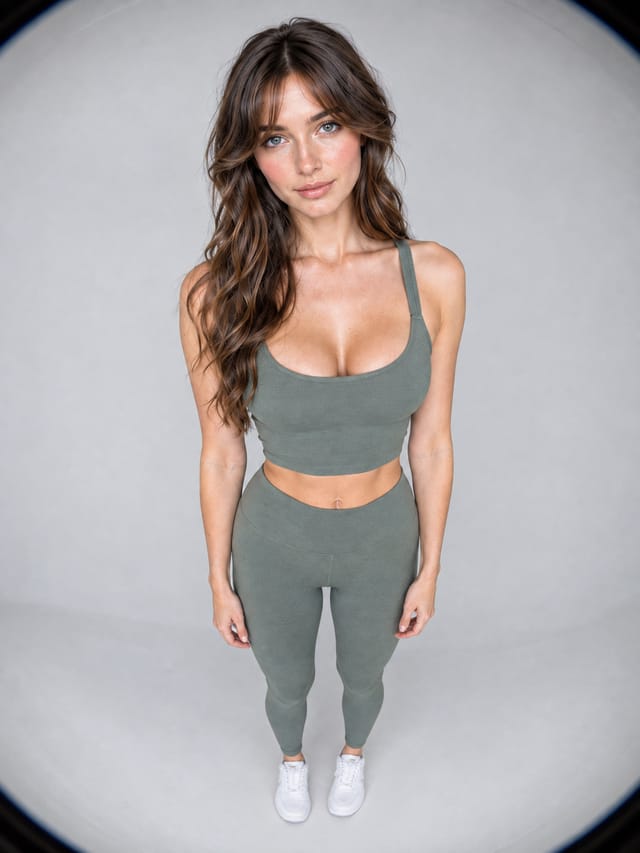
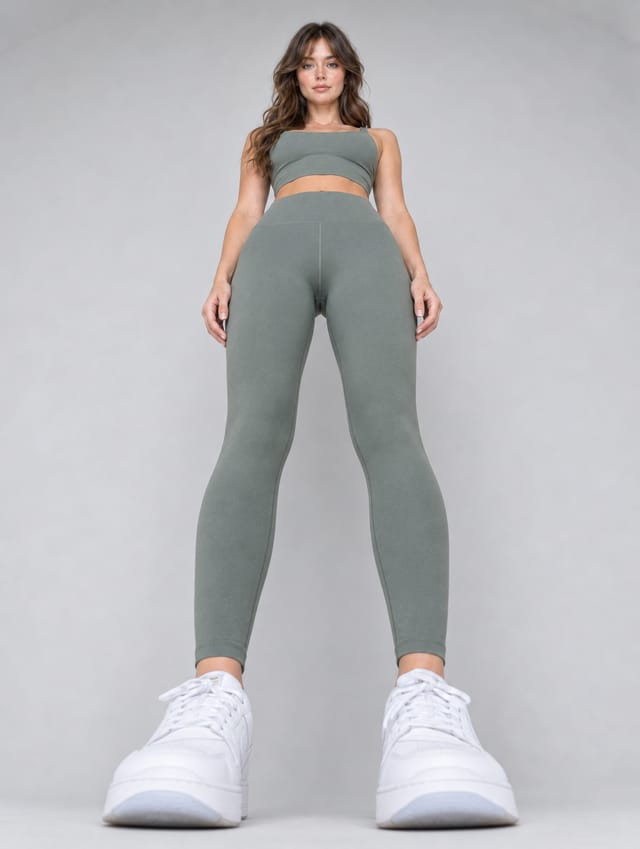
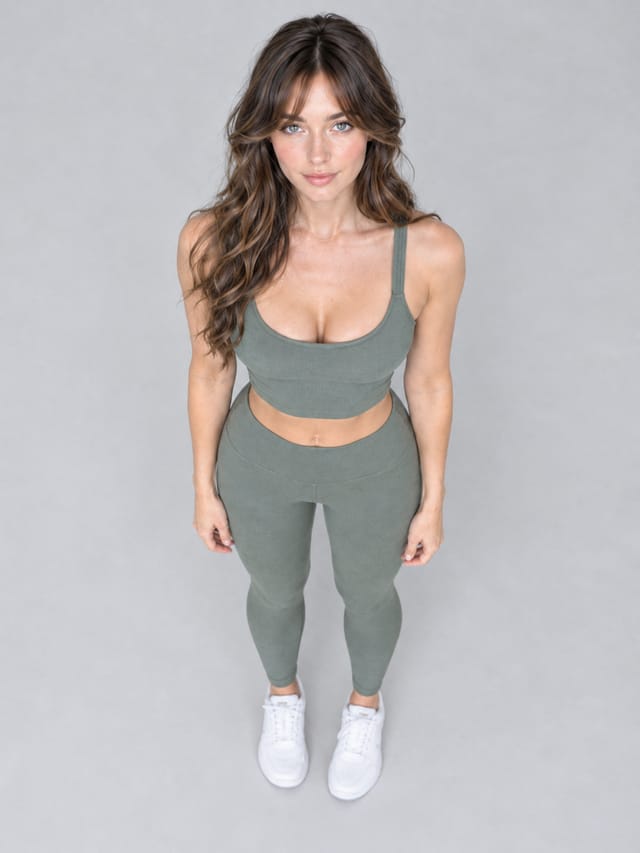
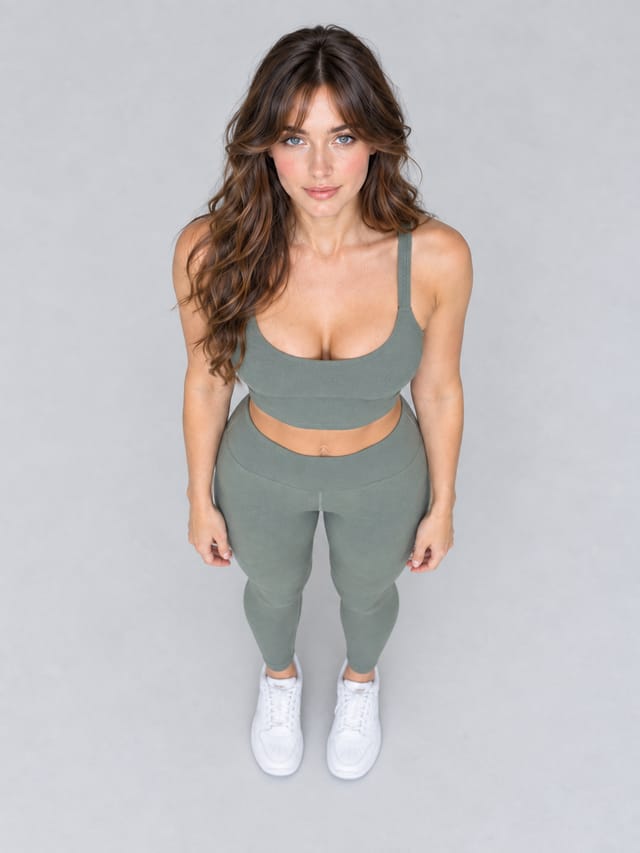
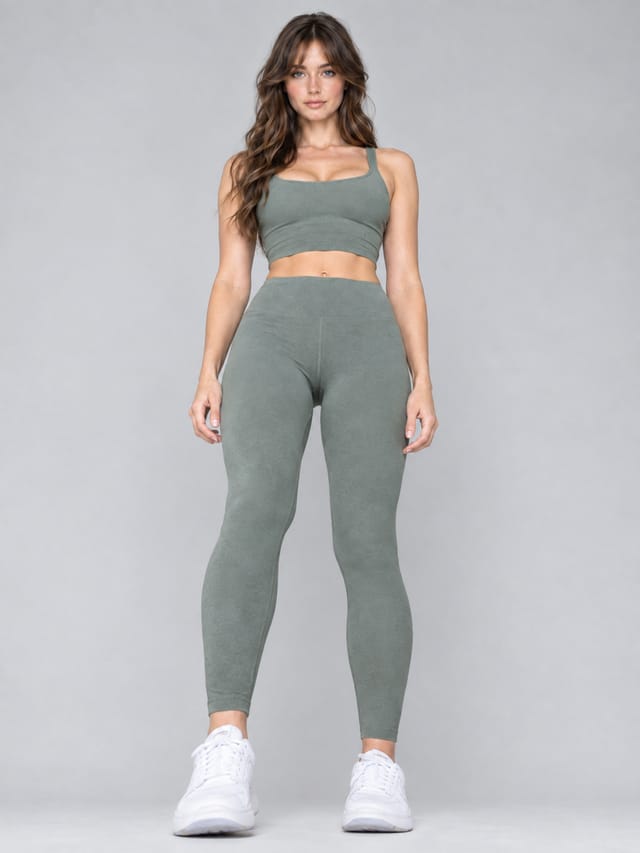
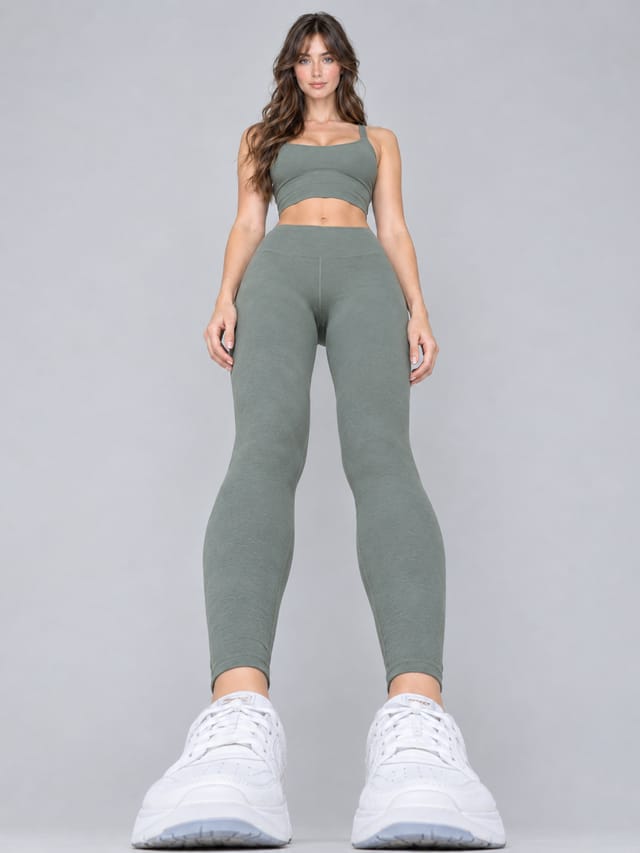
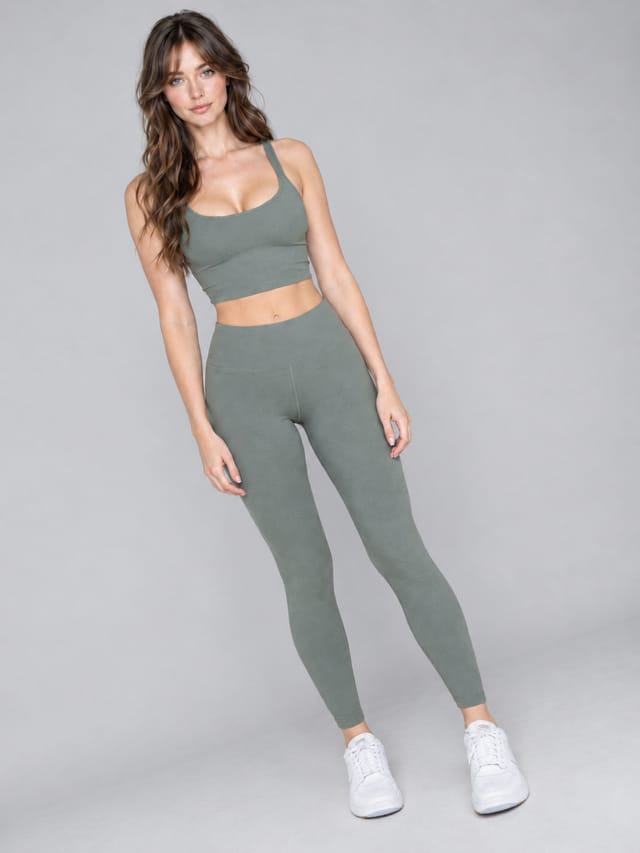
Camera Angle Studio is a ready-made Nodaro workflow in product imagery. One photo of a model, six camera angles (fisheye, bird's eye, low angle, Dutch angle, macro, worm's eye), two ways — straight from a tile, and through an AI director who reads the photo and decides what each angle should show — one row above the other to compare.
| Category | Product imagery |
| Makes | images |
| Models | GPT Image 2 |
| Nodes | 25 |
| Estimated cost of one run | About 192 credits, the price of its models when the template was saved |
| Level | Advanced |
Open Camera Angle Studio in Nodaro
How it works
One photo of a model, six camera angles, two ways of asking for them — one row above the other, so you can compare.
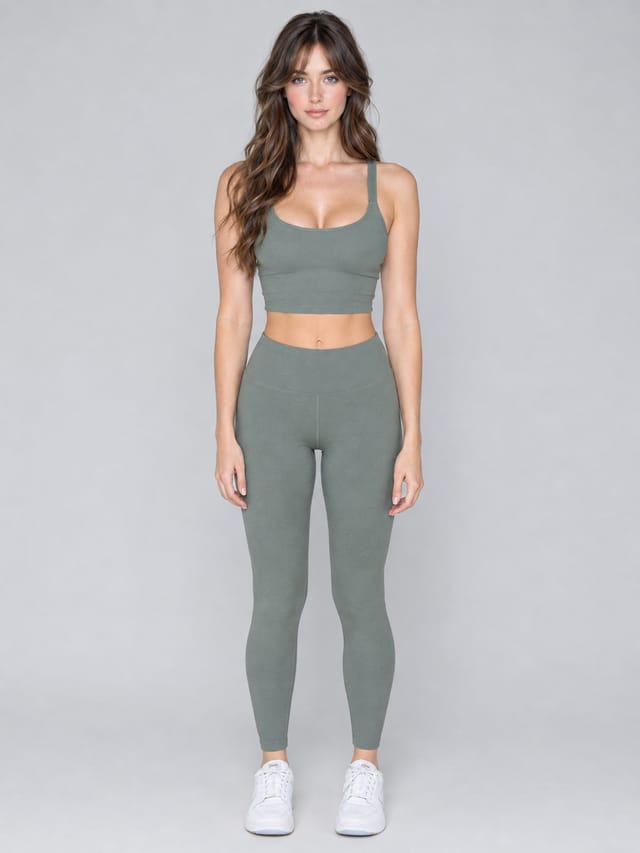
- Reference photo — any clear photo of a person. The face, the clothes and the place stay; only the camera moves.
- Six angle tiles — fisheye, bird's eye, low angle, Dutch angle, macro, worm's eye. One tile per angle, no writing.
- Row 1, from the tile — each tile goes straight into an image. Fast, cheap, good for most jobs.
- Row 2, with a director — the same tile goes to an AI director who reads the photo and decides what the angle should reveal, then writes the prompt. Worth it when the angle has to say something.
- Same photo, same six angles, two answers each. Pick the way that fits the job; delete the row you do not need.
Step by step
Step 1
One clear photo of a person: the face visible, the clothes readable, the place recognisable. Every image below gets it as a reference and keeps all three. Replace it with your own photo, or with a model card from Model Creator Studio — this one is.
Step 2
Top row: one picker per angle — a Lens tile for the fisheye, a Framing tile for the rest. Each tile goes straight into the image under it with no prompt writing: the tile already carries the photographer's words for that angle. Swap a tile for any other angle or shot size and rerun that column alone.
Step 3
The same tiles again, but each first goes to an AI director who looks at the photo and decides what the angle should show — the eyes in the fisheye, the shoes in the worm's eye, the fabric in the macro — and writes where the camera stands in plain physical words. Its paragraph becomes the prompt of the image under it. Open a director to read what it decided; compare its image with the tile-only image above.
What it made
Results that the template made in Nodaro: 12 of 13. Your results follow your own inputs.
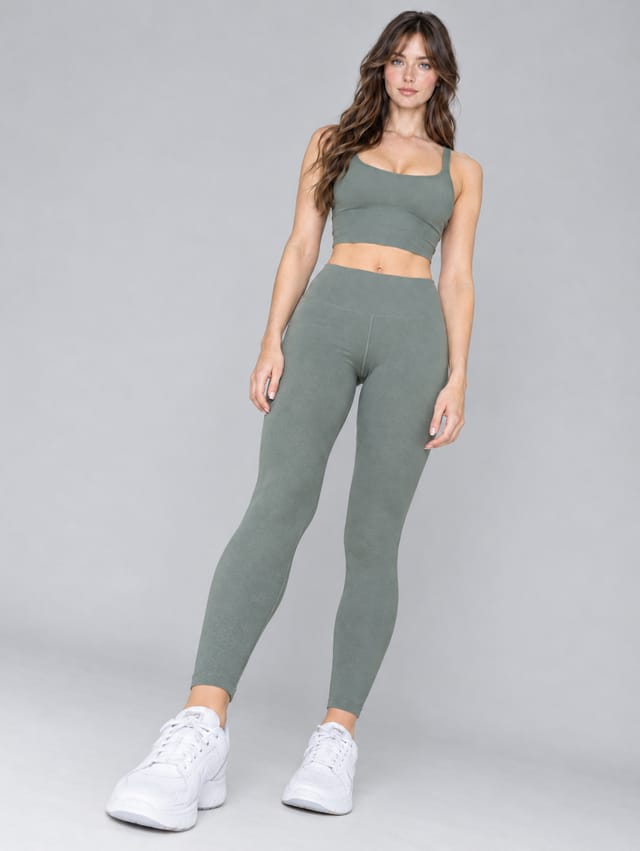
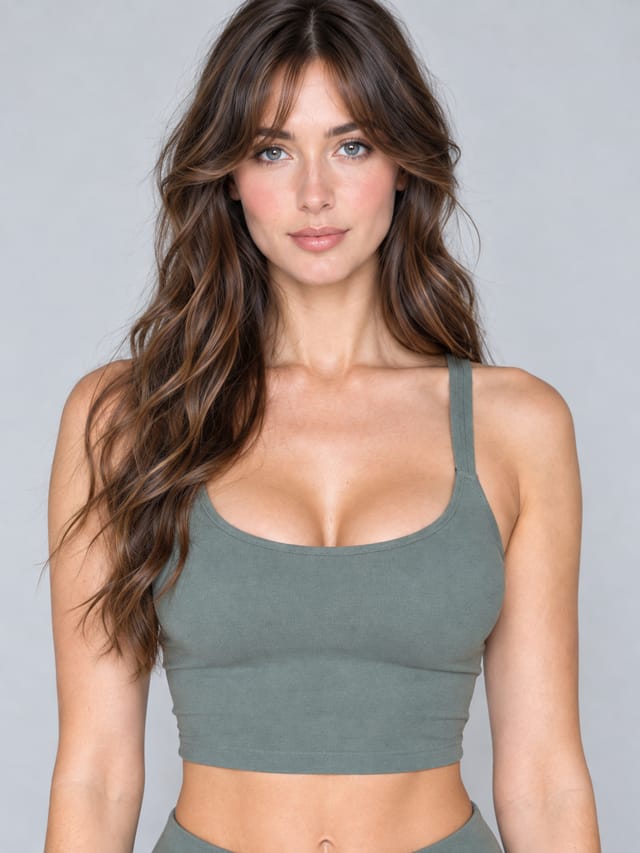
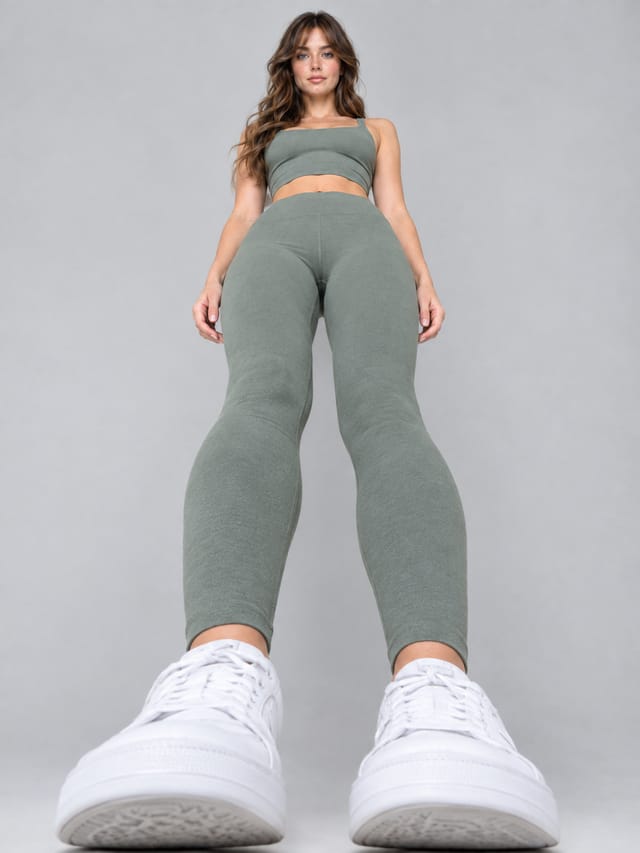
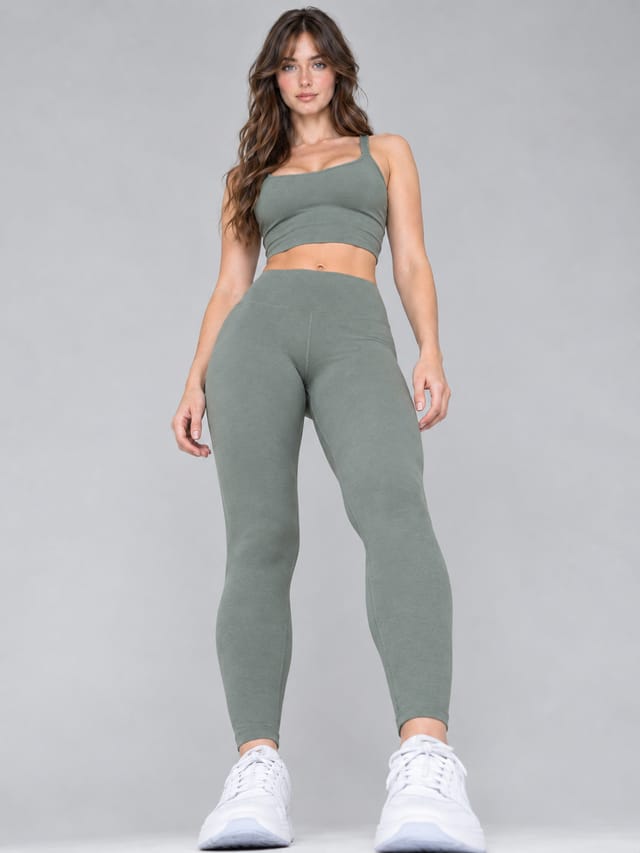
Nodes in this template
The template is a workflow of 25 nodes. Each node below links to its page:
- Generate Image: 12
- Prompt: 6
- Framing: 5
- Lens: 1
- Upload Image: 1
Use this template
- Open the template in Nodaro and click Clone & customize. Nodaro copies it into My Workflows.
- Replace the inputs with your own: Reference photo.
- Click Run. The editor shows the price before anything runs.
Templates lists every template, and Choosing a model helps when you swap a model.
Frequently asked questions
What does the Camera Angle Studio template make?
One photo of a model, six camera angles (fisheye, bird's eye, low angle, Dutch angle, macro, worm's eye), two ways — straight from a tile, and through an AI director who reads the photo and decides what each angle should show — one row above the other to compare.
How much does one run of Camera Angle Studio cost?
About 192 credits, the price of its models when the template was saved. The editor shows the current price before you run it, and you pay only for the nodes that run.
Which models does Camera Angle Studio use?
GPT Image 2. You can switch any of them on the canvas after you clone the template.
Do I need to build a workflow to use Camera Angle Studio?
No. Clone the template, replace its inputs with your own and click Run. The workflow is already built and connected.
Related
Product imagery templates
2000s Fashion Studio
Beauty Bundle Studio
Cosmetics UGC Studio
E-com Model Studio
Last updated on
Beauty Bundle Studio
Two products that must both stay exact, placed into three sets no studio could build — glacier, frozen splash, chrome dune — each set built empty first; plus…
Cosmetics UGC Studio
One product photo in, eight phone-style social images out (9:16): the product alone on a dashboard, a café table, a hotel bed and a beach towel, then in a…