
 Nodaro Docs
Product Shoot Studio
One product photo in, three finished campaign shots out (faithful, elevated and bold) with the product unchanged in every frame.
Product Shoot Studio is a ready-made Nodaro workflow in product imagery. One product photo in, three finished campaign shots out (faithful, elevated and bold) with the product unchanged in every frame.
| Category | Product imagery |
| Makes | images |
| Models | GPT Image 2 |
| Nodes | 12 |
| Estimated cost of one run | About 53 credits, the price of its models when the template was saved |
| Level | Advanced |
Open Product Shoot Studio in Nodaro
How it works
One product photo in, three finished campaign shots out. The same product in every frame.
- Product photo — stays exactly as it is; only the world around it changes.
- Shoot brief — where, when, what mood, in a sentence or two.
- Brand rules (optional) and two pickers for light and setting.
- An art director plans three shots that escalate: faithful, elevated, bold.
- Three prompt writers turn one plan each into an image prompt.
- Three image nodes shoot them, each with the product photo as reference.
Step by step
Step 1
One clear photo on a plain background. Every image node receives it as a reference, so shape, label, colours and proportions never drift. Change this photo and the studio shoots a different product.
Step 2
Plain words: the place, the time, the mood. No prompt language needed — the art director turns it into shot plans.
Step 3
Palette, surfaces, what to avoid. The art director treats these as rules, not suggestions. Empty is fine.
Step 4
Tiles instead of typing. Pick a light and a place and they become instructions for the art director. Leave either open and the director chooses what serves the brief.
Step 5
Looks at the product photo, reads the brief, the rules and the pickers, then plans three shots that escalate in ambition: faithful (the safe hero), elevated (one strong idea), bold (a creative risk). The plans are shown in the app so you can ask for changes in plain words.
Step 6
Each writer takes only its plan — first, second or third — and rewrites it as an image prompt that opens with the product "exactly as in the reference". One box per shot, so you can read, tune or rerun any single one.
Step 7
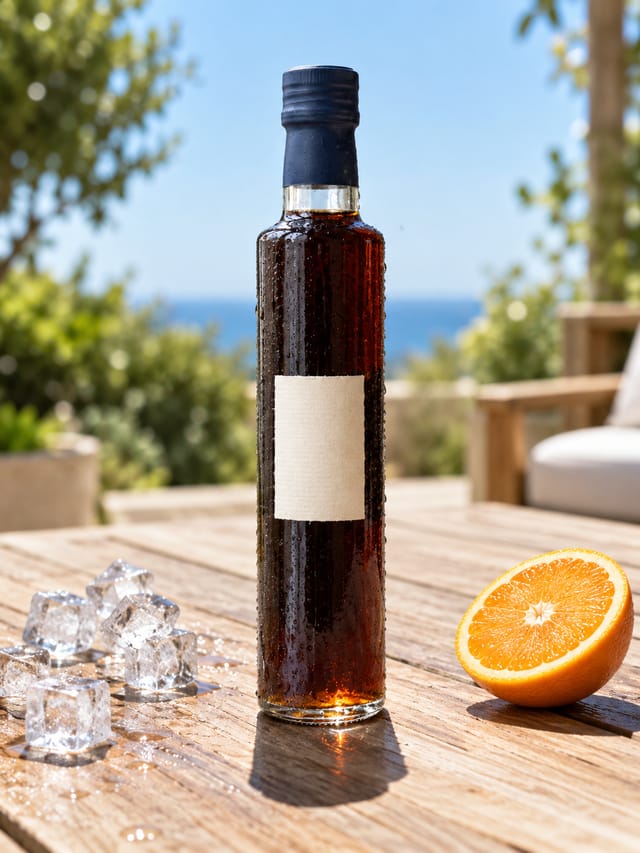
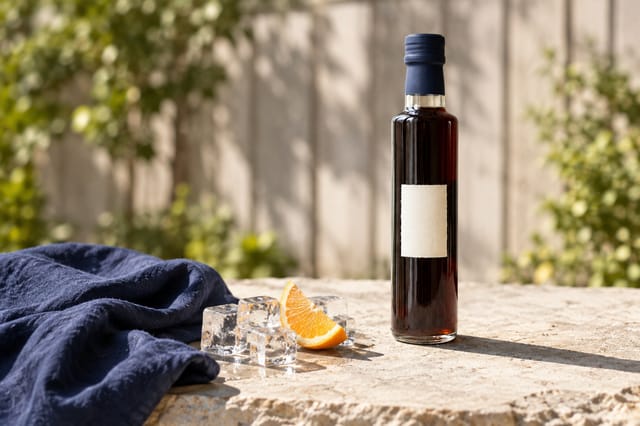
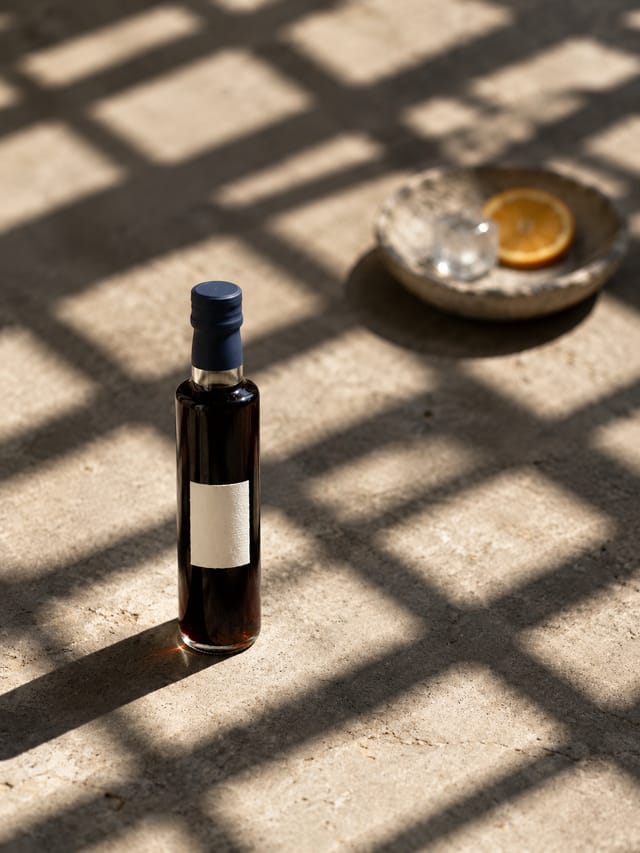
Each image node gets its prompt plus the product photo. Shot 1 faithful, Shot 2 elevated, Shot 3 bold — three finished options from one run. Swap the model or the size on any node without touching the rest.
What it made
Results that the template made in Nodaro. Your results follow your own inputs.
Nodes in this template
The template is a workflow of 12 nodes. Each node below links to its page:
- Prompt: 4
- Generate Image: 3
- Text: 2
- Lighting: 1
- Setting: 1
- Upload Image: 1
Use this template
- Open the template in Nodaro and click Clone & customize. Nodaro copies it into My Workflows.
- Replace the inputs with your own: Product photo.
- Click Run. The editor shows the price before anything runs.
Templates lists every template, and Choosing a model helps when you swap a model.
Frequently asked questions
What does the Product Shoot Studio template make?
One product photo in, three finished campaign shots out (faithful, elevated and bold) with the product unchanged in every frame.
How much does one run of Product Shoot Studio cost?
About 53 credits, the price of its models when the template was saved. The editor shows the current price before you run it, and you pay only for the nodes that run.
Which models does Product Shoot Studio use?
GPT Image 2. You can switch any of them on the canvas after you clone the template.
Do I need to build a workflow to use Product Shoot Studio?
No. Clone the template, replace its inputs with your own and click Run. The workflow is already built and connected.
Related
Product imagery templates
2000s Fashion Studio
Beauty Bundle Studio
Camera Angle Studio
Cosmetics UGC Studio
Last updated on
PDP Video Studio
One clothing photo in, a product-page video out: a full-body model card, three short clips (walk-in, turn, detail) and the stitched 16-second vertical video,…
Product Spin Studio
One product photo in, a seamless 360° spin out: an 8-second square loop that starts and ends on your photo, plus three extra angles pulled from it as stills.