
 Nodaro Docs
Person
Describe a person for AI images and video with 575 options in 33 settings, from age and body to face geometry, hair and eyes. The picker writes the prompt.
The Person picker describes a person for an image or a video. You choose options in up to 33 settings, from type, age and body to face, hair, skin and eyes. Nodaro adds tested wording for each choice to the prompt of every node you connect it to. The picker never calls a model, so it costs no credits.
When to use it
- Design a character's look from its features instead of writing a long description.
- Write a casting brief: set the age, the build and the face, and let the model decide the rest.
- Try variations of one person: change one setting, such as Hair Color, and run the image node again.
- Build a varied cast: give each character its own Person picker with its own age, ethnicity and build.
How to use it
Add the picker
Open the node picker and choose Creative Controls › Subject › Person. A new Person picker starts with Type set to Stylish Influencer and Age set to Early 20s.
Choose the settings you need
Select the node to open its settings panel, and click the options you want. The switch next to a setting's name turns the setting on or off. A setting that is off adds nothing to the prompt.
Connect it
Drag from the picker's output to the Elements input of a Generate Image or Generate Video node. You can also connect it to a Text or Prompt node to include the description in a longer text.
Run the image or video node
The person description is added to the end of the prompt when the connected node runs.
Settings
| Setting | What it does |
|---|---|
| Person | The person's settings, grouped in six topics. See The six topics. |
| Custom text (before) | Your own words, added before the person description. |
| Custom text (after) | Your own words, added after the person description. |
| Prompt hint | Full adds a longer description of each choice. Compact adds only the short term. See Creative Controls. |
| When image JSON is injected | How values from a Describe to Picker node are applied. See Fill it from a photo. |
| Auto-apply on change | Applies new values from Describe to Picker as soon as they arrive. It is off by default. |
| Items per row (node card) | How many picks the node card shows side by side, from 1 to 4. The default is 2. |
To see the exact words the picker will add, switch the node to the Prompt or Both display mode. The settings panel shows the same text under Will inject into prompt.
Detailed and Compact views
The Person picker has two views. A toggle at the top of the picker switches between them. The toggle is in the settings panel, in the full-screen settings and on a published app's input card.
| View | What you see |
|---|---|
| Detailed (default) | Every setting is open with its option tiles, grouped under six topics. Buttons at the top jump to a topic, and each topic heading shows how many of its settings are set. Nothing is folded away. |
| Compact | The same six topics as sections that fold. Each setting is a pill, and a pill opens a popover with that setting's option tiles. |
In the Detailed view, the search box looks across every topic at once and shows only the settings with a matching option.
Both views edit the same settings and write exactly the same prompt. The view is only a display preference: your device remembers it in this browser, and it never changes the node or its result.
The six topics
| Topic | Settings |
|---|---|
| Identity | Type, Age, Ethnicity, Regional Aesthetic |
| Body | Frame, Body Mass, Bust, Waist, Hips, Silhouette |
| Face | Face Shape, Jawline, Cheekbones, Facial Fullness, Eye Shape, Eyelid Type, Canthal Tilt, Eye Spacing, Eye Set / Brow Distance, Nose, Nose Tip, Lip Fullness, Lip Shape, Lip State |
| Hair | Hair (Texture & Length), Hair Color, Eyebrows |
| Skin & Eyes | Skin Tone, Skin Texture, Eye Color, Eye State |
| Features | Facial Hair, Distinctive Features |
A few settings need a word of explanation:
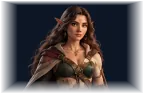
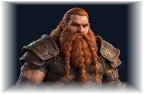
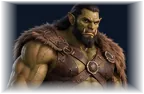
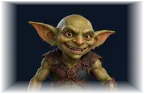
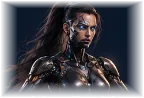
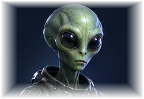
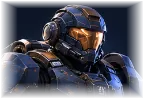
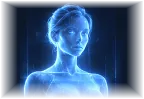
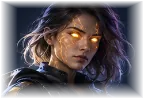
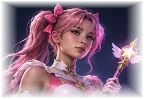
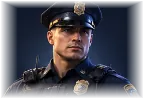
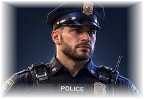
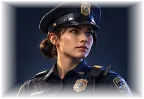
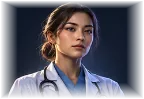
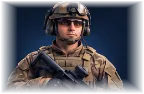
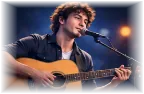
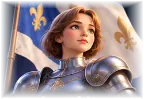
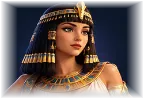
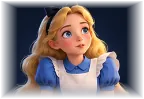
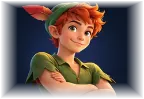
- Type has 160 options in tabs, such as Realistic — Style, Fantasy, Sci-Fi, Professions / Roles and Iconic / Public Domain. Not Defined leaves the gender open and adds only "a person".
- Ethnicity is grouped by region. The options marked (any), such as Asian (any), describe a broad group.
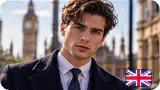
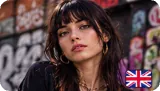
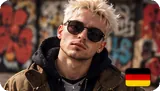
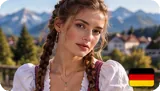
- Regional Aesthetic adds the style of a place, such as Parisienne or Tokyo Harajuku. It describes a style only, and it combines with the ethnicity, skin, hair and styling you choose.
- Hair (Texture & Length) is the natural hair. The styled cut, such as a bob or braids, is in the Styling picker.
- Eye State and Lip State describe what the eyes and lips are doing, such as Half-lidded or Parted. Eye Shape and Lip Shape describe their form.
The facial-geometry layer
The Face topic has a facial-geometry layer: settings that shape the proportions of a face. With them, you design a specific face from its features instead of relying on a type such as Supermodel.
| Setting | What it controls | Options |
|---|---|---|
| Cheekbones | How high and prominent the cheekbones are | Average, Low, High & Defined, Sculpted-High, Wide |
| Facial Fullness | How lean or full the face is, independent of body mass | Average, Gaunt, Lean, Full, Round |
| Eyelid Type | The shape of the upper eyelid | Standard, Hooded, Droopy, Deep-set |
| Canthal Tilt | The angle of the outer corners of the eyes | Neutral, Upturned, Downturned |
| Eye Spacing | The distance between the eyes | Average, Close-set, Wide-set |
| Eye Set / Brow Distance | The distance between the brow and the eye | Average, Low-set, High-set |
| Nose Tip | The shape of the tip. Nose sets the bridge. | Natural, Refined, Upturned, Rounded, Drooping |
| Lip Fullness | How full the lips are | Thin, Medium, Full, Full Lower Lip |
| Lip Shape | The outline of the mouth | Natural, Cupid's Bow, Wide, Heart, Small |
In these settings, the neutral options — Average, Standard, Neutral and Natural — add nothing to the prompt and leave that feature to the model. The Average and Balanced options of the Body topic work the same way.
Choose more than one option
Some settings accept more than one option. Their heading shows pick up to 2 or pick up to 3.
| Setting | Up to | For example |
|---|---|---|
| Ethnicity | 2 | Mixed heritage: of mixed Japanese and Slavic heritage |
| Regional Aesthetic | 2 | A hybrid style |
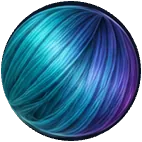
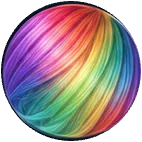
| Hair Color | 2 | Two-tone hair: two-tone blonde and pink hair |
| Eye Color | 2 | Two different eye colors |
| Lip State | 2 | Glossy and parted lips |
| Eye State | 2 | Half-lidded and glassy eyes |
| Skin Texture | 2 | Porcelain and freckled skin |
| Distinctive Features | 3 | Freckles, a scar and ear piercings |
To add a second option, click the small + on the selected tile, then click more tiles. The tiles are numbered in the order you chose them. Click a number to go back to that one option.
Set an exact age
Choose Custom age... under Age, and type a number from 0 to 120 in Age (years). The picker turns the number into words: 34 becomes 34 years old.
People under 20
When Age describes someone under 20, the picker hides the options that are meant only for adults. This applies to every age from Baby to Teenager (any), and to a custom age below 20. Any such option that was already picked is cleared, on the node card and in the prompt. This happens in both views.
Some types, such as Princess and Peter Pan, also count as under 20 when no age is set.
Pictures on every option
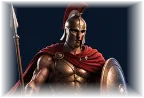
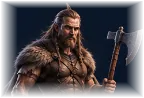
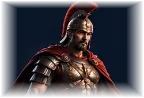
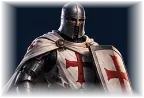
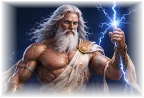
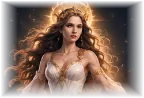
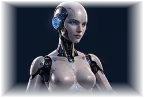
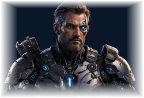
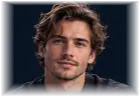
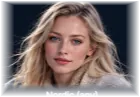
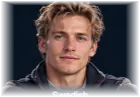
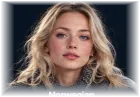
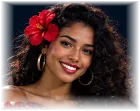
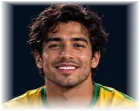
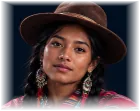
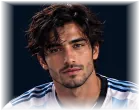
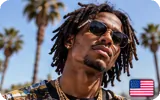
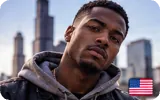
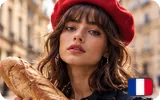
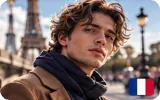
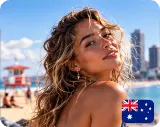
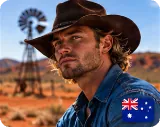
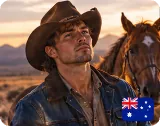
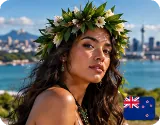
Every option is shown with its own photo: in the picker, on the node card and on a published app's input card. The photos come with the app, so they appear on Nodaro Cloud and on self-hosted installs. A few newer options show a drawn icon or a color swatch instead.
Fill it from a photo
The Person picker has a Picker JSON input. Connect a Describe to Picker node to it. That node analyzes an image and fills the settings the image shows, such as type, age, hair and eyes. Describe to Picker costs 10 credits per analysis. The Person picker stays free.
Choose how the values are applied under When image JSON is injected:
| Option | What happens |
|---|---|
| Full override (clear undetected) (default) | Writes every detected setting and clears every setting the image did not show. |
| Overwrite detected (keep rest) | Writes the detected settings and keeps everything else you set. |
| Fill empty only | Writes a detected setting only when that setting is still empty. |
With Auto-apply on change off, the node shows an Update from injected button when new values arrive. Click it to apply them. The button reads Up to date when nothing new is waiting. Turn Auto-apply on change on to apply new values as soon as they arrive.
The values only change the person's settings. Your custom text and the node's label stay as they are.
Person or Character Asset
The Person picker describes a person in words. Each run draws a new person who matches the description, so the face changes from one image to the next. When you need the same face in every image and video, use a Character Asset: it sends the character's approved pictures with every run. Read Consistent characters for the full method.
The same Person picker appears on the Pickers page of Character Studio. There, your choices describe a saved character and are added to the prompts of that character's own portraits and pictures.
Every person option
Search all the options or filter them by setting. The words under each name are the term the picker adds in Compact mode.
Type · 160 options
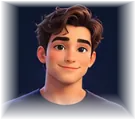 Man
Man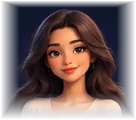 Woman
Woman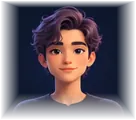 Not Definedperson
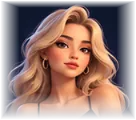 Beautiful Woman
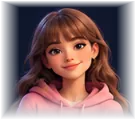 Girl Next Door
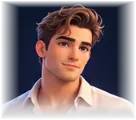 Handsome Man
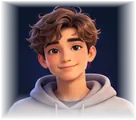 Boy Next Door
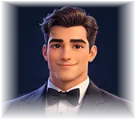 Gentleman
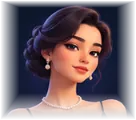 Elegant Woman
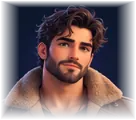 Rugged Man
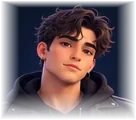 Bad Boy
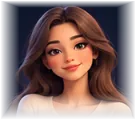 Graceful Woman
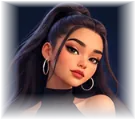 Baddie
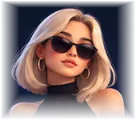 Stylish Influencer
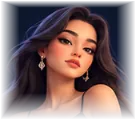 Stunning Model
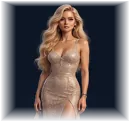 Supermodel
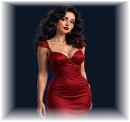 Femme Fatale
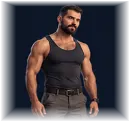 Tough Guy
 Wise Elder
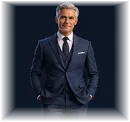 Silver Fox
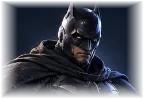
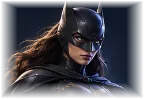
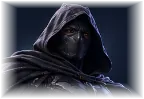
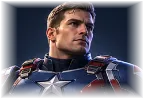
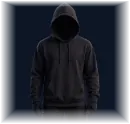 Mysterious Figure
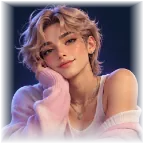 Femboy
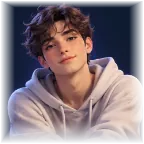 Twink
Twink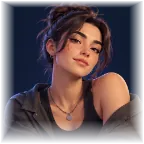 Soft Butch
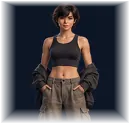
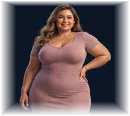
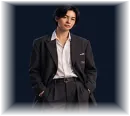
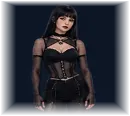
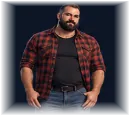
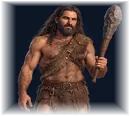
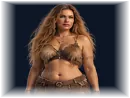
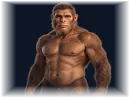
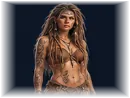
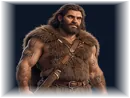
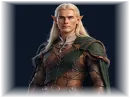
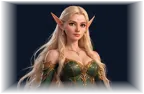
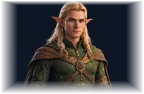
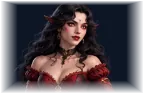
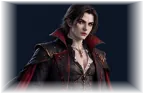
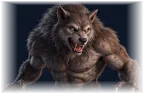
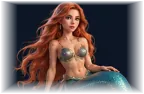
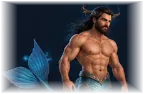
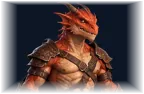

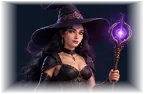

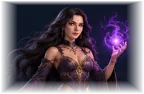
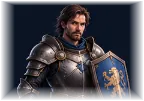
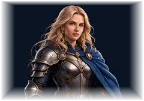
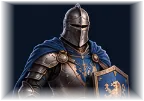
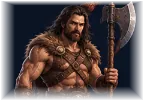
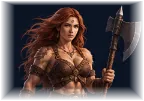
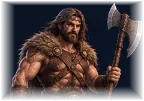
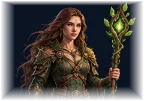

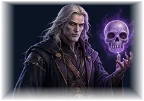
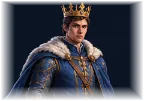
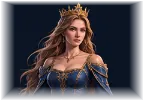
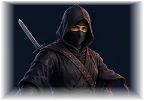
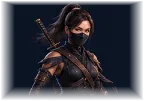
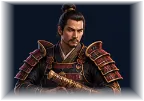
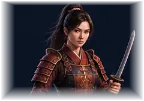
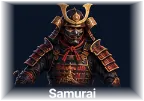
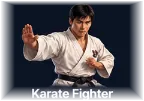








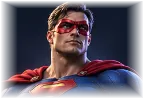
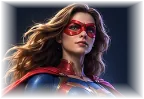
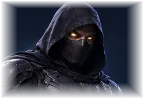
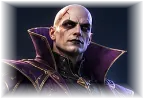



















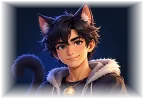
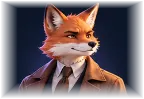
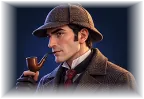
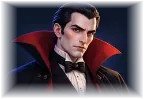
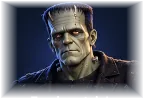
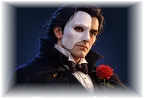
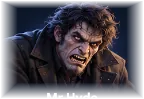


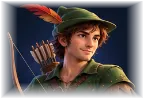


Age · 17 options
 Baby
Baby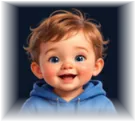 Toddler
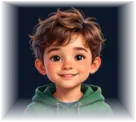 Young Child
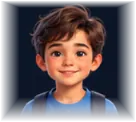 Child
Child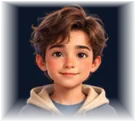 Pre-Teen
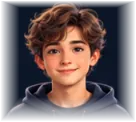 Early Teenin their early teens
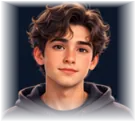 Late Teenin their late teens
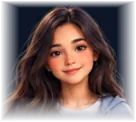 Teenager (any)in their teens
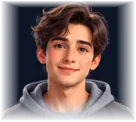 Early 20sin their early 20s
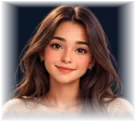 Late 20sin their late 20s
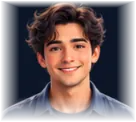 20s (any)in their 20s
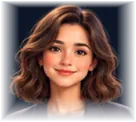 30sin their 30s
 40sin their 40s
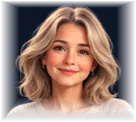 50sin their 50s
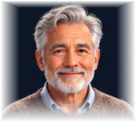 60sin their 60s
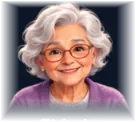 Elderly
 Custom age...
Ethnicity · 55 options
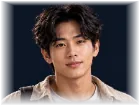 Asian (any)of asian descent
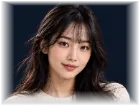 East Asian (any)of east asian descent
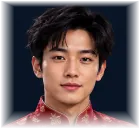 Chineseof chinese descent
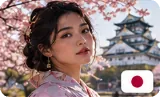
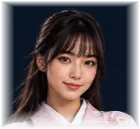 Japaneseof japanese descent
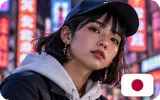
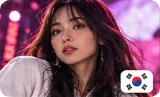
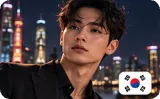
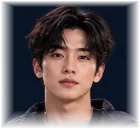 Koreanof korean descent
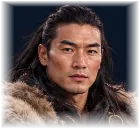 Mongolian / Tibetanof mongolian or tibetan descent
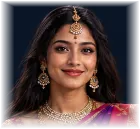 South Asian / Indianof south asian or indian descent
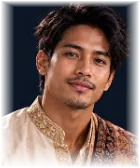 Southeast Asian (any)of southeast asian descent
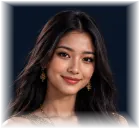 Thaiof thai descent
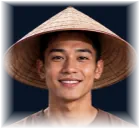 Vietnameseof vietnamese descent
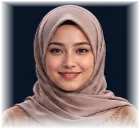 Indonesian / Malayof indonesian or malay descent
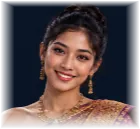 Khmer / Cambodianof khmer cambodian descent
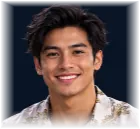 Filipino
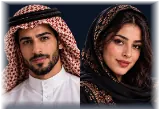 Middle Eastern / N. African (any)of middle eastern or north african descent
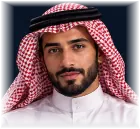 Middle Eastern (Arab)of middle eastern arab descent
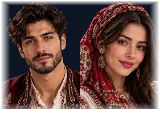 Turkishof turkish descent
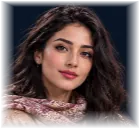 Persian / Iranianof persian iranian descent
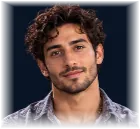 Israeliof israeli descent
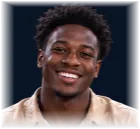 African (any)of african descent
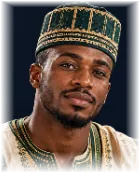 West Africanof west african descent
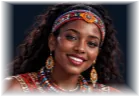 East Africanof east african descent
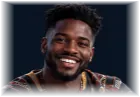 Central Africanof central african descent
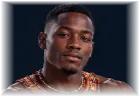 Southern Africanof southern african descent
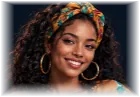 Afro-Caribbeanof afro-caribbean descent

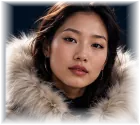
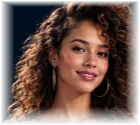
Regional Aesthetic · 88 options
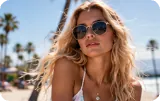 California Beachcalifornia beach aesthetic
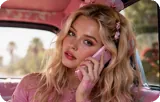 Valley Girlvalley girl aesthetic
 NorCal Hippienorthern california hippie aesthetic
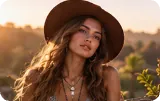 Boho LAboho los angeles aesthetic
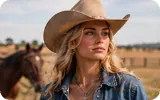 Texas Cowgirltexas cowgirl aesthetic
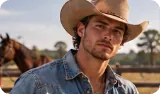 Texas Cowboytexas cowboy aesthetic
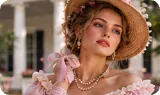 Southern Bellesouthern belle aesthetic
 Southern Gentlemansouthern gentleman aesthetic
 Miami Latinamiami latina aesthetic
 Miami Latinomiami latino aesthetic
 Hawaii Islandhawaiian island aesthetic
 NYC Fashionnew york fashion-girl aesthetic
 NYC Sharpnew york sharp-dressed aesthetic
 Brooklyn Hipsterbrooklyn hipster aesthetic
 New England Prepnew england prep aesthetic
 PNW Granolapacific northwest granola aesthetic
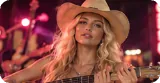 Nashville Countrynashville country-pop aesthetic
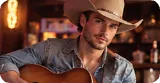 Nashville Cowboynashville modern-cowboy aesthetic
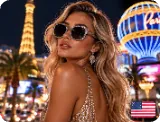 Vegas Glamlas vegas glam aesthetic
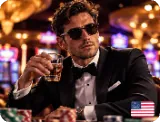 Vegas Suitlas vegas suit-and-shine aesthetic
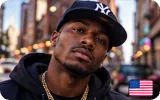 Harlem Classicharlem classic aesthetic
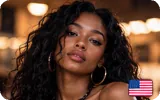 ATL Southernatlanta southern hip-hop aesthetic
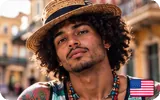 NOLA Creolenew orleans creole aesthetic
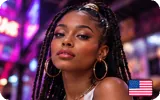 DMV Go-Gowashington dc go-go aesthetic
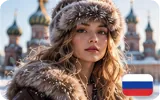
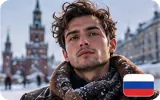
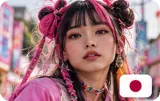
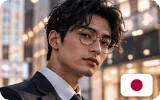




Frame · 4 options
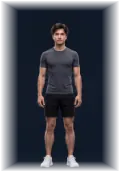 Petite
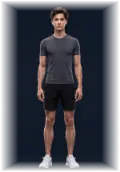 Slim
Slim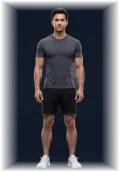 Average
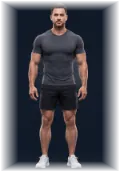 Broadbroad-framed
Body Mass · 4 options
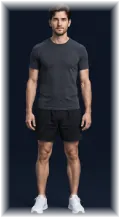 Leanlean build
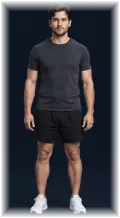 Average
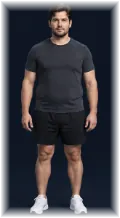 Fullfull-figured
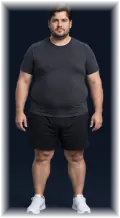 Heavyheavy-set build
Bust · 4 options
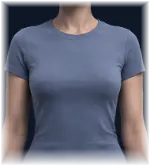 Smallsmall bust
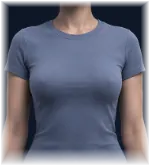 Average
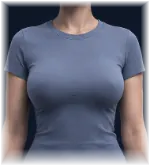 Fullfull bust
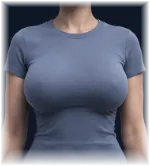 Very Fullfuller bust
Waist · 3 options
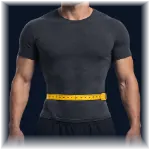 Defineddefined waistline
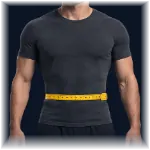 Average
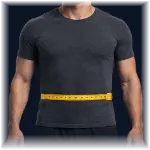 Straightstraight waistline
Hips · 3 options
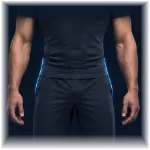 Narrownarrow hips
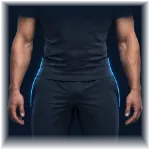 Balanced
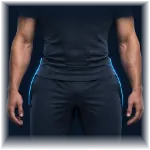 Widewide hips
Silhouette · 5 options
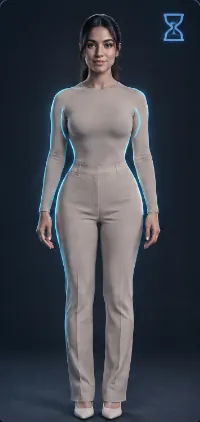 Hourglasshourglass figure
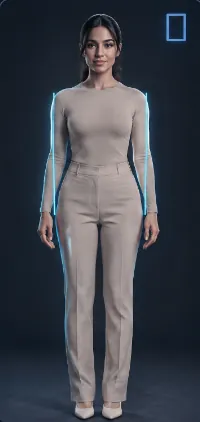 Rectangularrectangular silhouette
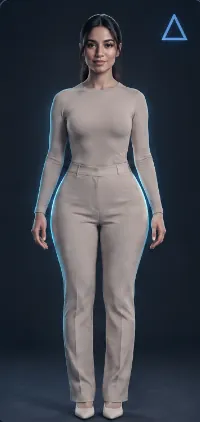 Pearpear-shaped silhouette
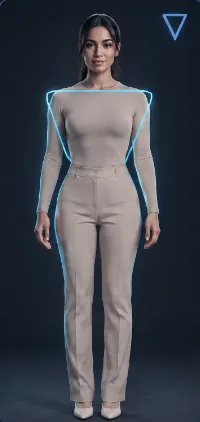 Inverted Triangleinverted-triangle silhouette
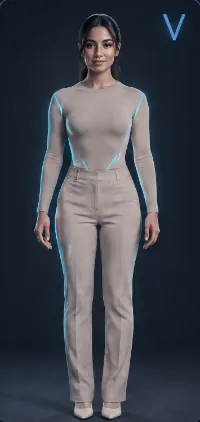 Athleticathletic silhouette
Face Shape · 7 options
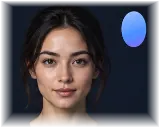 Ovaloval face
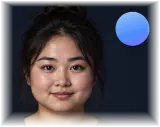 Roundround face
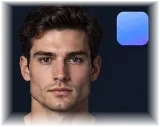 Squaresquare face with a strong jaw
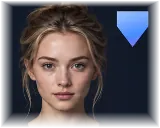 Heartheart-shaped face
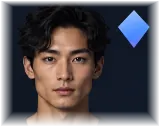 Diamonddiamond face
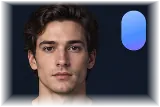 Oblongoblong face
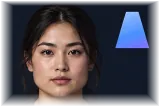 Triangulartriangular face
Jawline · 5 options
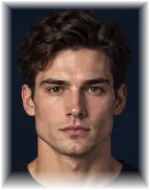 Strongstrong defined jawline
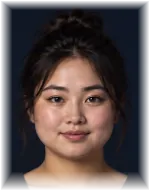 Softsoft rounded jawline
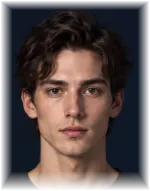 Pointedpointed chin and narrow jawline
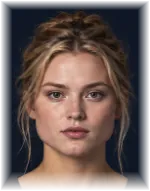 Widewide broad jaw
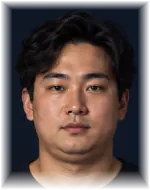 Double Chin
Cheekbones · 5 options
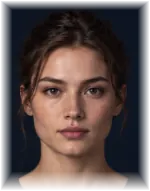 Average
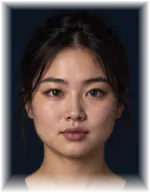 Lowlow flat cheekbones
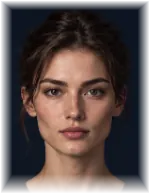 High & Definedhigh defined cheekbones
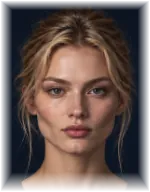 Sculpted-Highsharply sculpted high cheekbones
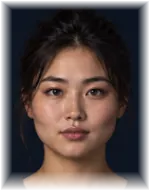 Widewide prominent cheekbones
Facial Fullness · 5 options
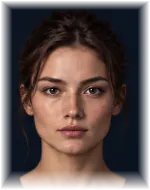 Average
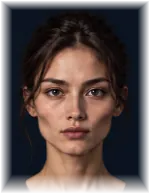 Gauntgaunt face with hollow cheeks
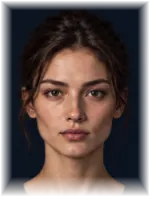 Leanlean face with low facial fat
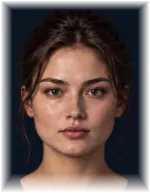 Fullfull face with soft padded cheeks
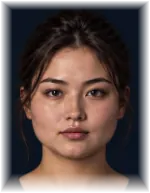 Roundround face with soft rounded cheeks
Eye Shape · 6 options
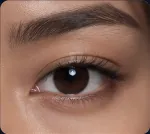 Almondalmond-shaped eyes
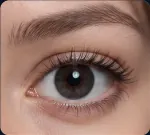 Roundwide round eyes
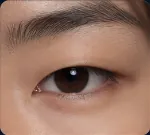 Monolidmonolid eyes
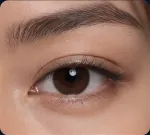 Double Eyeliddouble-eyelid eyes
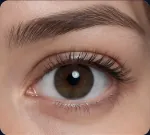 Widewide large eyes
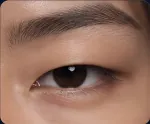 Narrownarrow elongated eyes
Eyelid Type · 4 options
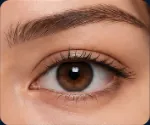 Standard
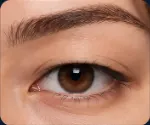 Hoodedhooded eyes
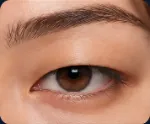 Droopydroopy eyes
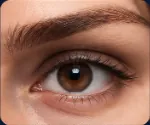 Deep-setdeep-set eyes
Canthal Tilt · 3 options
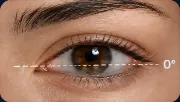 Neutral
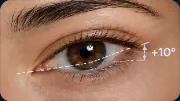 Upturnedupturned eyes, positive canthal tilt
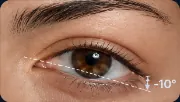 Downturneddownturned eyes, negative canthal tilt
Eye Spacing · 3 options
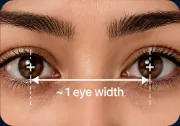 Average
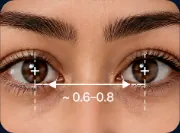 Close-setclose-set eyes
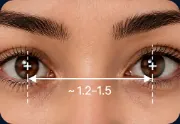 Wide-setwide-set eyes
Eye Set / Brow Distance · 3 options
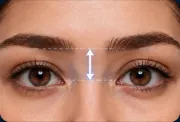 Average
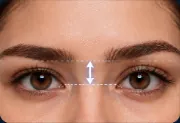 Low-setlow-set eyes with little brow-to-eye distance
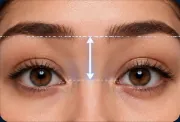 High-setdoe eyes, high-set beneath the brow
Nose · 8 options
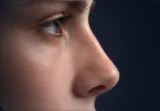 Straightstraight nose
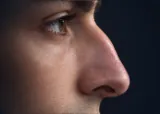 Aquilineaquiline nose
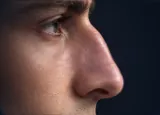 Romanroman nose
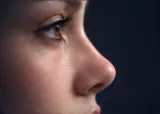 Snubsnub nose
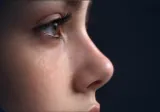 Buttonbutton nose
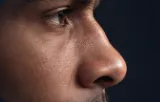 Broadbroad nose
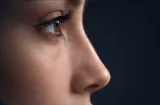 Narrownarrow nose
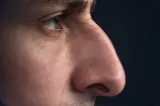 Hookedhooked nose
Nose Tip · 5 options
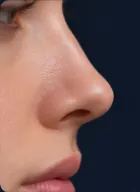 Natural
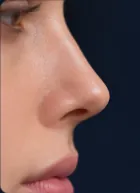 Refinedrefined narrow nose tip
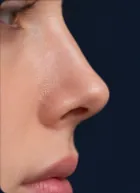 Upturnedupturned nose tip
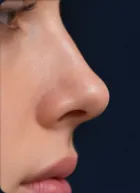 Roundedrounded nose tip
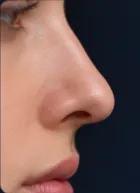 Droopingdrooping nose tip
Lip Fullness · 4 options
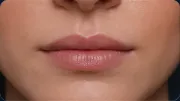 Thinthin lips
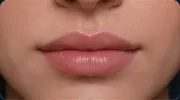 Mediummedium lips
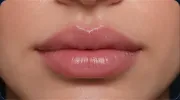 Fullfull plump lips
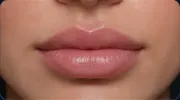 Full Lower Lipfull lips with a fuller lower lip
Lip Shape · 5 options
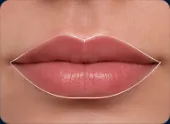 Natural
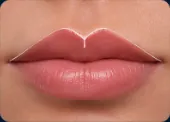 Cupid's Bowpronounced cupid's bow lips
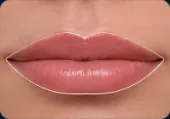 Widewide mouth
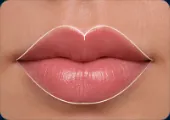 Heartheart-shaped lips
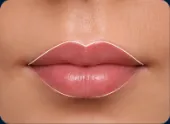 Smallsmall petite mouth
Lip State · 12 options
 Chappedchapped dry lips
 Glossyglossy lips
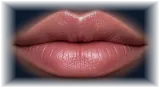 Barebare natural lips
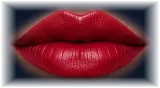 Bold Redbold red lipstick
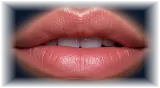 Bittenbiting lower lip
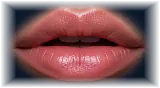 Partedlips slightly open
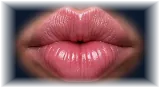 Pursedpursed lips
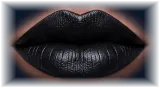 Bold Blackbold black lipstick
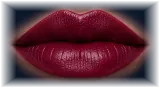 Burgundyburgundy lipstick
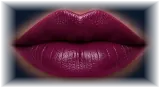 Plumplum lipstick
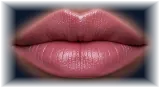 Mauvemauve lipstick
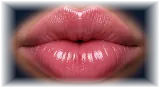 Poutingfull pouting expression
Hair (Texture & Length) · 20 options
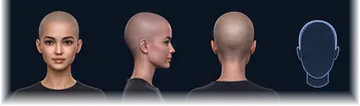 Bald / Shavedshaved bald head
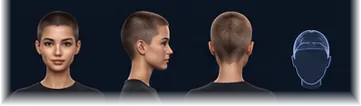 Buzzbuzzed hair
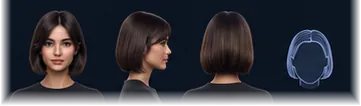 Short Straightshort straight hair
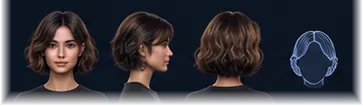 Short Wavyshort wavy hair
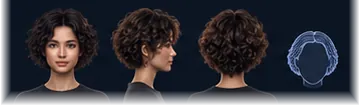 Short Curlyshort curly hair
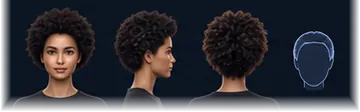 Short Coilyshort coily hair
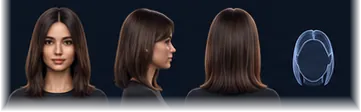 Medium Straightmedium-length straight hair
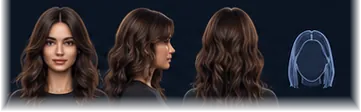 Medium Wavymedium-length wavy hair
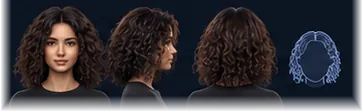 Medium Curlymedium-length curly hair
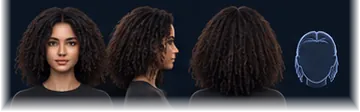 Medium Coilymedium-length coily hair
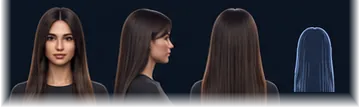 Long Straightlong straight hair
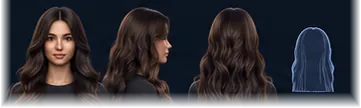 Long Wavylong wavy hair
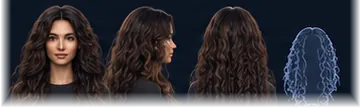 Long Curlylong curly hair
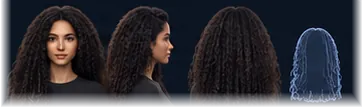 Long Coilylong coily hair
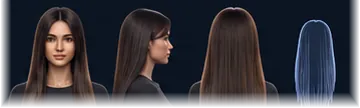 Very Long Straightvery long straight hair
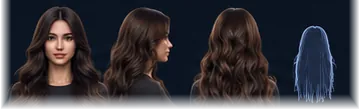 Very Long Wavyvery long wavy hair
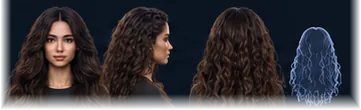 Very Long Curlyvery long curly hair
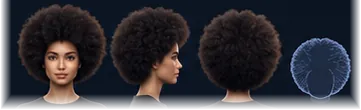 Afrovoluminous afro hair
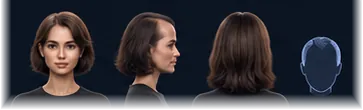 Thinning / Recedingthinning hair with a receding hairline
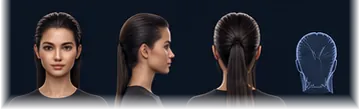 Wetwet slick hair
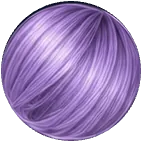
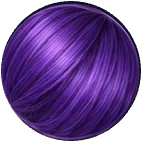
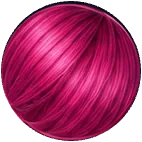
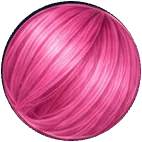
Hair Color · 38 options
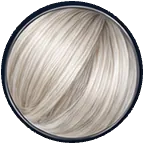 Platinumplatinum blonde hair
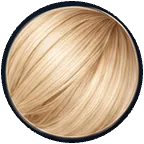 Creamycreamy vanilla blonde hair
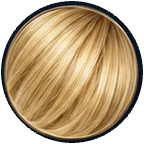 Blondeblonde hair
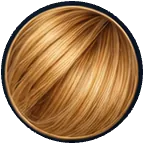 Honeyhoney-gold blonde hair
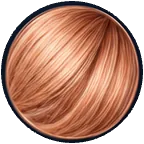 Strawberry Blondestrawberry blonde hair
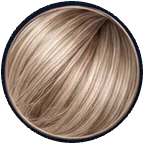 Ash Blondeash blonde hair
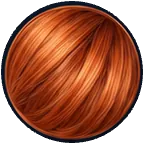 Gingerginger hair
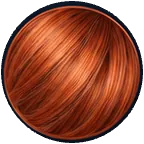 Coppercopper hair
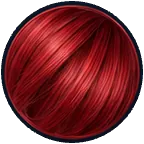 Redred hair
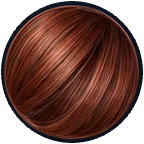 Auburnauburn hair
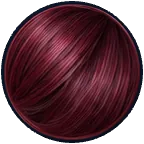 Burgundyburgundy hair
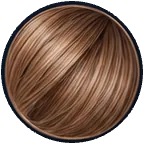 Light Brownlight brown hair
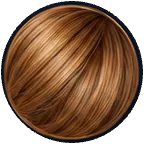 Caramelcaramel brown hair
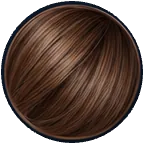 Brownbrown hair
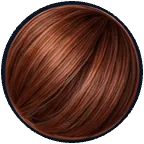 Chestnutchestnut brown hair
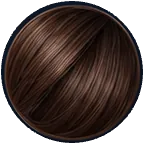 Chocolatechocolate brown hair
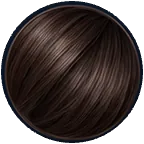 Dark Browndark brown hair
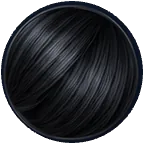 Blackblack hair
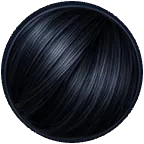 Jet Blackjet black hair
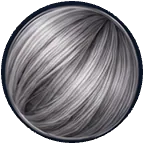 Graygray hair
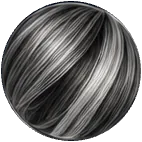 Salt & Peppersalt-and-pepper hair
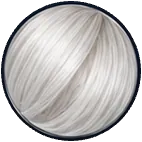 Whitewhite hair
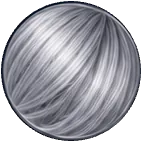 Silvermetallic silver hair
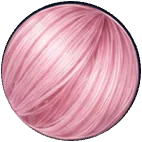
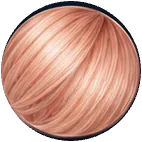
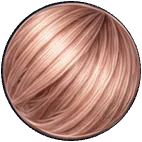 Rose Goldrose gold hair
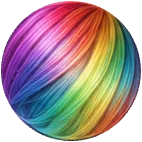
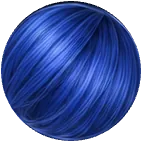
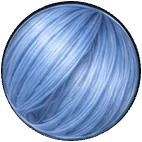
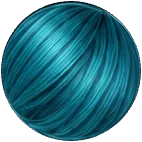
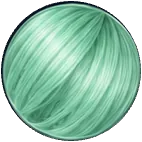
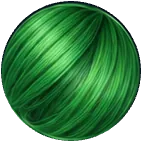
Eyebrows · 10 options
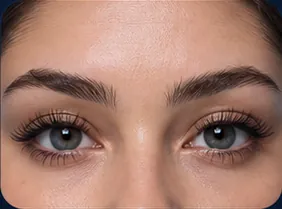 Naturalnatural eyebrows
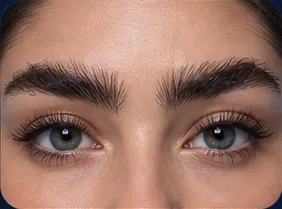 Thick / Bushythick bushy eyebrows
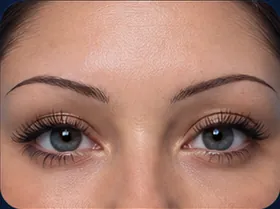 Thin / Pencilthin pencil eyebrows
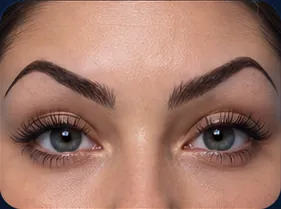 Archedstrongly arched eyebrows
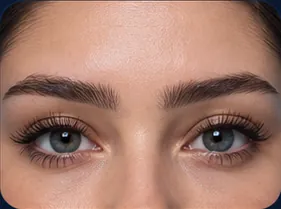 Straightflat straight eyebrows
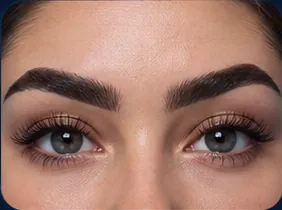 Boldbold dark full eyebrows
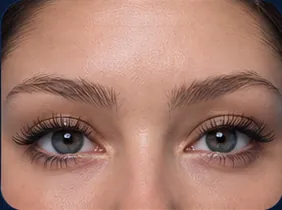 Soft / Fadedsoft faded eyebrows
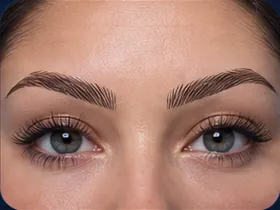 Microbladedmicrobladed eyebrows
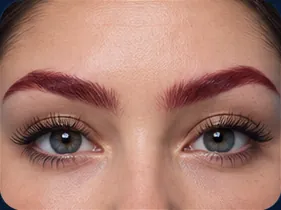 Tintedtinted eyebrows
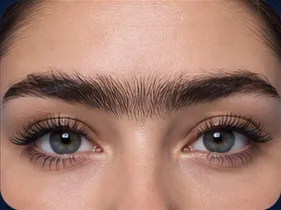 Unibrowconnected unibrow
Skin Tone · 8 options
 Very Fairvery fair pale skin
 Fairfair skin
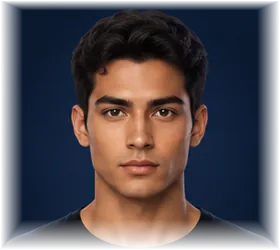 Mediummedium skin tone
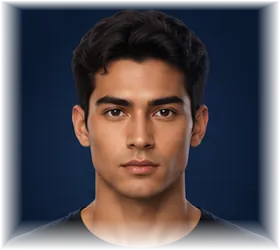 Oliveolive skin
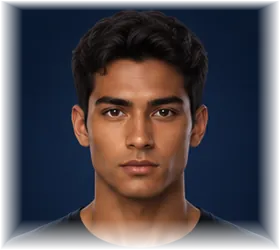 Tantan skin
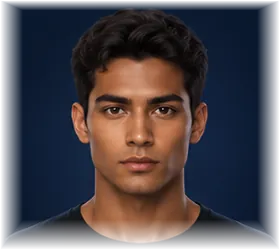 Brownbrown skin
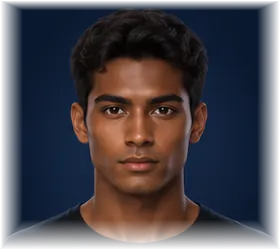 Darkdark skin
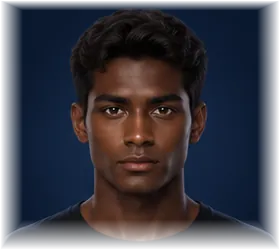 Very Dark / Ebonyvery dark ebony skin
Skin Texture · 20 options
- Naturalnatural unretouched skin
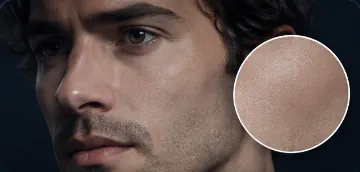 Smoothflawless smooth skin
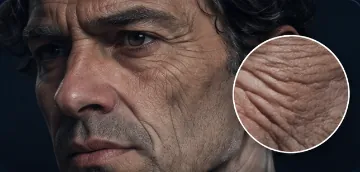 Wrinkleddeeply wrinkled aged skin
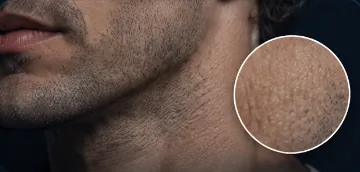 Goosebumps
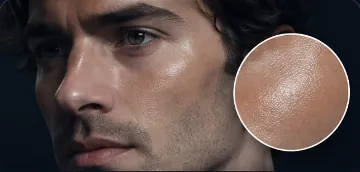 Dewydewy skin
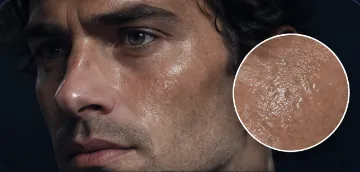 Glisteningglistening sheen
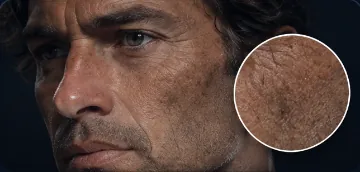 Weatheredweathered sun-worn skin
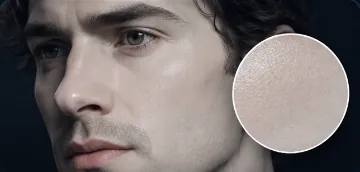 Porcelainporcelain skin
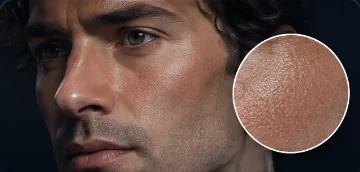 Sun-kissedsun-kissed skin
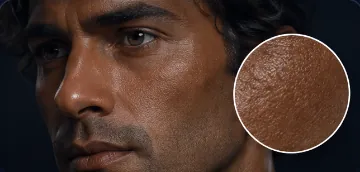 Tanneddeeply tanned skin
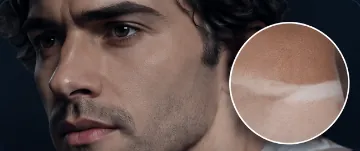 Tan Linesvisible swimwear tan lines
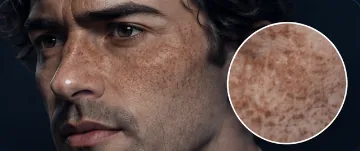 Freckledfreckled skin
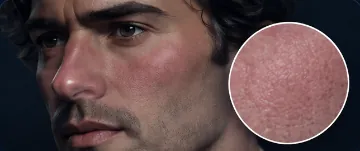 Ruddyruddy flushed complexion
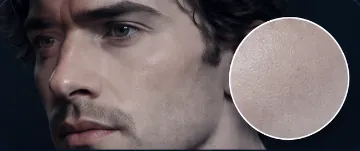 Ashen / Paleashen pale skin
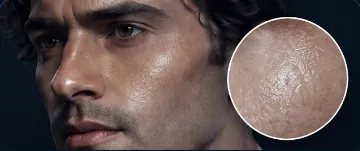 Oily / Shinyoily shiny skin
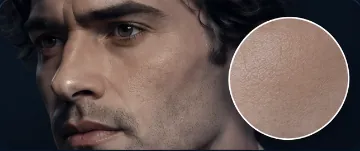 Mattematte skin finish
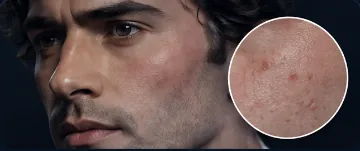 Blemishedblemished skin
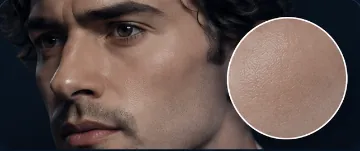 Baby-softsoft fine-pored skin
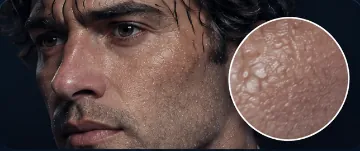 Shower-Fresh Wetwater-dappled skin
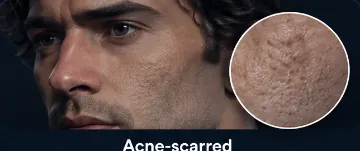 Acne-scarredacne-scarred skin
Eye Color · 13 options
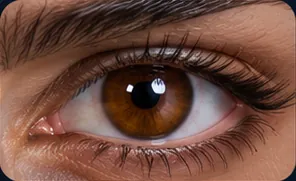 Brownbrown eyes
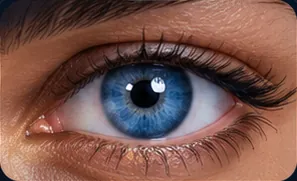 Blueblue eyes
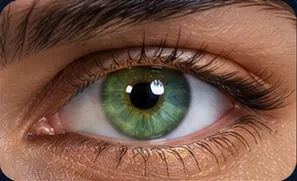 Greengreen eyes
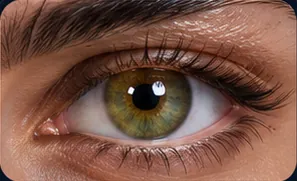 Hazelhazel eyes
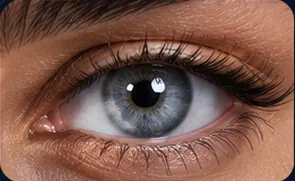 Graygray eyes
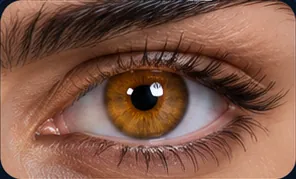 Amberamber eyes
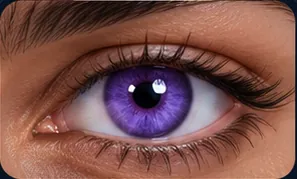 Violetviolet eyes
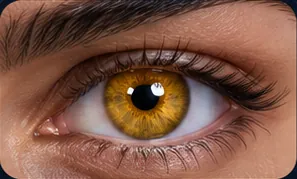 Goldgold eyes
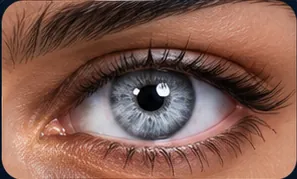 Silversilver eyes
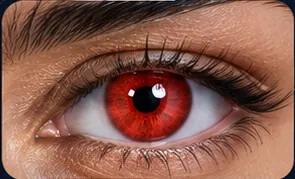 Redred eyes
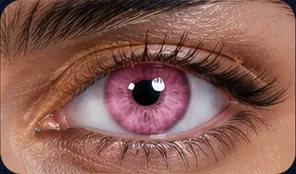 Pinkpink eyes
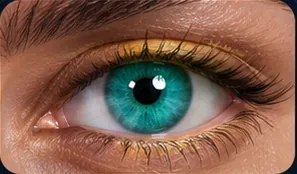 Turquoiseturquoise eyes
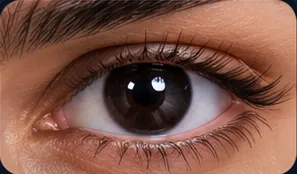 Blackjet-black eyes
Eye State · 8 options
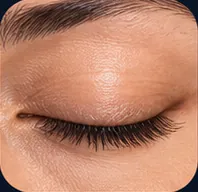 Closedeyes fully closed
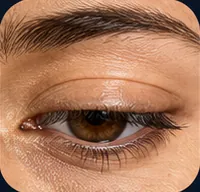 Half-liddeddrowsy, partly closed eyes
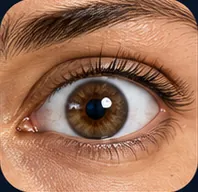 Wide-eyed
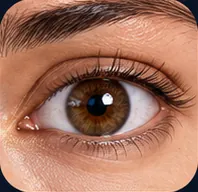 Staring at Cameradirect gaze to camera
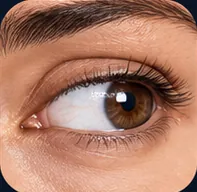 Gazing Awaygazing off-camera
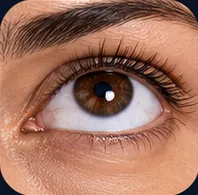 Gazing Up
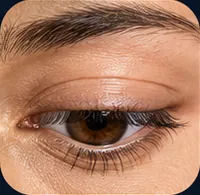 Gazing Down
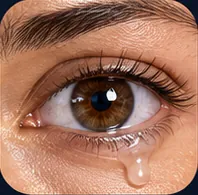 Glassyglassy tear-glazed eyes
Facial Hair · 7 options
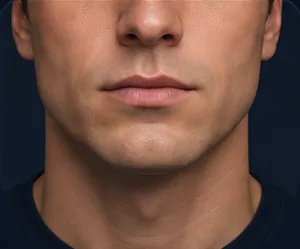 Clean-shaven
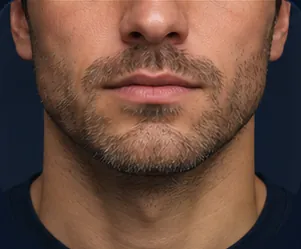 Stubblelight stubble
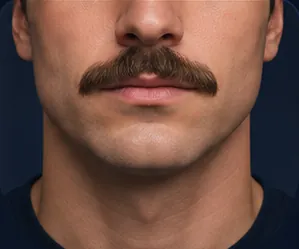 Mustache
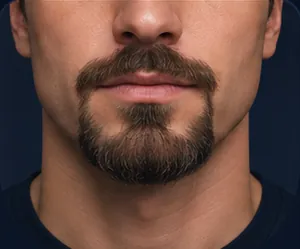 Goatee
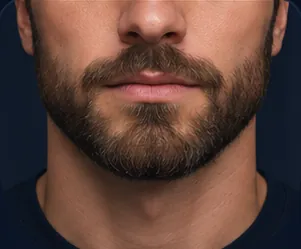 Short Beardshort trimmed beard
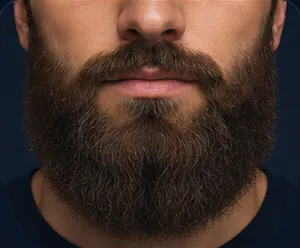 Full Beard
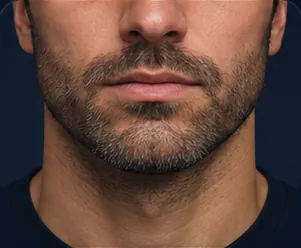 Five-O'Clock Shadow
Distinctive Features · 33 options
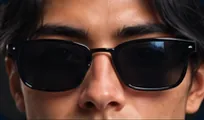 Glasseswearing glasses
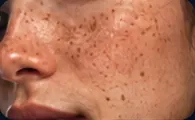 Freckles
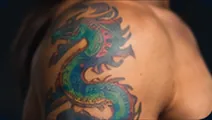 Tattoosvisible tattoos
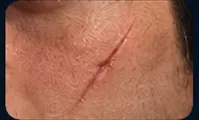 Scarfacial scar
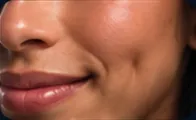 Dimples
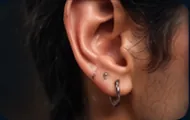 Piercingvisible piercing
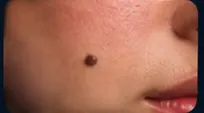 Birthmarkvisible birthmark
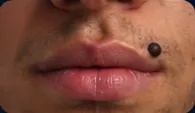 Mole / Beauty Markbeauty mark near the upper lip
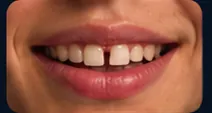 Gap Teeth
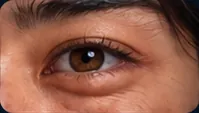 Aegyo Sal
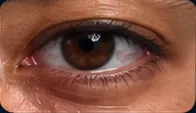 Eye Bagsunder-eye bags
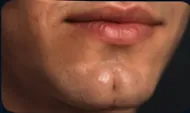 Dimpled Chin
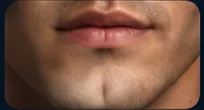 Cleft Chin
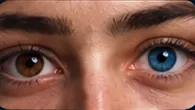 Heterochromia
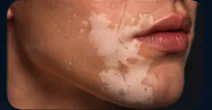 Vitiligo
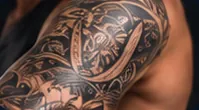 Sleeve Tattoo
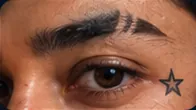 Face Tattoo
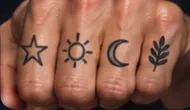 Hand Tattoos
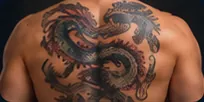 Back Tattoo
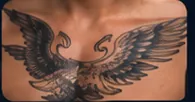 Chest Tattoo
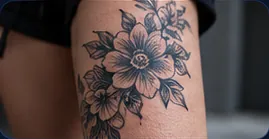 Leg Tattoo
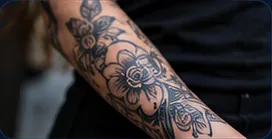 Forearm Tattoo
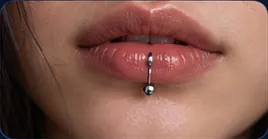
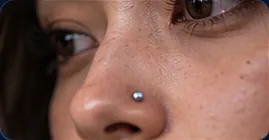
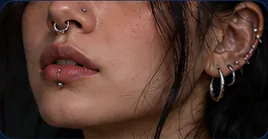 Visible Piercingsmultiple visible piercings
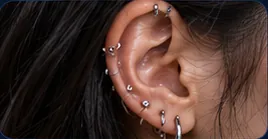 Ear Piercingsmultiple stacked ear piercings
What it adds to the prompt
The picker joins your choices with commas, in a fixed order from Type to Distinctive Features. For example, Type Artist, Age 30s, Hair Color Red and Eye Color Green add this text in Compact mode:
artist, in their 30s, red hair, green eyesIn Full mode, each choice adds a longer description. For example, Early 20s adds in their early 20s, around 21 years old instead of in their early 20s. Switch to Compact when many pickers feed one node and the prompt grows long.
Tips
- Set only what matters. Every setting you turn on adds words to the prompt. Leave the others off and let the model decide.
- Pair it with Styling and Pose. Styling sets the hair cut, makeup and clothes, and Pose sets the posture.
- Place the description yourself. Write
{Person}, the picker's label in curly braces, in a prompt to put the description at that exact place. See Prompt variables. - Add a detail the catalog does not have. Use Custom text (after), for example
wearing a leather jacket.
Frequently asked questions
Related
Creative controls
Styling
Pose
Character Asset
Describe to Picker
Last updated on
Creative Controls
Creative Controls are picker nodes that add tested wording for light, camera, motion, effects, music and voice to your prompts, at no credit cost.
Animal
Pick one of 126 animals, from pets and wildlife to dinosaurs and dragons, and Nodaro adds the animal and a short description of its look to your prompt.