
 Nodaro Docs
Pickers in action
Nodaro pickers turn a choice from a grid of pictures into tested prompt words for light, style, lens, camera and music. Real runs show what each choice added.
A picker is a node that turns a choice into prompt words. You choose an option from a grid of pictures, such as Golden Hour light or an 85mm lens, and the picker adds tested wording for that choice to the prompt of every node it is connected to. You do not need to know the professional term: the picker adds it, and you pay nothing for it.
What a choice becomes
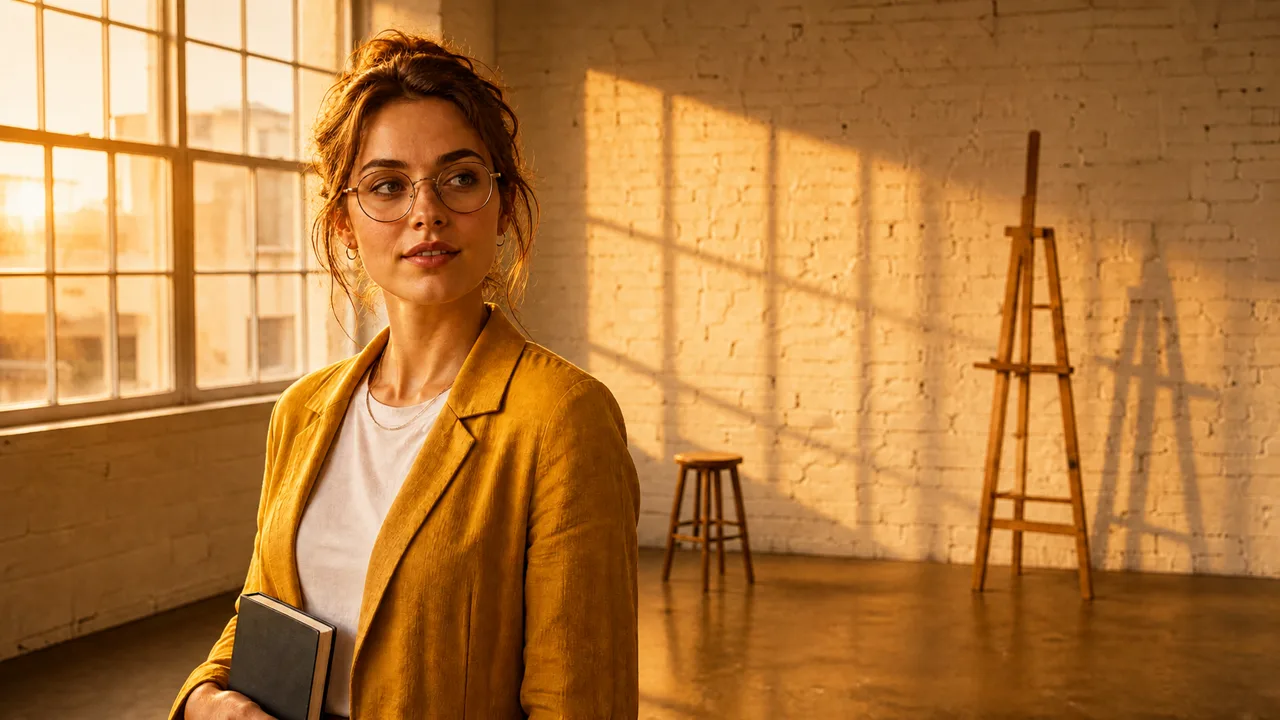
These are real runs. Each row is one option, the words its picker added in Full mode, the default, and the result.
| Picker › option | The words it added to the prompt |
|---|---|
| Lighting › Golden Hour | golden hour lighting, warm sunset glow with soft directional sunlight and saturated golden tones |
| Color / Look › Teal & Orange | teal and orange color grade, warm skin tones against cool teal shadows, Hollywood blockbuster look |
| Style › Cyberpunk | cyberpunk style, neon-lit dystopian future aesthetic with magenta and cyan glow, rain-slick reflections, high-tech low-life mood and dense urban detail |
| Lens › Portrait (85mm) | shot on 85mm portrait lens, flattering facial compression with creamy background bokeh |
 Before
 After
AfterSee it on real runs
One portrait, five looks
One AI portrait edited with Lighting, Color / Look, Style and Lens pickers and no written prompt. Every result, with the words each picker added.
Seven songs from music pickers
Seven Suno songs from Music Genre, Music Mood, Instrumentation and voice pickers, with the exact description each one sent.
Camera Motion Lab
64 camera movements tested on 147 AI videos: which words a video model follows, and why a start frame can outweigh the prompt.
Transition Lab
82 transitions in more than 250 clips: why video models blend by default, and what the start and end frames decide.
Ten camera angles from one frame
When you need a plan rather than one choice: an LLM writes ten camera setups from one image, and one image node renders them all.
Use a picker
- Add a picker from the Creative Controls tab of the node picker, for example Lighting.
- Choose an option in its grid. Each tile shows what the option looks like.
- Connect the picker to an image, video or audio node. When that node runs, the picker's words are added to its prompt.
Pickers stack: connect several to one node, and each adds its own words. Creative controls explains where each picker connects, the Full and Compact modes, and how to fill pickers from a picture.
Pickers for every part of a result
- Light & Look: Lighting, Color / Look, Style, Mood and more.
- Camera: Framing, Lens, Camera / Film Stock and Exposure Settings.
- Motion & Time: Camera Motion, Temporal and Character Motion, for video.
- Subject and Wardrobe & Pose: Person, Animal, Styling, Pose and more.
- Music & Voice: Music Genre, Music Mood, Instrumentation, Voice Character and Voice Delivery. Together they write the description of a song for Suno Create Music: see Seven songs from music pickers.
Creative Controls lists every picker, each with a page that shows all of its options as pictures.
Frequently asked questions
Related
Creative controls
One portrait, five looks
Camera Motion Lab: how 147 videos taught us to move a camera
Transition Lab: what 250 videos taught us about AI video transitions
Creative Controls
Last updated on
Prompt snippets
Insert tested prompt fragments such as Identity Lock or Golden Hour with the / menu, swap them in one click, and save your own snippets for every workflow.
One portrait, five looks
One AI portrait edited five ways in Nodaro with Lighting, Color / Look, Style and Lens pickers instead of a written prompt, with the words each picker added.