
 Nodaro Docs
Styling
Style a person for AI images and video with 274 options in 17 settings, from makeup, hair and jewelry to outfits, shoes and fabric. Nodaro writes the prompt.
The Styling picker describes how a person is styled and dressed. You choose options in up to 17 settings, from makeup and hair to jewelry, outfits, shoes and fabric. Nodaro adds tested wording for each choice to the prompt of every node you connect it to. The picker never calls a model, so it costs no credits.
When to use it
- Fashion editorials and lookbooks.
- Keep a character's look the same across a story: wire one Styling picker into every scene.
- Period costumes: pair it with Era / Period.
- On-brand styling for commercials: pair it with Aesthetic / Microtrend.
How to use it
Add the picker
Open the node picker and choose Creative Controls › Wardrobe & Pose › Styling. A new Styling picker starts with Makeup set to Natural.
Choose the settings you need
Select the node to open its settings panel, and click the options you want. The switch next to a setting's name turns the setting on or off. A setting that is off adds nothing to the prompt.
Connect it
Drag from the picker's output to the Elements input of a Generate Image or Generate Video node. You can also connect it to a Text or Prompt node to include the wording in a longer text.
Run the image or video node
The styling wording is added to the end of the prompt when the connected node runs.
Settings
| Setting | What it does |
|---|---|
| Styling | The styling settings, grouped in four topics. See The four topics. |
| Custom text (before) | Your own words, added before the styling wording. |
| Custom text (after) | Your own words, added after the styling wording. |
| Prompt hint | Full adds a longer description of each choice. Compact adds only the short term. See Creative Controls. |
| Items per row (node card) | How many picks the node card shows side by side, from 1 to 4. The default is 2. |
To see the exact words the picker will add, switch the node to the Prompt or Both display mode. The settings panel shows the same text under Will inject into prompt.
The four topics
Every setting is open with its options, grouped under four topics. Each topic has a heading that shows how many of its settings are set. Buttons at the top jump to a topic, and the search box looks across every topic.
| Topic | Settings |
|---|---|
| Beauty & Hair | Makeup, Hair Cut / Style, Hair Treatment, Hair State, Nails, Face Paint |
| Accessories | Eyewear, Headwear, Jewelry |
| Wardrobe | Outfit, Top, Bottom, Outerwear, Legwear, Footwear |
| Fabric & Fit | Fabric, Wardrobe State |
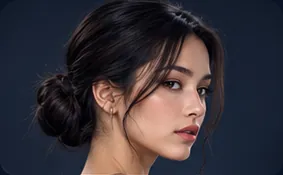
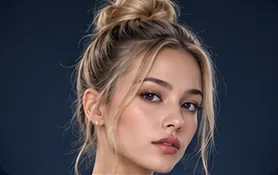
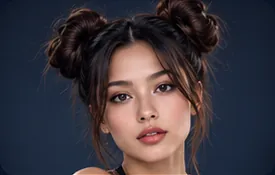
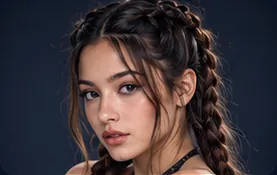
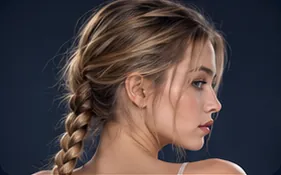
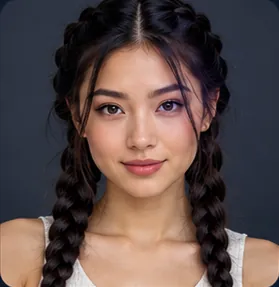
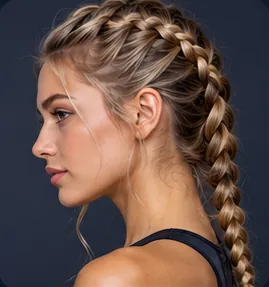
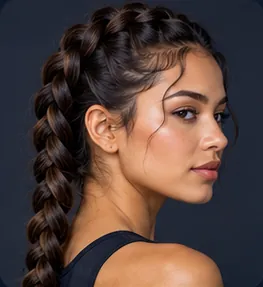
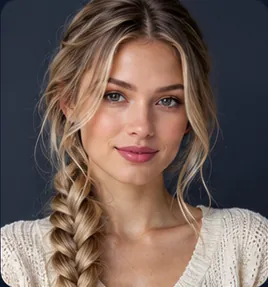
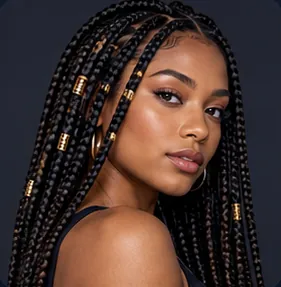
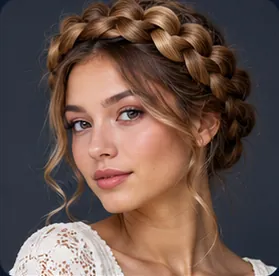
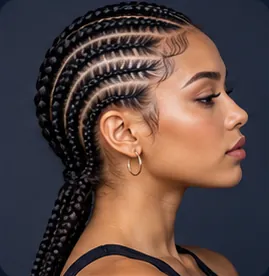
- Hair Cut / Style is the styled cut, such as a bob, braids or a ponytail. The natural texture and length of the hair are in the Person picker.
- Hair Treatment is color work, such as balayage or highlights. Hair State is the condition of the hair, such as wet, messy or windswept.
- Wardrobe State describes how the clothes are worn, such as oversized, ripped or off-shoulder. It applies to whatever garments you choose.
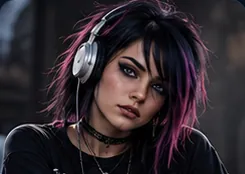
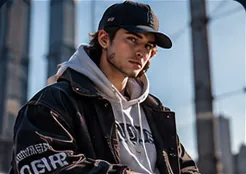
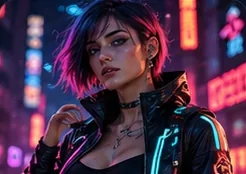
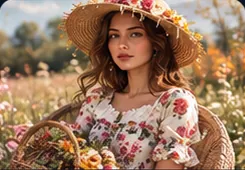
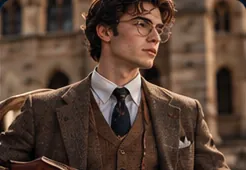
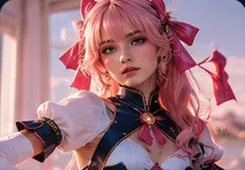
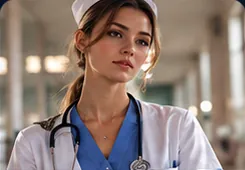
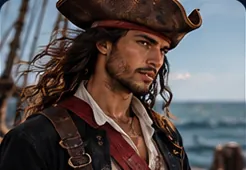
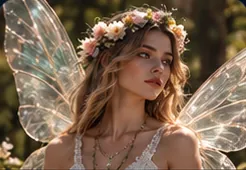
Every option is shown with its own photo, and the node card shows the same photo. The photos come with the app, so they appear on Nodaro Cloud and on self-hosted installs. A few newer options show a drawn icon instead.
Choose more than one option
Four settings accept more than one option. Their heading shows pick up to 2 or pick up to 3.
| Setting | Up to | For example |
|---|---|---|
| Headwear | 2 | A sun hat over a turban |
| Hair State | 2 | Wet and windswept |
| Jewelry | 3 | A necklace, earrings and rings |
| Wardrobe State | 3 | Oversized, wet and ripped |
To add a second option, click the small + on the selected tile, then click more tiles. The tiles are numbered in the order you chose them. Click a number to go back to that one option. The node card lists every pick.
A complete outfit or single pieces
Outfit is a complete look in one choice, such as Business Suit, Kimono or Medical Scrubs. Top, Bottom, Outerwear, Legwear and Footwear build a look piece by piece.
Nodaro does not remove the pieces you choose next to an outfit. Both are added to the prompt, so do not combine an outfit with a top or a bottom that contradicts it. A piece that completes the outfit, such as shoes or a coat, works well.
Fill it from a photo
The Styling picker has a Picker JSON input. Connect a Describe to Picker node to it and run that node on a photo. Describe to Picker costs 10 credits per analysis. The Styling picker stays free.
When new values arrive, the Styling node shows an Update from injected button. Click it to apply them. The detected settings are written, and the settings the photo did not show are cleared. The button reads Up to date when nothing new is waiting. Your custom text and the node's label never change.
Every styling option
Search all the options or filter them by setting. The words under each name are the term the picker adds in Compact mode.
Makeup · 8 options
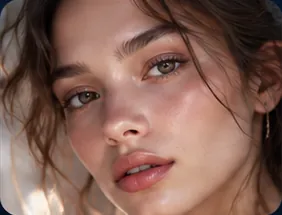 Naturalnatural no-makeup makeup
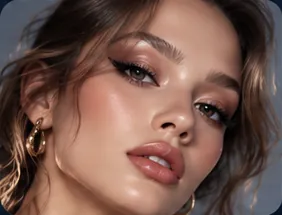 Glamourfull glamour makeup
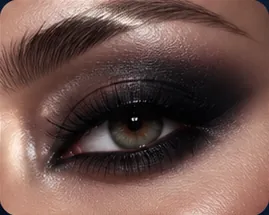 Smoky Eye
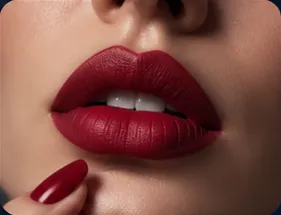 Bold Lips
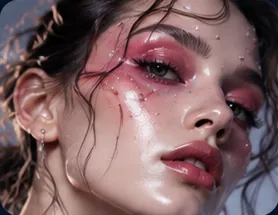 Editorialeditorial makeup
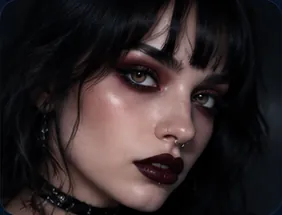 Gothgoth makeup
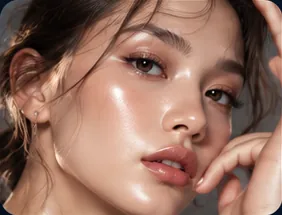 Dewy Glowdewy makeup
- Bare Facebare face, no makeup
Hair Cut / Style · 39 options
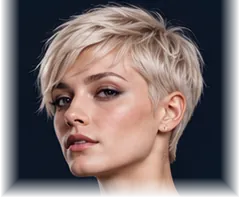 Pixiepixie cut
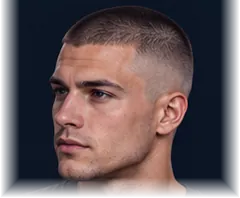 Buzz Cut
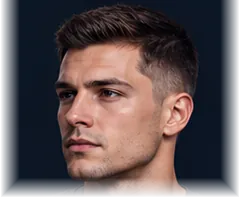 Crew Cut
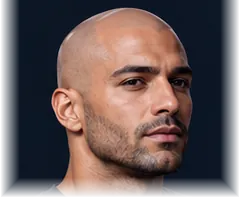 Shavedshaved head
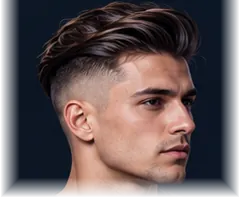 Undercut
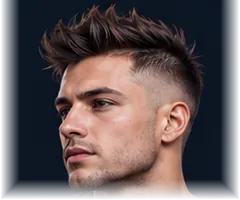 Faux Hawk
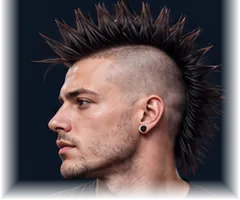 Mohawk
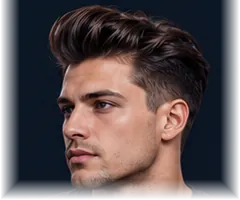 Pompadour
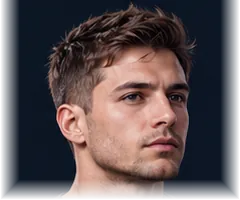 Shortshort haircut
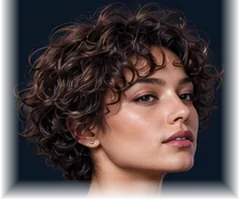 Short Curly Cut
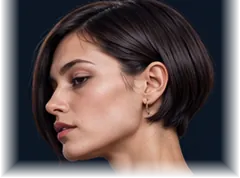 Micro Bob
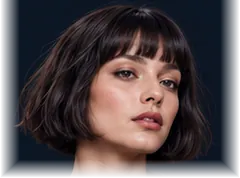 French Bob
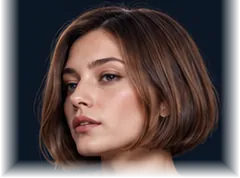 Bobbob cut
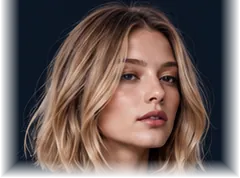 Loblong bob
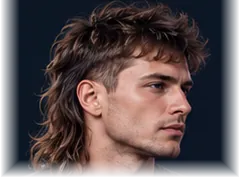 Mullet
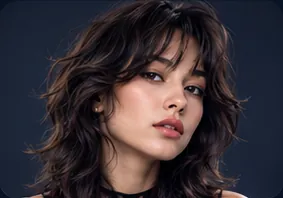 Wolf Cut
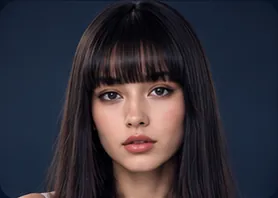 Blunt Bangs
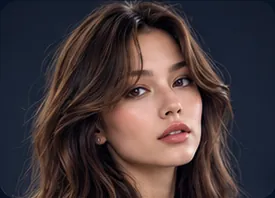 Curtain Bangs
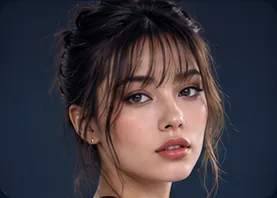 Wispy Bangs
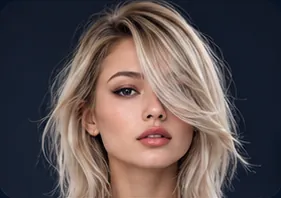 Side-Sweptside-swept hair
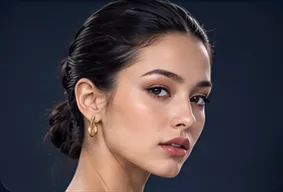 Slicked Backslicked-back hair
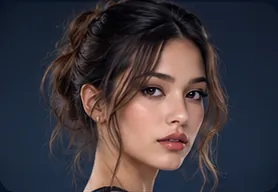 Bardot Tendrilspulled back with face-framing tendrils
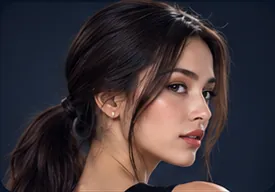 Ponytail (Low)low ponytail
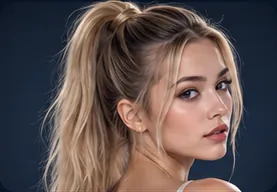 High Ponytail
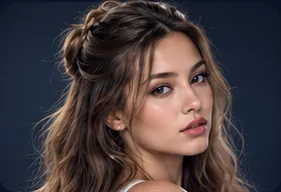
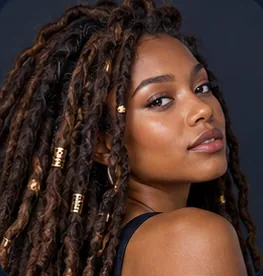
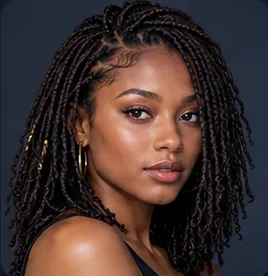
Hair Treatment · 7 options
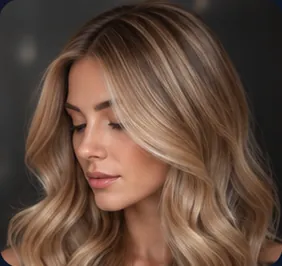 Babylights
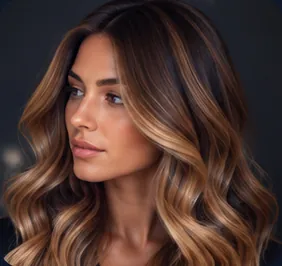 Balayage
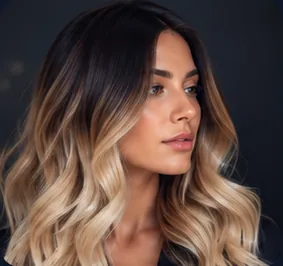 Ombré
Ombré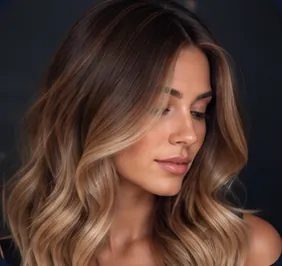 Sombré
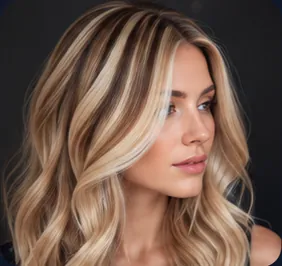 Highlightshair highlights
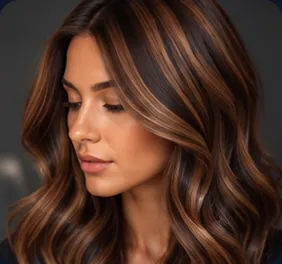 Lowlightshair lowlights
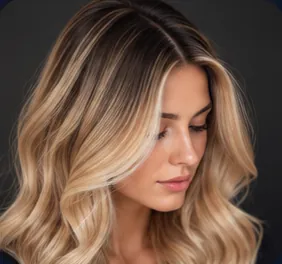 Rootedrooted color with dark roots
Hair State · 12 options
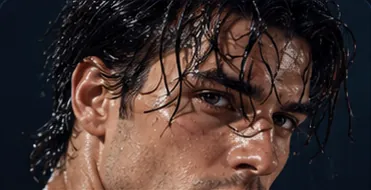 Wetwet hair
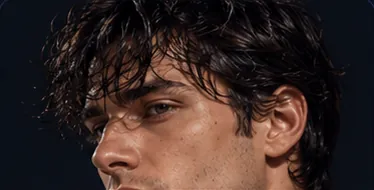 Dampdamp hair
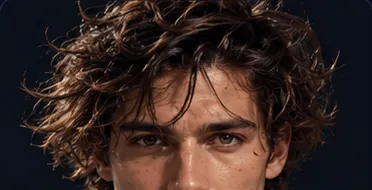 Messymessy hair
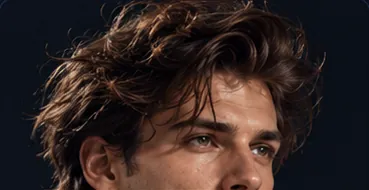 Tousledtousled hair
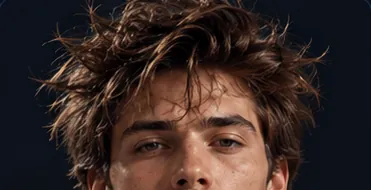 Bedheadbedhead hair
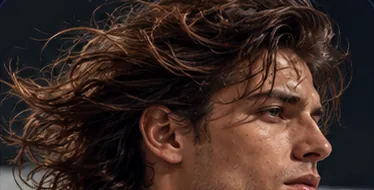 Windsweptwindswept hair
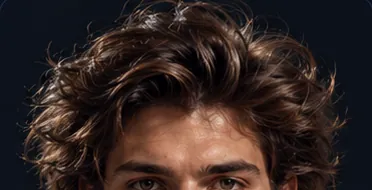 Voluminousvoluminous blown-out hair
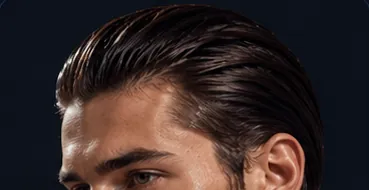 Sleeksleek straight hair
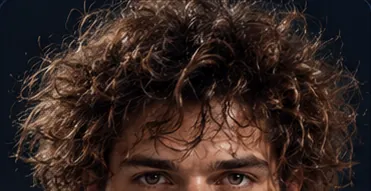 Frizzyfrizzy hair
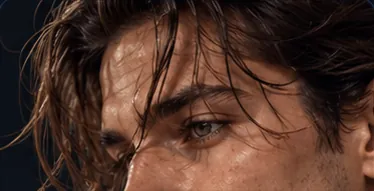 Strands on Faceloose strands across the face
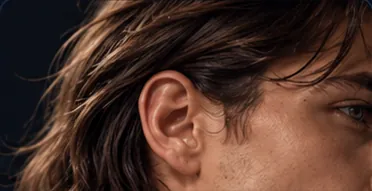 Tucked Behind Earhair tucked behind one ear
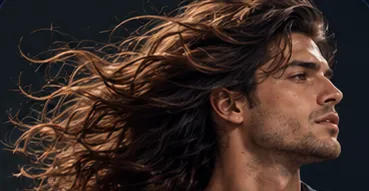 Flowingflowing hair
Eyewear · 6 options
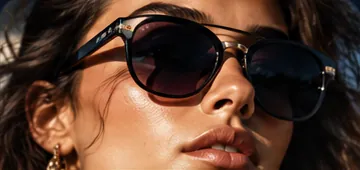 Sunglasses
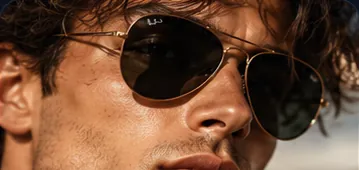 Aviatorsaviator sunglasses
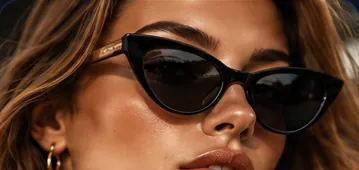 Cat-Eyecat-eye glasses
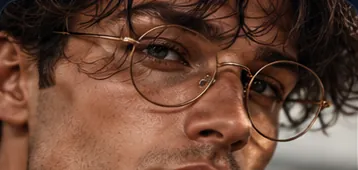 Round / John Lennonround wire-frame glasses
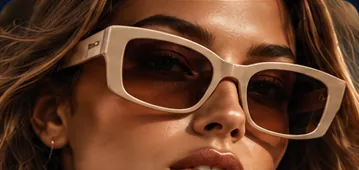 Fashion Glasses
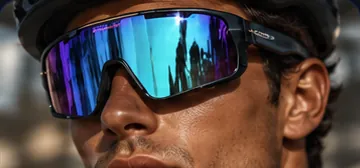 Sport Goggleswraparound sport sunglasses
Headwear · 17 options
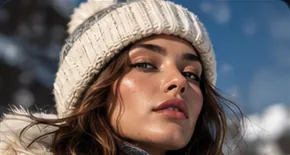 Beanie
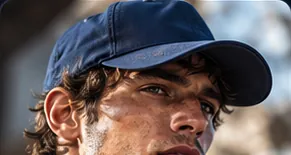 Baseball Cap
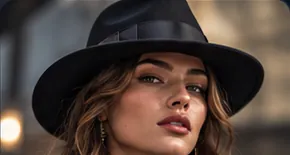 Fedora
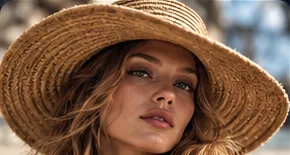 Sun Hat
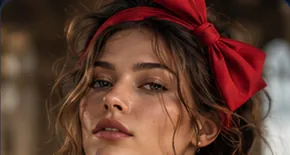 Headband
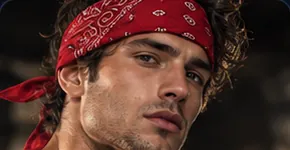 Bandana
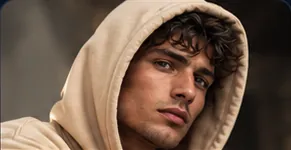 Hoodhood pulled up
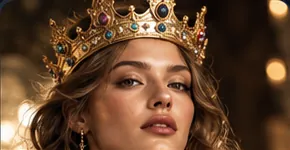 Crown
Crown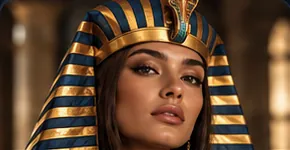 Nemes Headdress
 Helmet
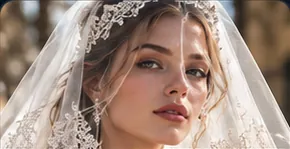 Veil
Veil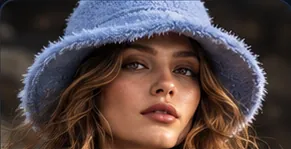 Bucket Hat
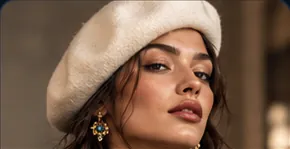 Beret
Beret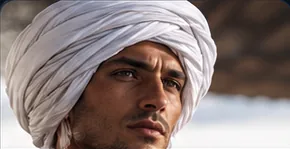 Turban
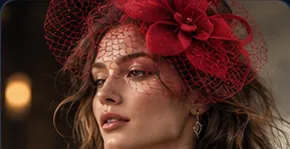 Fascinator
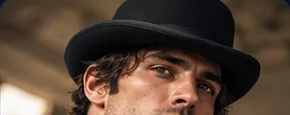 Bowler Hat
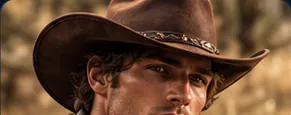 Cowboy Hat
Jewelry · 16 options
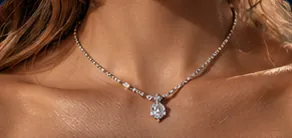 Subtledelicate minimal jewelry
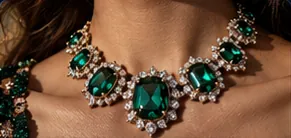 Statementstatement jewelry
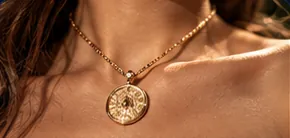 Goldgold jewelry
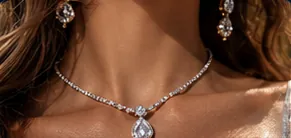 Silversilver jewelry
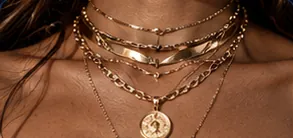 Layeredlayered necklaces
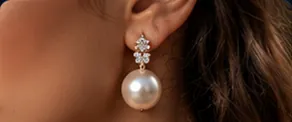 Pearlpearl jewelry
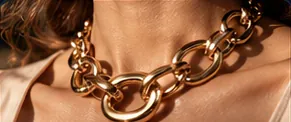 Chunkychunky chains and rings
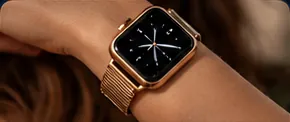 Smart Watch
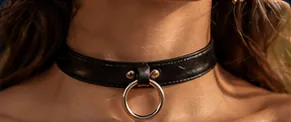 Leather Choker
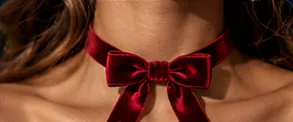 Velvet Choker
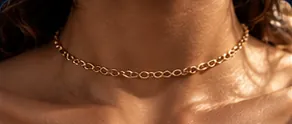 Chain Choker
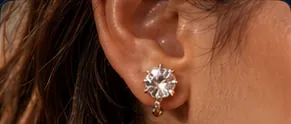 Stud Earrings
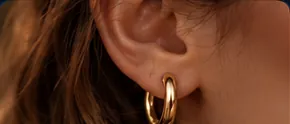 Hoop Earrings
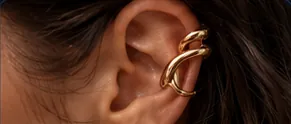 Ear Cuff
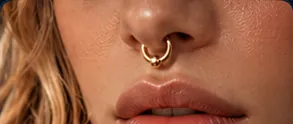 Septum Ring
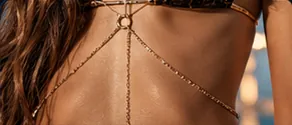 Body Chain
Nails · 5 options
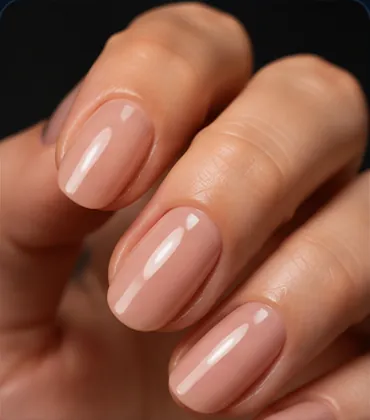 Polishedpolished nude nails
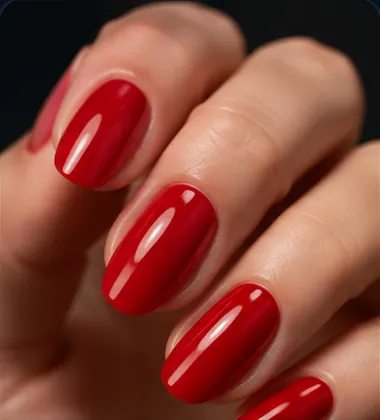 Redred nail polish
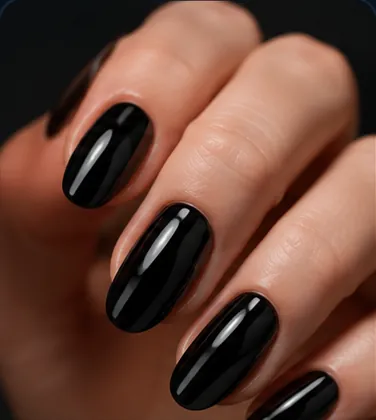 Darkblack nail polish
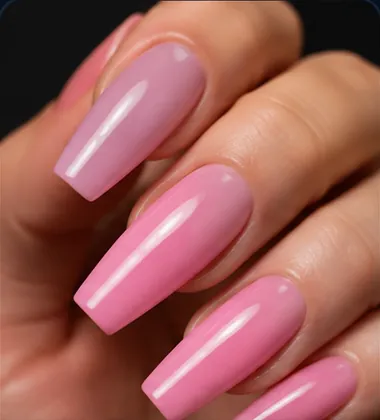 Long Acryliclong acrylic nails
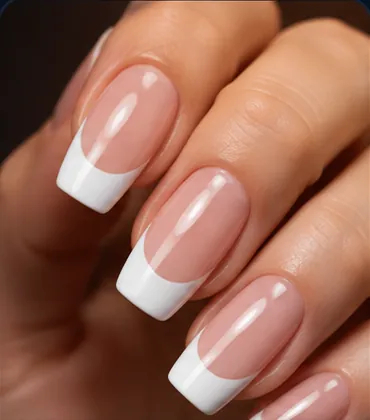 French Tipsfrench tip manicure
Face Paint · 6 options
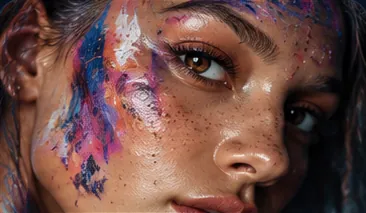 Subtle Body Paint
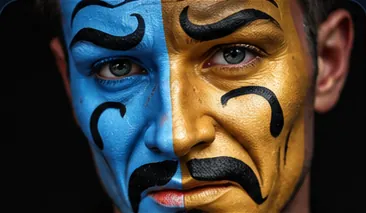 Dramatic Face Paint
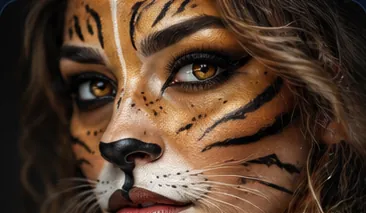 Costume Painttheatrical costume face paint
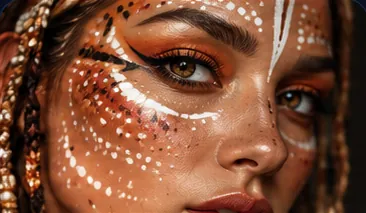 Tribal Markings
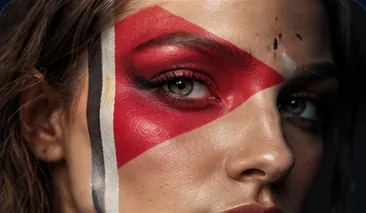 Flag Face Paint
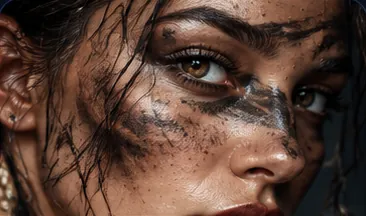 War Paint
Outfit · 38 options
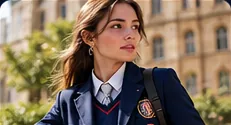 School Uniform
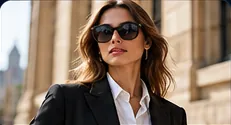 Business Suit
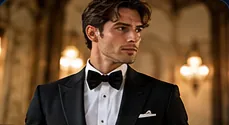 Tuxedo
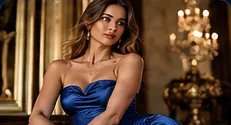 Evening Gown
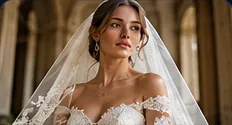 Wedding Dress
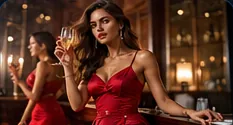 Cocktail Dress
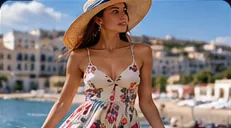 Sundress / Maxiflowy maxi sundress
 Lab Coat
 Medical Scrubs
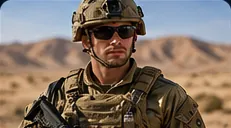 Military Fatigues
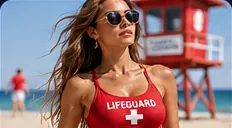 Lifeguard Outfit
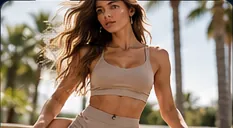 Athleisure Set
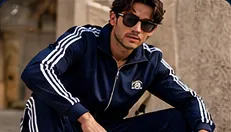 Tracksuit
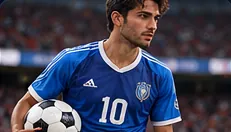 Soccer Jersey
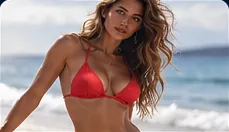 Bikini
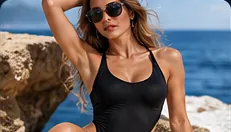 One-Piece Swimsuit
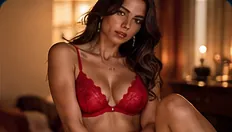 Lingerie Set
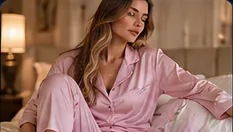 Pajamas
- At-Home Casualat-home casual clothes
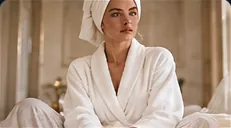 Bathrobe
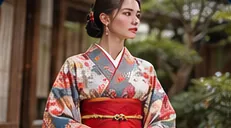 Kimono
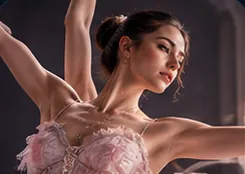 Ballerinaballerina leotard and tutu
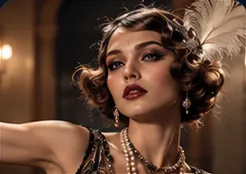 1920s Flapper1920s flapper dress
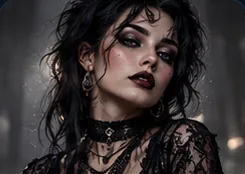 Gothgoth outfit
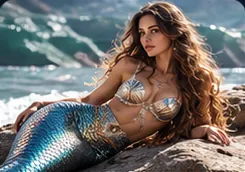
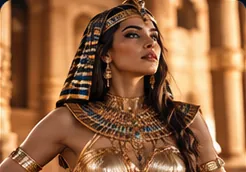
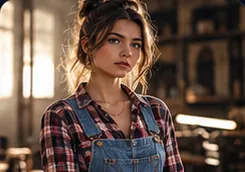
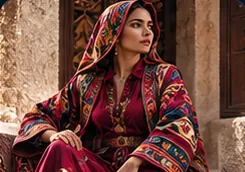
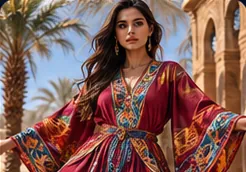
Top · 20 options
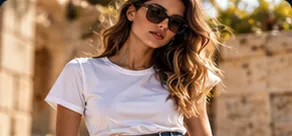 T-Shirt
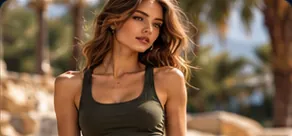 Tank Top
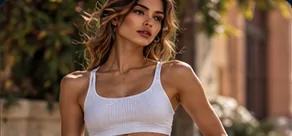 Crop Top
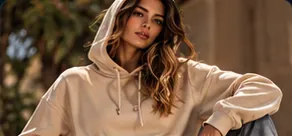 Hoodie
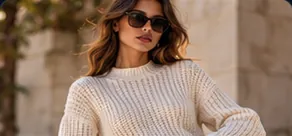 Sweater
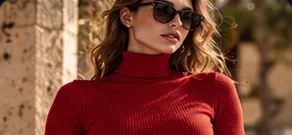 Turtleneck
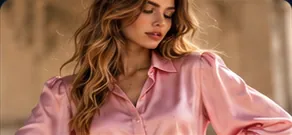 Blouse
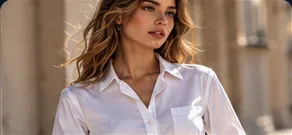 Button-Downbutton-down shirt
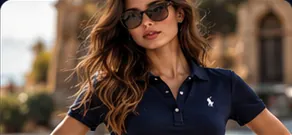 Polo Shirt
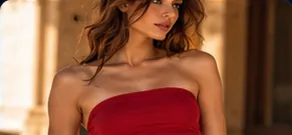 Tube Top
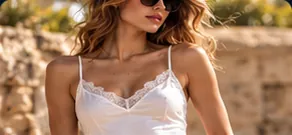 Camisole
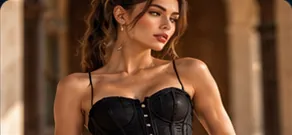 Corset
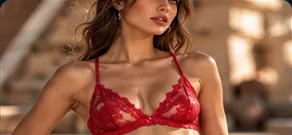 Bra Top
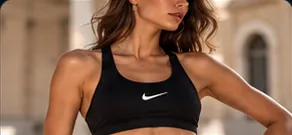 Sports Bra
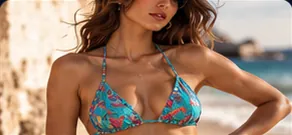 Bikini Top
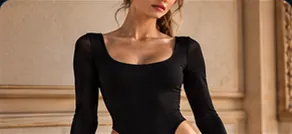 Bodysuit
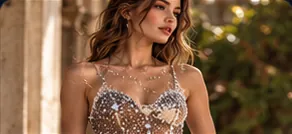 Leotard
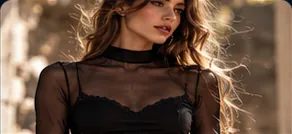 Mesh Top
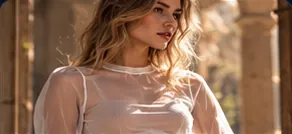 Sheer Top
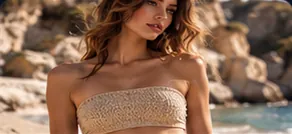 Bandeau
Bottom · 21 options
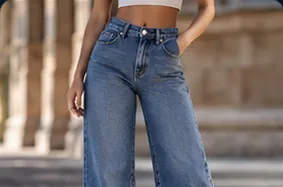 Jeans
Jeans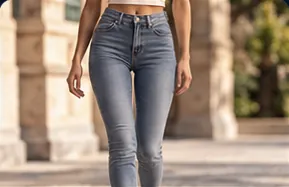 Skinny Jeans
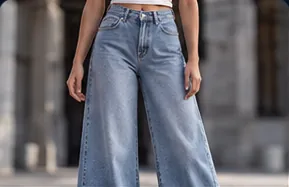 Wide-Leg Jeans
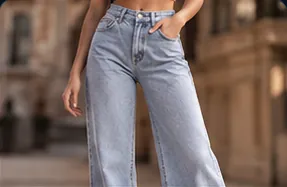 Mom Jeans
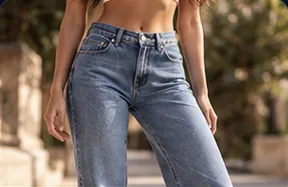 Low-Rise Jeans
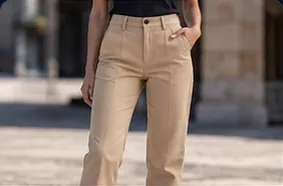 Chinos
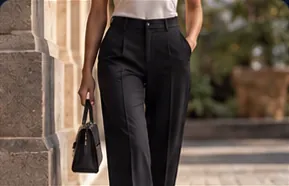 Dress Trousers
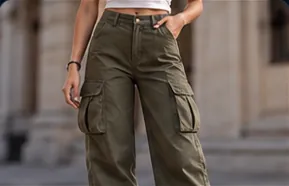 Cargo Pants
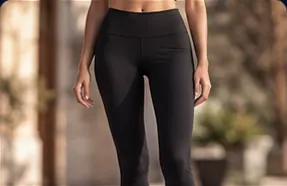 Leggings
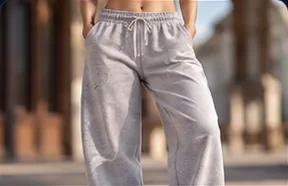 Sweatpants
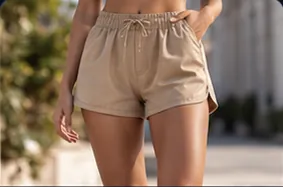 Shorts
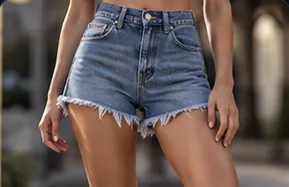 Denim Shorts
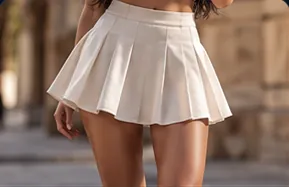 Mini Skirt
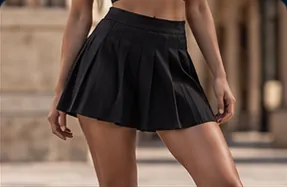 Pleated Skirt
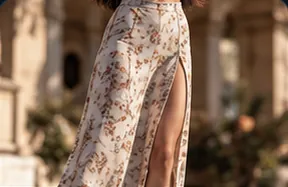 Midi Skirt
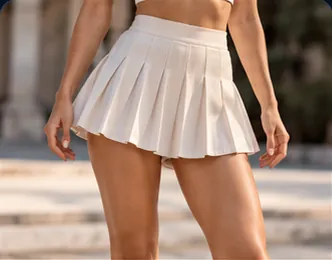 Maxi Skirt
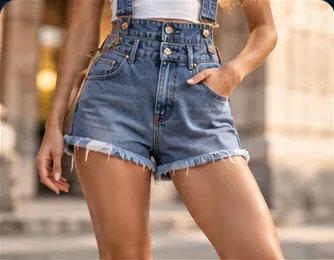 Overalls
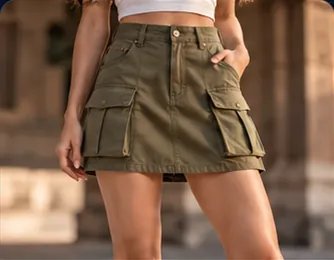 Culottes
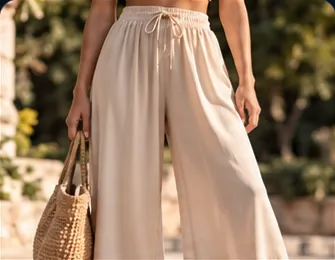 Palazzo Pants
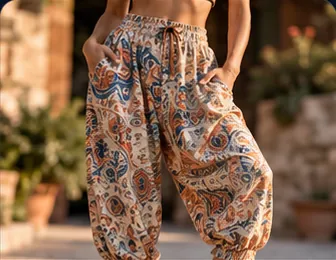 Harem Pants
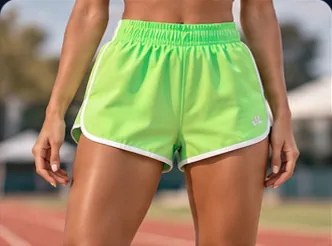 Bike Shorts
Outerwear · 13 options
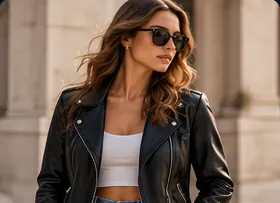 Leather Jacket
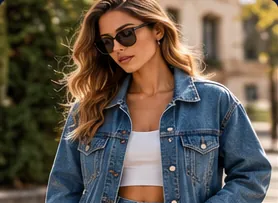 Denim Jacket
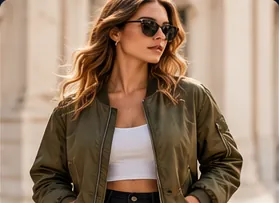 Bomber Jacket
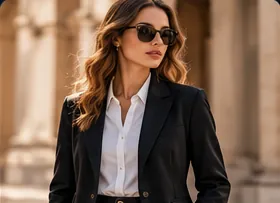 Blazer
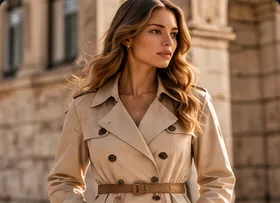 Trench Coat
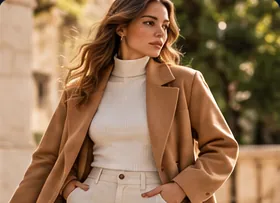 Wool Overcoat
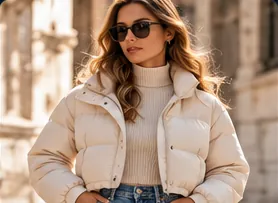 Puffer Jacket
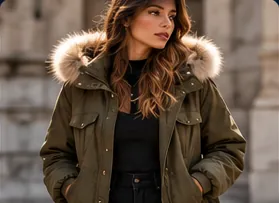 Parka
Parka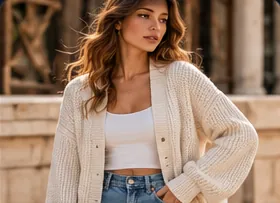 Cardigan
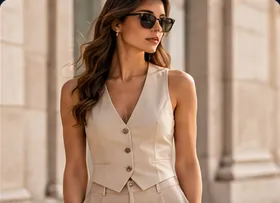 Vest
Vest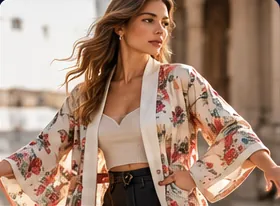 Kimono Robe
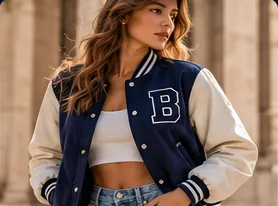 Varsity Jacket
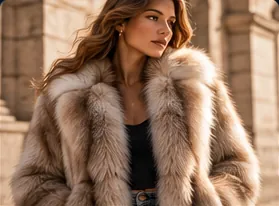 Fur Coat
Legwear · 10 options
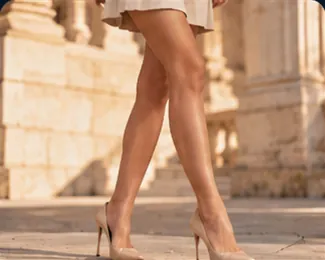 Bare Legs
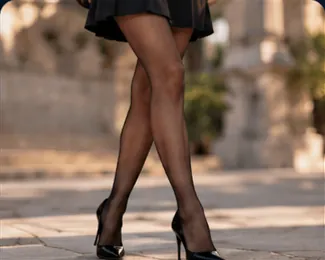 Sheer Tights
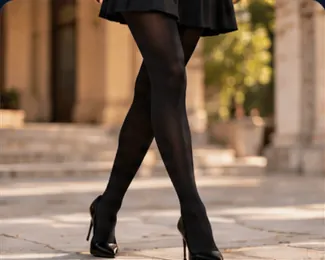 Opaque Tights
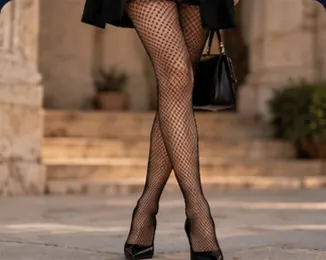 Fishnetsfishnet stockings
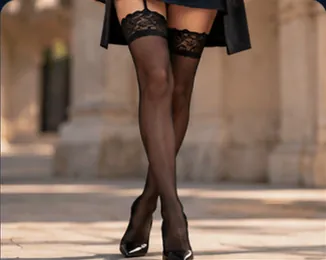 Thigh-High Stockings
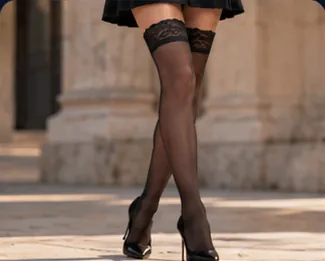 Lace-Top Stockings
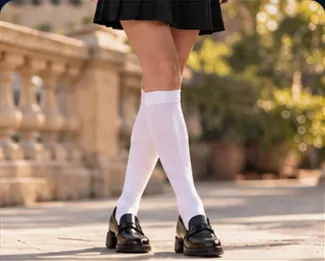 Knee-High Socks
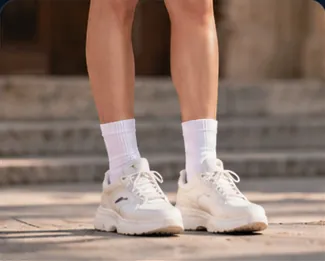 Crew Socks
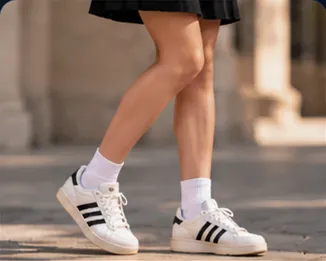 Ankle Socks
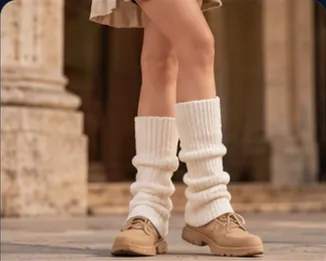 Leg Warmers
Footwear · 25 options
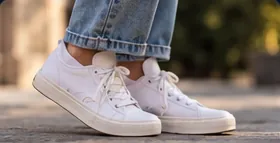 Sneakers
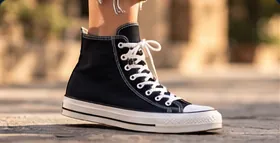 High-Top Sneakers
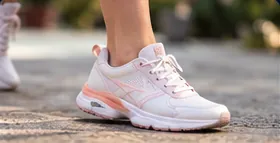 Running Shoes
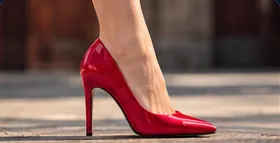 Stiletto Heels
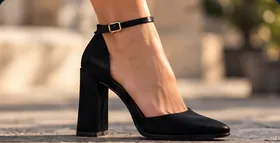 Block Heels
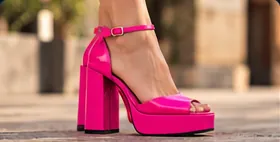 Platform Shoes
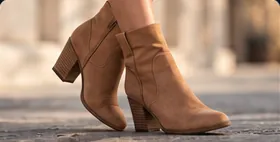 Ankle Boots
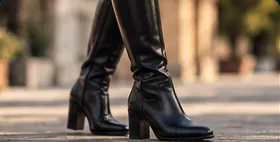 Knee-High Boots
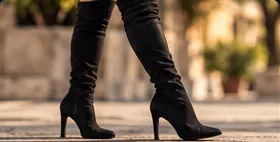 Thigh-High Boots
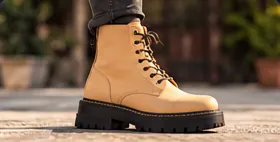 Combat Boots
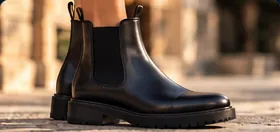 Chelsea Boots
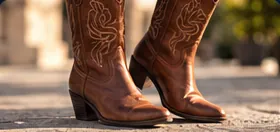 Cowboy Boots
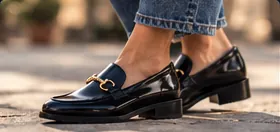 Loafers
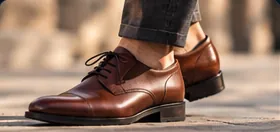 Oxfords
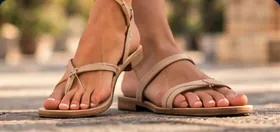 Sandals
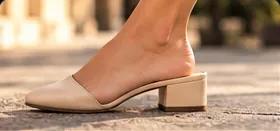 Mulesbackless slip-on mules
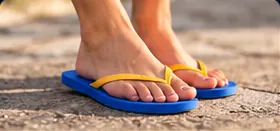 Flip-Flops
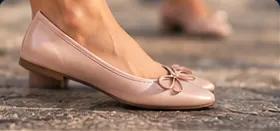 Ballet Flats
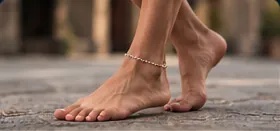 Barefoot
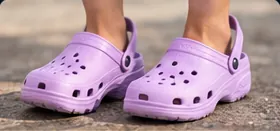 Crocscrocs resin clogs
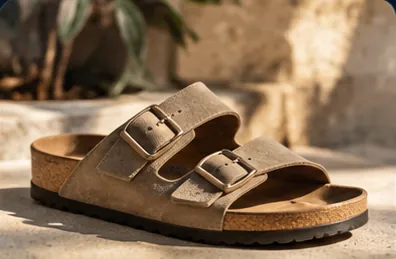 Birkenstocks
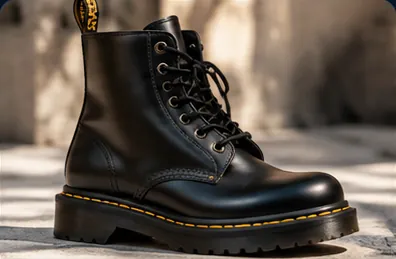 Doc Martens
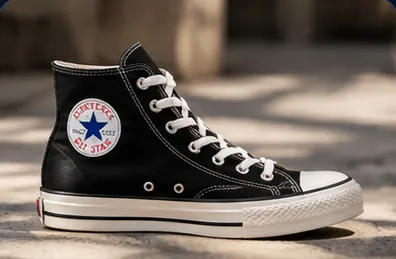 Converseconverse chuck taylor sneakers
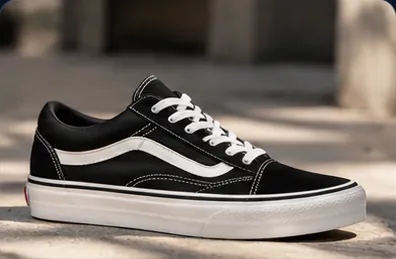 Vansvans skater sneakers
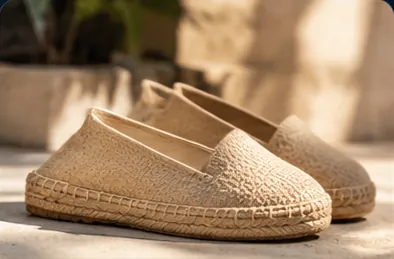
Fabric · 15 options
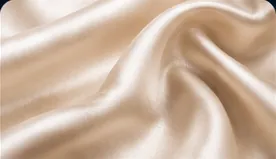 Silk
Silk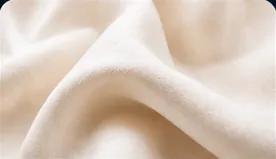 Cotton
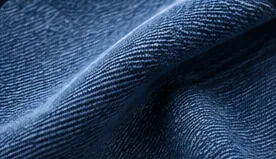 Denim
Denim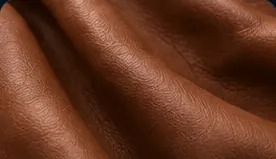 Leather
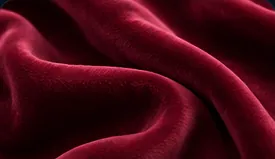 Velvet
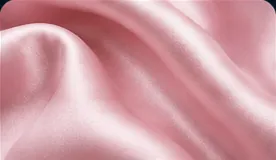 Satin
Satin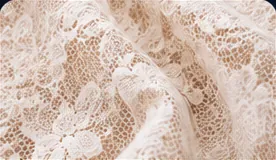 Lacedelicate patterned lace
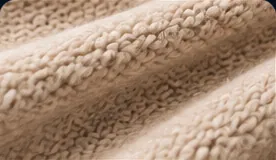 Wool
Wool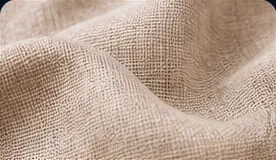 Linen
Linen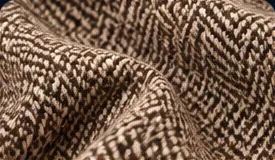 Tweed
Tweed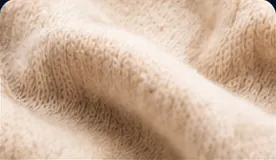 Cashmere
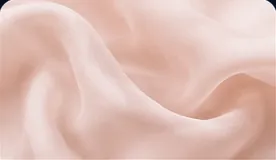 Chiffon
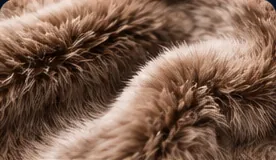 Furfur garment
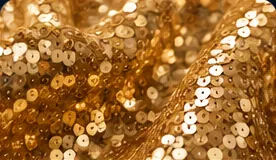 Sequins
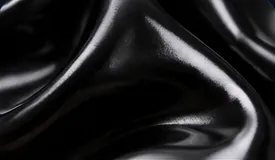 Latex
Latex
Wardrobe State · 16 options
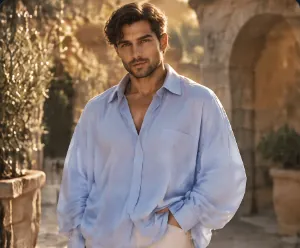 Oversizedoversized fit
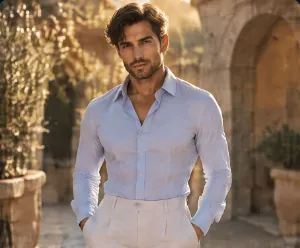 Fittedclose-fitting clothing
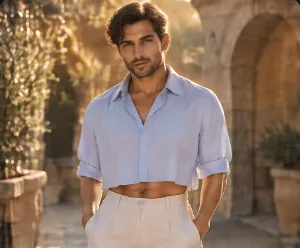 Croppedcropped top
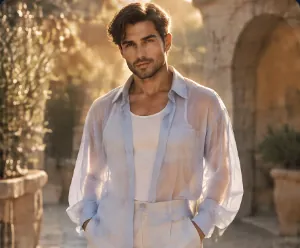 Sheersheer clothing
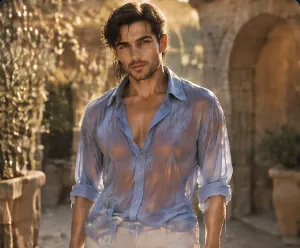 Wetsoaked clothing
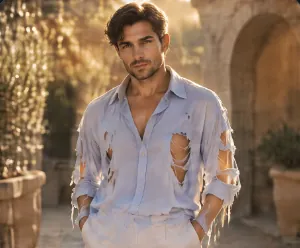 Rippedripped clothing
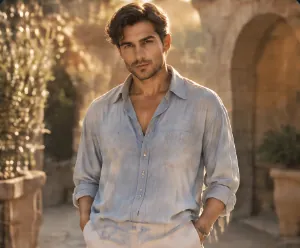 Distresseddistressed clothing
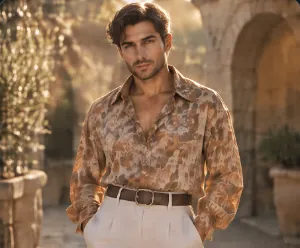 Vintagevintage clothing
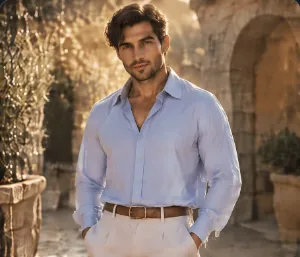 Tucked Intop tucked in
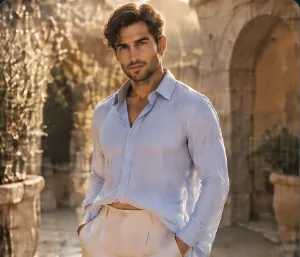 Half-Tuckedtop half-tucked
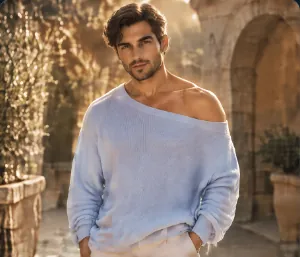 Off-Shoulderoff-the-shoulder top
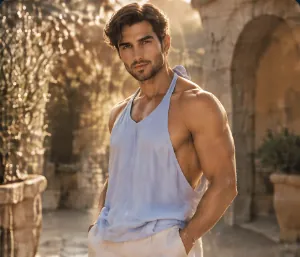 Halter Neckhalter neckline
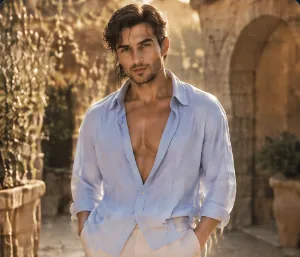 Plunging Neckline
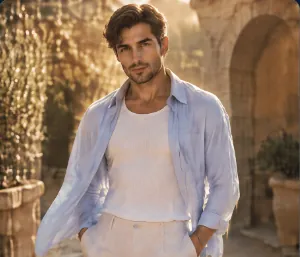 Unbuttonedworn open and unbuttoned
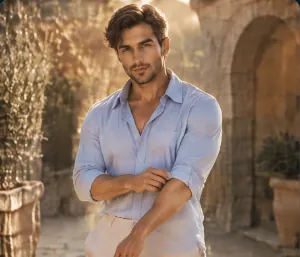 Rolled Sleevesrolled-up sleeves
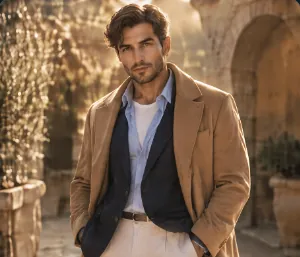 Layeredlayered outfit
What it adds to the prompt
The picker joins your choices with commas, in a fixed order from Makeup to Wardrobe State. For example, Makeup Natural, Hair State Wet, Jewelry Gold and Outerwear Leather Jacket add this text in Compact mode:
natural no-makeup makeup, wet hair, gold jewelry, leather jacketIn Full mode, each choice adds a longer description. For example, Fabric Silk adds wearing smooth glossy silk with a subtle sheen and fluid drape instead of silk.
Tips
- Pair it with Person and Pose. Person sets the face and body, and Pose sets the posture.
- Show the outfit in the frame. Add a Framing picker with Full Shot when the shoes matter, or Close-up for makeup and jewelry.
- Keep one look across scenes. Wire the same Styling picker into every image and video node of a story.
- Add a detail the catalog does not have. Use Custom text (after), for example
with a ruby tennis bracelet.
Frequently asked questions
Related
Creative controls
Person
Pose
Material
Describe to Picker
Last updated on
Weapon
Pick one of 85 weapons, from katanas and longbows to muskets, blasters and magic staffs, and Nodaro adds the weapon and a short description to your prompt.
Pose
Pick one of 81 poses, from standing and seated postures to running, leaping and hand gestures, and Nodaro adds tested wording for the pose to your prompt.