
 Nodaro Docs
Ten camera angles from one frame
Turn one AI image into ten camera angles of the same scene in Nodaro. An LLM writes the shot list, and one Generate Image node renders every angle.
The Camera Coverage tutorial turns one image into ten shots of the same scene: wide, medium, close-up, over-the-shoulder, reverse, insert, low angle and profile. An LLM reads the image and writes the shot list, and a List runs one Generate Image node once per shot. The character, the clothes, the place and the light stay the same; only the camera changes.
The reference frame
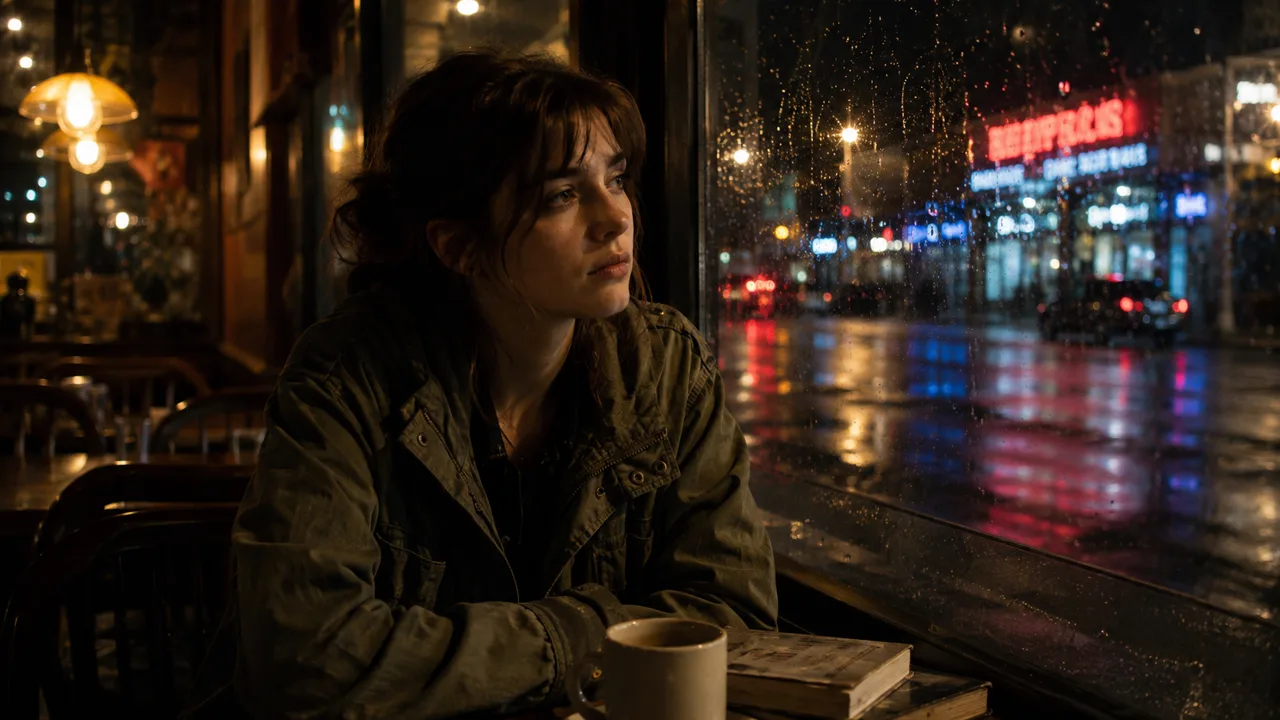
The scene starts as one image, made by GPT Image 2 from a short prompt:
How the workflow plans the shots
- A Text node holds the scene, and Generate Image makes the reference frame from it.
- A second Text node holds the coverage brief: the rules of real film coverage, shown below.
- A Prompt node reads the reference frame and the brief, and GPT-5.2 writes ten camera setups, one per line.
- Split Text turns the ten lines into ten items, and the List shows them as rows you can edit.
- One Generate Image node takes the List as its prompt and the reference frame as a reference. It runs once for each row, so ten rows make ten images.
Edit any row of the List before you run the shots, so you spend credits only on the plan you want.
The brief is the part to change. This is the brief the LLM received, word for word:
The ten shots
Under each shot is the line the LLM wrote, which was the whole prompt of that image.
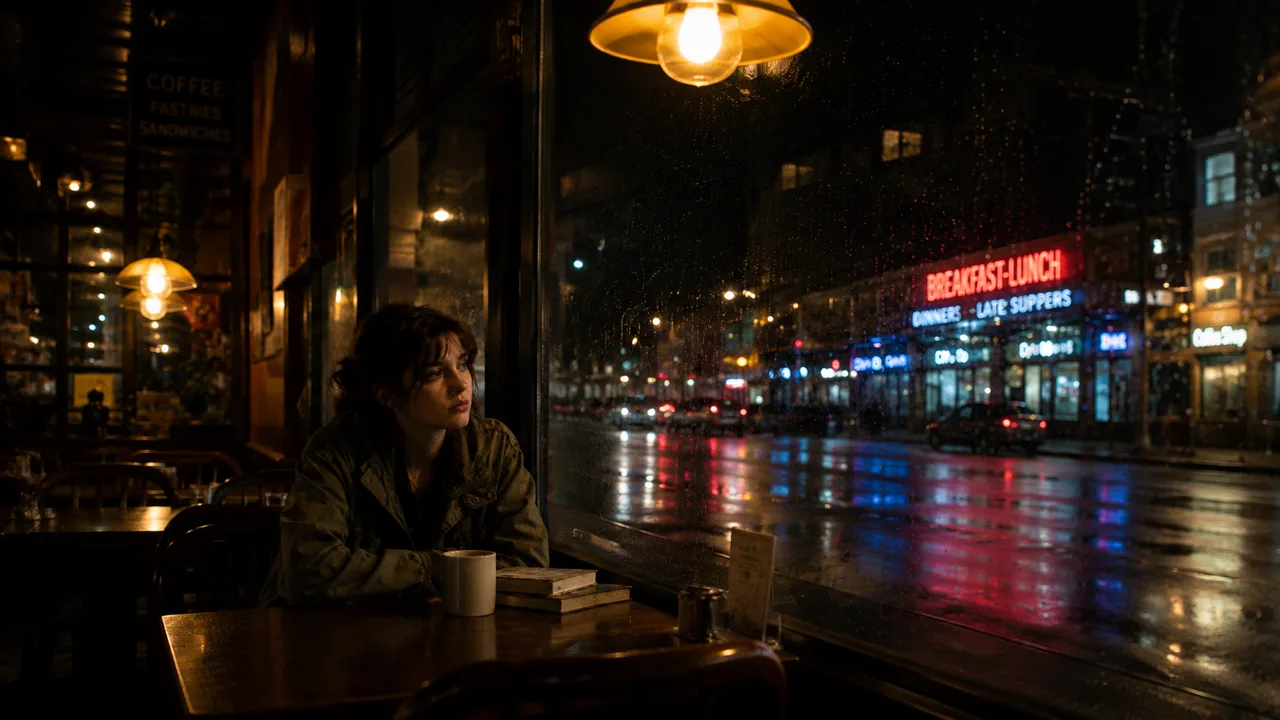
Wide establishing shot from inside the cozy café, woman seated left of frame beside rain-streaked window, neon-lit street outside, warm tungsten lighting, ample headroom.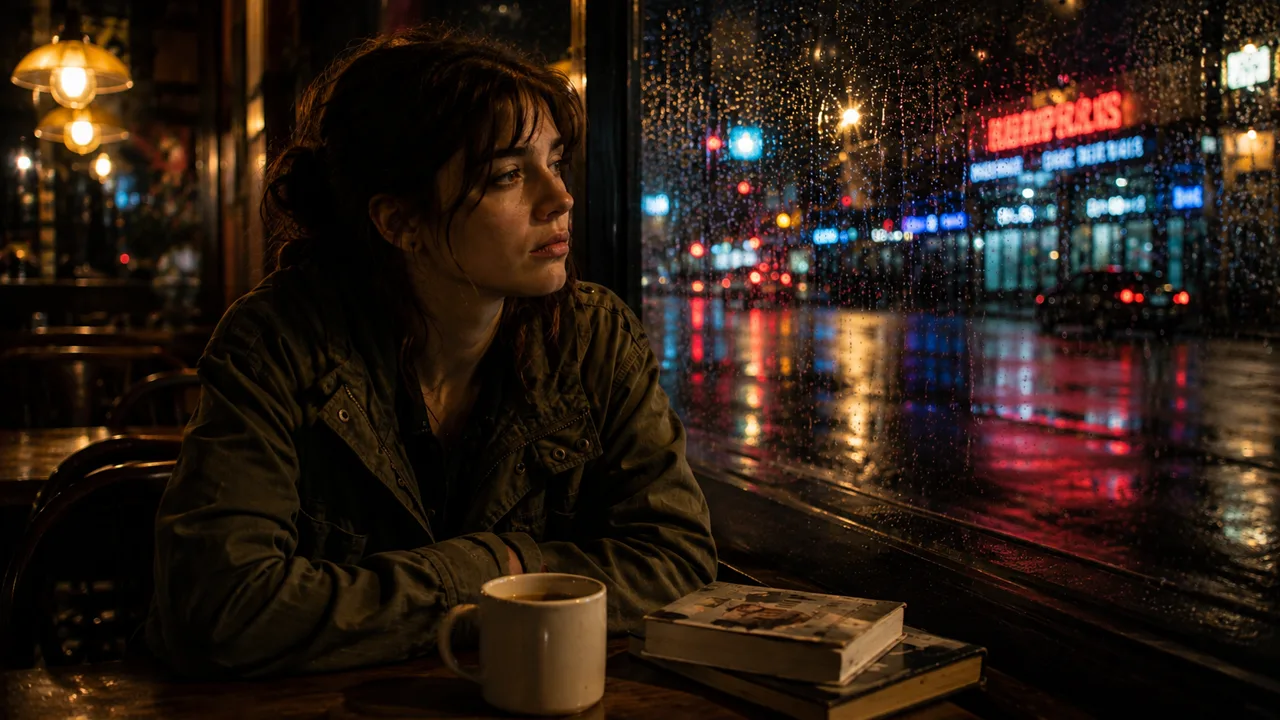
Medium waist-up from across the table, woman left of frame gazing through rain-covered glass, coffee mug and books foreground, identical night lighting.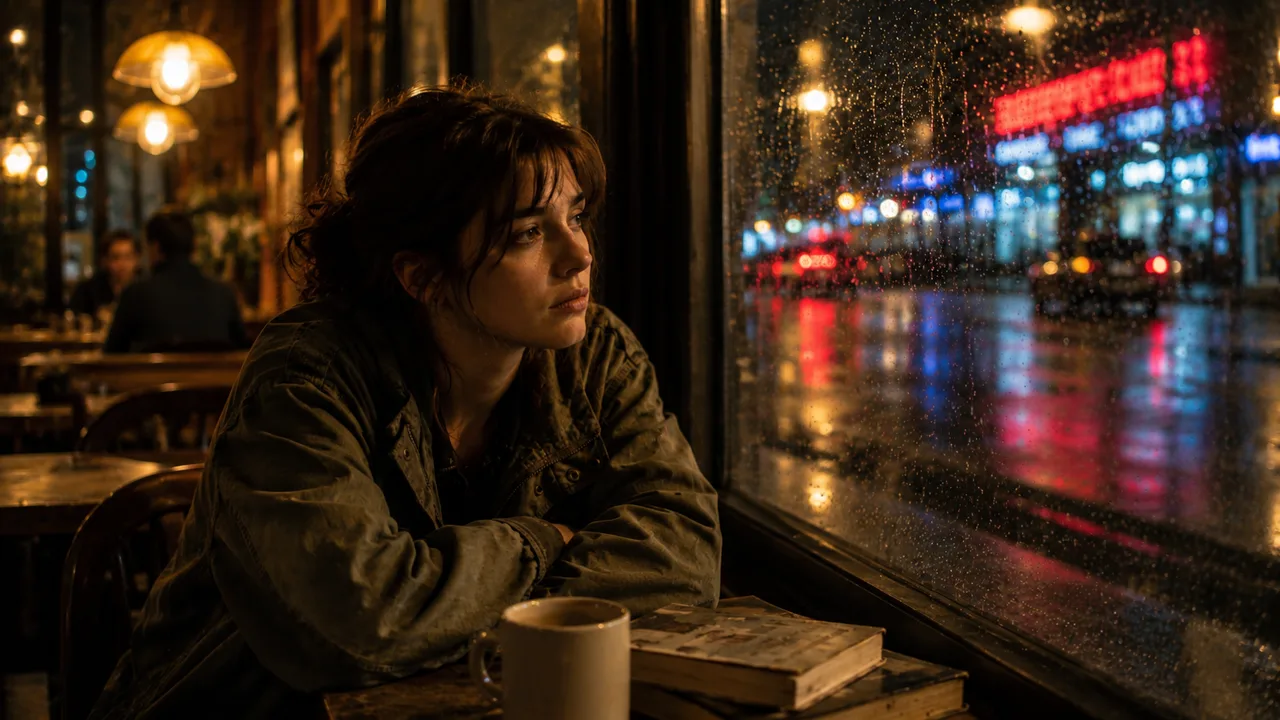
Medium three-quarter side view from café aisle, woman left of frame leaning on folded arms beside window, reflections shimmering outside, warm interior glow.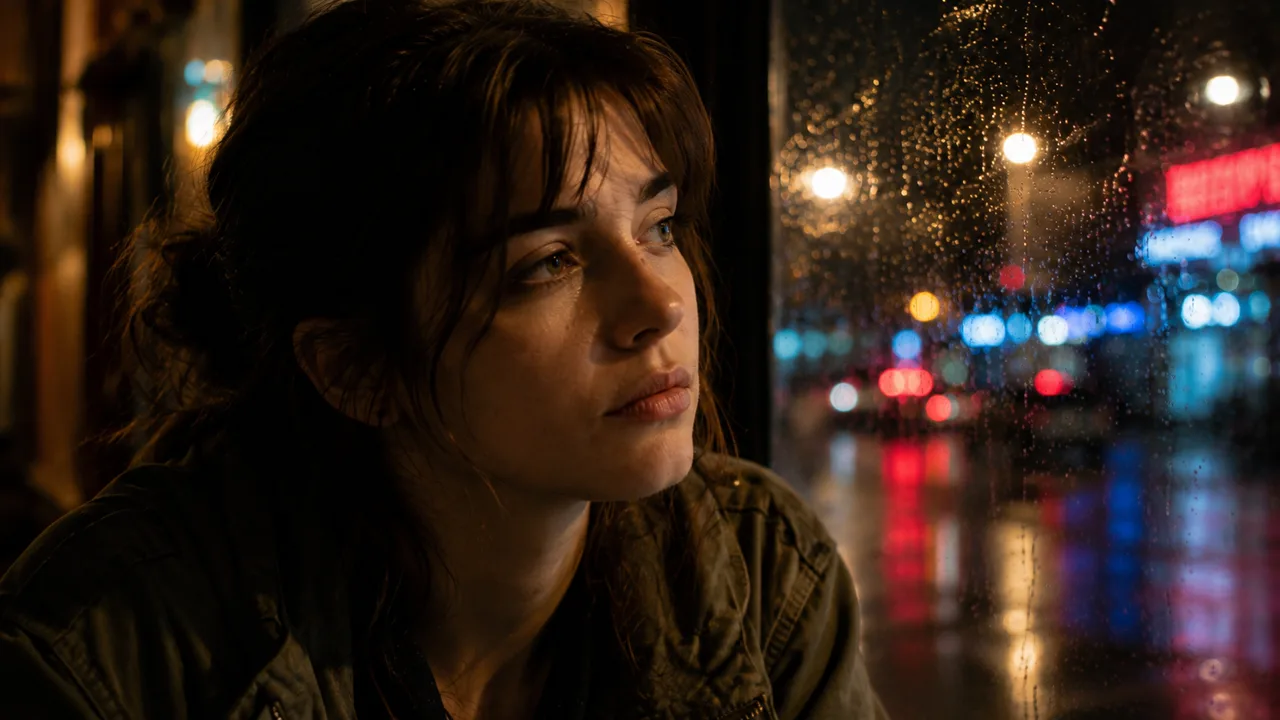
Close-up on her face in profile-three-quarter, eyes fixed outside, raindrops and neon bokeh behind, soft warm café lighting, breathing room around head.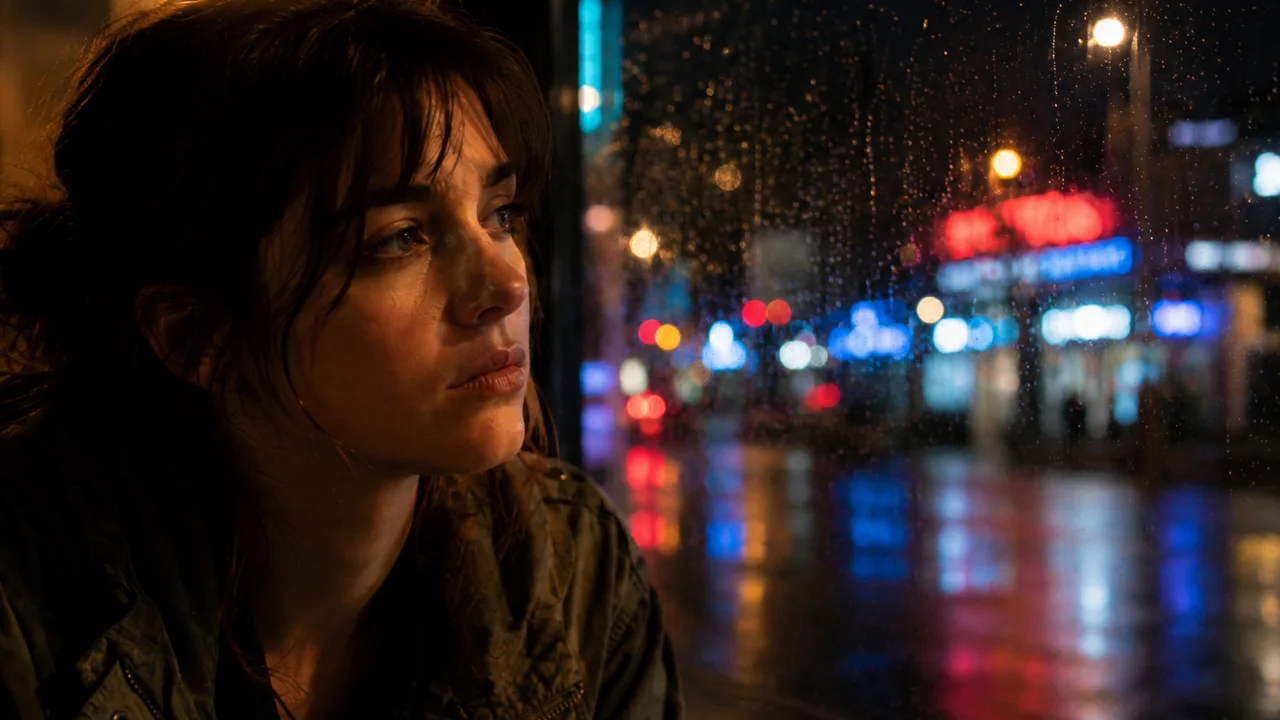
Tight close-up of her thoughtful expression, window reflections crossing her face, identical wardrobe and lighting, negative space ahead of her gaze.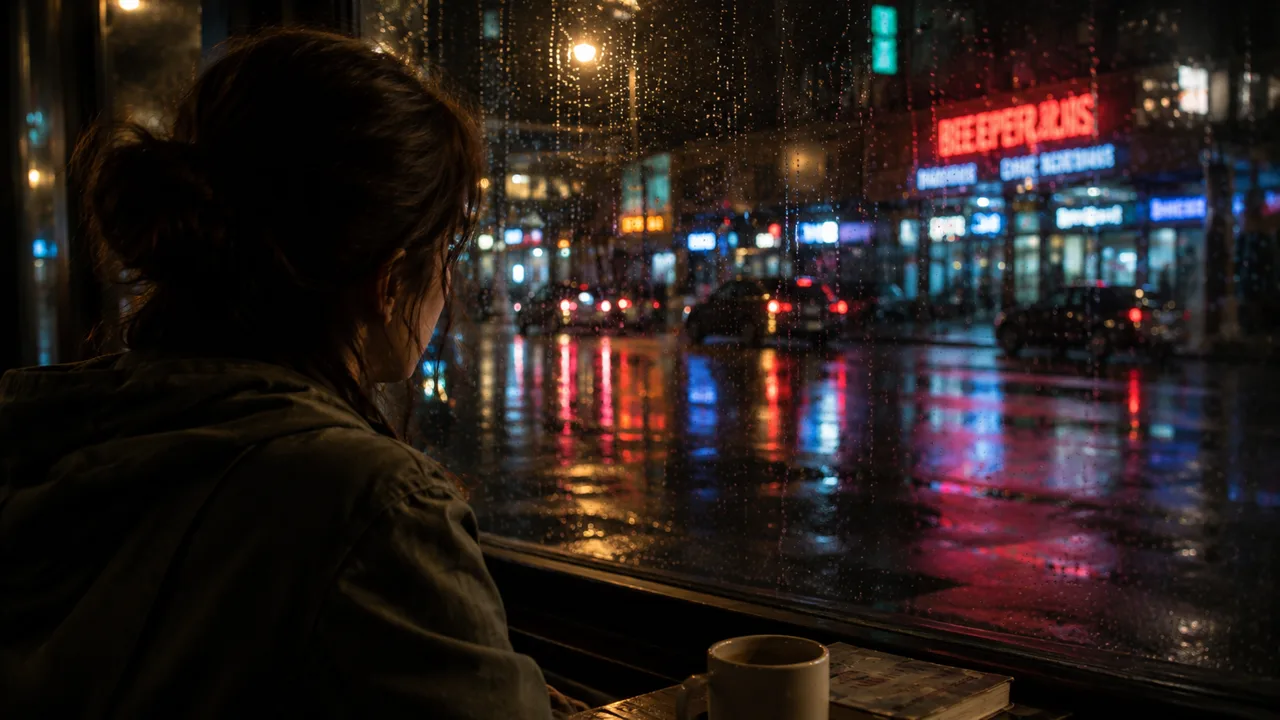
Over-the-shoulder from behind her left shoulder toward the rain-soaked street, her silhouette and jacket foreground, neon storefronts beyond, consistent screen direction.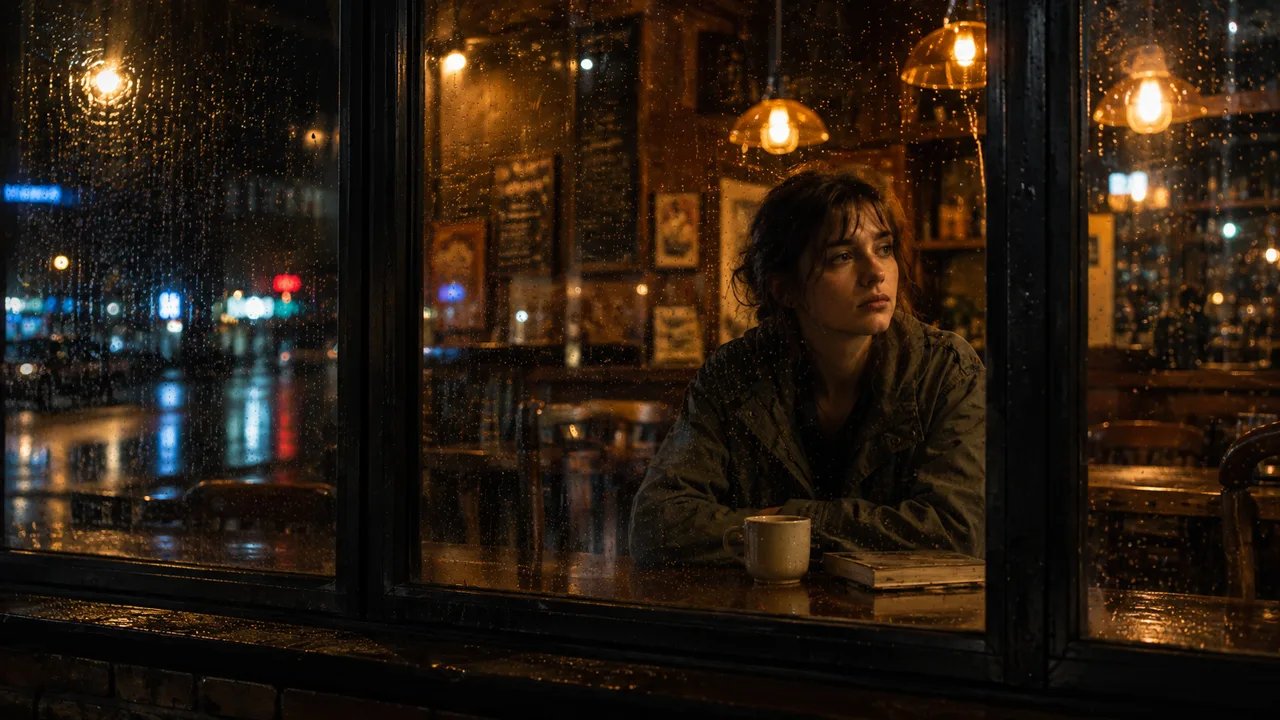
Reverse angle from outside the window toward the café interior, rain-speckled glass foreground, woman visible inside watching the street, warm interior contrasting cool night.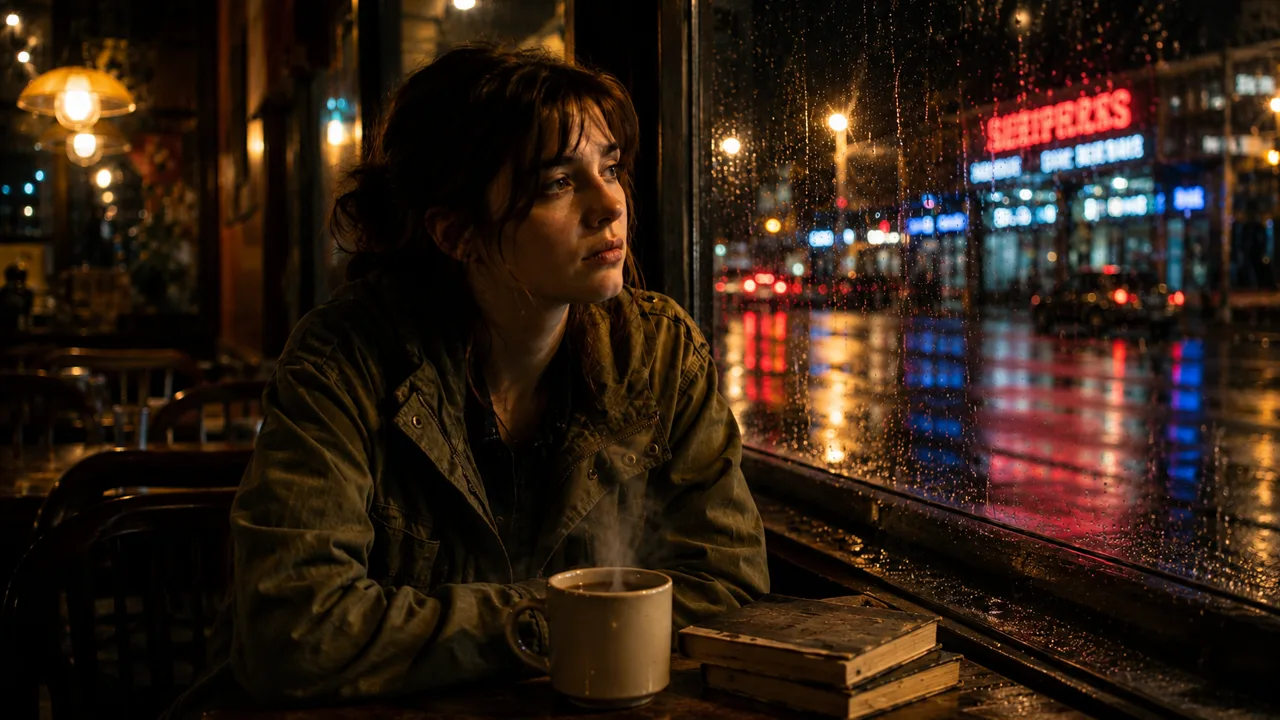
Insert detail of steaming coffee mug, worn books, and raindrops on the windowsill, warm café light reflecting across wet surfaces.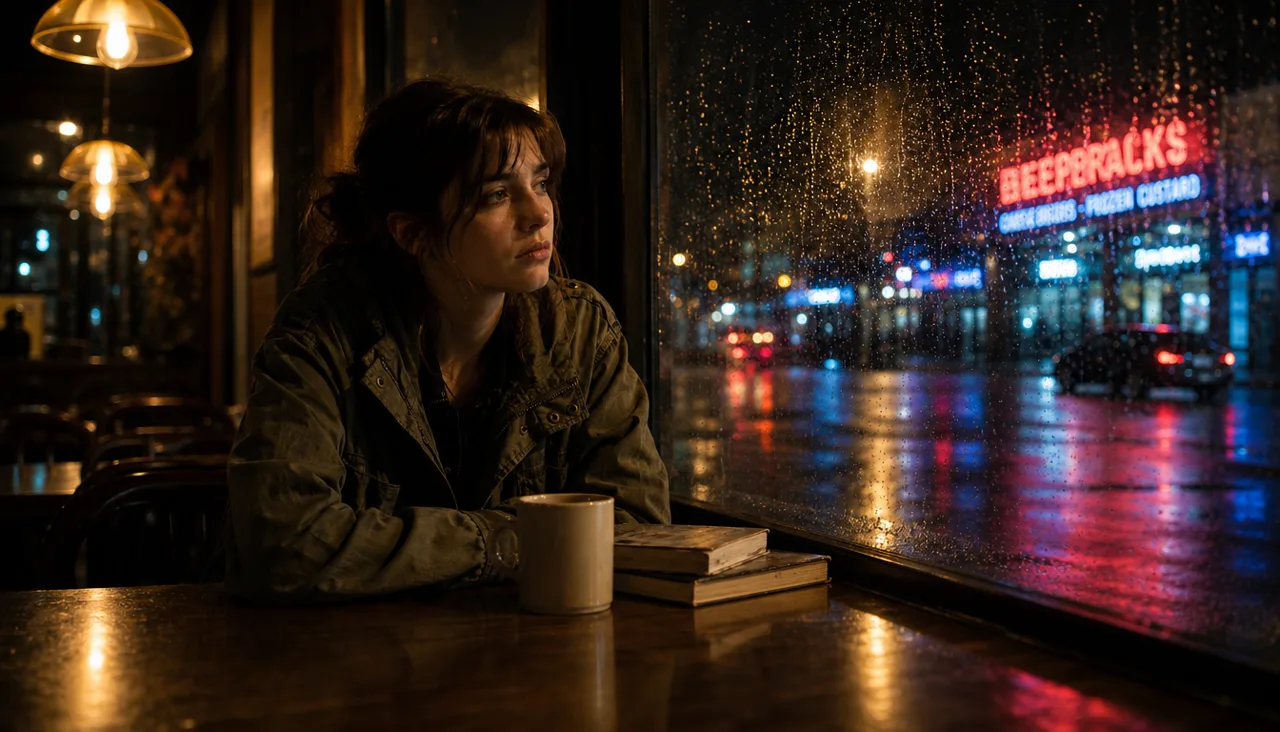
Low-angle medium shot from table height, woman left of frame against glowing window and neon reflections, same wardrobe, location, and nighttime lighting.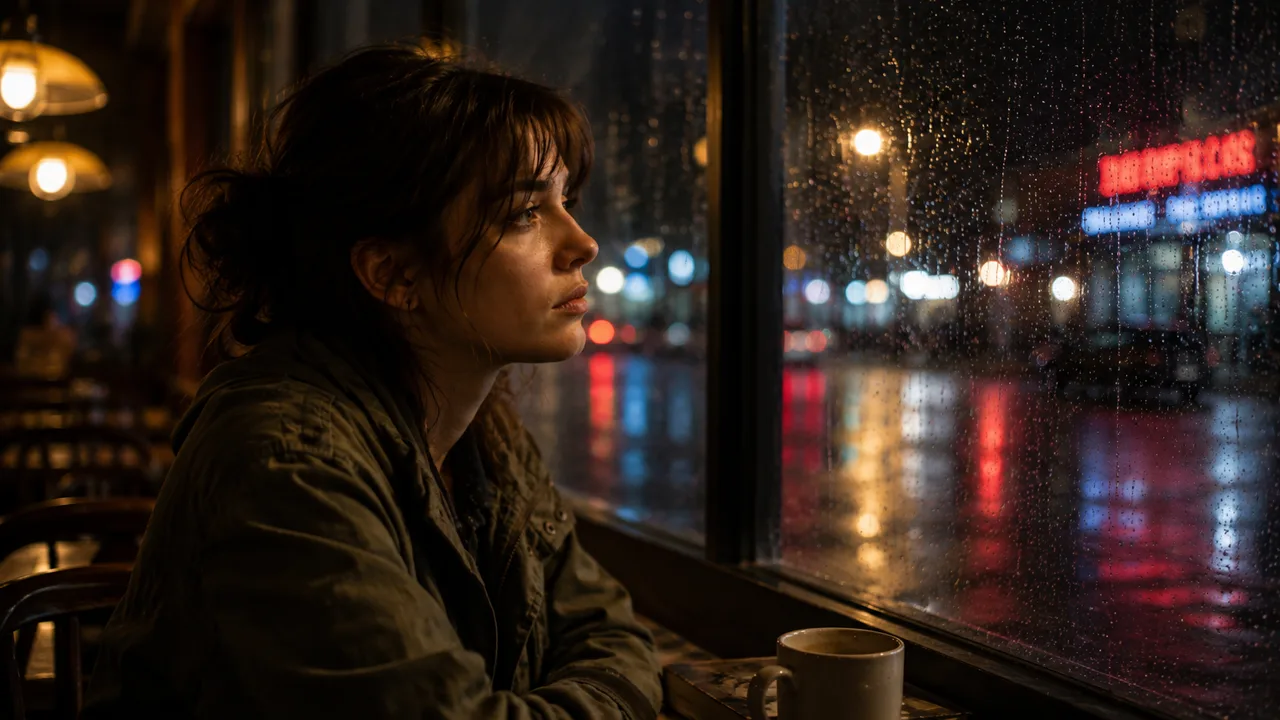
Clean side-profile shot parallel to the window, woman left of frame facing right toward the rain, café interior softly receding behind her.What held, and what did not
- The scene held. The woman, her olive jacket, the café, the rain and the night light match in all ten shots. Each shot used the reference frame as a reference image, which is what keeps them consistent.
- One shot missed its plan. The insert was planned as a detail of the mug and the books alone. GPT Image 2 kept the woman in the frame, so shot 8 is another medium shot. Rewrite that row, or run it again, to get a true insert.
- The neon signs are invented. The model wrote made-up words on the signs outside, so check any lettering before you use a shot.
Make it yours
- A new scene: change the scene in the first Text node and run the workflow from the top. The coverage plan stays the same.
- A different plan: change the brief to ask for six shots, another order, or another kind of coverage, such as documentary, action or interview.
- One angle at a time: edit one row of the List before you run Generate Image.
- Motion next: the brief asks for room around the subject, so the shots can serve as start frames for Generate Video.
What it costs
Prices are today's, for the same settings:
| Step | Model | Credits |
|---|---|---|
| The reference frame | GPT Image 2 | 21 |
| The shot list | The LLM of the Prompt node | 2–7, depending on the model |
| The ten shots | GPT Image 2 | 210 |
Try it
Open the Camera Coverage tutorial on app.nodaro.ai. It shows this run, with every node and image, without signing in. Run tutorial copies the workflow into your account, and copying is free. See Tutorials and templates for where tutorials live in the app.
Frequently asked questions
Related
Generate Image
List
Prompt
Consistent characters
Pickers in action
Last updated on
Seven songs from music pickers
Seven Suno songs made in Nodaro from music pickers. Choose a genre, a mood, instruments and a voice, and the pickers write the description Suno receives.
Import and export
Export a workflow as one JSON file, with or without its characters, objects and locations, and import it into another account, project or self-hosted install.