
 Nodaro Docs
Animal
Pick one of 126 animals, from pets and wildlife to dinosaurs and dragons, and Nodaro adds the animal and a short description of its look to your prompt.
The Animal picker adds an animal to an image or a video. You choose one animal from its catalog, such as a golden retriever, a tiger, an eagle, a dinosaur or a dragon. Nodaro adds the animal and a short description of its look to the prompt of every node you connect it to. The picker never calls a model, so it costs no credits.
When to use it
- Wildlife and nature scenes.
- Pet photography, and product campaigns that feature a pet.
- Fantasy and storyboard work with dragons, griffins or dinosaurs.
- Unexpected pairings, for example a peacock in a corporate boardroom.
How to use it
Add the picker
Open the node picker and choose Creative Controls › Subject › Animal.
Choose an animal
Select the node and choose an animal in the settings panel. Each tile shows a photo of the animal, and the node card shows the same photo. The photos come with the app, so they appear on Nodaro Cloud and on self-hosted installs. The few animals without a photo show an emoji of a similar animal.
Connect it
Drag from the picker's output to the Elements input of a Generate Image or Generate Video node. You can also connect it to a Text or Prompt node to include the wording in a longer text.
Run the image or video node
The animal's wording is added to the end of the prompt when the connected node runs.
Settings
| Setting | What it does |
|---|---|
| Animal | The animal to add. The default is Golden Retriever. |
| Custom text (before) | Your own words, added before the animal's wording. |
| Custom text (after) | Your own words, added after the animal's wording. |
| Prompt hint | Full adds the animal and a description of its look. Compact adds only the short name. See Creative Controls. |
To see the exact words the picker will add, switch the node to the Prompt or Both display mode. The settings panel shows the same text under Will inject into prompt.
What it adds to the prompt
In Full mode, the picker writes "featuring a", the animal's name and one sentence about its coat, shape and features. For Golden Retriever it adds:
featuring a golden retriever, Medium-large dog with a luxurious wavy golden coat, feathered tail and a warm friendly faceIn Compact mode, it adds only golden retriever. Use Compact when your prompt already describes the animal, or when many pickers feed one node.
Every animal
The catalog has 12 groups: Cats, Dogs, Transport & Working, Farm, Wild, Birds, Sea Life, Small Pets, Reptiles, Insects, Dinosaurs and Mythical. Search it or filter it by group. The words under each name are the term the picker adds in Compact mode.
Cats · 10 options
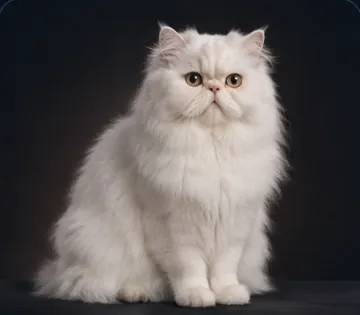 Persian Cat
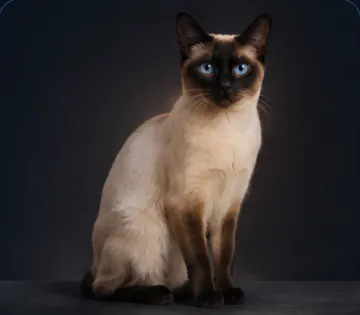 Siamese Cat
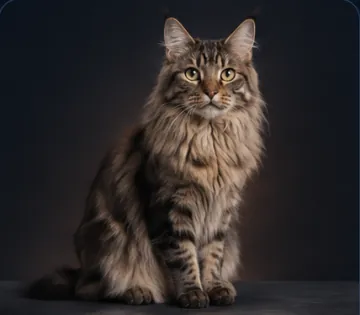 Maine Coon
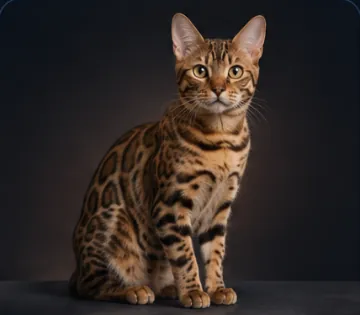 Bengal Cat
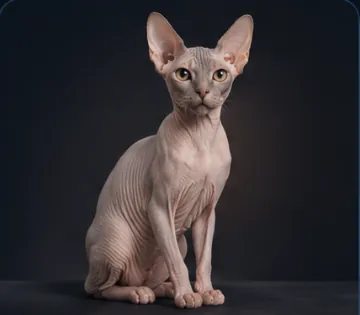 Sphynx Cat
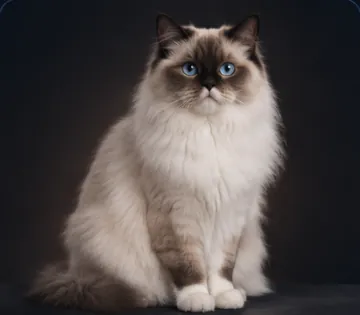 Ragdoll Cat
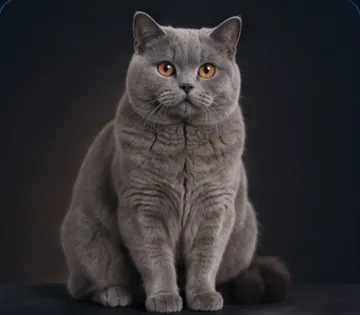 British Shorthair
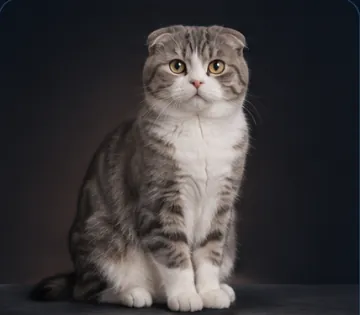 Scottish Fold
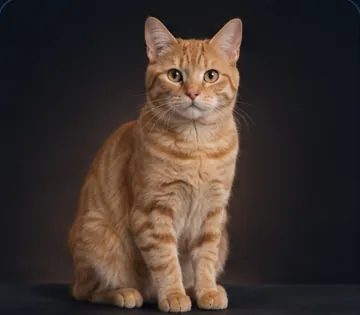 Tabby Cat
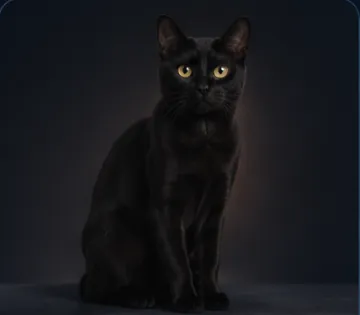 Black Cat
Dogs · 14 options
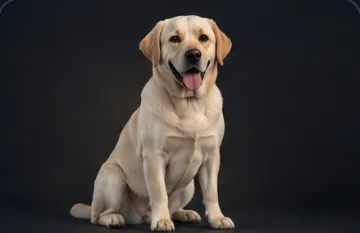 Labrador Retriever
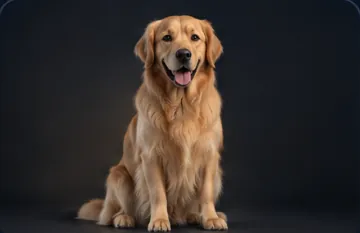 Golden Retriever
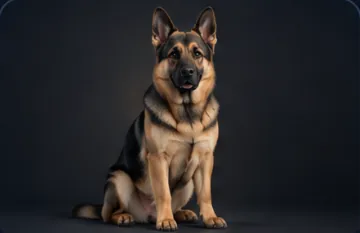 German Shepherd
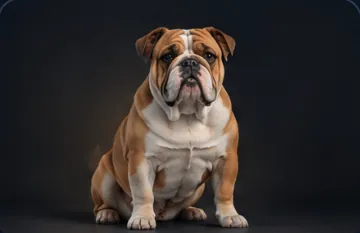 Bulldog
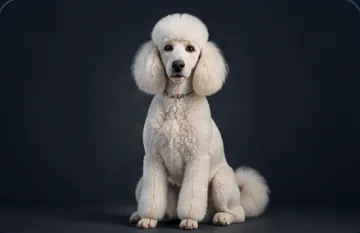 Poodle
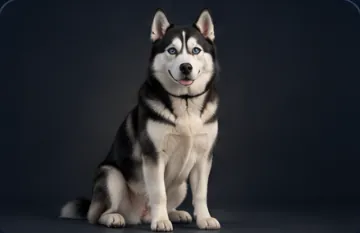 Siberian Husky
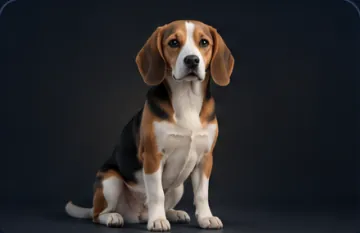 Beagle
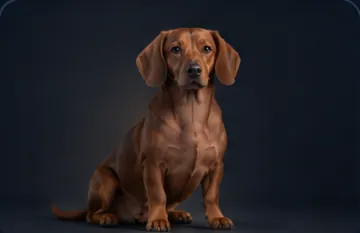 Dachshund
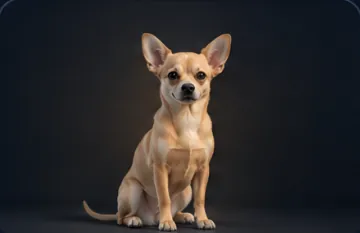 Chihuahua
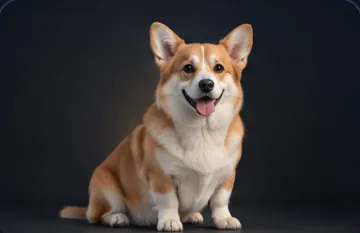 Corgi
Corgi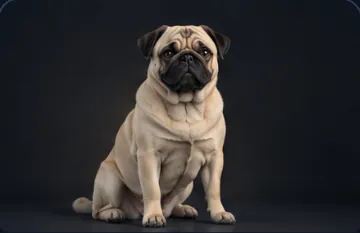 Pug
Pug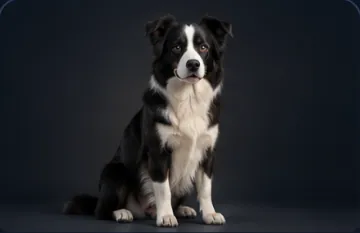 Border Collie
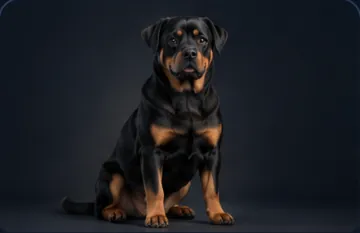 Rottweiler
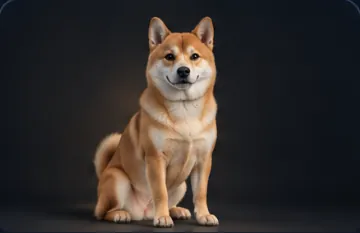 Shiba Inu
Transport & Working · 5 options
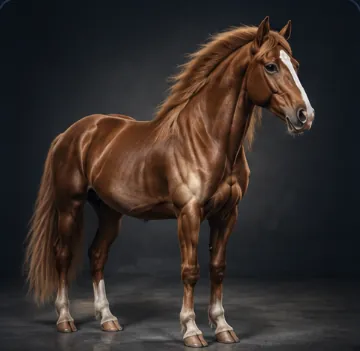 Horse
Horse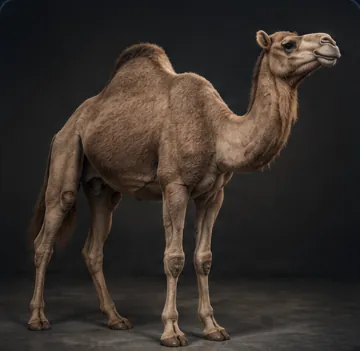 Camel
Camel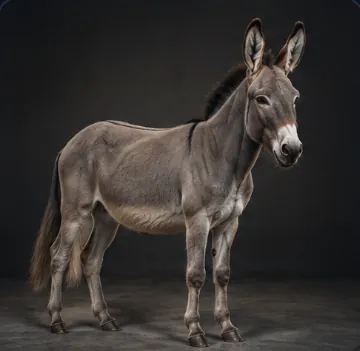 Donkey
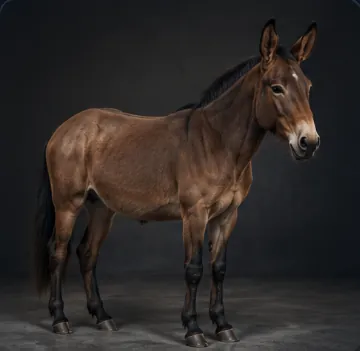 Mule
Mule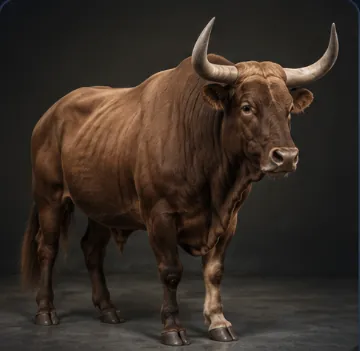 Ox
Ox
Farm · 9 options
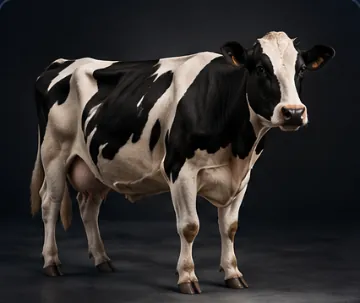 Cow
Cow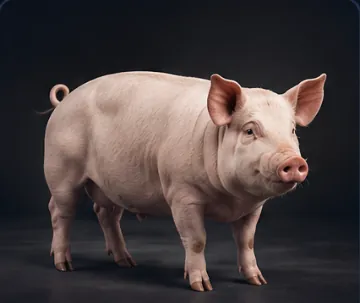 Pig
Pig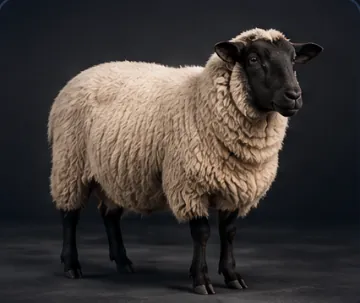 Sheep
Sheep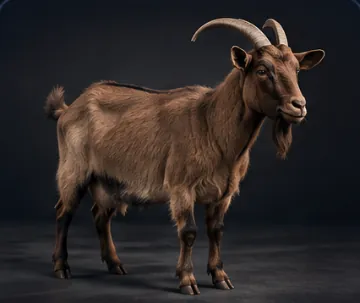 Goat
Goat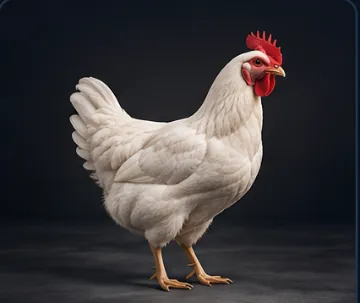 Chicken
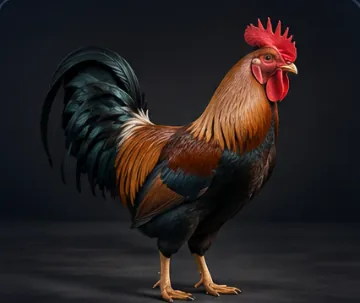 Rooster
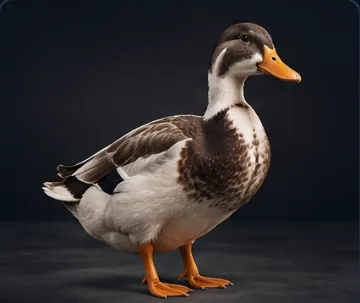 Duck
Duck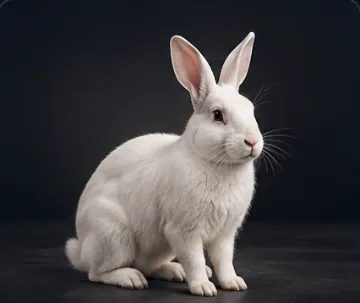 Rabbit
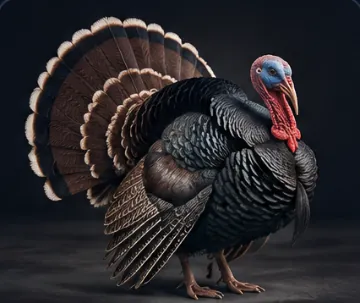 Turkey
Wild · 25 options
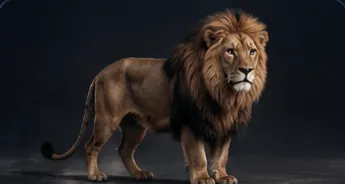 Lion
Lion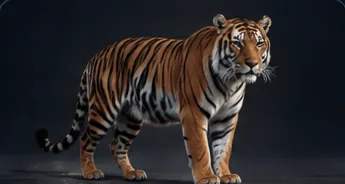 Tiger
Tiger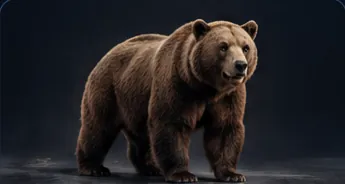 Bear
Bear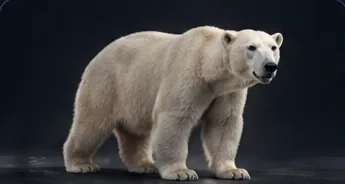 Polar Bear
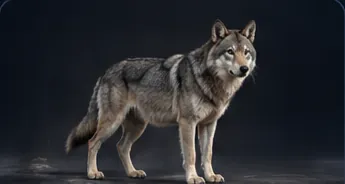 Wolf
Wolf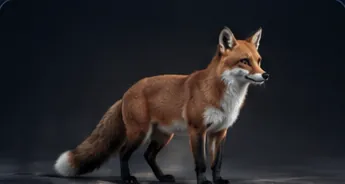 Fox
Fox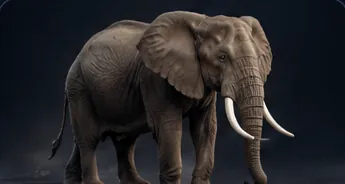 Elephant
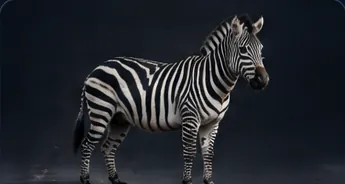 Zebra
Zebra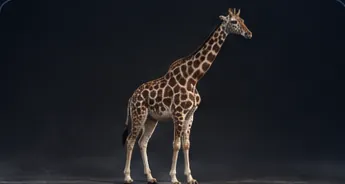 Giraffe
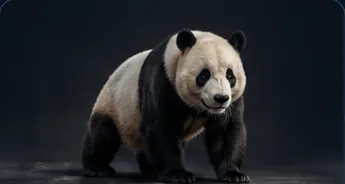 Giant Panda
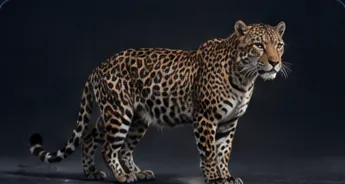 Leopard
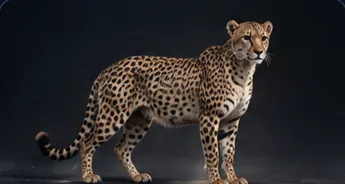 Cheetah
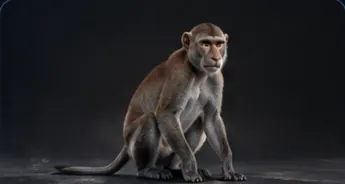 Monkey
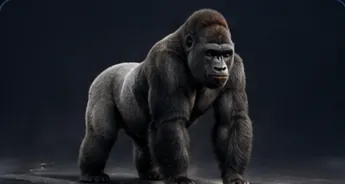 Gorilla
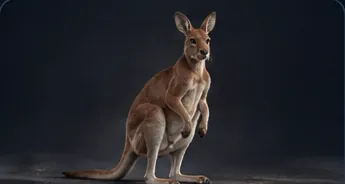 Kangaroo
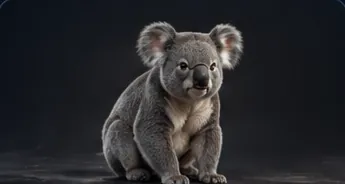 Koala
Koala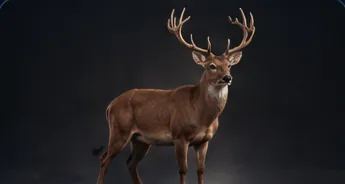 Deer
Deer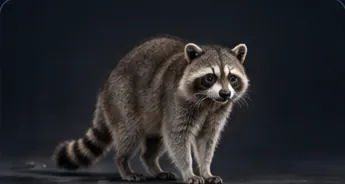 Raccoon
- Capybara
- Sloth
- Red Panda
- Pangolin
- Okapi
- Quokka
Birds · 12 options
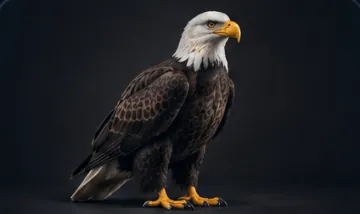 Eagle
Eagle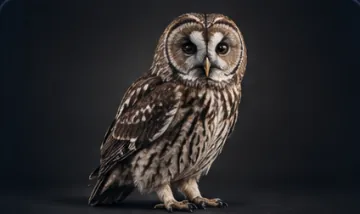 Owl
Owl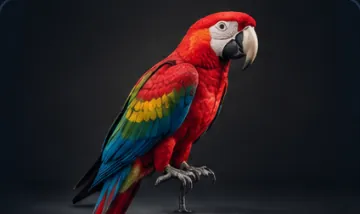 Parrot
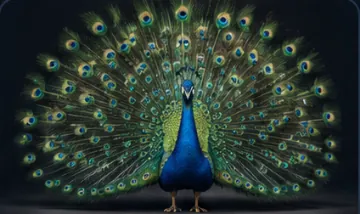 Peacock
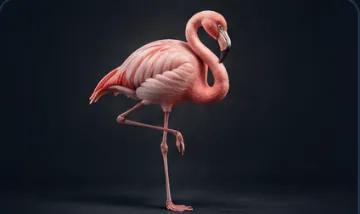 Flamingo
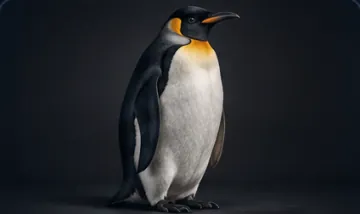 Penguin
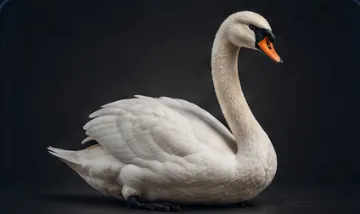 Swan
Swan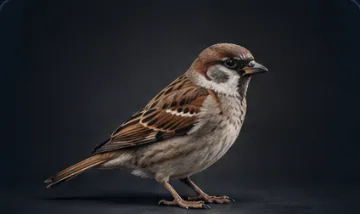 Sparrow
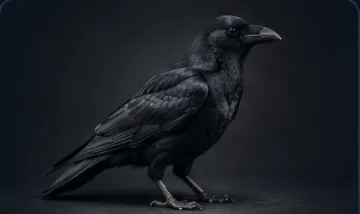 Crow
Crow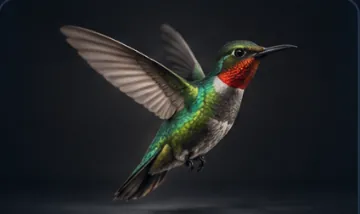 Hummingbird
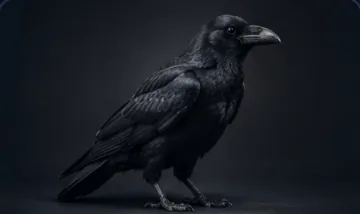 Raven
Raven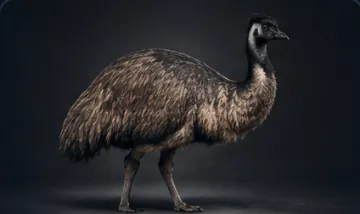 Emu
Emu
Sea Life · 9 options
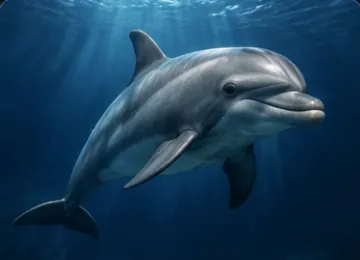 Dolphin
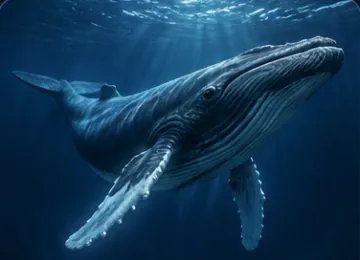 Whale
Whale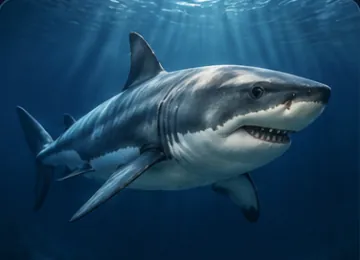 Shark
Shark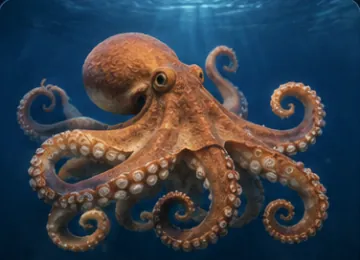 Octopus
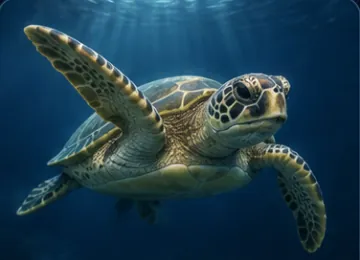 Sea Turtle
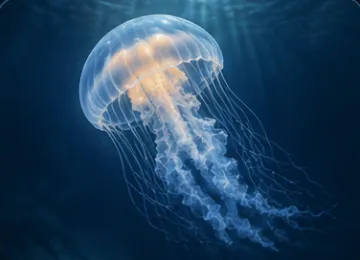 Jellyfish
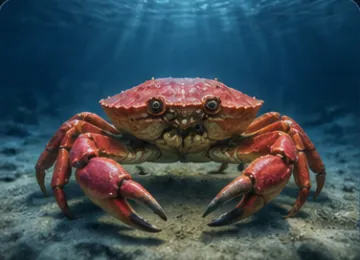 Crab
Crab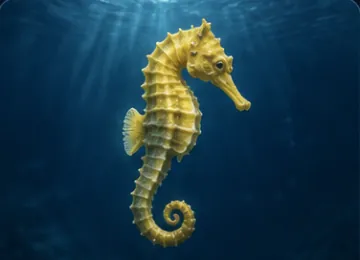 Seahorse
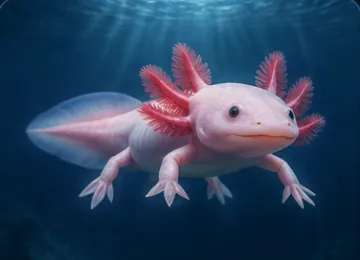 Axolotl
Small Pets · 5 options
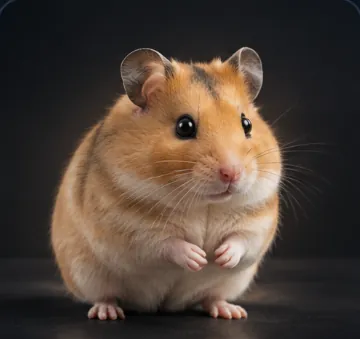 Hamster
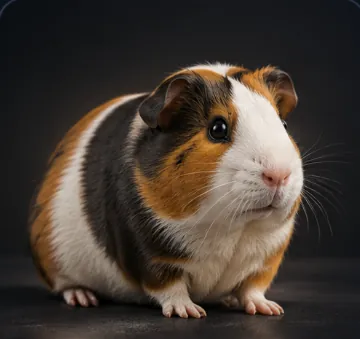 Guinea Pig
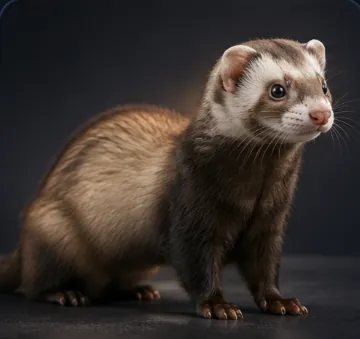 Ferret
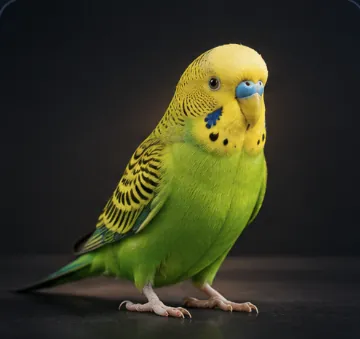 Parakeet
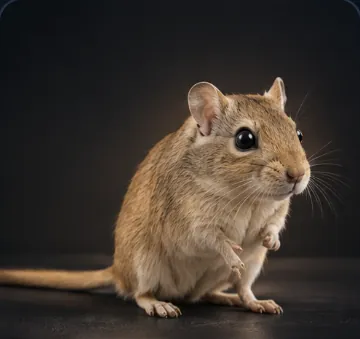 Gerbil
Reptiles · 6 options
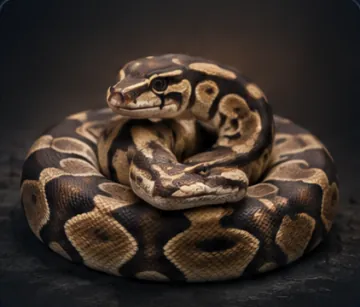 Snake
Snake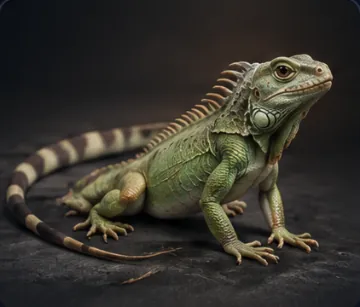 Lizard
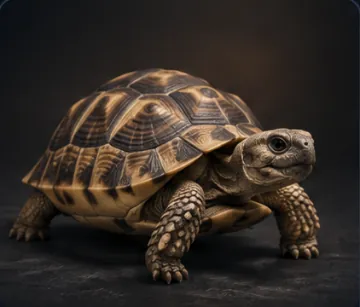 Turtle
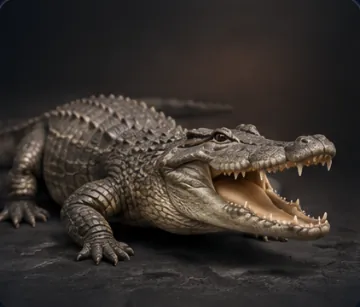 Crocodile
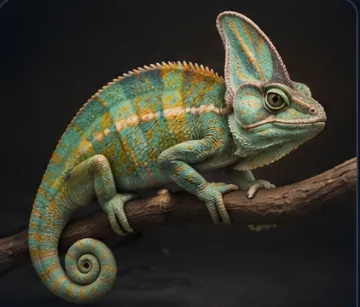 Chameleon
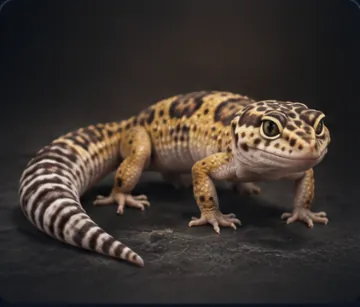 Gecko
Gecko
Insects · 13 options
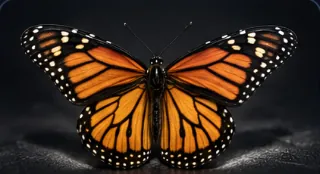 Butterfly
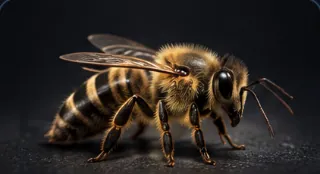 Bee
Bee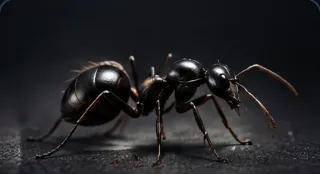 Ant
Ant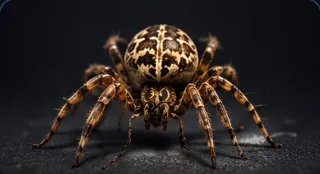 Spider
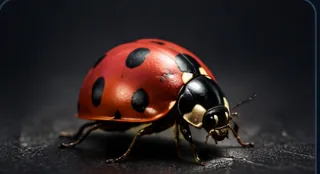 Ladybug
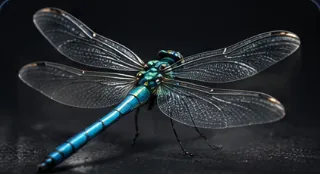 Dragonfly
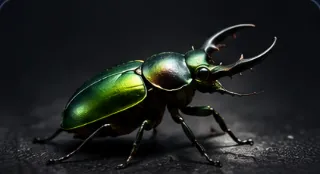 Beetle
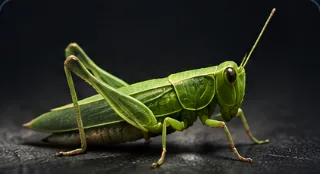 Grasshopper
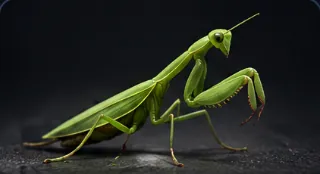 Praying Mantis
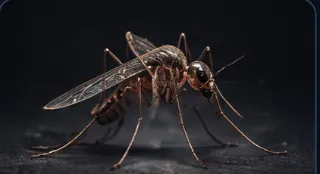 Mosquito
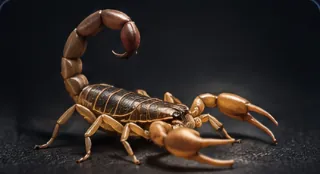 Scorpion
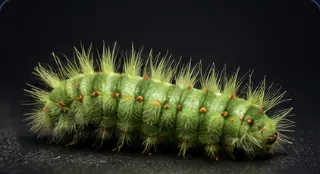 Caterpillar
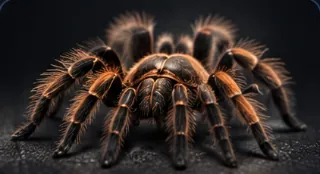 Tarantula
Dinosaurs · 12 options
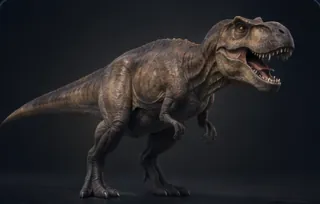 Tyrannosaurus Rex
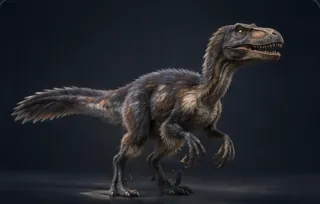 Velociraptor
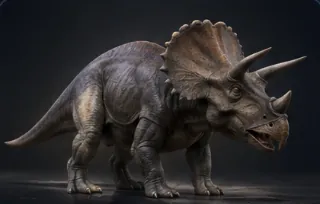 Triceratops
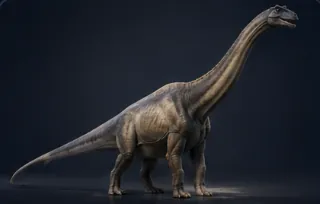 Brachiosaurus
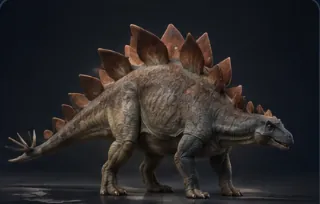 Stegosaurus
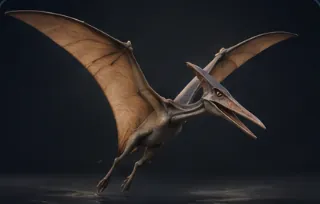 Pterodactyl
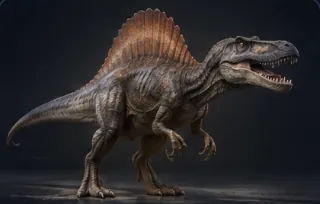 Spinosaurus
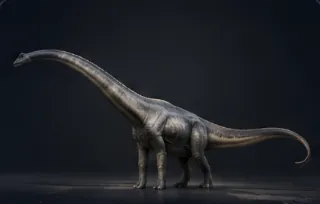 Diplodocus
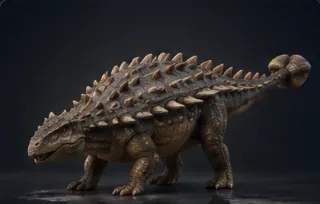 Ankylosaurus
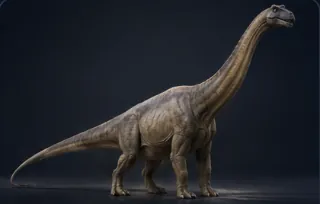 Brontosaurus
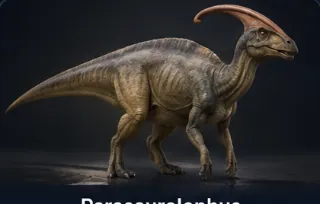 Parasaurolophus
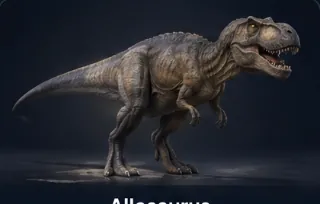 Allosaurus
Mythical · 6 options
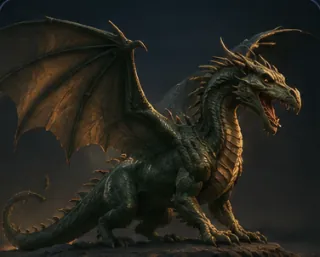 Dragon
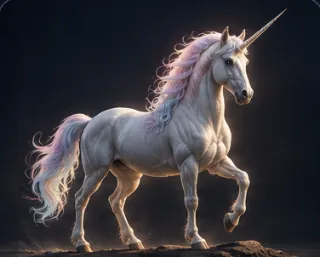 Unicorn
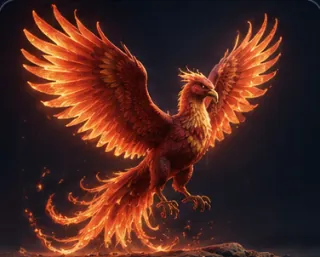 Phoenix
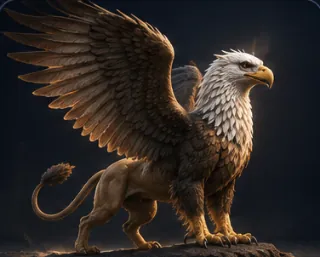 Griffin
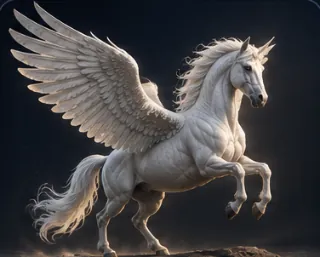 Pegasus
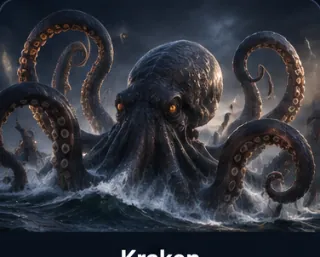 Kraken
Animal or Animal/Creature Asset
The Animal picker describes a kind of animal in words. Each run draws a new animal that matches the description, so your dog looks different in every shot. To show the same animal again and again, use an Animal/Creature Asset. The asset keeps an approved picture of the animal and sends it with every run. Read Creatures for the full method.
Tips
- Put the animal somewhere. Pair the picker with Setting for a real place, or with Backdrop for a studio shot.
- Describe what the animal does. Use Custom text (after), for example
with fur catching the light, or Custom text (before), for examplemid-leap. - Try a surprising pairing. Wire a Person and an Animal picker into the same node, for example a knight with a peacock.
Frequently asked questions
Related
Creative controls
Setting
Vehicle
Animal/Creature Asset
Generate Image
Last updated on
Person
Describe a person for AI images and video with 575 options in 33 settings, from age and body to face geometry, hair and eyes. The picker writes the prompt.
Vehicle
Pick one of 107 vehicles, from classic cars and trains to aircraft, ships and spaceships, and Nodaro adds the vehicle and a short description to your prompt.