
 Nodaro Docs
Era / Period
Pick one of 28 eras, from Ancient Egypt and Victorian to 1980s Neon and Cyberpunk Future, and Nodaro adds its fashion, places and film look to your prompt.
The Era / Period picker sets the decade or historical period of an image or a video. You choose one era from its catalog, such as Ancient Egypt, Victorian, 1970s Disco or Cyberpunk Future. Nodaro adds that era's fashion, surroundings and photographic look to the prompt of every node you connect it to. The picker never calls a model, so it costs no credits.
When to use it
- Lock a period look for a narrative or a documentary-style piece.
- Keep every shot of a story in the same time period.
- Strengthen a retro trend together with the Aesthetic / Microtrend picker.
How to use it
Add the picker
Open the node picker and choose Creative Controls › Scene › Era / Period.
Choose an era
Select the node and choose an era in the settings panel. The tiles are grouped as 20th-Century Decade, Pre-Modern and Speculative. On Nodaro Cloud, each tile shows the same base frame rendered in that era.
Connect it
Drag from the picker's output to the Look input of a Generate Image or Generate Video node. You can also connect it to a Text or Prompt node to include the wording in a longer text.
Run the image or video node
The era's wording is added to the end of the prompt when the connected node runs.
Settings
| Setting | What it does |
|---|---|
| Era / Period | The era to add. The default is 1990s Mall. |
| Custom text (before) | Your own words, added before the era's wording. |
| Custom text (after) | Your own words, added after the era's wording. |
| Prompt hint | Full adds a description of the era's fashion, surroundings and look. Compact adds only its short term. See Creative Controls. |
To see the exact words the picker will add, switch the node to the Prompt or Both display mode. The settings panel shows the same text under Will inject into prompt.
What it adds to the prompt
Each era bundles the details that make a time recognizable: clothes, places, lighting and the look of photographs from that time. For 1990s Mall it adds this text in Full mode:
set in the 1990s mall era — denim and crop tops, slip dresses, chokers and platform sneakers under fluorescent food-court lighting, with slight VHS-grain and a warm disposable-camera flash castIn Compact mode, it adds only 1990s mall culture.
Every era
The catalog has 3 groups: 20th-Century Decade, Pre-Modern and Speculative. Search it or filter it by group. The words under each name are the term the picker adds in Compact mode.
20th-Century Decade · 11 options
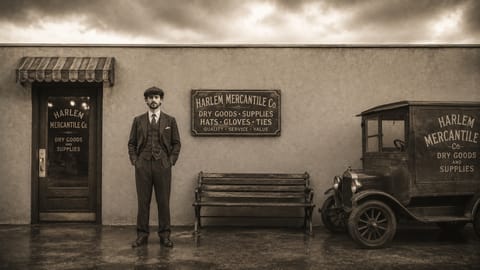 1920s Flapper
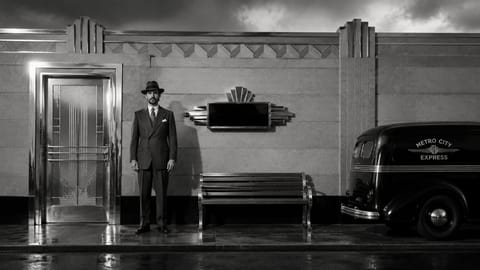 1930s Art Deco
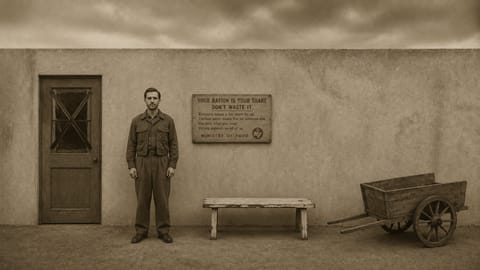 1940s Wartime
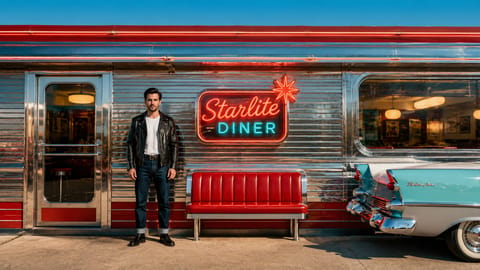 1950s Diner / Pin-up1950s diner pin-up
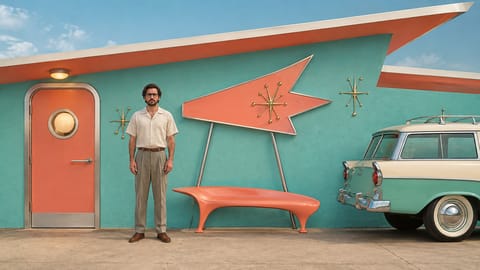 Atomic Age 50s1950s atomic age
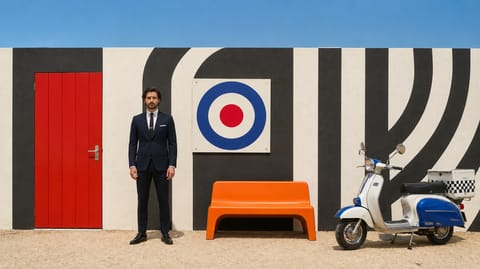 1960s Mod
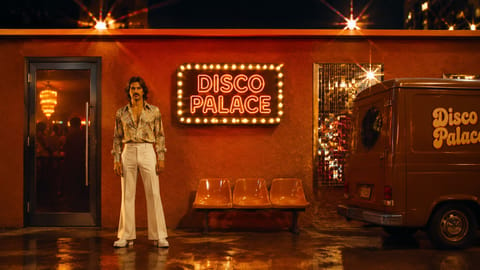 1970s Disco
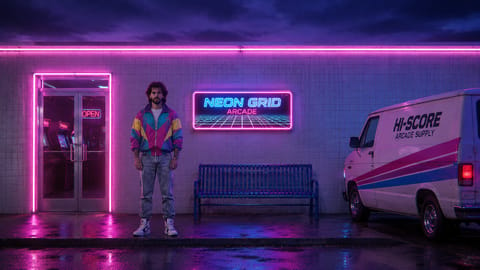 1980s Neon
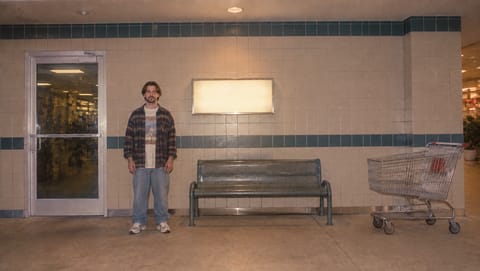 1990s Mall1990s mall culture
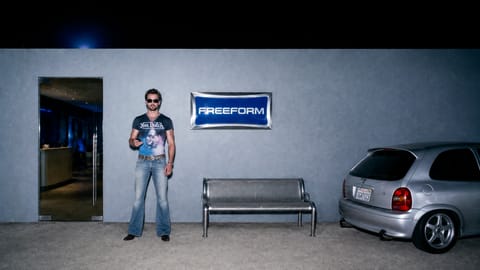 2000s Tabloid / Y2K2000s tabloid y2k
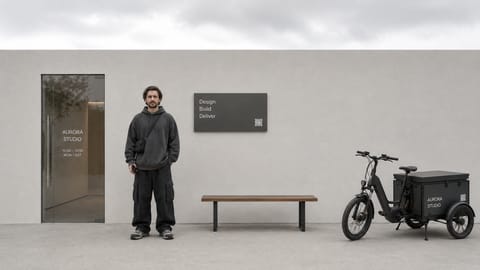 Gen Z 2020s2020s gen z
Pre-Modern · 10 options
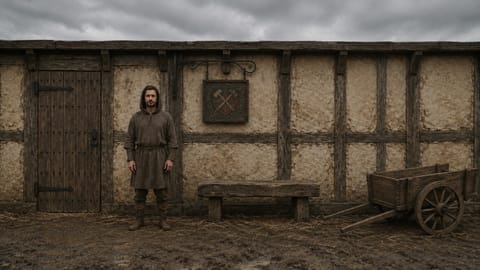 Medieval
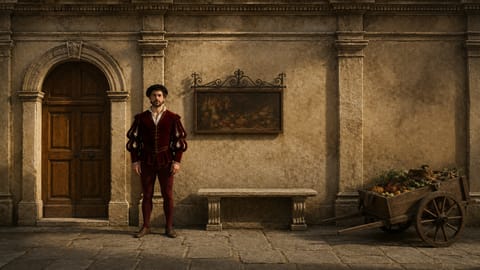 Renaissance
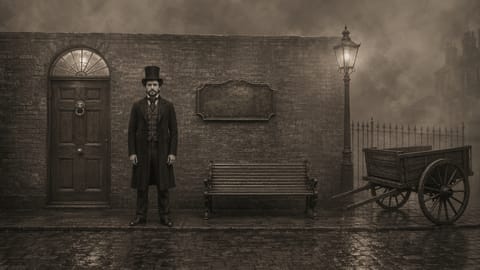 Victorian
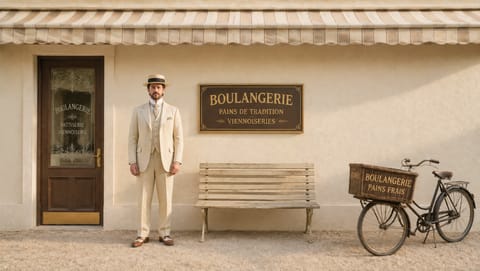 Edwardian
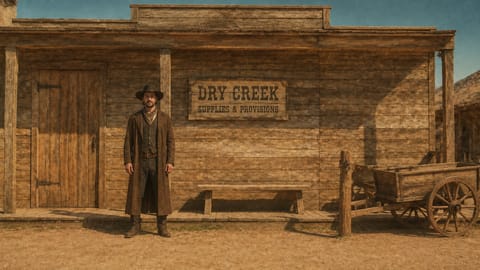 Wild West
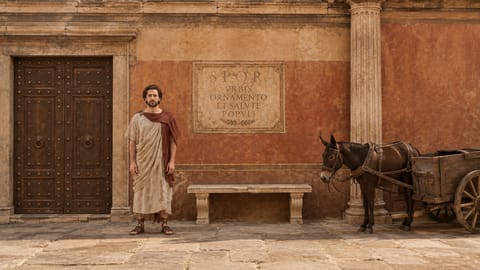 Ancient Rome
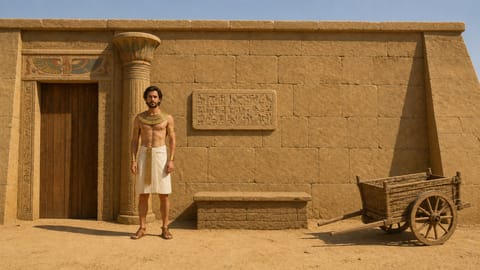 Ancient Egypt
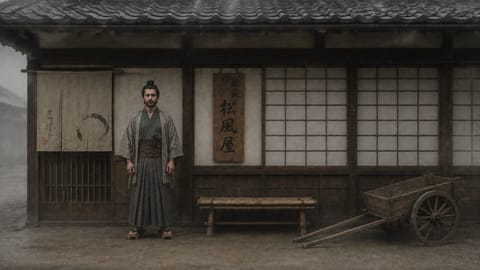 Feudal Japan
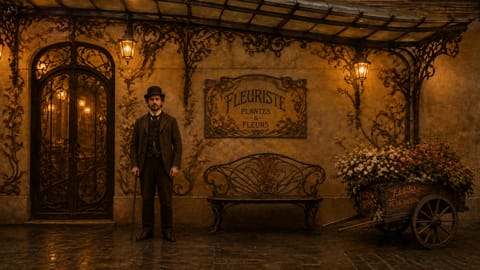 Fin-de-siècle (1895-1905)fin-de-siècle 1900s
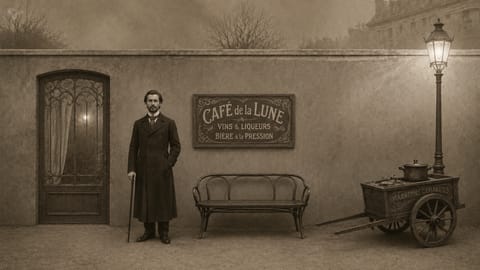 Pre-War Roaringlate-1910s pre-war
Speculative · 7 options
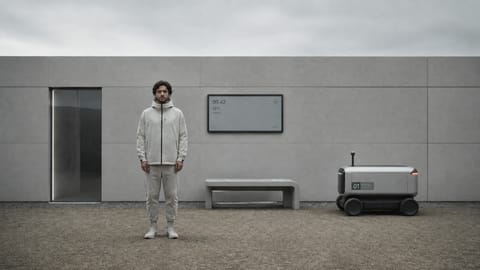 Near-Future
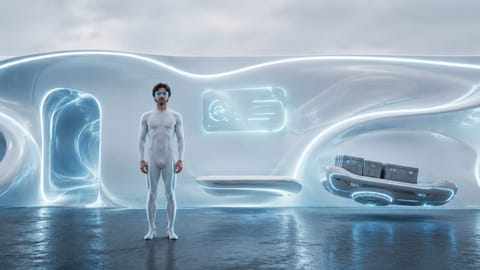 Far-Future
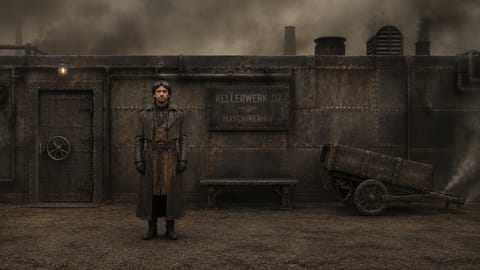 Dieselpunk
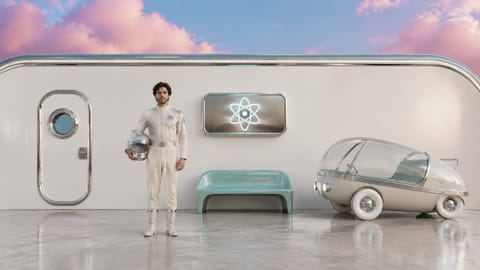 Atompunk
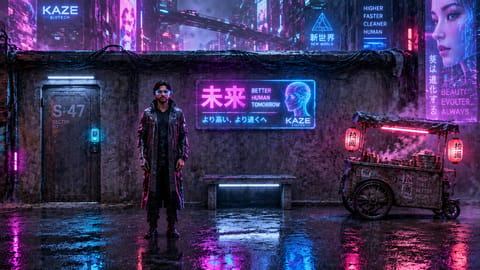 Cyberpunk Future
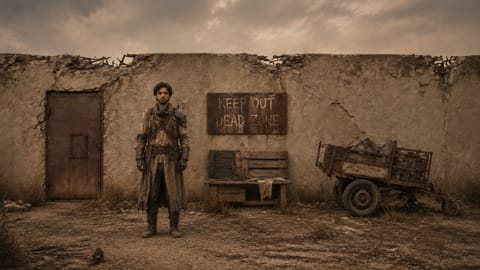 Post-Apocalyptic
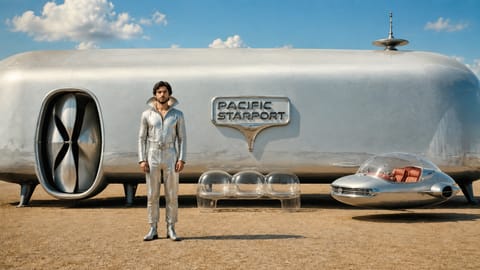 Retrofuturism
Pictures on Cloud and self-hosted installs
On Nodaro Cloud, every era is pictured with a real render: the same base frame put through that era. Era has no drawn illustration, so it offers no switch between a render and an illustration. On a self-hosted install, each tile shows the era's name and a short description instead. The pictures never change the prompt.
Tips
- Date the photograph too. Pair the picker with Camera / Film Stock, for example 1980s Neon with VHS.
- Dress the cast for the period. Add Styling for specific pieces, and Vehicle for the cars on the street.
- Change the season or the texture. Use Custom text (before), for example
late summer, or Custom text (after), for examplewith VHS grain.
Frequently asked questions
Related
Creative controls
Camera / Film Stock
Aesthetic / Microtrend
Styling
Setting
Last updated on
Setting
Pick one of 66 settings, from a coffee shop or a rooftop to a desert or an alien planet, and Nodaro adds a tested description of the place to your prompt.
Furniture
Pick one of 78 furniture pieces, from sofas and four-poster beds to chandeliers and bathtubs, and Nodaro adds the piece and a short description to your prompt.