
 Nodaro Docs
Material
Pick up to 2 of 67 materials, from silk and leather to gold, marble and glass, and Nodaro adds how each surface looks and takes light to your prompt.
The Material picker sets the surface or substance of what you show. You choose up to 2 materials from its catalog, such as silk, leather, gold, marble or frosted glass. Nodaro adds a description of how that material looks and takes light to the prompt of every node you connect it to. The picker never calls a model, so it costs no credits.
When to use it
- Product photography: set the surface of a product or of the table it stands on.
- Fashion editorials that show off a textile.
- Architectural visualization and material studies.
How to use it
Add the picker
Open the node picker and choose Creative Controls › Scene › Material.
Choose a material
Select the node and choose a material in the settings panel. Each tile shows a photo of the material, and the node card shows the same photo. The photos come with the app, so they appear on Nodaro Cloud and on self-hosted installs.
Connect it
Drag from the picker's output to the Elements input of a Generate Image or Generate Video node. You can also connect it to a Text or Prompt node to include the wording in a longer text.
Run the image or video node
The material's wording is added to the end of the prompt when the connected node runs.
Settings
| Setting | What it does |
|---|---|
| Material (pick up to 2) | The material or materials to add. The default is Silk. |
| Custom text (before) | Your own words, added before the material's wording. |
| Custom text (after) | Your own words, added after the material's wording. |
| Prompt hint | Full adds a description of the surface and how it takes light. Compact adds only the short term. See Creative Controls. |
To see the exact words the picker will add, switch the node to the Prompt or Both display mode. The settings panel shows the same text under Will inject into prompt.
What it adds to the prompt
Each material describes its look and how it reacts to light: shiny, matte, clear or translucent. For Silk it adds this text in Full mode:
made of smooth glossy silk with a subtle natural sheen and delicate fluid drapeIn Compact mode, it adds only made of silk.
Combine two materials
To add a second material, click the small + on the selected tile, then click a second tile. The tiles are numbered in the order you chose them. Click a number to go back to that one material.
In Full mode, two materials become one phrase: Leather and Brass add made of leather and brass. In Compact mode, they add made of leather and made of antique brass.
Every material
The catalog has 7 groups: Fabric, Metal, Stone, Wood, Glass / Ceramic, Natural and Exotic. Search it or filter it by group. The words under each name are the term the picker adds in Compact mode.
Fabric · 16 options
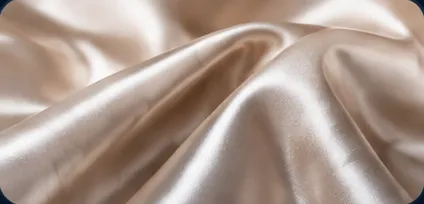 Silkmade of silk
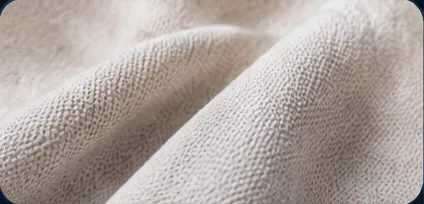 Cottonmade of cotton
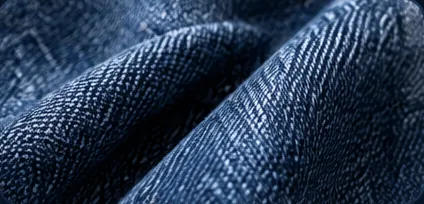 Denimmade of heavy indigo denim
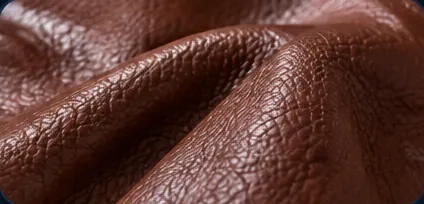 Leathermade of leather
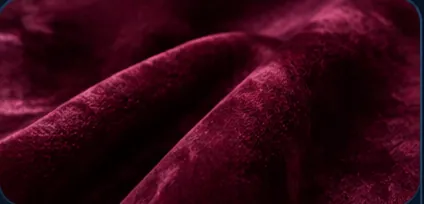 Velvetmade of velvet
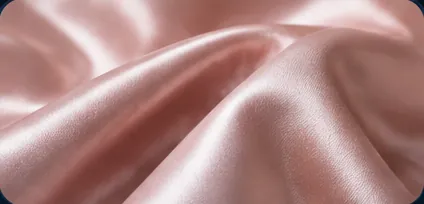 Satinmade of satin
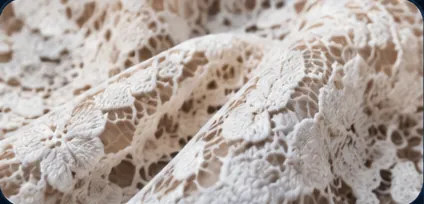 Lacemade of lace
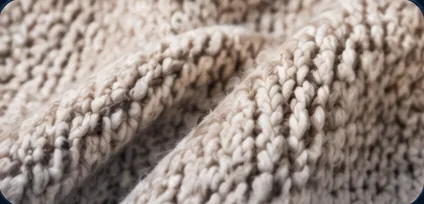 Woolmade of wool
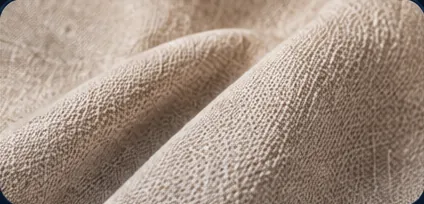 Linenmade of linen
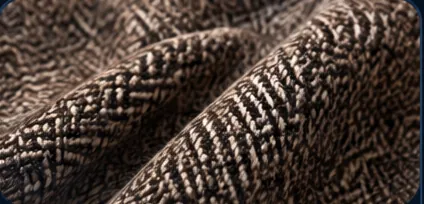 Tweedmade of tweed
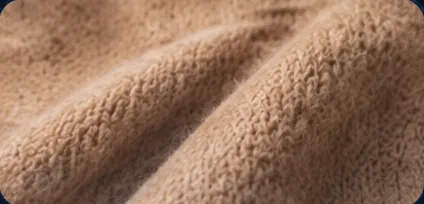 Cashmeremade of cashmere
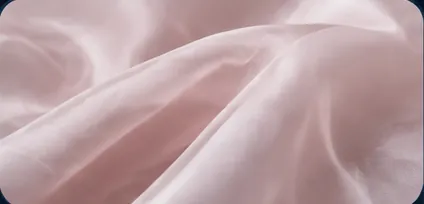 Chiffonmade of chiffon
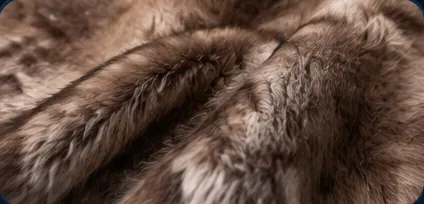 Furmade of fur
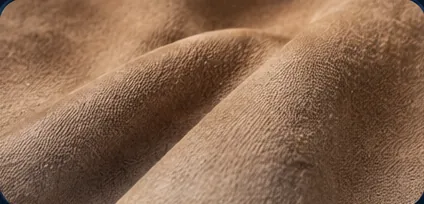 Suedemade of suede
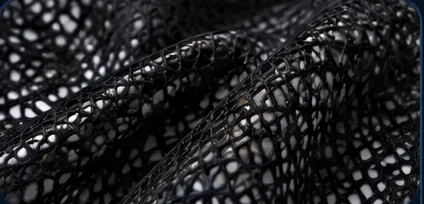 Meshmade of sheer mesh fabric
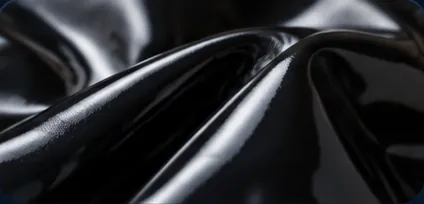 Patent Leathermade of patent leather
Metal · 10 options
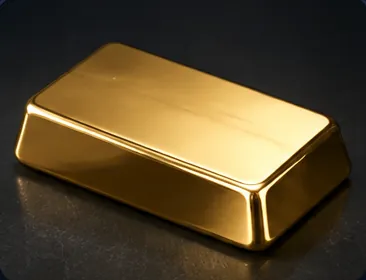 Goldmade of polished gold
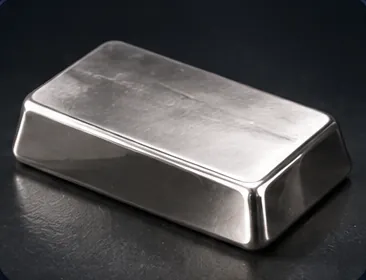 Silvermade of polished silver
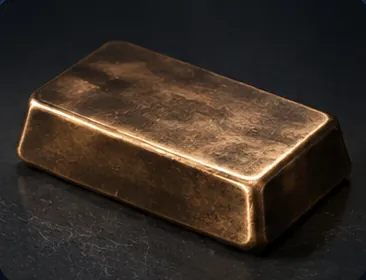 Bronzemade of patinated cast bronze
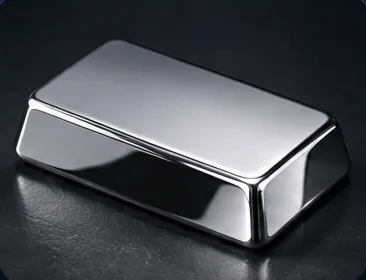 Chromemade of polished chrome
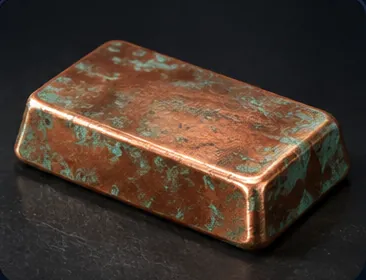 Coppermade of patinated copper
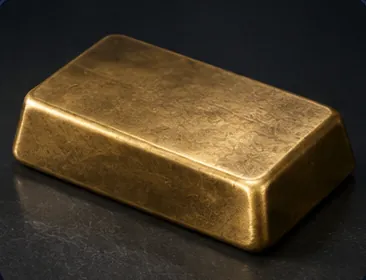 Brassmade of antique brass
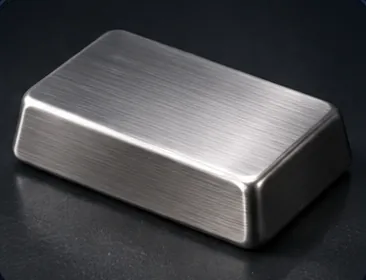 Steelmade of brushed stainless steel
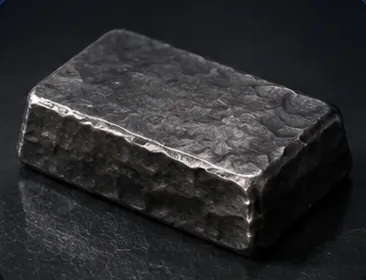 Ironmade of wrought iron
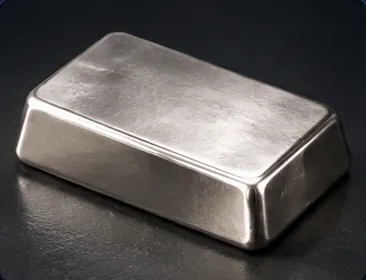 Platinummade of polished platinum
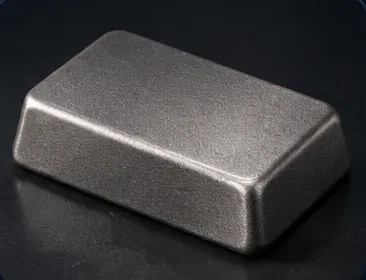 Titaniummade of matte titanium
Stone · 9 options
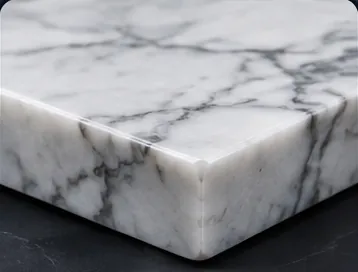 Marblemade of polished marble
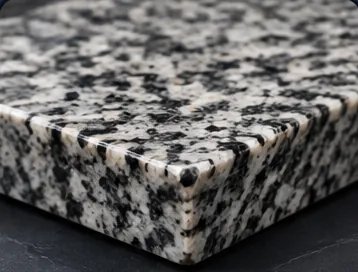 Granitemade of polished granite
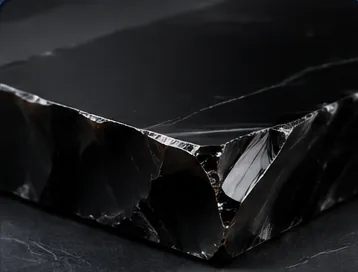 Obsidianmade of polished obsidian
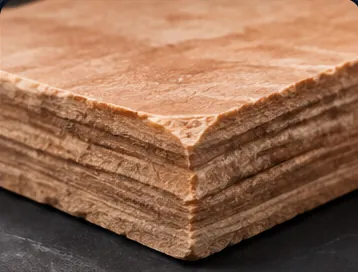 Sandstonemade of weathered sandstone
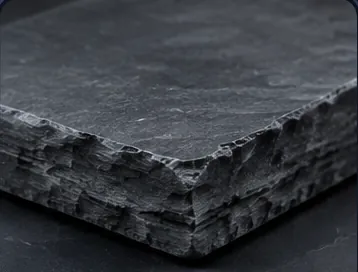 Slatemade of slate
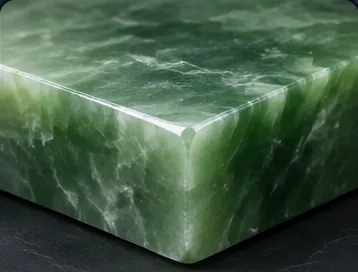 Jademade of polished jade
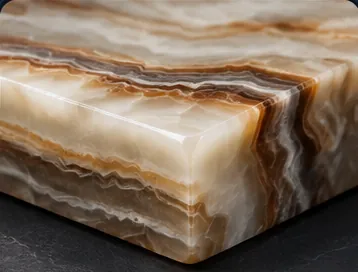 Onyxmade of polished onyx
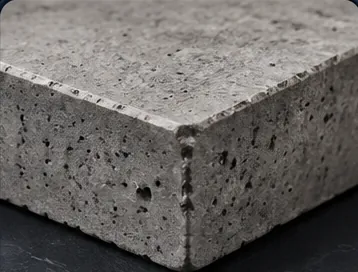 Concretemade of cast concrete
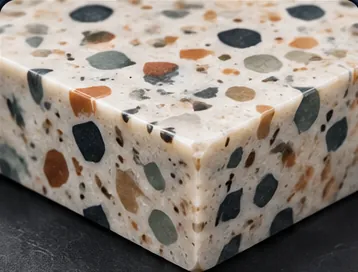 Terrazzomade of polished terrazzo
Wood · 6 options
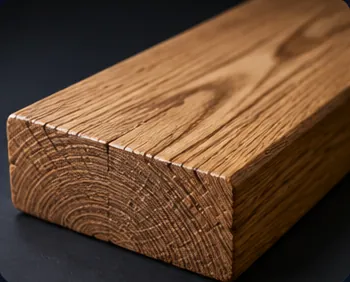 Oakmade of oak
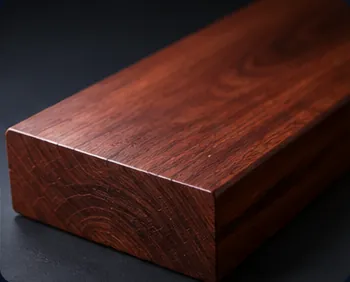 Mahoganymade of polished mahogany
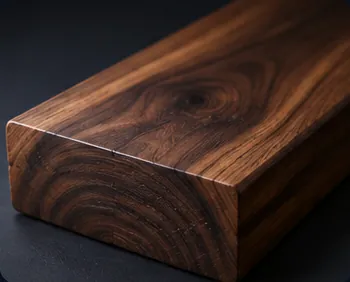 Walnutmade of walnut
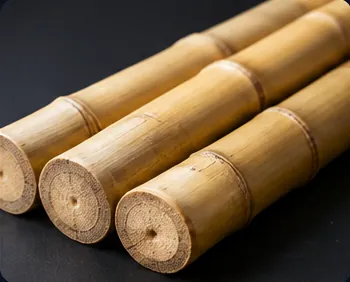 Bamboomade of bamboo
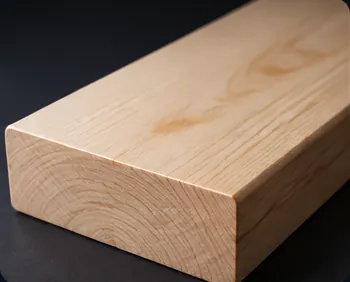 Birchmade of birch
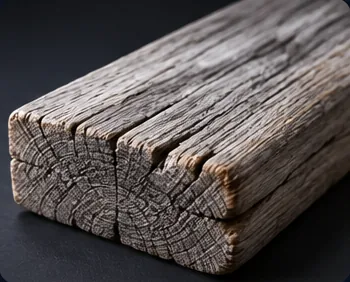 Driftwoodmade of weathered driftwood
Glass / Ceramic · 6 options
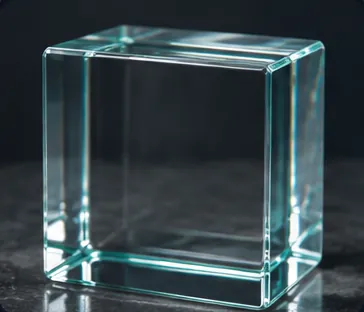 Glassmade of clear glass
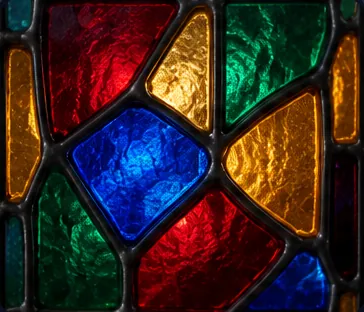 Stained Glassmade of stained glass
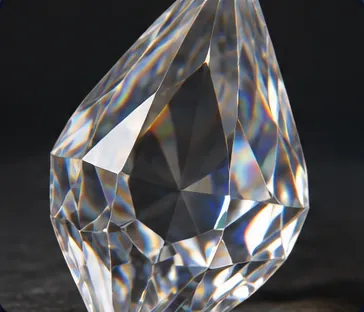 Crystalmade of faceted crystal
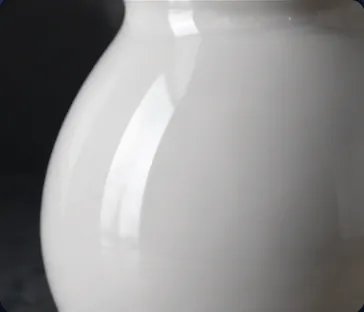 Porcelainmade of porcelain
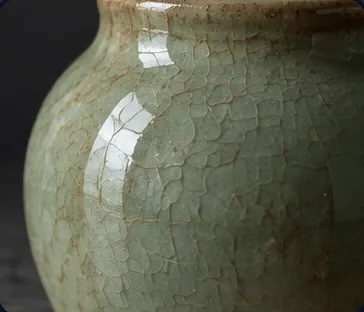 Glazed Ceramicmade of glazed ceramic
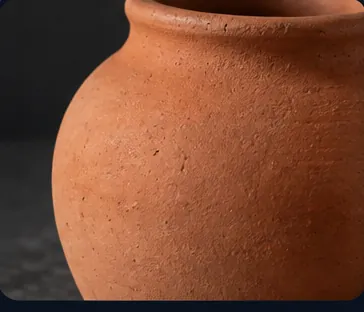 Terracottamade of unglazed terracotta
Natural · 7 options
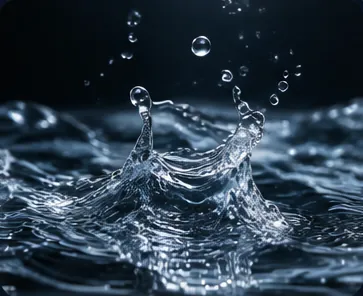 Watermade of flowing water
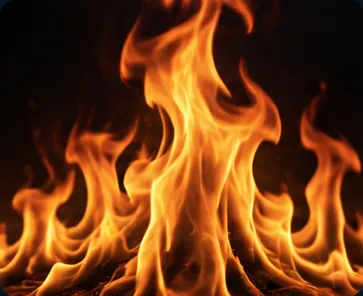 Firemade of living flame
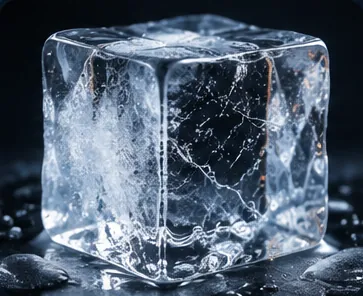 Icemade of crystalline ice
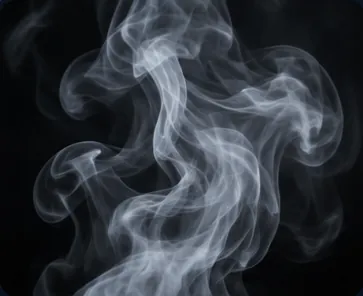 Smokemade of drifting smoke
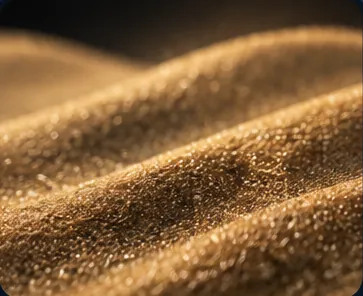 Sandmade of fine sand
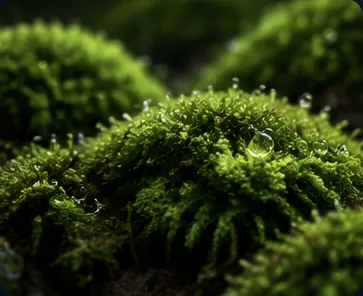 Mossmade of living moss
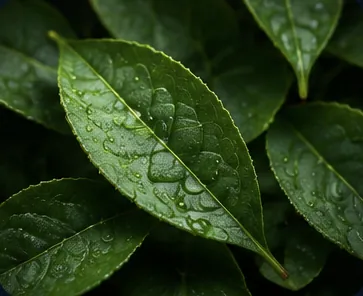 Leavesmade of layered plant leaves
Exotic · 13 options
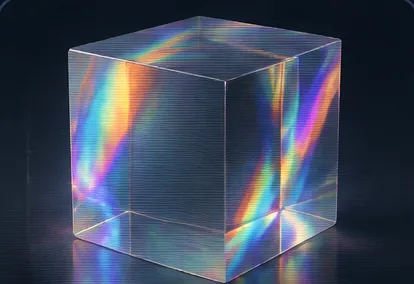 Holographicmade of holographic iridescent material
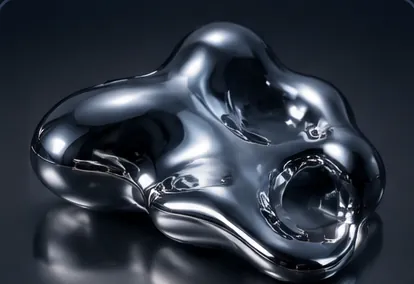 Liquid Metalmade of liquid metal
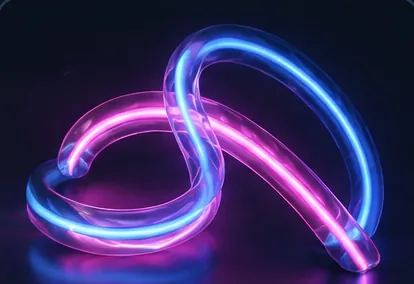 Neon Glowmade of glowing neon tubing
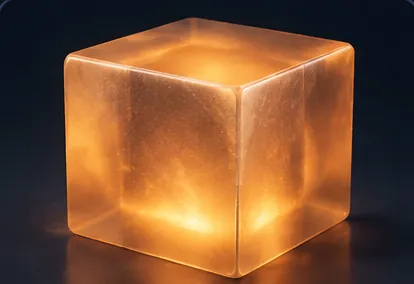 Translucent Resinmade of translucent resin
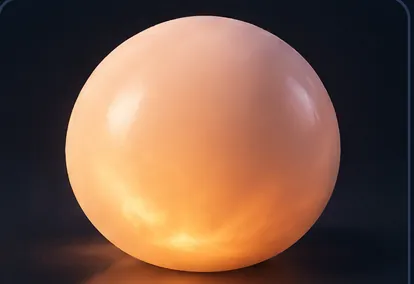 Subsurface Glowmade of translucent subsurface-scattering material
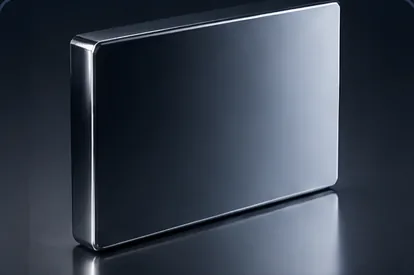 Mirrormade of perfect mirror surface
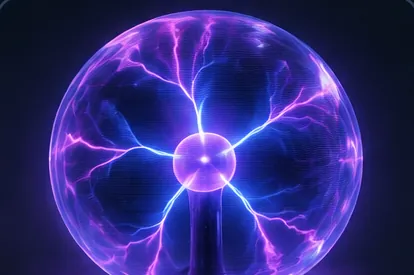 Plasmamade of glowing electric plasma
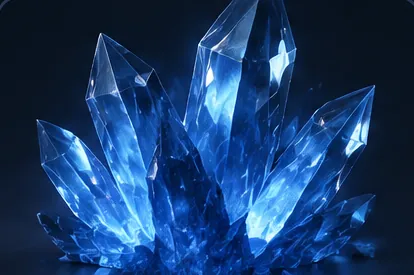 Crystal Shardsmade of fractured glowing crystal shards
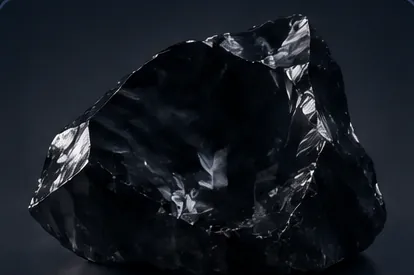 Obsidian Glassmade of dark volcanic obsidian glass
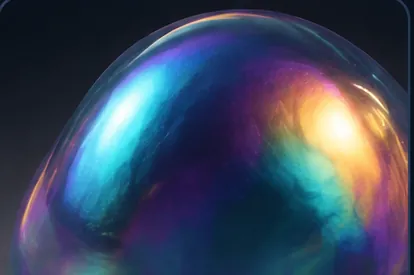 Iridescentmade of iridescent color-shifting material
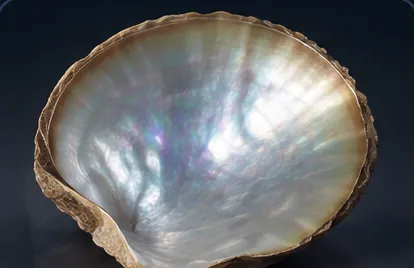 Mother-of-Pearlmade of mother-of-pearl
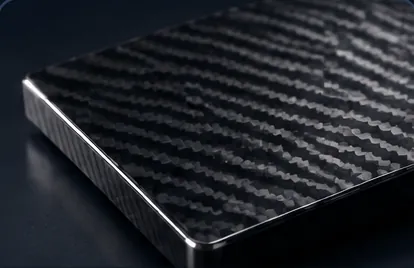 Carbon Fibermade of woven carbon fiber
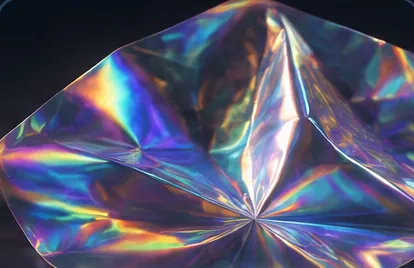 Holographic Filmmade of holographic film
Tips
- Light the material. Materials react to light, so pair the picker with Lighting. A hard side light shows the grain of wood; a soft light keeps silk smooth.
- Age the surface. Use Custom text (before), for example
weather-beaten, or Custom text (after), for examplewith hairline cracks. - Use Styling for clothes. To dress a person in a fabric, use the Fabric setting of the Styling picker instead.
- Furnish with it. Pair the picker with Furniture, for example an armchair in velvet or a table in marble.
Frequently asked questions
Related
Creative controls
Styling
Furniture
Backdrop
Generate Image
Last updated on
Held Prop
Pick up to 2 of 60 props for a subject to hold, such as a smartphone, a coffee cup, a book or a bouquet, and Nodaro adds how the prop is held to your prompt.
Backdrop
Pick one of 40 studio backdrops, from white seamless paper and gradients to brick walls, velvet drapes and chroma green, and Nodaro adds it to your prompt.