
 Nodaro Docs
Create with Cursor
Ask Cursor for the images your site needs while you build it, and Cursor runs Nodaro's image models through MCP. A real example: a hero and 3 feature images.
Asaf Naim ·
Cursor can make the images your website needs while you build it, through the Nodaro MCP server. You ask in the chat, and Cursor's agent runs Nodaro's image models and gets back each image's address. This page follows one real request: a hero image and three feature images for a hiking app's landing page.
To connect Cursor first, follow Connect Cursor. It takes one link and a sign-in with your Nodaro account.
The request
We ran this example from Claude Code, through the same Nodaro MCP server that Cursor connects to. Cursor calls the same tools, with the same models, settings and prices.
The hero image took two tries
The first hero image looked good at a glance, but the model read "room for a headline on the left" too literally. It cut the left third into a separate sky panel, with a hard vertical edge a third of the way across the picture.
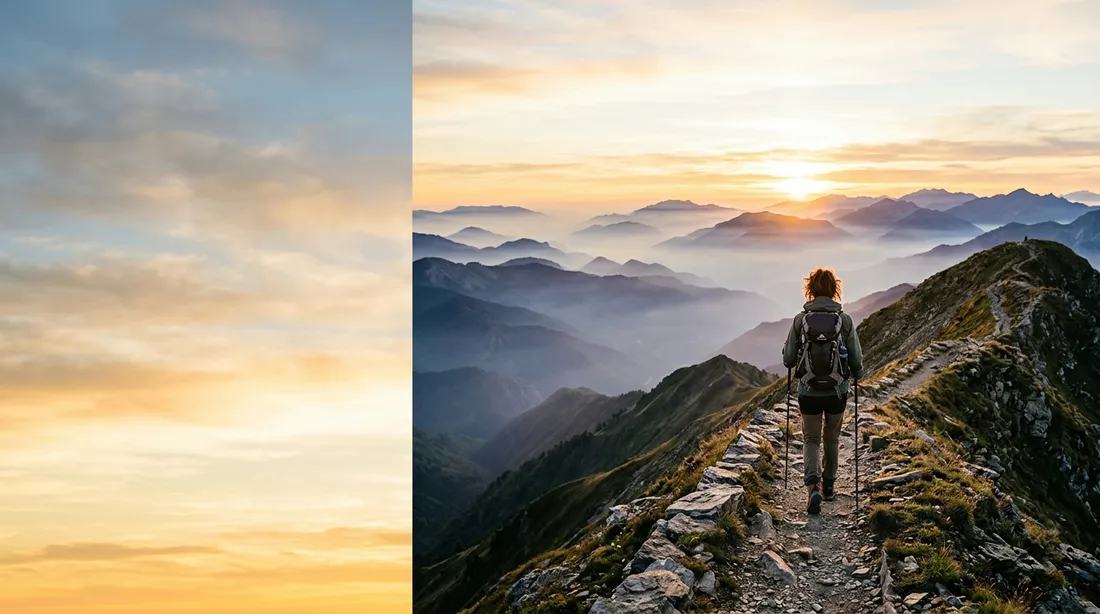
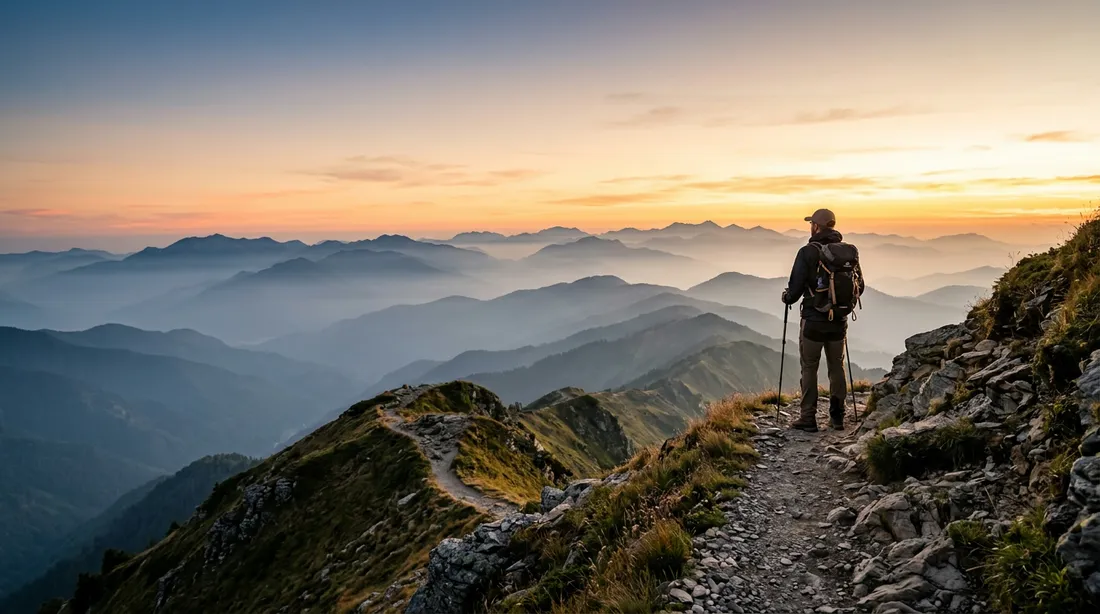
The second request named the problem. It asked for "one continuous photograph" in which the sky continues across the whole frame, with the hiker in the right third:
Feature images that match the hero
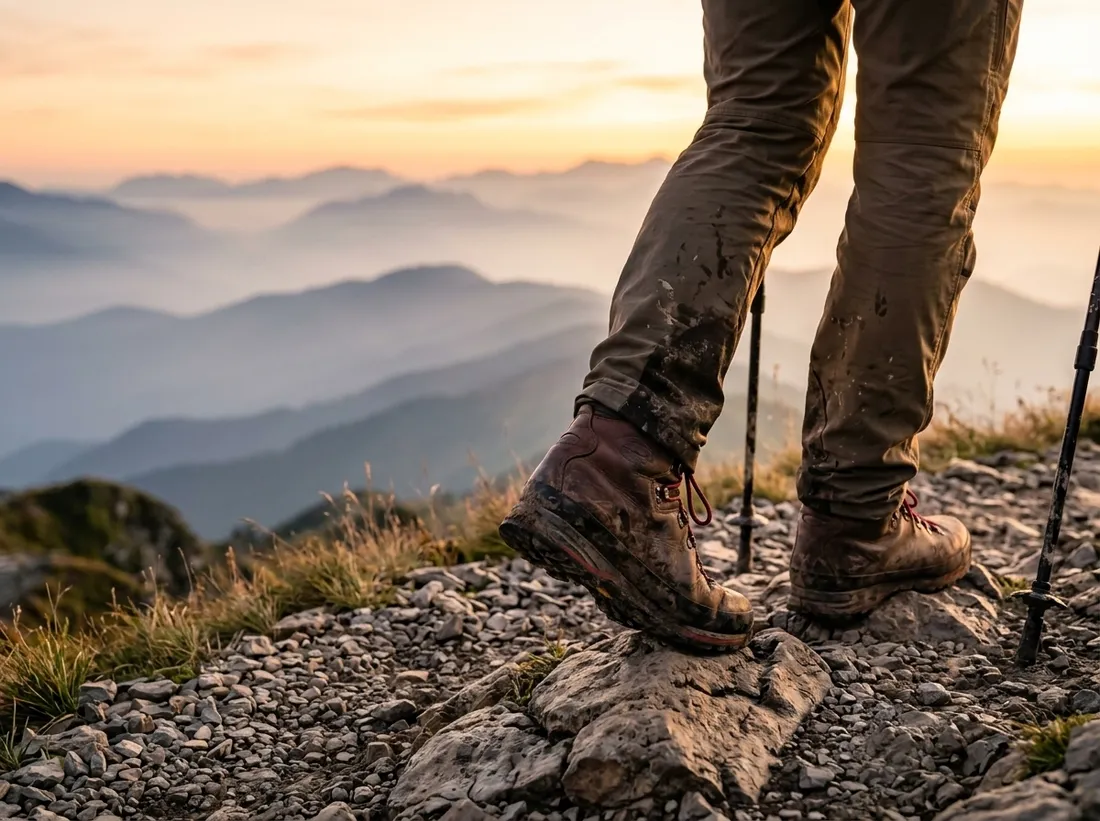
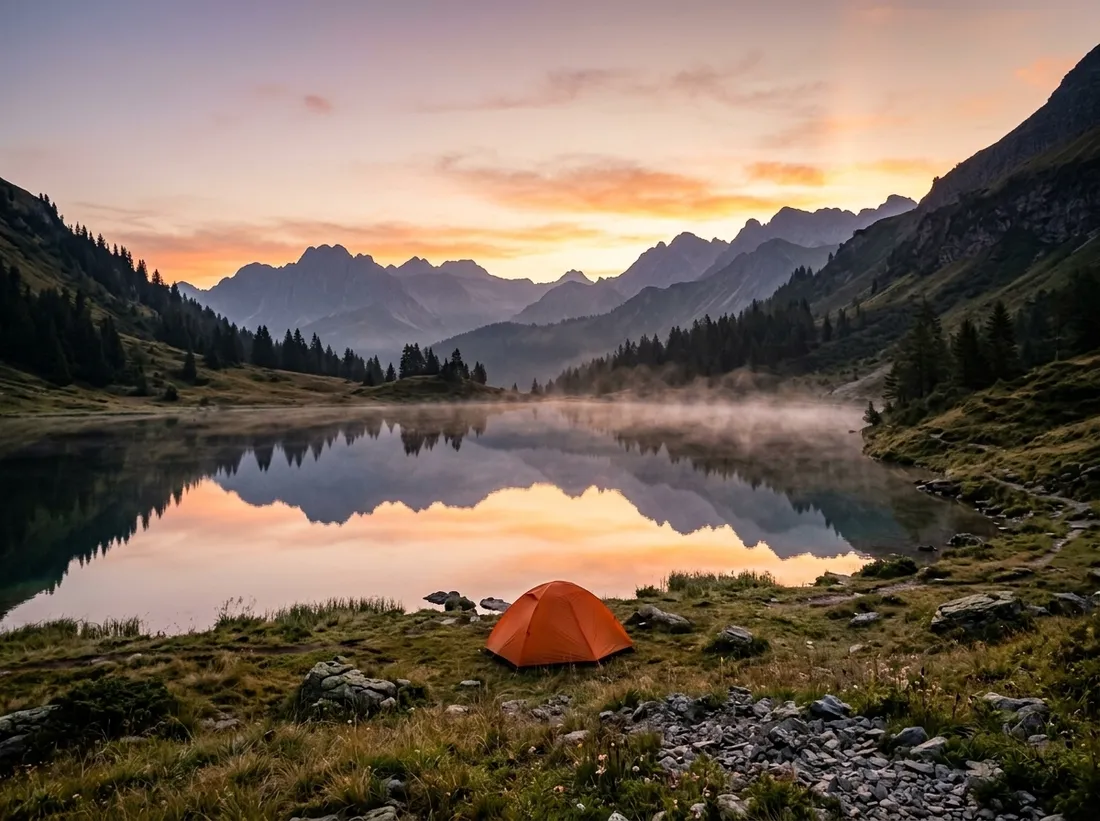
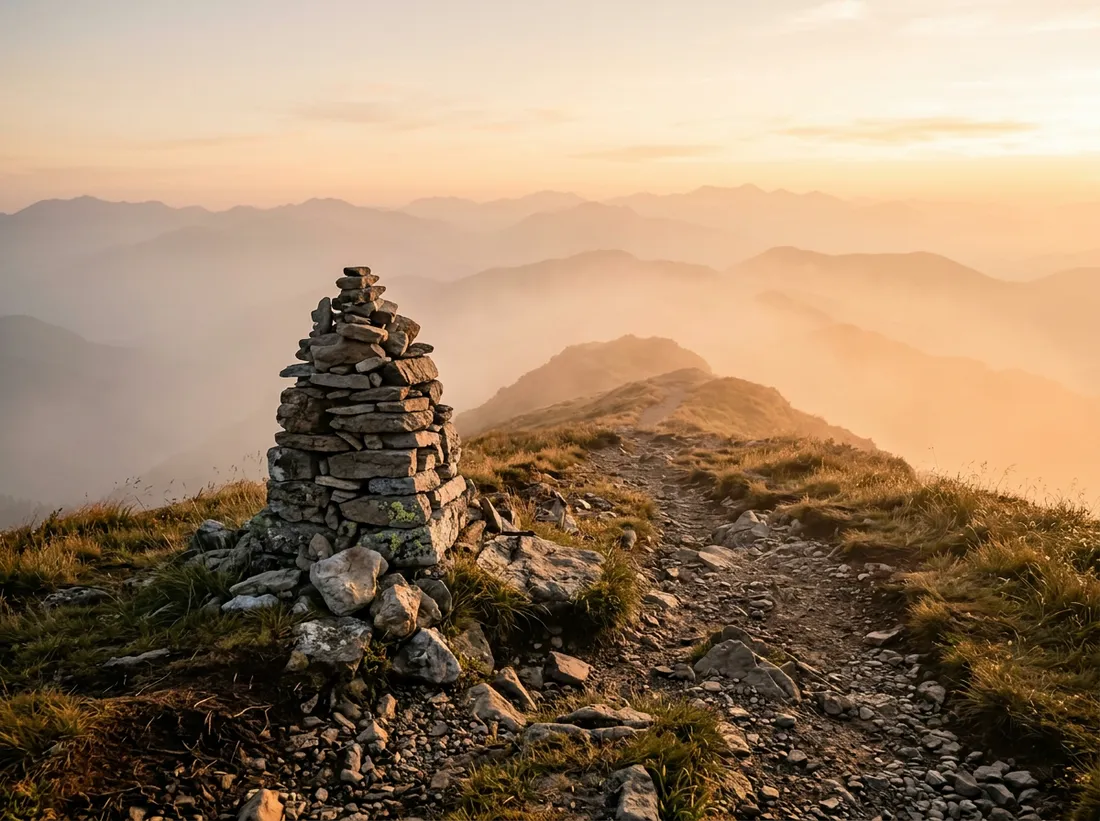
The three feature images passed the finished hero as a reference image, and asked to match "the warm sunrise color grade of the reference image". All three ran at the same time.
What Cursor ran
| Image | Tool | Model and settings | Reference | Time | Credits |
|---|---|---|---|---|---|
| Hero, first try | generate_image | Nano Banana 2, 16:9 | None | 25 seconds | 22 |
| Hero, second try | generate_image | Nano Banana 2, 16:9 | None | 61 seconds | 22 |
| Boots on the trail | generate_image | Nano Banana 2, 4:3 | The hero | 30 seconds | 22 |
| A tent by the lake | generate_image | Nano Banana 2, 4:3 | The hero | 25 seconds | 22 |
| A trail cairn | generate_image | Nano Banana 2, 4:3 | The hero | 57 seconds | 22 |
The hero came back at 1376×768 and the feature images at 1200×896.
Put the images in your project
Each tool returns the image's web address, and the image is also saved to your Nodaro library. Cursor's agent can download the files into your project with its terminal. A request like this one finishes the job:
Ideas for the next request
- "Make a 1:1 version of the hero for the social share image."
- "Make a dark version of the hero for the night theme."
- "Turn the hero into a 6-second background video."
Generate Image explains reference images and every image model in Nodaro, and Choosing a model compares them.
Connect Cursor
- Open the Add to Cursor link on Connect Cursor. Cursor opens its install dialog with Nodaro filled in.
- Confirm, then sign in with your Nodaro account in the browser.
- In the chat, ask for your images, for example: "Make a hero image for this page with Nodaro."
The same tools work in Claude, ChatGPT and VS Code.
Frequently asked questions
Can Cursor generate images?
Yes, with the Nodaro MCP server. Cursor's agent calls Nodaro's image tools, and each tool returns the address of the finished image.
How do the images get into my project?
Each image comes back as a web address. An agent that can run terminal commands, such as Cursor's agent, can then download the files into your project, for example into a public images folder.
What if an image comes out wrong?
Say what is wrong and ask again. In the example on this page, the first hero image split the sky into a separate panel, and a clearer second request fixed it for the price of one more image.
How much do website images cost?
You pay Nodaro credits for each image, at the price of the model you choose. Each image in the example on this page cost 22 credits, so the hero, the retry and three feature images cost five times that.
Can the feature images match the hero image?
Yes. Pass the hero as a reference image to each feature image. In the example, the three feature images reused the hero's warm sunrise light this way.
Related
Cursor
Create with VS Code
Generate Image
Nano Banana 2
Image
Last updated on
Create with ChatGPT
Connect Nodaro to ChatGPT and make images and videos with any Nodaro model. A real example makes four Instagram images that share one style.
Create with VS Code
Ask the VS Code agent to build a Nodaro workflow, and it appears on your canvas, ready to run again. A real example turns a product description into a video ad.