
 Nodaro Docs
Create with ChatGPT
Connect Nodaro to ChatGPT and make images and videos with any Nodaro model. A real example makes four Instagram images that share one style.
Asaf Naim ·
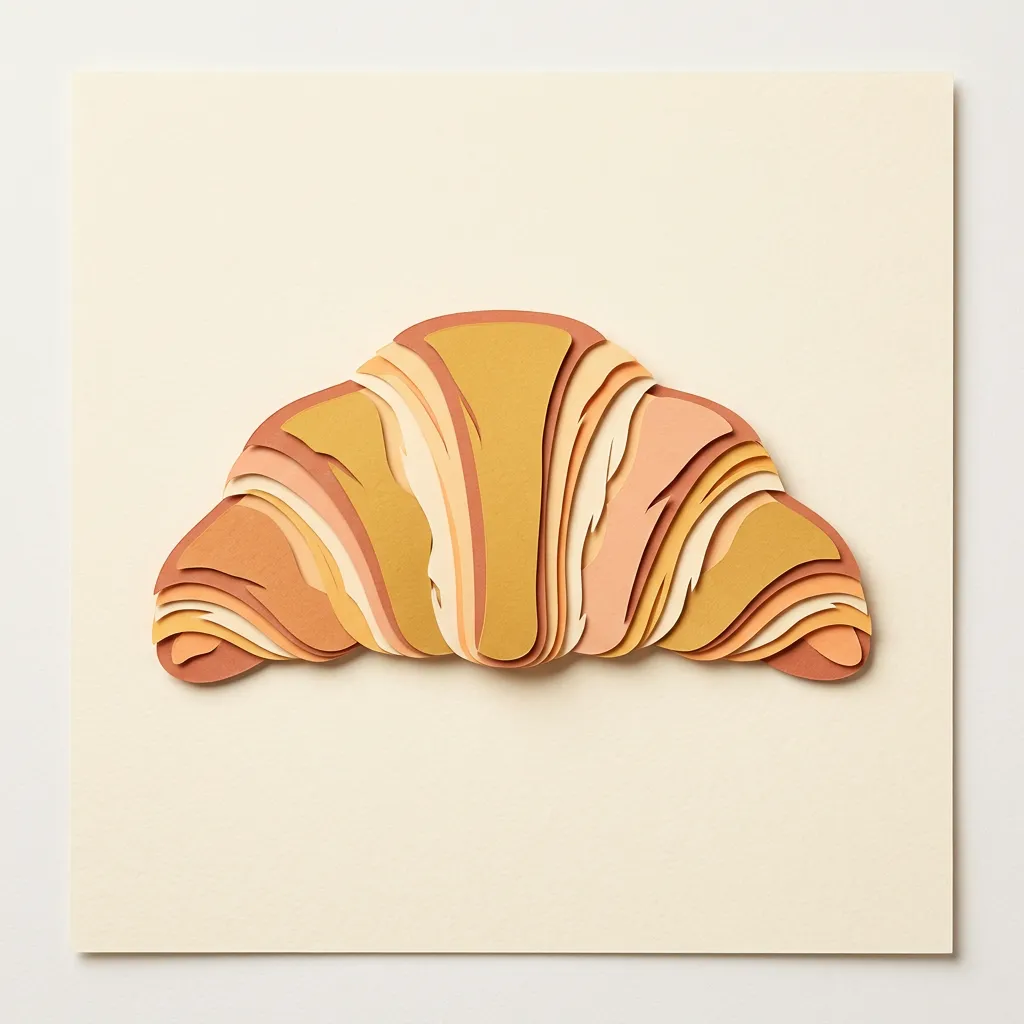
ChatGPT can make images and videos with every Nodaro model once you add Nodaro as a connector. You describe what you need, and ChatGPT runs Nodaro's image and video tools for you. This page follows one real request: four square images for a bakery's Instagram, all in one paper-cut style.
To connect ChatGPT first, follow Connect ChatGPT. Custom connectors need ChatGPT's Developer mode.
The request
We ran this example from Claude Code, through the same Nodaro MCP server that ChatGPT connects to. ChatGPT calls the same tools, with the same models, settings and prices. Only the chat around the results looks different.
How the style stays the same
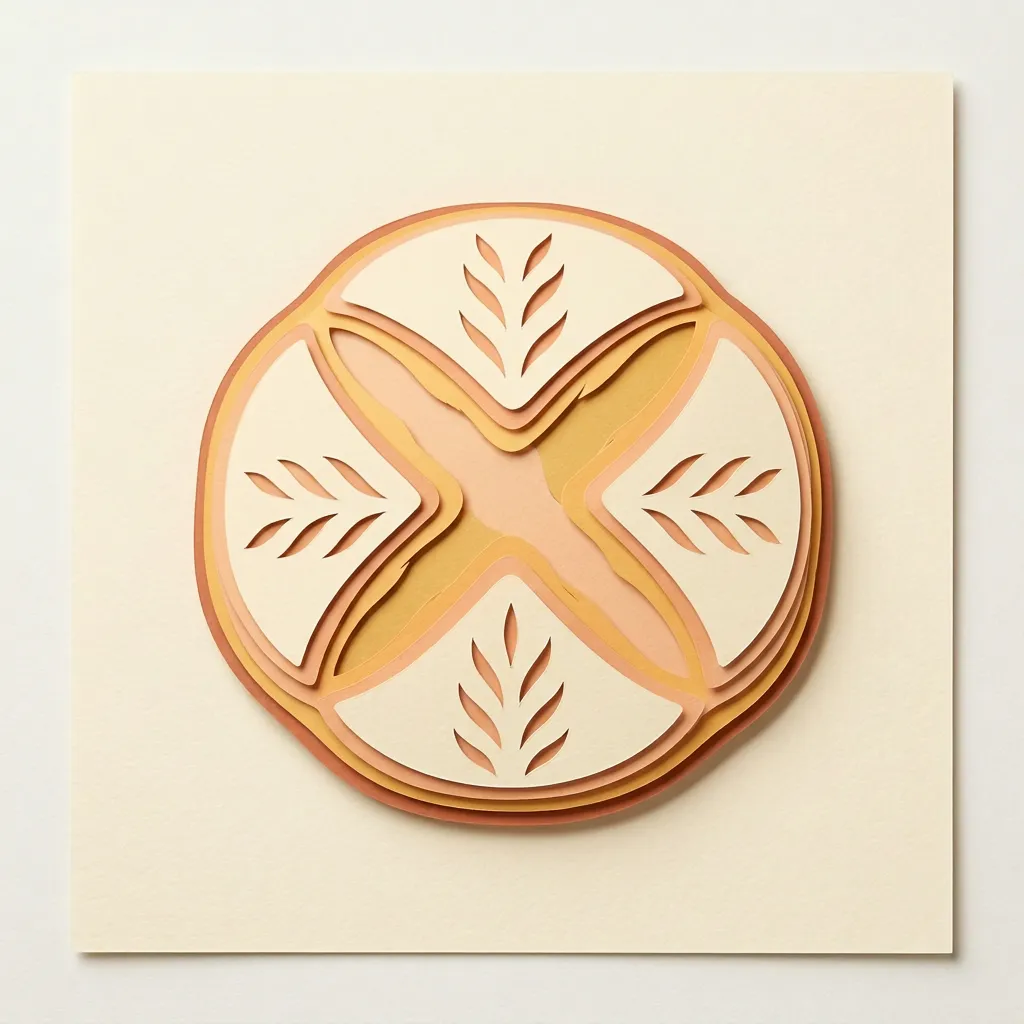
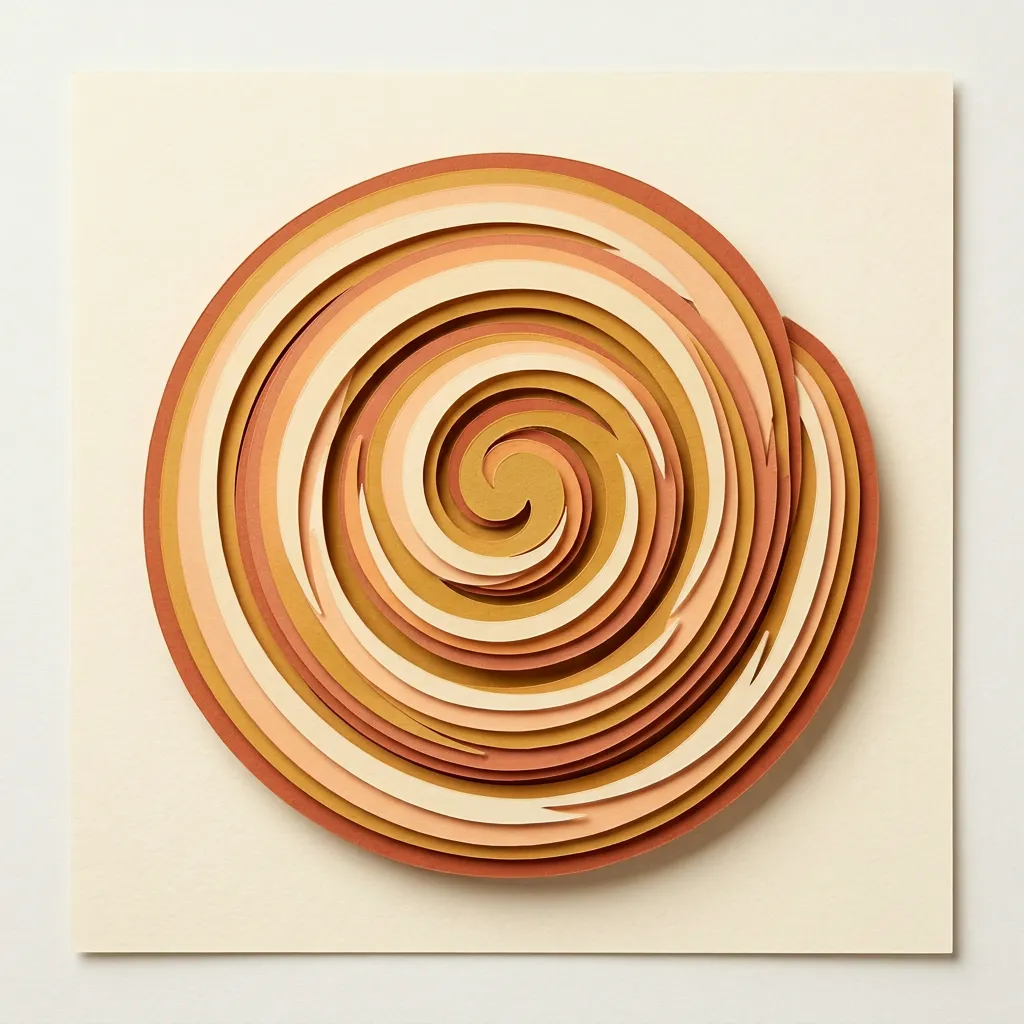
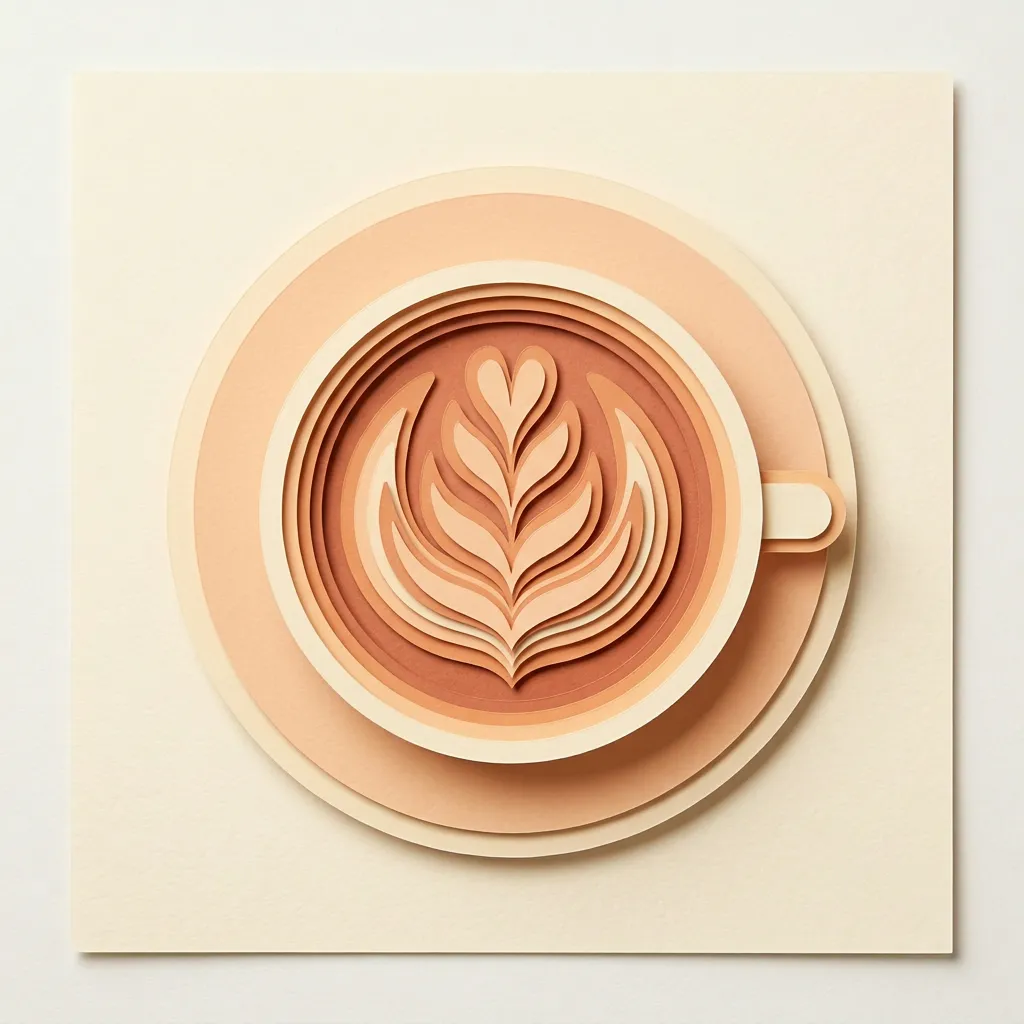
The assistant made the croissant first. Then it passed the croissant as a reference image to each of the other three requests, and asked for "exactly the same style, palette, lighting and framing as the reference image". That one reference keeps a whole series consistent, without a style guide or a trained model.
| Image | Tool | Model and settings | Reference | Time | Credits |
|---|---|---|---|---|---|
| Croissant | generate_image | Nano Banana 2, 1:1 | None | 25 seconds | 22 |
| Sourdough loaf | generate_image | Nano Banana 2, 1:1 | The croissant | 60 seconds | 22 |
| Cinnamon roll | generate_image | Nano Banana 2, 1:1 | The croissant | 61 seconds | 22 |
| Latte | generate_image | Nano Banana 2, 1:1 | The croissant | 51 seconds | 22 |
The three images with a reference ran at the same time, so together they took about as long as one image.
The prompts
The first prompt sets the style. The other three name a new subject and point back to the reference:
Ideas for the next request
Each idea below is one more sentence in the same chat:
- Add a fifth image of a baguette in the same style.
- Animate the latte into a 6-second loop for a Reel.
- Make the same four images at 9:16 for Stories.
- Try the series with GPT Image 2 and compare.
A new subject keeps the same reference, so the series stays consistent as it grows. Generate Image explains reference images and every image model in Nodaro.
Connect ChatGPT
- In ChatGPT, turn on Developer mode in Settings › Connectors › Advanced settings.
- Click Create, name the connector Nodaro and paste
https://mcp.nodaro.ai/mcp. - Sign in with your Nodaro account and click Allow.
- In a chat, switch Nodaro on in the + menu and ask for your images.
The full steps are on Connect ChatGPT. The same tools work in Claude, Cursor and VS Code.
Frequently asked questions
Can ChatGPT use image models other than its own?
Yes, through the Nodaro connector. ChatGPT then calls Nodaro's tools, and you choose any image model in Nodaro, for example Nano Banana 2, GPT Image 2 or Seedream 5 Pro.
How do I keep the same style across a series of images?
Make the first image, then pass it as a reference image to every image after it. In the example on this page, three images reused the first one as a reference and kept its paper-cut style, palette and framing.
Which ChatGPT plan do I need?
Custom MCP connectors need Developer mode, which is available on the ChatGPT Plus, Pro and Business plans. In a Business or Enterprise workspace, an admin turns Developer mode on first.
How much does an image from ChatGPT cost?
You pay Nodaro credits for each result, at the price of the model you choose. Each image in the example on this page cost 22 credits.
Where are the images saved?
In your Nodaro library, next to everything you make in the editor. ChatGPT shows each image when it is ready, and you can open it later from the library.
Related
ChatGPT
Create with Claude
Generate Image
Nano Banana 2
Image
Last updated on
Create with Claude
Ask Claude for an image or a video in plain words, and Claude runs Nodaro's models through MCP. A real example turns a product photo into a video ad.
Create with Cursor
Ask Cursor for the images your site needs while you build it, and Cursor runs Nodaro's image models through MCP. A real example: a hero and 3 feature images.