Core Concepts
Workflows
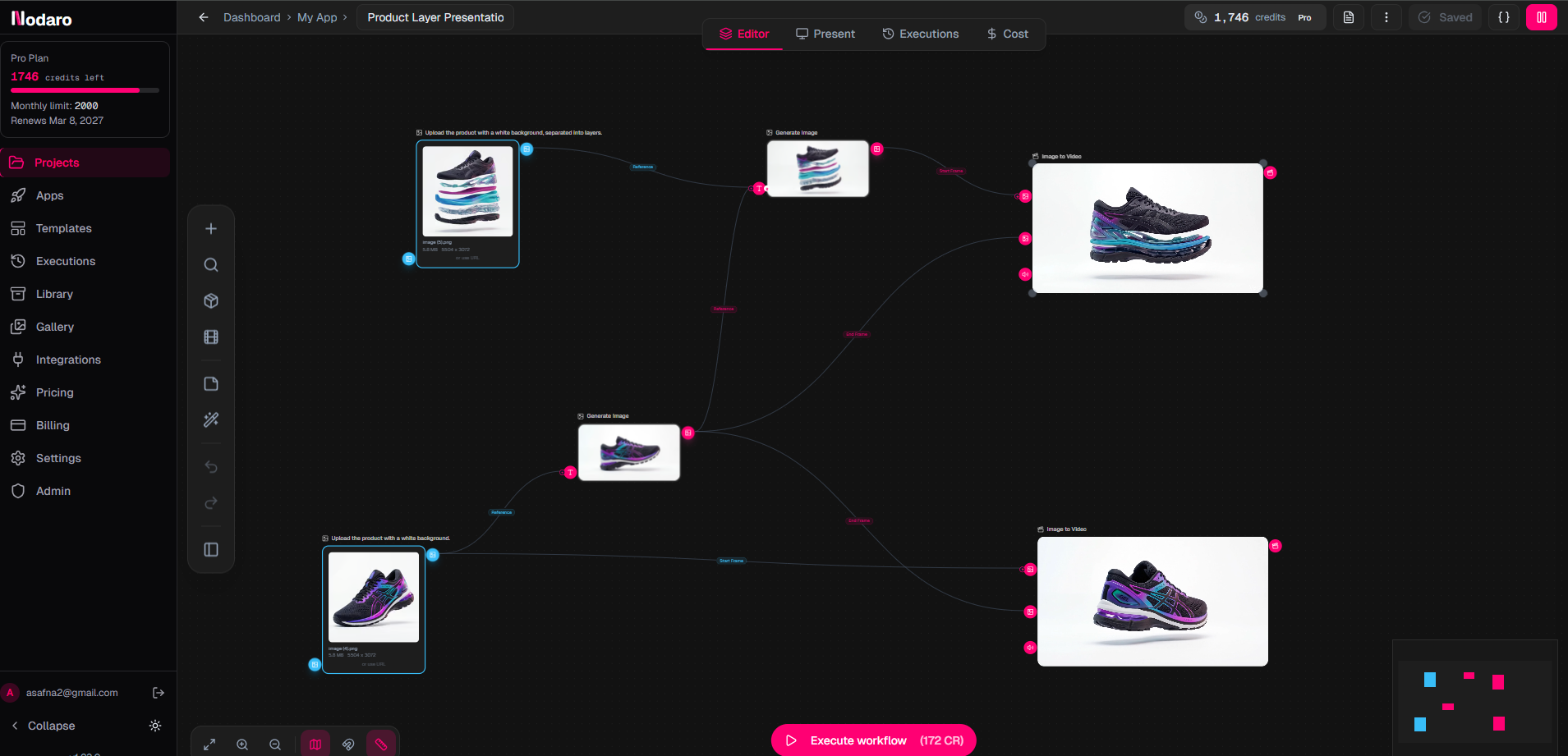
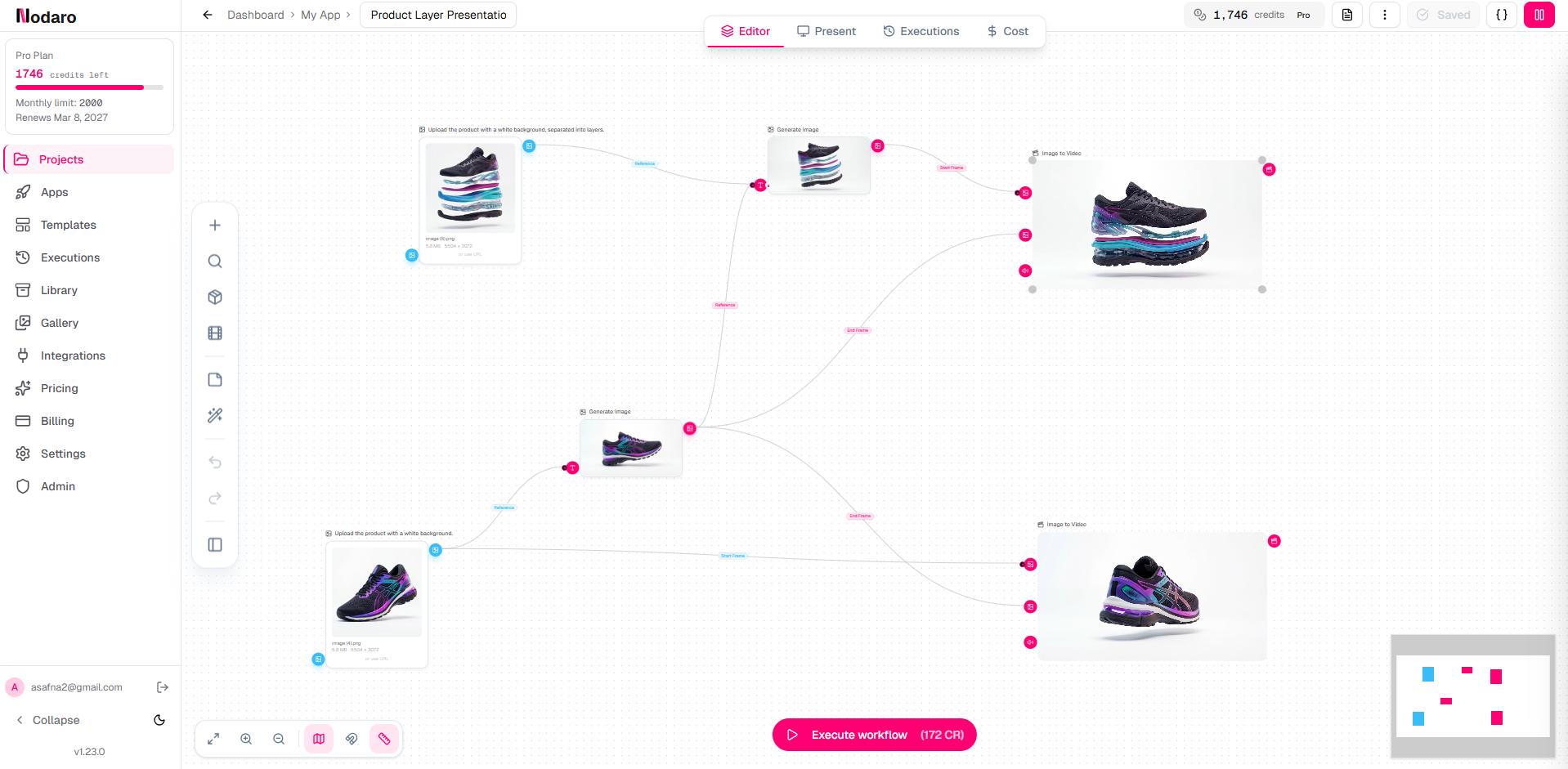
A workflow is a chain of connected nodes.
Each node performs one step. Together, they turn an idea into a result.
Start with the outcome
Before adding nodes, define the result you want.
Ask yourself:
- What do I want to create?
- What should the final output look like?
Then work backwards.
Build step by step
Break your idea into simple transformations.
Example:
Goal: a short cinematic video
- AI Agent → generates a scene description
- Generate Image → creates a visual
- Image to Video → adds motion
- Voiceover → adds audio
- Combine → produces the final video
Each step builds on the previous one.
Keep it simple
Start with the smallest working flow.
- One node
- Then two
- Then expand
Don't try to build everything at once.
Test as you go
Run nodes early and often.
- Check the output
- Adjust prompts or parameters
- Fix issues before adding more steps
Small iterations save time.
Reuse and refine
Good workflows evolve.
- Replace nodes
- Adjust connections
- Reuse parts in new workflows
You don't need to start from scratch every time.
Think in stages
Most workflows follow a pattern:
- Generate → create content
- Transform → modify it
- Combine → assemble results
- Output → export
Use this as a guide when building.
Common mistake
Trying to do too much in one node.
If a step feels complex, split it into multiple nodes.